

PDF Reader - PDF Editor
Version:1.4.1
Published:2025-07-14
Introduction
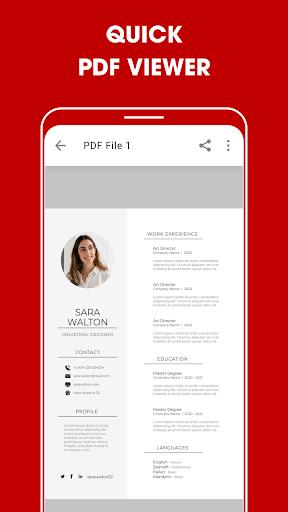
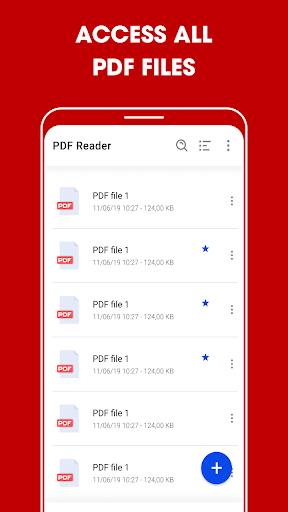
Looking for a user-friendly and efficient document reading app? Look no further than PDF Reader! This app allows you to easily locate, view, and manage all your PDF files on your phone. It supports ultra-fast reading of various document types, such as receipts, photos, and business cards. Not only can you read documents, but you can also highlight text, take notes, add e-signatures, and even share files with others. With features like Reflow mode, search capabilities, and the ability to convert images to PDF files, PDF Reader is a must-have tool for work and study. Download PDF Reader - PDF Editor now and experience seamless document management for free!
Features of PDF Reader - PDF Editor:
- User-Friendly Interface: PDF Reader offers an intuitive and easy-to-use interface, making it simple for users to navigate and access all features effortlessly.
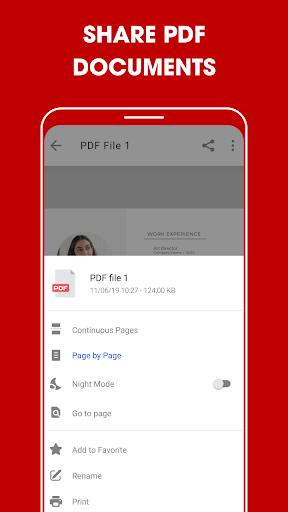
- Multifunctional Tool: Besides being a PDF reader, this app also allows you to edit, annotate, scan, and share PDF files, eliminating the need to switch between multiple applications.
- Advanced Features: With features like e-signatures, text highlighting, and note-taking, PDF Reader provides users with a comprehensive set of tools to enhance their document management experience.
- Customization Options: Users can personalize their reading experience by adjusting settings such as viewing mode, color schemes, and font sizes to suit their preferences.
- Security Measures: PDF Reader offers password protection for files, ensuring that sensitive documents are secure and protected from unauthorized access.
FAQs:
- Can I convert images to PDF files using this app?
Yes, PDF Reader allows you to easily convert images to PDF files with just a few simple steps.
- Is it possible to compress PDF files to reduce their size?
Yes, you can compress PDF files to meet your storage needs and make file sharing more convenient.
- How can I quickly find specific text in a PDF document?
You can search for text in PDF files by using keywords, making it easy to locate information within lengthy documents.
Conclusion:
PDF Reader is a versatile and feature-rich app that offers users a seamless document management experience. With its user-friendly interface, advanced editing tools, and security measures, this app is a must-have for anyone looking to efficiently handle PDF files. Download PDF Reader - PDF Editor now to streamline your document workflow and enjoy a hassle-free reading experience.
Show More
Information
Screenshots
Latest Update









Hot Tags
Latest News
-
![Revealing the Launch Playlists and Cross-Progression for COD Warzone Mobile News]()
-
![March 2024 Free Redemption Codes for Honkai: Star Rail News]()
-
PUBG Mobile Teams Up with Bentley Motors: Luxury Cars, Exclusive Collectibles, and Beyond 2024-04-18
![PUBG Mobile Teams Up with Bentley Motors: Luxury Cars, Exclusive Collectibles, and Beyond News]()
-
![Monster Never Cry is now accessible on both Android and iOS mobile devices. News]()
-
V2.2 of the Farlight 84 update introduces an overhauled Season structure, fresh in-game currency, an 2024-04-16
![V2.2 of the Farlight 84 update introduces an overhauled Season structure, fresh in-game currency, an News]()
-
![Arrival of Genshin Impact 4.6 Update: 'Embers of Two Realms, Twilight of Crimson' News]()
-
April 2024 Clash of Clans Update: Unveiling a Fresh Companion, Enhanced Levels, Chat Tagging, and Be 2024-04-16
![April 2024 Clash of Clans Update: Unveiling a Fresh Companion, Enhanced Levels, Chat Tagging, and Be News]()






