
App Lock - Lock Apps, Password
Version:1.4.9
Published:2025-09-09
Introduction
App Lock - Lock Apps, Password is the ultimate solution for protecting your privacy and keeping your personal data safe from prying eyes. With just one click, you can lock all your apps, including Facebook, WhatsApp, and Snapchat, ensuring that no one can access them without your permission. This app also features a photo vault to encrypt and hide your private photos and videos, multiple lock types including pattern and fingerprint, and even a clever intruder selfie feature to catch anyone trying to sneak into your phone. Say goodbye to unwanted snooping and keep your information secure with App Lock - Lock Apps, Password!
Features of App Lock - Lock Apps, Password:
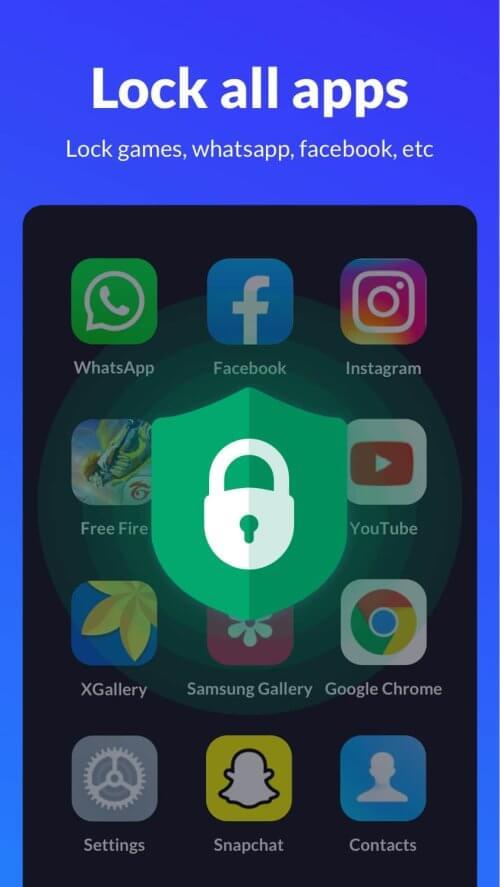
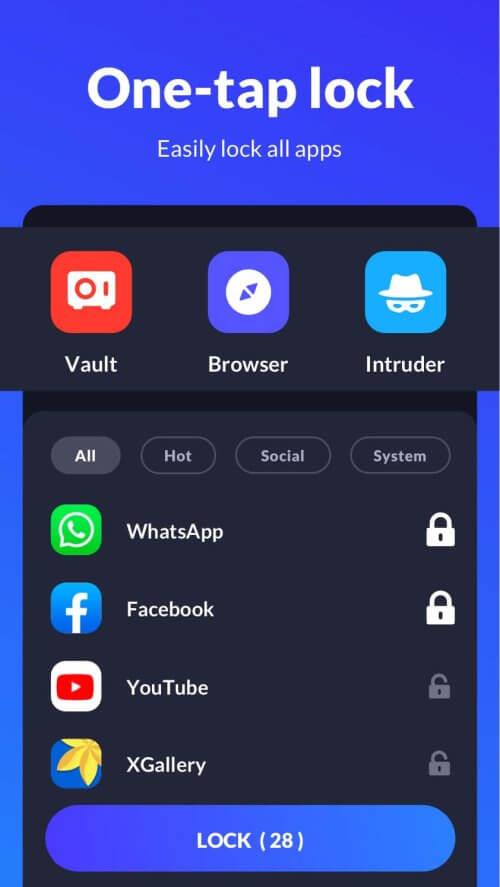
⭐ Comprehensive App Protection: App Lock - XLock allows users to lock all apps on their device, including social media platforms, messaging apps, and even the Play Store. This ensures that no unauthorized access can occur, safeguarding your privacy.
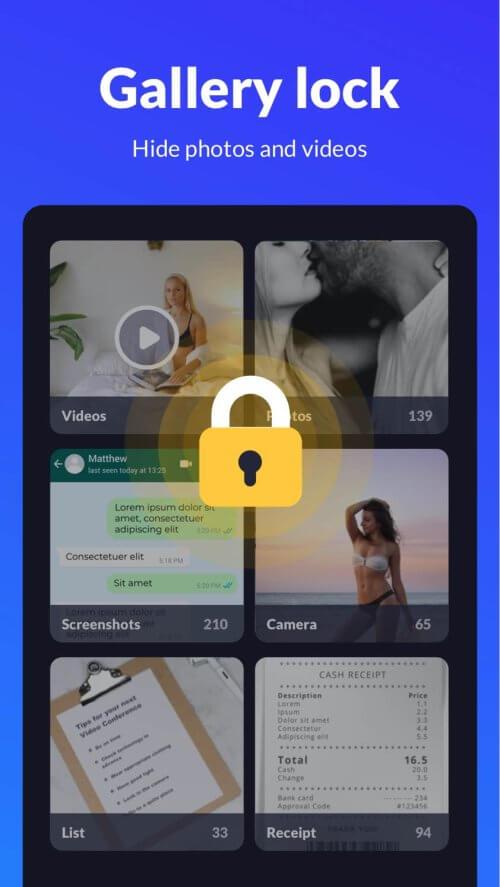
⭐ Photo and Video Encryption: With the ability to encrypt your Gallery, App Lock - XLock functions as a secure photo vault where you can store private memories without fear of prying eyes.
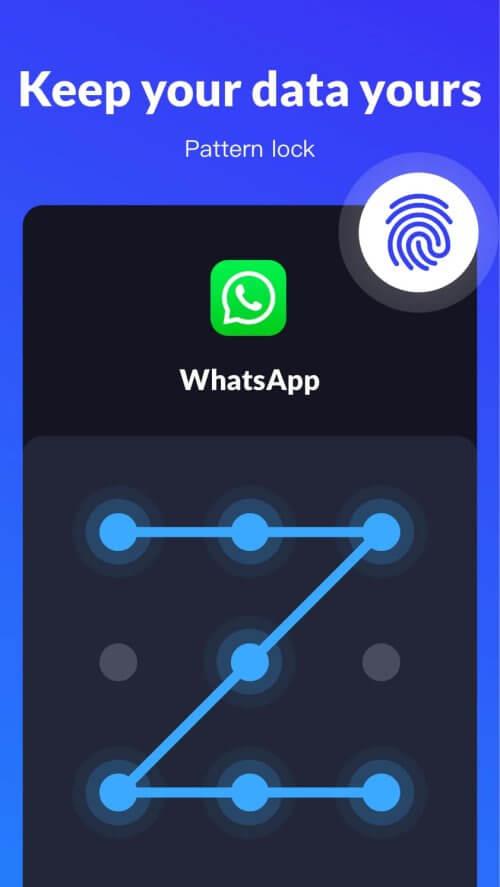
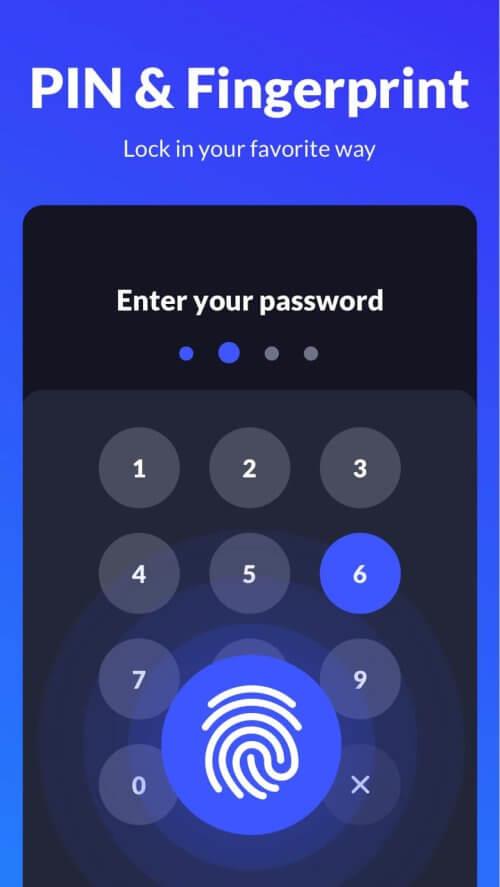
⭐ Multiple Lock Types: Users can choose between pattern and fingerprint locks, providing flexibility and enhanced security. The invisible pattern draw path feature ensures that your pattern remains concealed from potential intruders.
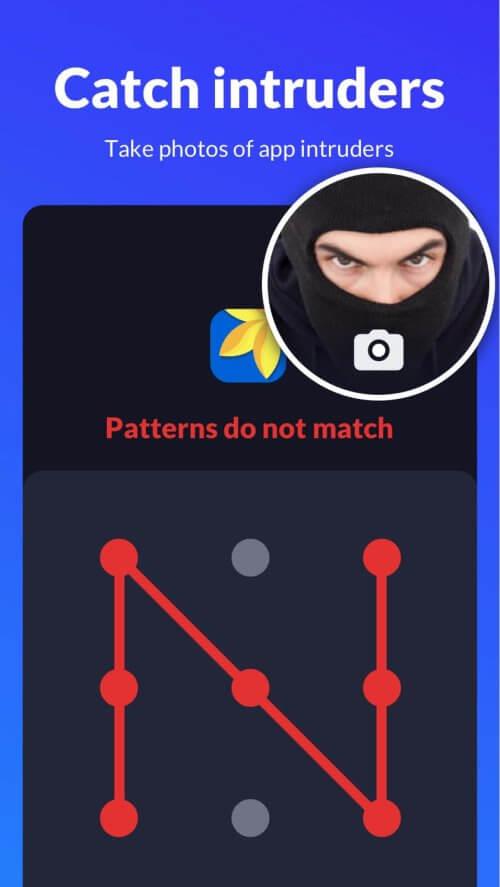
⭐ Intruder Selfie: App Lock - XLock has a unique feature that captures pictures of anyone attempting to access your locked apps with an incorrect password. This adds an extra layer of protection to your personal data.
Playing Tips for App Lock - Lock Apps, Password:
⭐ Set Up Fingerprint Unlock: If your device supports fingerprint recognition, enable the Fingerprint Unlock feature in the app settings for added convenience and security.
⭐ Utilize the Photo Vault: Take advantage of the photo encryption feature to keep your private photos and videos safe from prying eyes.
⭐ Customize App Lock Settings: Experiment with different lock types and settings to find the combination that works best for your security needs.
Conclusion:
App Lock - Lock Apps, Password is a versatile and user-friendly app that offers comprehensive protection for your personal data. With features such as app locking, photo encryption, and intruder detection, it ensures that your privacy remains intact. By implementing playing tips like setting up Fingerprint Unlock and customizing app lock settings, users can maximize the app's functionality and enhance their security measures. Download App Lock - XLock now to experience top-notch privacy protection on your device.
Show More
Information
Screenshots
Latest Update












Hot Tags
Latest News
-
![Revealing the Launch Playlists and Cross-Progression for COD Warzone Mobile News]()
-
![March 2024 Free Redemption Codes for Honkai: Star Rail News]()
-
PUBG Mobile Teams Up with Bentley Motors: Luxury Cars, Exclusive Collectibles, and Beyond 2024-04-18
![PUBG Mobile Teams Up with Bentley Motors: Luxury Cars, Exclusive Collectibles, and Beyond News]()
-
![Monster Never Cry is now accessible on both Android and iOS mobile devices. News]()
-
V2.2 of the Farlight 84 update introduces an overhauled Season structure, fresh in-game currency, an 2024-04-16
![V2.2 of the Farlight 84 update introduces an overhauled Season structure, fresh in-game currency, an News]()
-
![Arrival of Genshin Impact 4.6 Update: 'Embers of Two Realms, Twilight of Crimson' News]()
-
April 2024 Clash of Clans Update: Unveiling a Fresh Companion, Enhanced Levels, Chat Tagging, and Be 2024-04-16
![April 2024 Clash of Clans Update: Unveiling a Fresh Companion, Enhanced Levels, Chat Tagging, and Be News]()






