

Cute Calendar
Version:1.7.0
Published:2026-01-05
Introduction
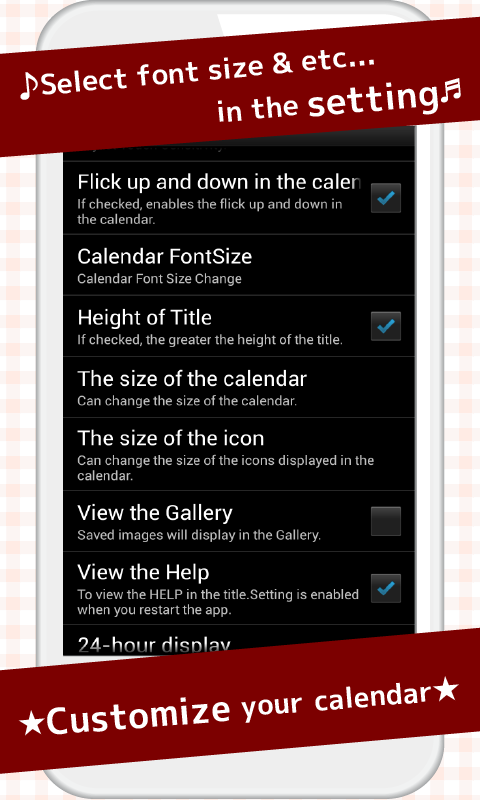
Stay organized and add a splash of fun to your planning with the versatile Cute Calendar app! From color-coding events to incorporating stickers and icons, you can personalize your schedule to suit your style. Create themed months and add custom backgrounds for a unique touch. With functional elements like to-do lists and habit trackers, managing tasks alongside your schedule is a breeze. Personalize your calendar with photos or quotes, and experiment with different layouts to find what works best for you. Declutter regularly and plan ahead with countdown features for a stress-free approach to planning. Try Cute Calendar today and make scheduling a joyful experience!
Features of Cute Calendar:
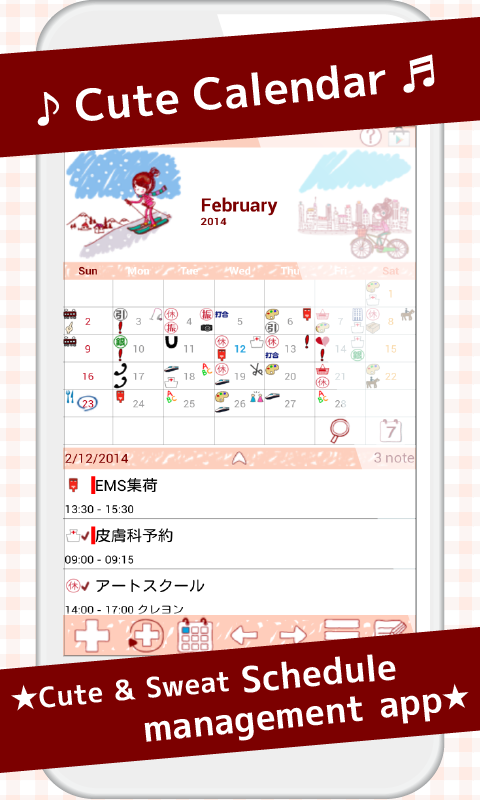
Customizable Calendar Images: With Cute Calendar, you can personalize your calendar by choosing images from your photo album or taking new photos. This allows you to create a visually appealing and unique calendar that reflects your style and preferences.
Icon Display for Priority Plans: The app displays icons for top priority daily and repeated plans, making it easy to identify and prioritize important tasks at a glance. This feature helps users stay organized and focused on key commitments.
Marking Dates: Cute Calendar allows users to add marks to dates to indicate other plans for the day. This function helps users keep track of additional tasks or events, enhancing overall productivity and time management.
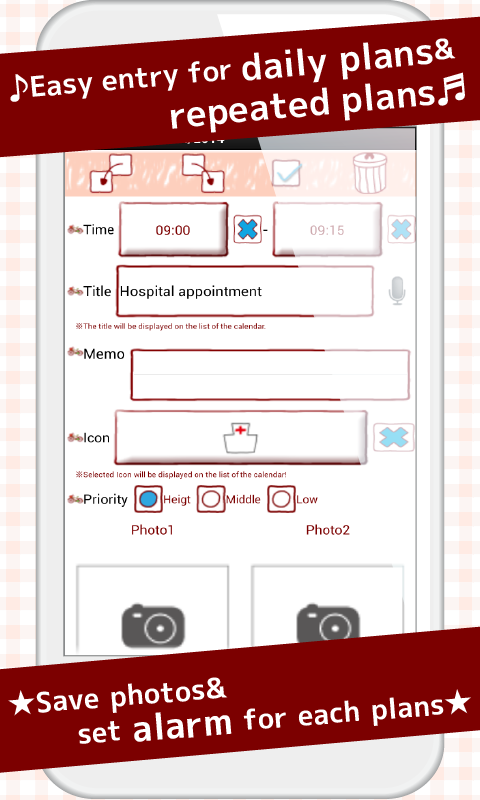
Multiple Functions: Cute Calendar not only serves as a basic calendar but also offers the ability to create and save regular plans and repeated plans. This versatility makes the app a comprehensive tool for managing schedules and tasks efficiently.
Playing Tips for Cute Calendar:
Utilize Color-Coding: Assign different colors to events to categorize them effectively and make your calendar visually appealing.
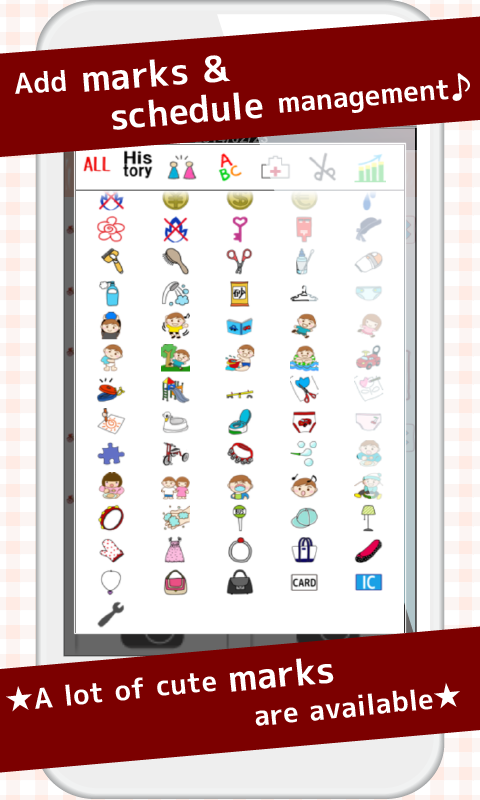
Incorporate Stickers and Icons: Use stickers and icons to personalize your planner and make it easier to identify events quickly.
Create Themed Months: Design each month around a specific theme to add a fun and engaging element to your calendar.
Use Custom Backgrounds: Enhance the aesthetic appeal of your calendar by adding custom backgrounds that reflect your style.
Add Personal Touches: Personalize your calendar with photos or quotes that inspire you, making it a unique reflection of your personality.
Conclusion:
Cute Calendar offers a range of attractive features, including customizable calendar images, icon display for priority plans, and marking dates for additional tasks. By utilizing color-coding, stickers, themed months, custom backgrounds, and personal touches, users can enhance the functionality and visual appeal of their calendars. With its multiple functions and user-friendly interface, Cute Calendar is a convenient and versatile tool for effectively managing schedules and tasks. Download Cute Calendar now to stay organized and productive!
Show More
Information
Screenshots
Latest Update












Hot Tags
Latest News
-
![Revealing the Launch Playlists and Cross-Progression for COD Warzone Mobile News]()
-
![March 2024 Free Redemption Codes for Honkai: Star Rail News]()
-
PUBG Mobile Teams Up with Bentley Motors: Luxury Cars, Exclusive Collectibles, and Beyond 2024-04-18
![PUBG Mobile Teams Up with Bentley Motors: Luxury Cars, Exclusive Collectibles, and Beyond News]()
-
![Monster Never Cry is now accessible on both Android and iOS mobile devices. News]()
-
V2.2 of the Farlight 84 update introduces an overhauled Season structure, fresh in-game currency, an 2024-04-16
![V2.2 of the Farlight 84 update introduces an overhauled Season structure, fresh in-game currency, an News]()
-
![Arrival of Genshin Impact 4.6 Update: 'Embers of Two Realms, Twilight of Crimson' News]()
-
April 2024 Clash of Clans Update: Unveiling a Fresh Companion, Enhanced Levels, Chat Tagging, and Be 2024-04-16
![April 2024 Clash of Clans Update: Unveiling a Fresh Companion, Enhanced Levels, Chat Tagging, and Be News]()






