

Drawing Grid For Artist
Version:5
Published:2026-02-10
Introduction
Drawing Grid For Artist is a helpful and intuitive app designed for artists of all skill levels who want to improve their drawing accuracy and precision. This app uses a customizable grid system to assist with scaling, proportion, and transferring images onto your canvas. Whether you're working on a detailed sketch, portrait, or landscape, Drawing Grid For Artist simplifies the process by providing a digital grid that helps you map out the proportions and placement of elements in your artwork. It’s an excellent tool for beginners learning the basics or professionals looking to ensure their drawings are perfectly proportioned.
Features of Drawing Grid For Artist:
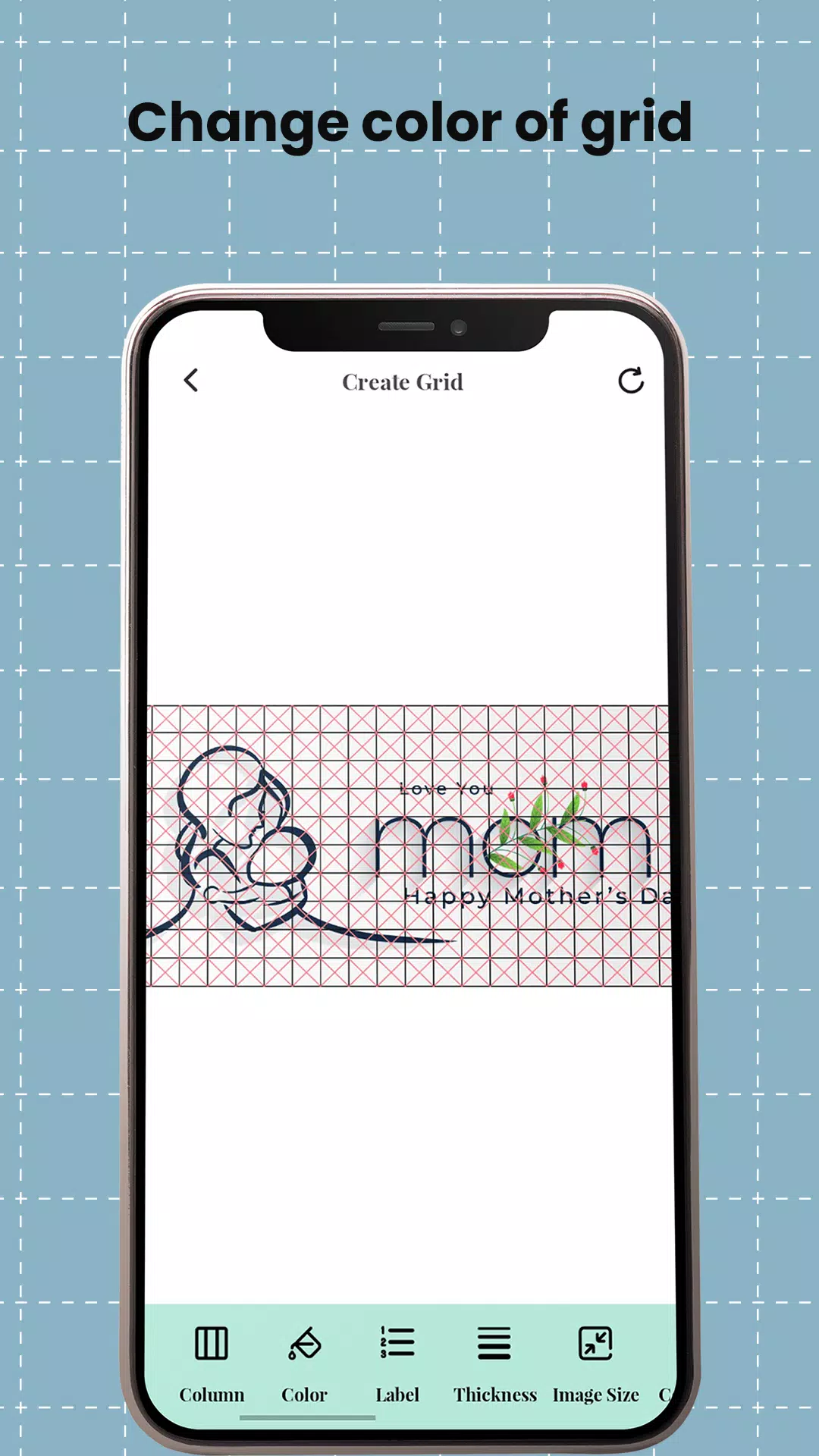
1. Customizable Grid Settings: The app allows users to adjust the grid’s size, spacing, and transparency, enabling you to tailor it to the specific needs of your artwork. Whether you're working on large canvases or small sketches, you can customize the grid to suit your preferred scale.
2. Image Overlay: Drawing Grid For Artist lets you overlay a reference image onto your canvas with a grid on top. This makes it easy to trace or transfer an image while maintaining accurate proportions, ideal for recreating complex subjects or scaling drawings.
3. Proportional Scaling: The app's grid system ensures that you can scale your reference image accurately when transferring it to your drawing surface. This feature is especially useful when working with photographs or illustrations that need to be resized or adjusted to different formats.
4. Easy-to-Use Interface: Drawing Grid For Artist features a clean and simple interface, making it accessible for artists of all experience levels. The controls are intuitive, allowing you to quickly adjust the grid, upload reference images, and begin drawing without unnecessary complexity.
5. Zoom and Pan Features: With zoom and pan options, you can focus on smaller sections of your artwork, ensuring fine details are captured with precision. The app allows you to navigate through your grid with ease, making it easier to work on intricate parts of your drawing.
FAQs about Drawing Grid For Artist:
1. What devices is Drawing Grid For Artist available on?
- Drawing Grid For Artist is available for both iOS and Android devices. It’s optimized for smartphones and tablets, providing a smooth and efficient drawing experience on various platforms.
2. Is Drawing Grid For Artist free to use?
- Yes, the app is free to download and use, offering essential features like grid customization and image overlays. There may be in-app purchases or premium options for advanced features like unlimited image uploads or enhanced grid options.
3. Can I upload my own images to use with the grid?
- Yes, you can upload your own images to use as references with the grid overlay. This makes it easy to work with personal photographs or custom artwork while maintaining accurate proportions and scaling.
4. Does the app have a feature to adjust the opacity of the grid?
- Yes, you can adjust the opacity of the grid to suit your preference, whether you want a more visible grid to aid in your drawing or a subtle grid that doesn’t distract from your artwork.
5. Is Drawing Grid For Artist suitable for all types of art projects?
- Drawing Grid For Artist is ideal for various types of art projects, including portraits, landscapes, and still-life drawings. It’s particularly helpful for artists working with reference images or those who want to ensure accurate scaling and proportions in their work.
Conclusion:
Drawing Grid For Artist is an invaluable tool for artists looking to improve their drawing accuracy and ensure proper scaling and proportions. With its customizable grid, image overlay feature, and easy-to-use interface, the app simplifies the process of transferring reference images to your canvas. Whether you're a beginner or an experienced artist, this app is a great way to achieve precision in your artwork. While the free version offers plenty of features, premium options are available for those who need advanced functionality. Overall, Drawing Grid For Artist is a must-have app for anyone serious about honing their drawing skills and creating well-proportioned art.
Show More
Information
Screenshots



Latest Update












Hot Tags
Latest News
-
![Revealing the Launch Playlists and Cross-Progression for COD Warzone Mobile News]()
-
![March 2024 Free Redemption Codes for Honkai: Star Rail News]()
-
PUBG Mobile Teams Up with Bentley Motors: Luxury Cars, Exclusive Collectibles, and Beyond 2024-04-18
![PUBG Mobile Teams Up with Bentley Motors: Luxury Cars, Exclusive Collectibles, and Beyond News]()
-
![Monster Never Cry is now accessible on both Android and iOS mobile devices. News]()
-
V2.2 of the Farlight 84 update introduces an overhauled Season structure, fresh in-game currency, an 2024-04-16
![V2.2 of the Farlight 84 update introduces an overhauled Season structure, fresh in-game currency, an News]()
-
![Arrival of Genshin Impact 4.6 Update: 'Embers of Two Realms, Twilight of Crimson' News]()
-
April 2024 Clash of Clans Update: Unveiling a Fresh Companion, Enhanced Levels, Chat Tagging, and Be 2024-04-16
![April 2024 Clash of Clans Update: Unveiling a Fresh Companion, Enhanced Levels, Chat Tagging, and Be News]()






