

Concepts: Sketch, Note, Draw
Version:2024.04.5
Published:2026-03-20
Introduction
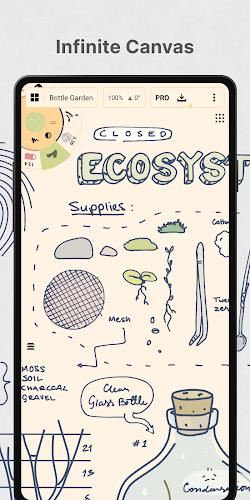
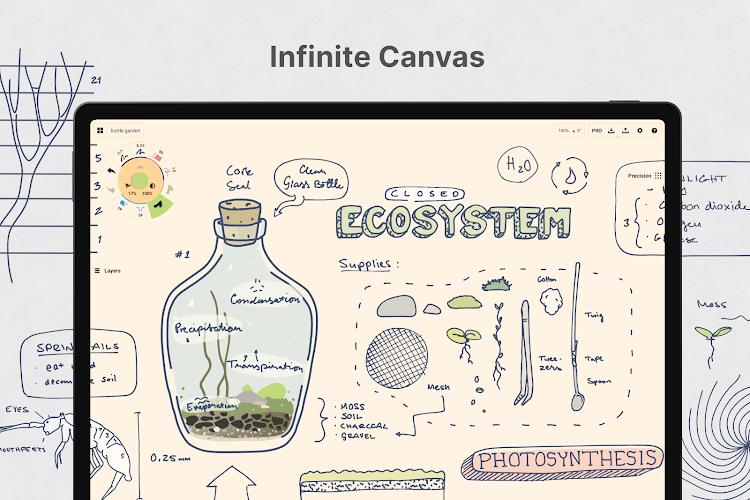
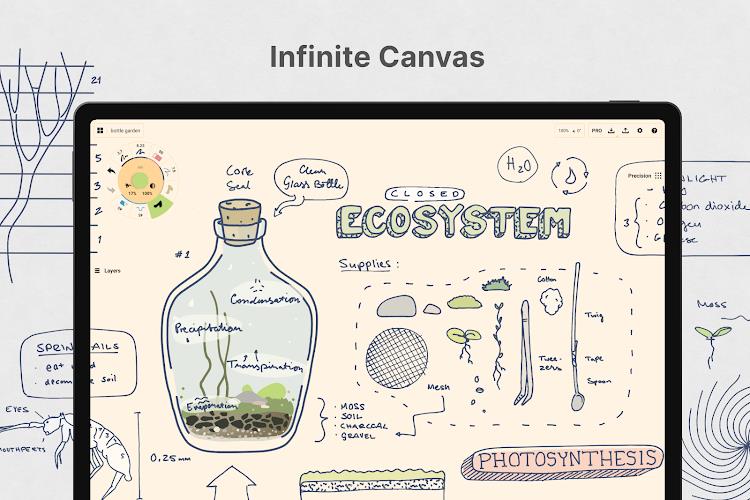
Concepts: Sketch, Note, Draw is a flexible, vector-based creative workspace for sketching, note-taking and ideation that helps you capture ideas, plan projects and refine designs before sharing or exporting. It pairs an infinite, zoomable canvas with pressure- and tilt-responsive brushes, editable vector strokes and a customizable tool wheel so you can sketch plans, make mind maps, craft storyboards and build product concepts without losing detail. The app is optimized for pen input and fast, tactile interaction, making it a practical choice for designers, illustrators and anyone who prefers a fluid, editable drawing surface.
Key Features
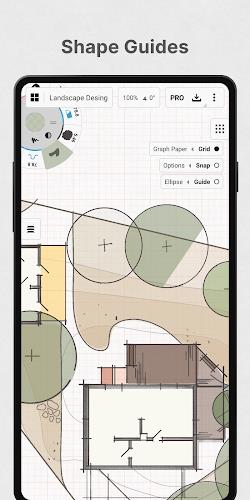
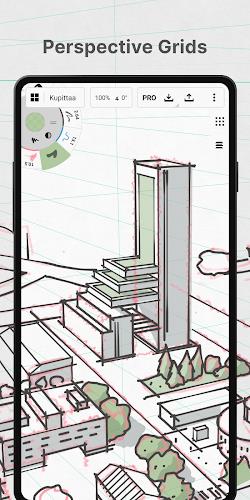
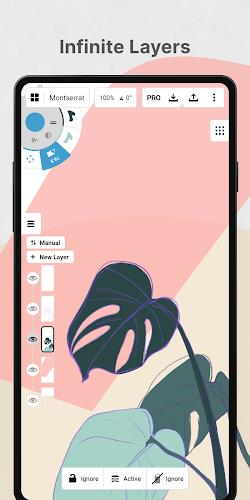
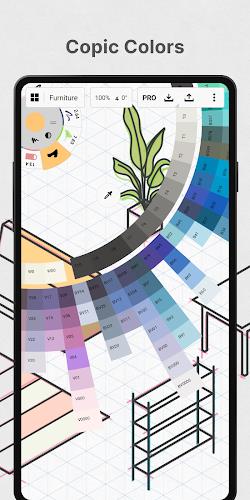
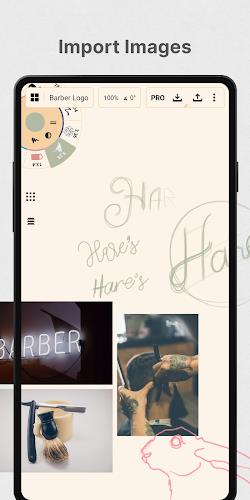
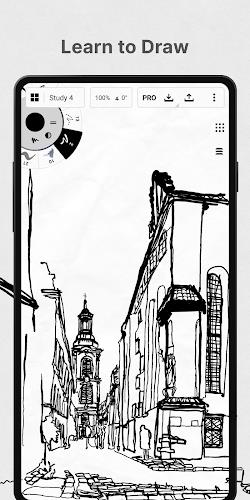
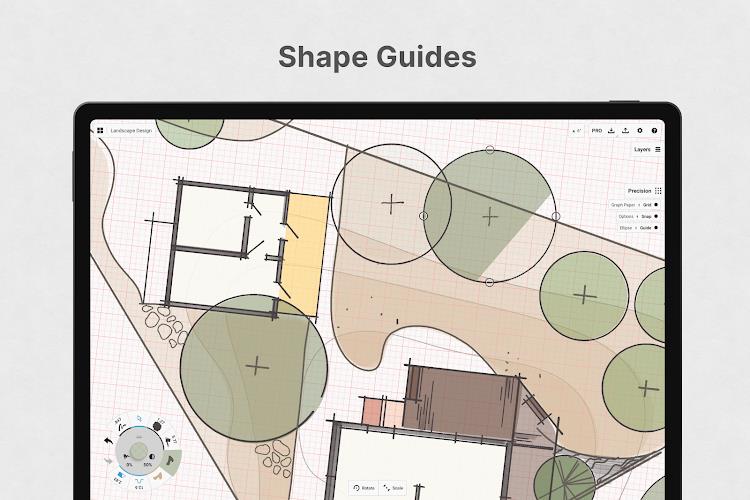
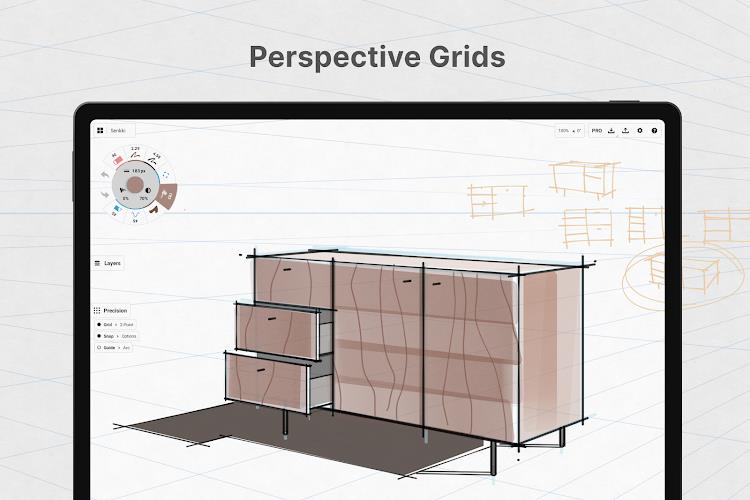
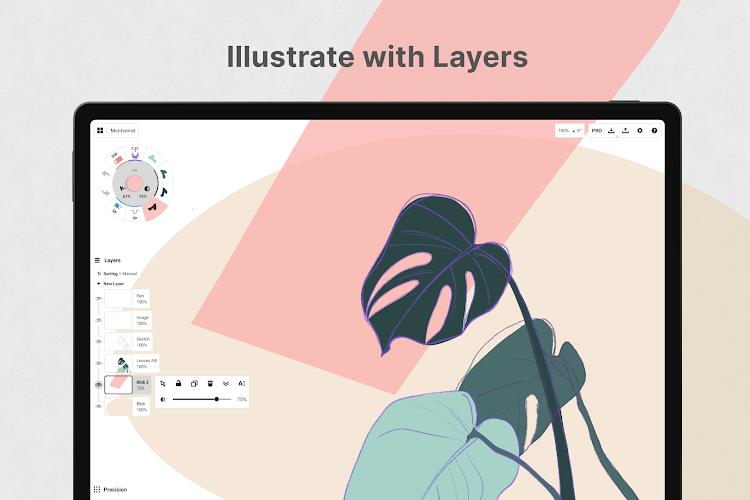
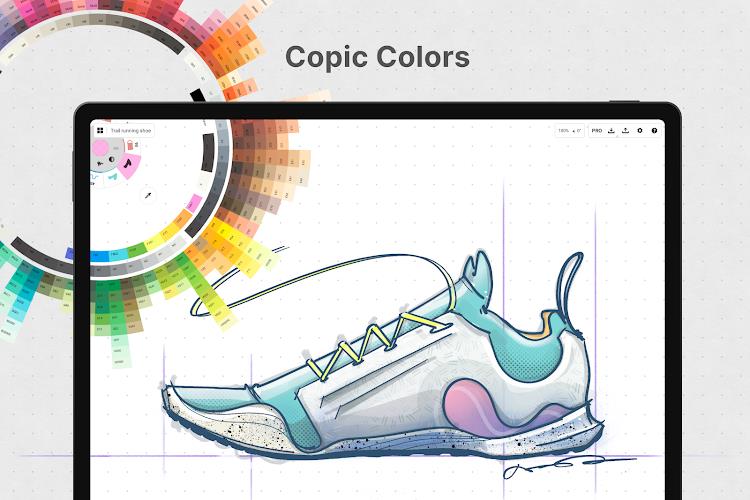
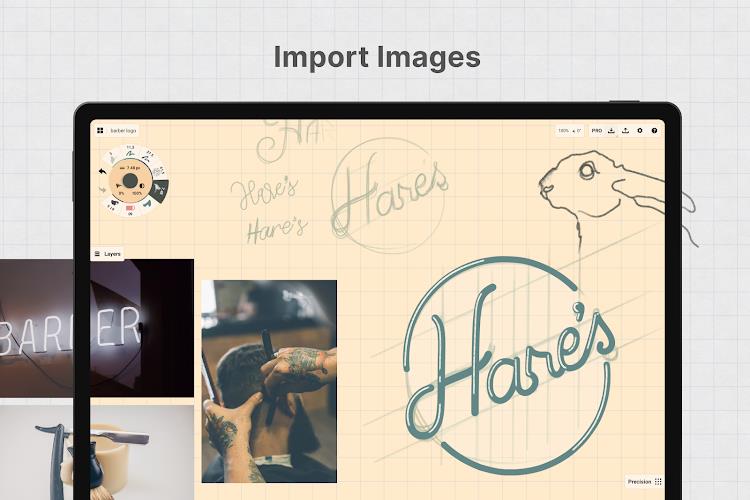
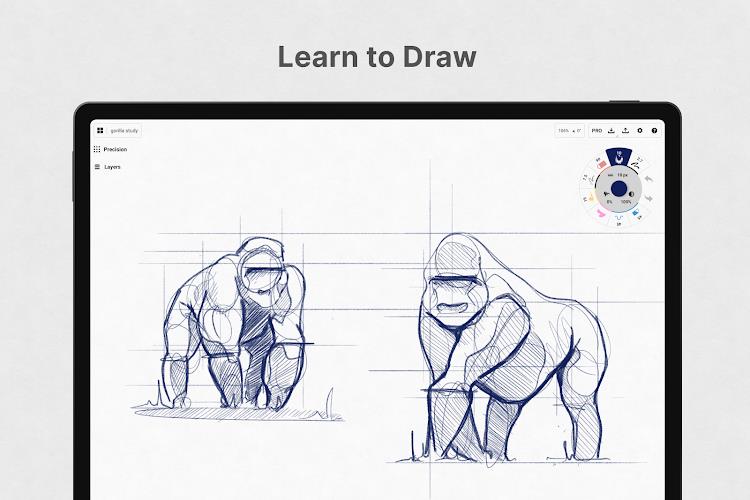
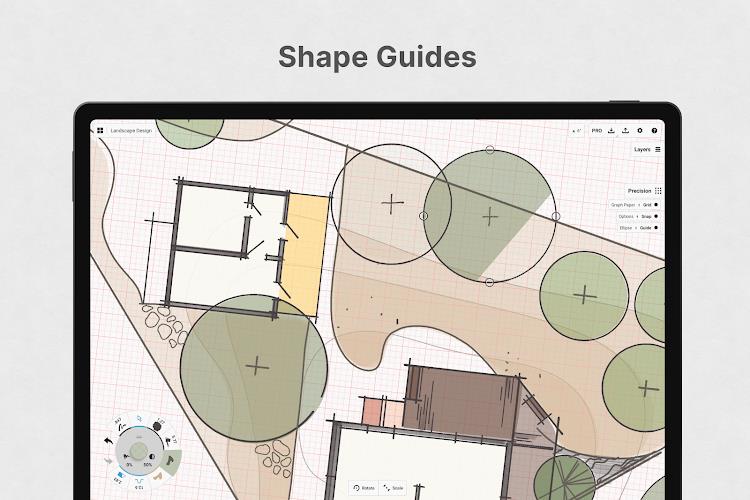
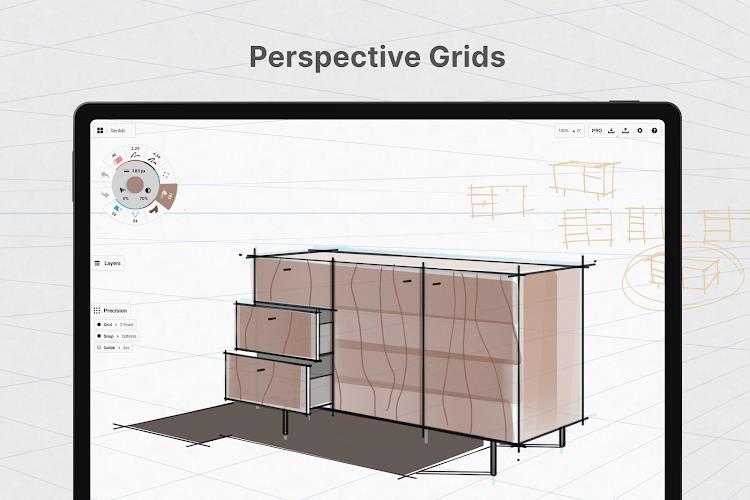
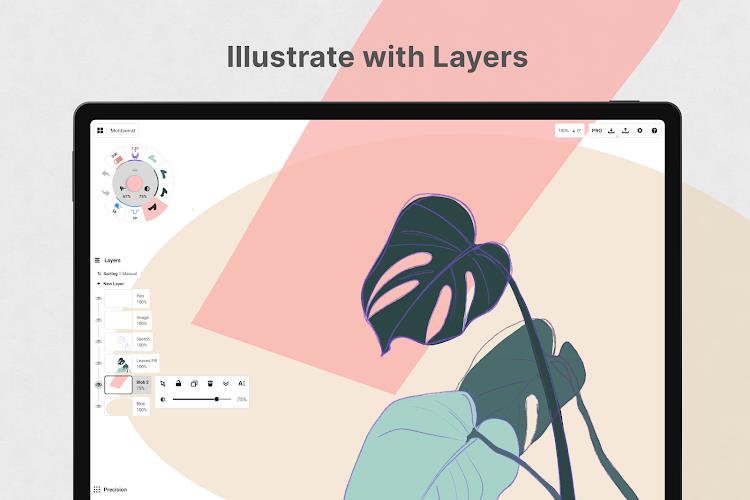
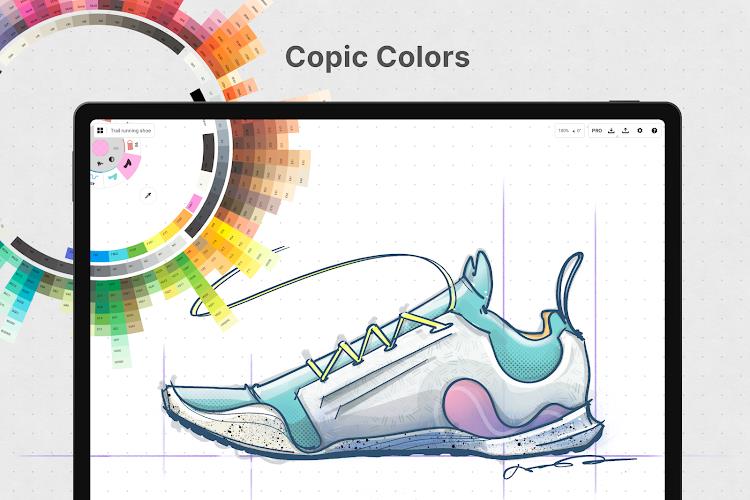
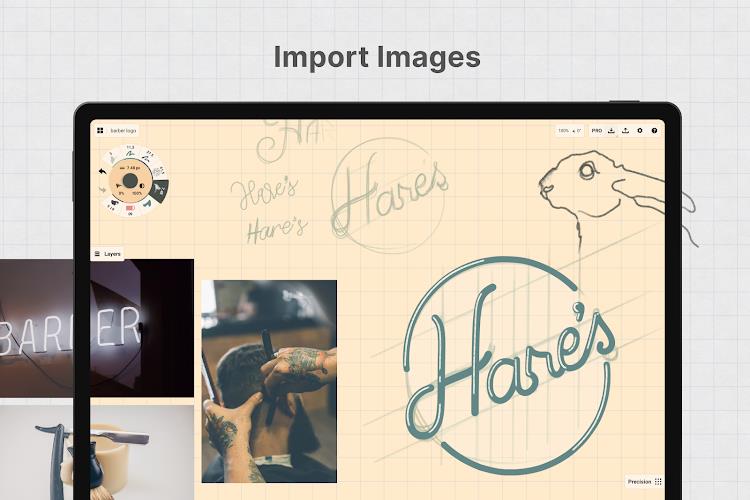
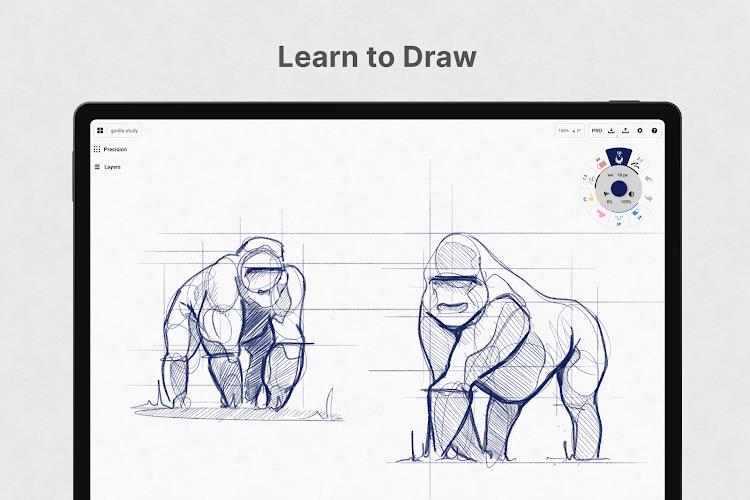
Concepts: Sketch, Note, Draw includes realistic pencils, pens and brushes that respond to pressure, tilt and velocity with adjustable live smoothing for natural strokes. It offers an infinite canvas with multiple paper types, custom grids and deep zoom for large or detailed projects, and true vector-based drawing so every stroke stays editable and scalable. Tools such as Nudge, Slice and Select help reshape elements without redrawing, while a customizable tool wheel or bar, an infinite layering system and color wheels for HSL, RGB and COPIC support consistent palettes and precise control. Shape guides, live snap and measurement tools plus drag-and-drop image support make reference and tracing straightforward.
Advantages
Concepts: Sketch, Note, Draw keeps every stroke editable and non-destructive, which speeds iteration and revision. The free tier provides an endless canvas, a selection of papers and grids, basic tools, five layers, unlimited drawings and JPG export to get you started. The app is found in professional workflows at studios and companies such as Disney, PlayStation, Philips, HP, Apple, Google, Unity and Illumination Entertainment. A premium subscription unlocks full libraries and additional features, with optional one-time purchases for specific advanced tools and a 7-day free trial available.
Disadvantages
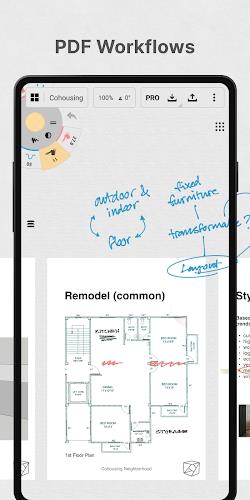
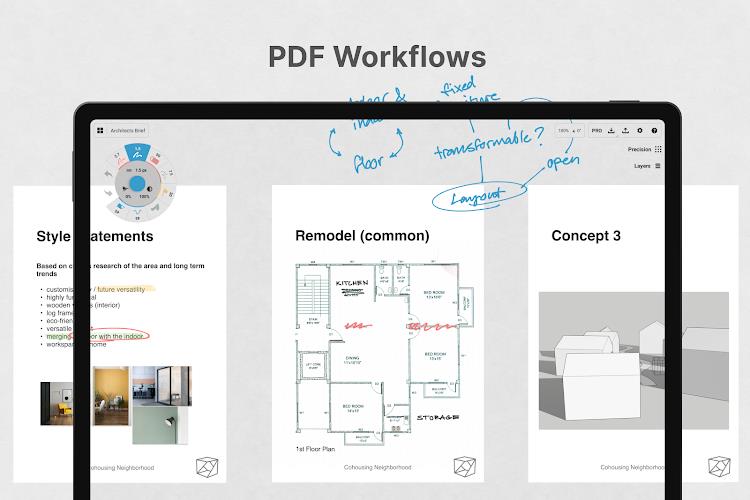
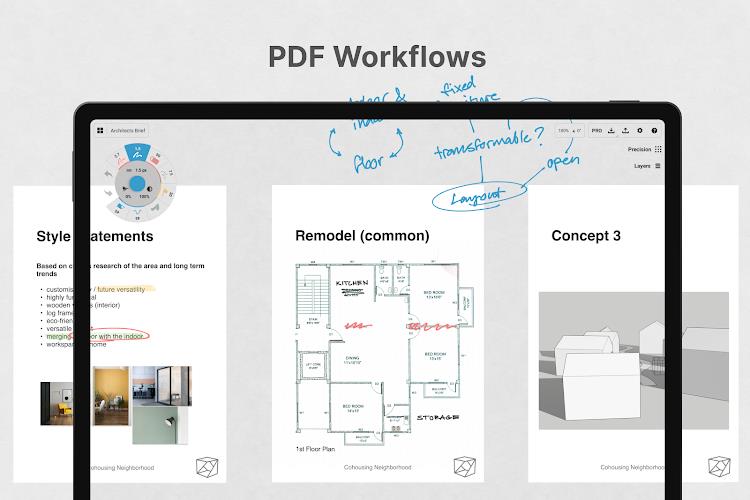
Several advanced features, including professional brush packs and PDF workflow tools, are sold separately rather than included in the base app. One-time purchases are limited to the platform where they are bought and may not transfer across different device ecosystems. Subscription plans renew automatically and must be managed or canceled through your account settings if you wish to stop them.
Show More
Information
Screenshots
Latest Update









Hot Tags
Latest News
-
![Revealing the Launch Playlists and Cross-Progression for COD Warzone Mobile News]()
-
![March 2024 Free Redemption Codes for Honkai: Star Rail News]()
-
PUBG Mobile Teams Up with Bentley Motors: Luxury Cars, Exclusive Collectibles, and Beyond 2024-04-18
![PUBG Mobile Teams Up with Bentley Motors: Luxury Cars, Exclusive Collectibles, and Beyond News]()
-
![Monster Never Cry is now accessible on both Android and iOS mobile devices. News]()
-
V2.2 of the Farlight 84 update introduces an overhauled Season structure, fresh in-game currency, an 2024-04-16
![V2.2 of the Farlight 84 update introduces an overhauled Season structure, fresh in-game currency, an News]()
-
![Arrival of Genshin Impact 4.6 Update: 'Embers of Two Realms, Twilight of Crimson' News]()
-
April 2024 Clash of Clans Update: Unveiling a Fresh Companion, Enhanced Levels, Chat Tagging, and Be 2024-04-16
![April 2024 Clash of Clans Update: Unveiling a Fresh Companion, Enhanced Levels, Chat Tagging, and Be News]()






