
Ai Toonify
Version:3.0.1
Published:2026-04-05
Introduction
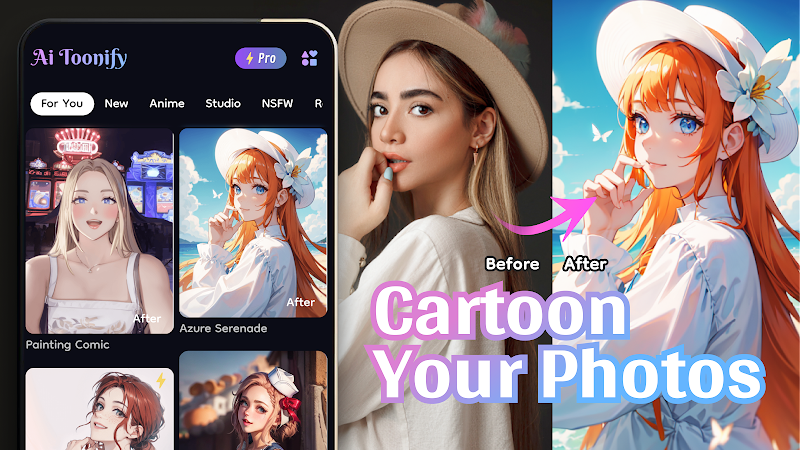
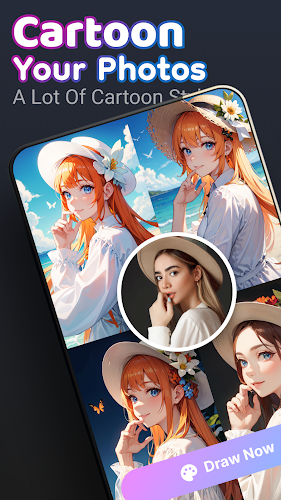
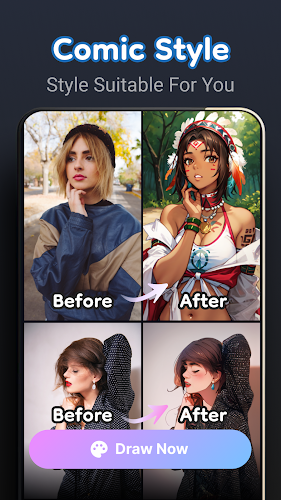
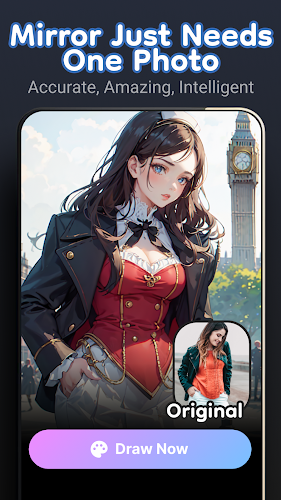
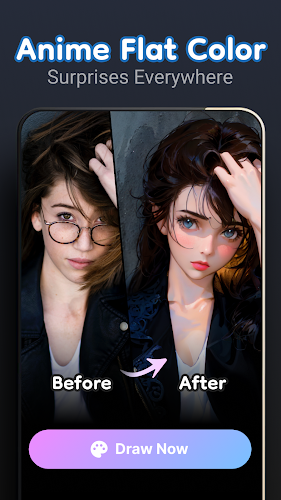
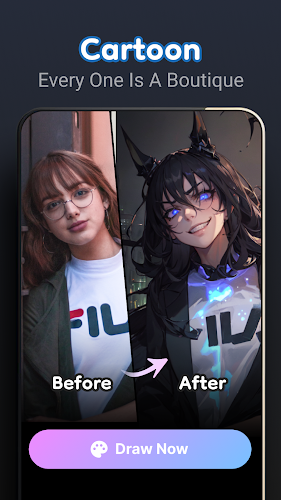
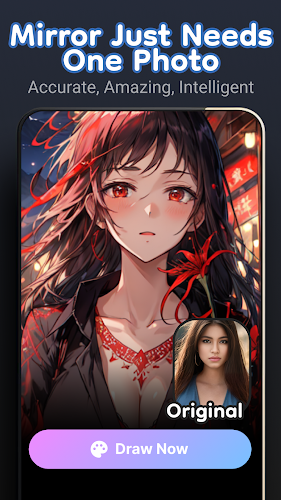
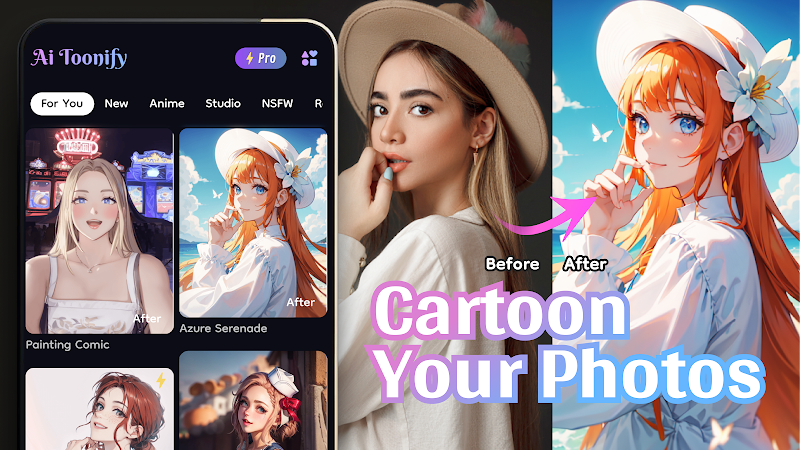
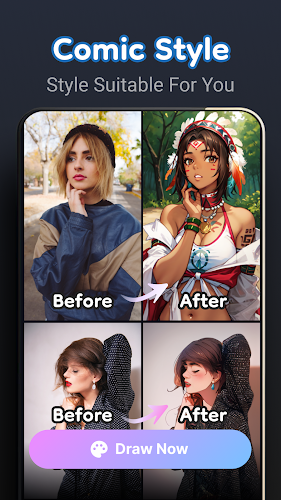
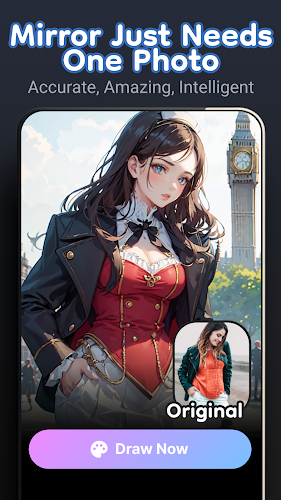
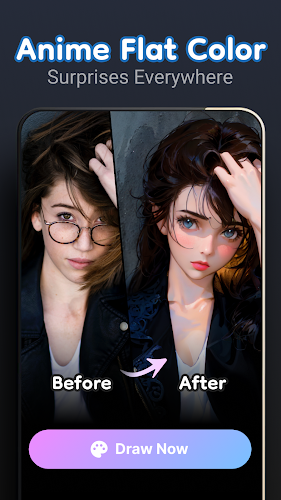
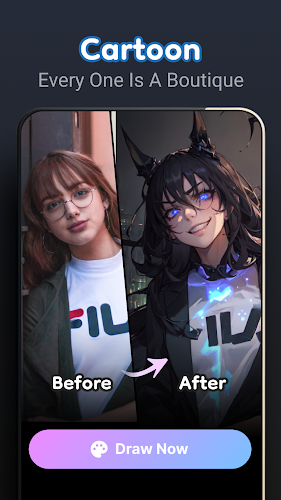
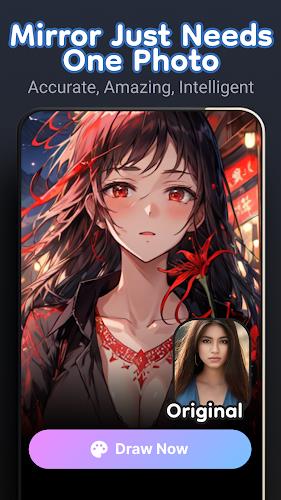
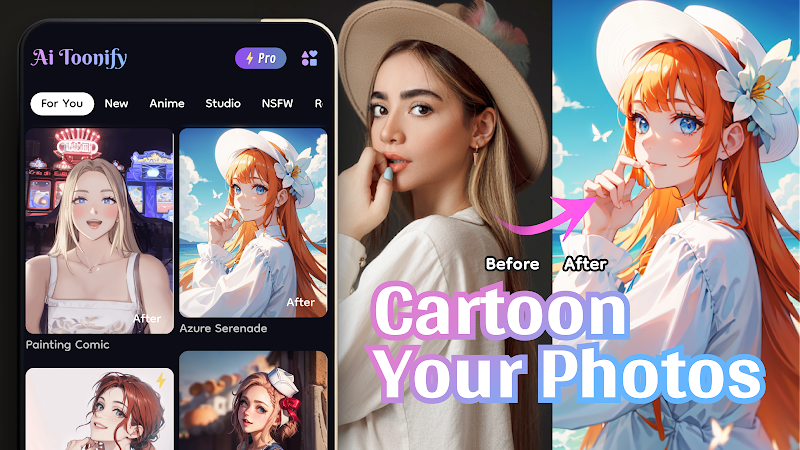
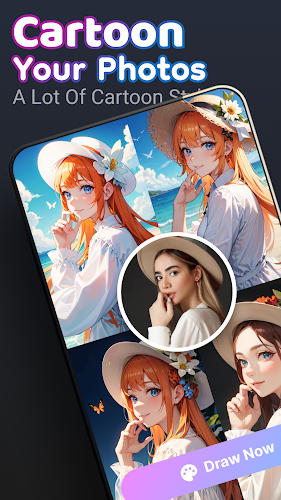
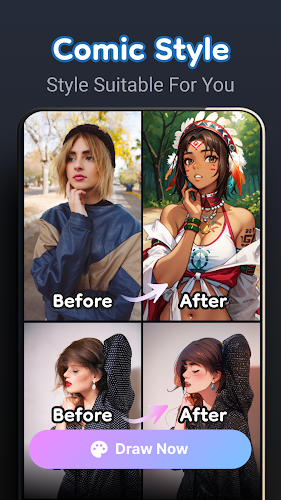
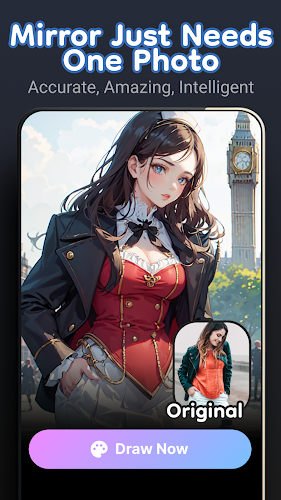
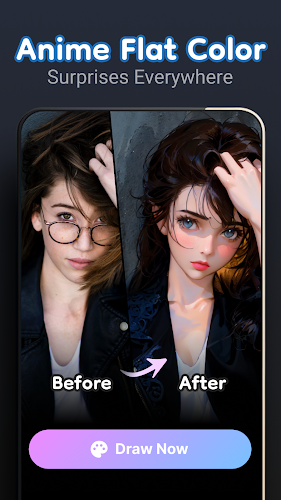
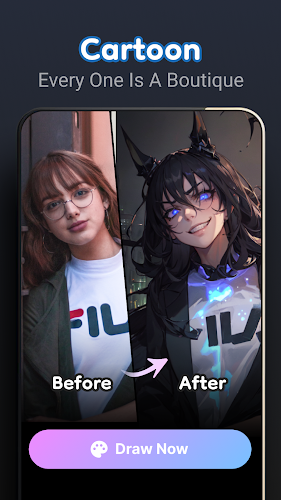
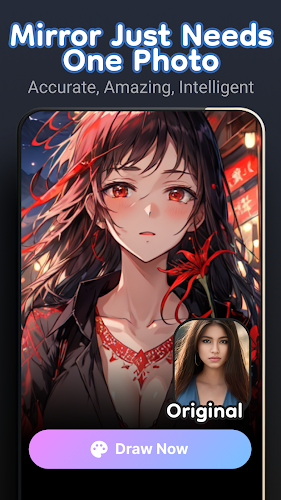
Ai Toonify converts photos into stylized cartoon portraits using neural filters that preserve key facial details while applying artistic textures. Ai Toonify focuses on clarity and ease of use, so you can create consistent cartoon avatars and edited images quickly.
Features
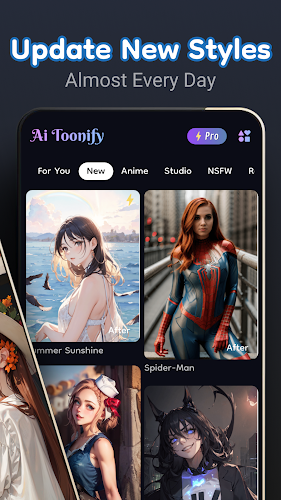
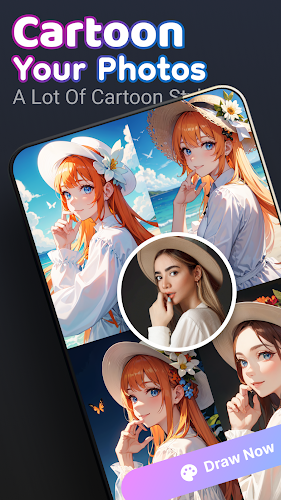
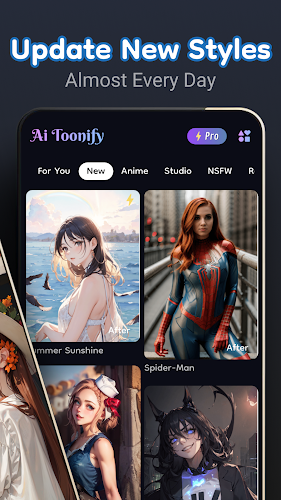
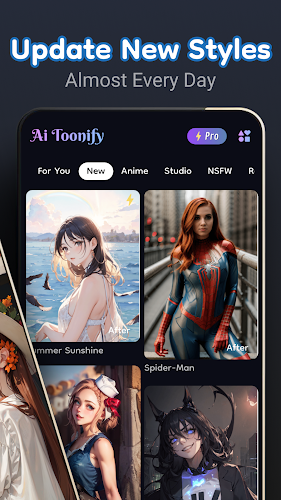
- Multiple styles: A selection of artistic filters including line art, painterly, and comic variants to suit different looks.
- Editing tools: Crop, rotate, adjust brightness and contrast, and control filter intensity for fine-tuning.
- Avatar creation: Generate profile-ready avatars with customizable backgrounds and color adjustments.
- Export and share: Save results in common image formats and share to social apps or messaging platforms.
How it works
Ai Toonify processes images either on device or through optional secure processing, depending on your settings. Choose a photo, pick a style, adjust parameters, and export the final image. The workflow is designed to be straightforward for both casual and advanced users.
Privacy and performance
Photos are handled according to your privacy settings; images are not used for model training without explicit consent. The app uses optimized models to reduce battery and data usage while maintaining image quality.
Show More
Information
Screenshots
Latest Update





Latest News
-
![Revealing the Launch Playlists and Cross-Progression for COD Warzone Mobile News]()
-
![March 2024 Free Redemption Codes for Honkai: Star Rail News]()
-
PUBG Mobile Teams Up with Bentley Motors: Luxury Cars, Exclusive Collectibles, and Beyond 2024-04-18
![PUBG Mobile Teams Up with Bentley Motors: Luxury Cars, Exclusive Collectibles, and Beyond News]()
-
![Monster Never Cry is now accessible on both Android and iOS mobile devices. News]()
-
V2.2 of the Farlight 84 update introduces an overhauled Season structure, fresh in-game currency, an 2024-04-16
![V2.2 of the Farlight 84 update introduces an overhauled Season structure, fresh in-game currency, an News]()
-
![Arrival of Genshin Impact 4.6 Update: 'Embers of Two Realms, Twilight of Crimson' News]()
-
April 2024 Clash of Clans Update: Unveiling a Fresh Companion, Enhanced Levels, Chat Tagging, and Be 2024-04-16
![April 2024 Clash of Clans Update: Unveiling a Fresh Companion, Enhanced Levels, Chat Tagging, and Be News]()






