
Interior Office Design
Version:4.0
Published:2026-08-07
Introduction
Interior Office Design helps you reimagine your workplace with a curated collection of office interiors and practical ideas that enhance comfort, collaboration, and productivity. This app presents clear visual examples and approachable styling guidance so entrepreneurs, managers and employees can explore full renovations or simple updates that improve daily work life. Interior Office Design focuses on how cleanliness, layout and aesthetic choices combine to create an inviting, efficient workspace, offering inspiration that ranges from minimalist and modern to warm and cozy schemes that suit many tastes and budgets.
Key features and gallery
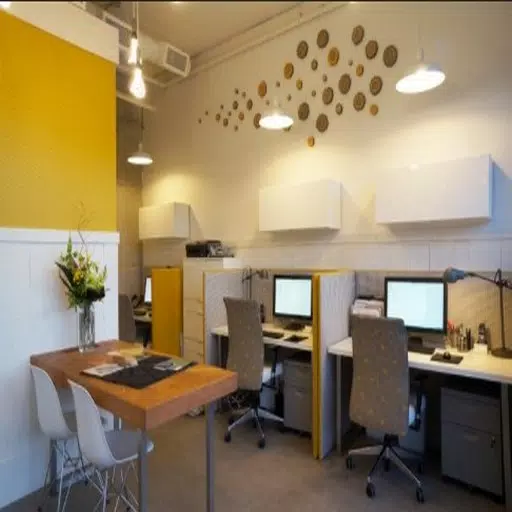
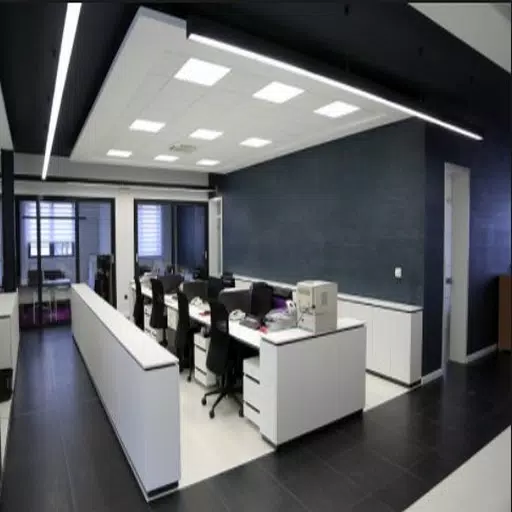
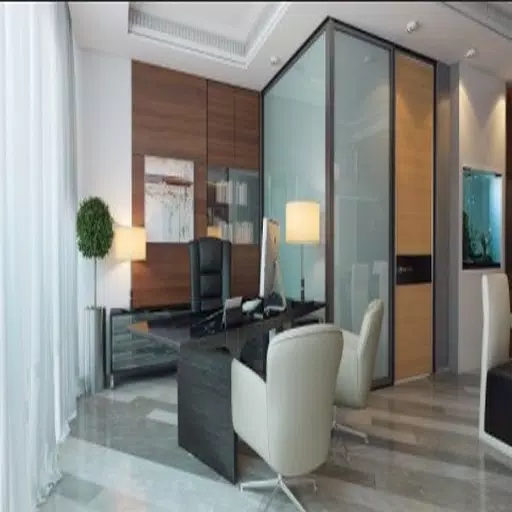
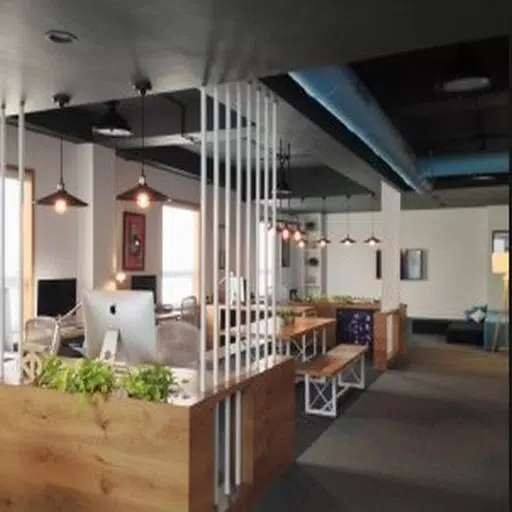
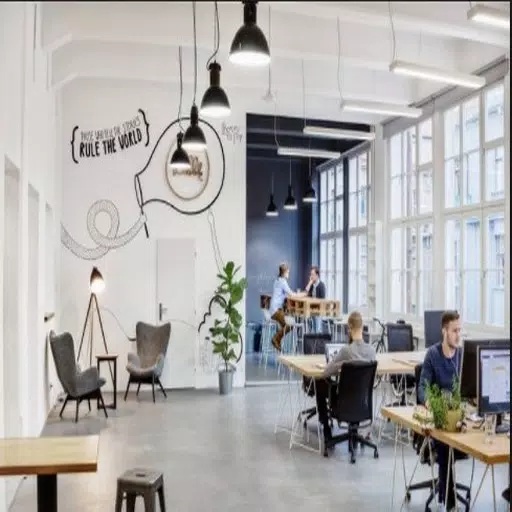
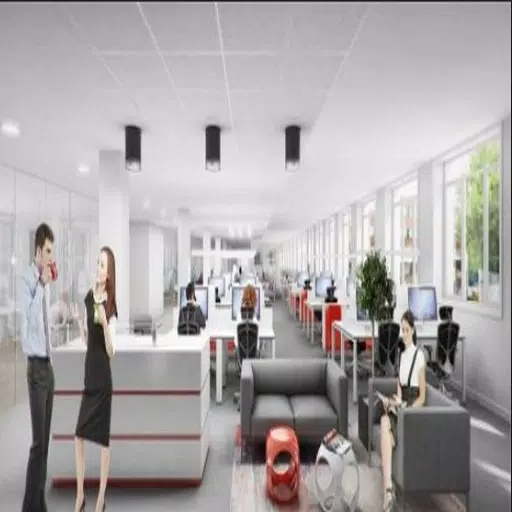
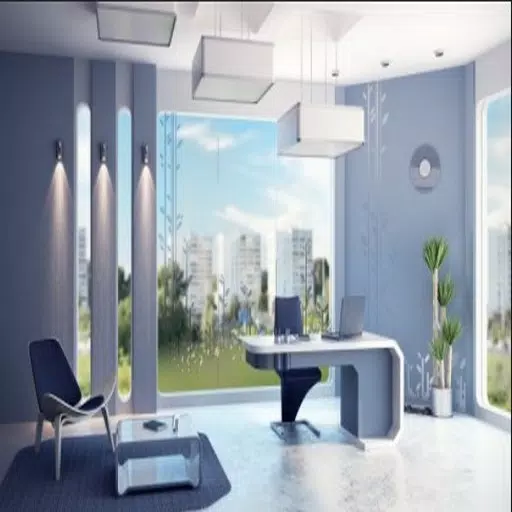
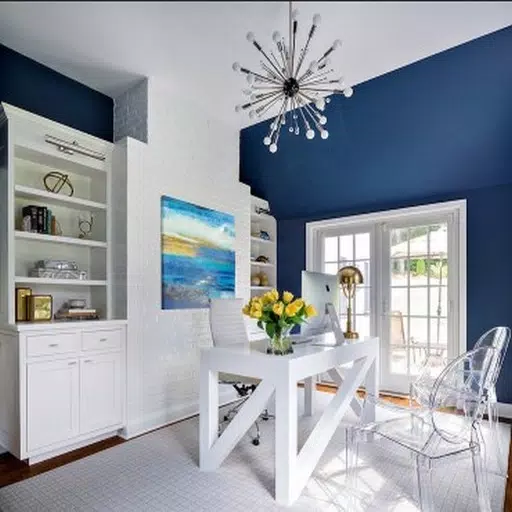
The app delivers a carefully selected gallery of office layouts and style examples organized by room type, size and use case. You will find dedicated sections for open-plan workspaces, private offices, meeting rooms and collaborative hubs, each illustrated with high-quality photos and annotated images that explain why particular arrangements work. Visual guidance includes suggested color palettes and furniture relationships so you can quickly identify combinations that match your brand or culture. Rather than overwhelming you with technical blueprints, Interior Office Design emphasises practical staging ideas and organizational principles that are easy to adapt.
Browsing is designed to be intuitive: use simple swipe and pinch gestures to navigate images, zoom into details and compare variations. Save favorites to personal project lists and assemble mood boards from selected images to share ideas with colleagues or contractors. Filters let you narrow results by style, scale and emphasis, making it faster to find inspiration that fits space constraints or aesthetic goals without starting from scratch.
How it works: controls, progression and customization
The workflow in Interior Office Design mirrors a project planning process to help turn inspiration into action. Start by collecting reference images into a project folder, then use built-in annotation and note areas to record measurements, budget considerations and furniture ideas. The app supports a guided progression that moves from inspiration and shortlisting to practical staging suggestions, so users can track decisions across multiple rooms without losing context. This progression system encourages incremental planning rather than promising full renovation blueprints, which keeps expectations realistic while still offering structure.
Controls are simple and accessible: tap to favorite, long-press to add notes or labels, and use drag-and-drop within mood boards to reorder elements. Visual style options allow you to preview suggested color combinations alongside imagery and to compare alternate layouts side-by-side. Templates for common room sizes and functions provide quick starting points that can be tailored through the app's filters and note tools rather than through complex design modeling.
Visual style, level structure and replay value
Interior Office Design emphasizes photographic realism and clear styling cues so users can judge scale and ambiance at a glance. The content is arranged into thematic levels that reflect project complexity: quick refresh ideas for a single desk area, medium projects that reconfigure teams and circulation, and larger concept collections for complete office revamps. Exploring different levels provides replay value because seasonal updates, rotating examples and new style packs keep the gallery fresh and relevant to evolving workplace trends.
Customization centers on assembling a set of preferred looks that reflect your organization. The app encourages experimentation by letting you mix elements from multiple images into a single mood board and by offering written staging tips that explain how colors, lighting and layout influence productivity and well-being. Rather than relying on one correct approach, this flexible model supports repeated visits as your project evolves or as team needs change.
Accessibility, offline use and realistic expectations
Designed for broad usability, the app uses legible typography, high-contrast imagery and clear labels to make navigation easier for a wide audience. Basic screen reader compatibility and touch-friendly controls are part of the usability focus so that planners with different abilities can engage with the content. Many images and project folders can be saved locally for offline reference when visiting suppliers or job sites without reliable connectivity.
What to expect from Interior Office Design is practical inspiration rather than turnkey renovation services. The app excels at helping users gather ideas, compare options and plan phased updates, but detailed structural, electrical or permit-level guidance will still require professionals. With realistic use, the app can shorten planning time, improve communication between stakeholders and spark design choices that support productivity and comfort in your workplace.
Show More
Information
Screenshots
Latest Update










Hot Tags
Latest News
-
![Revealing the Launch Playlists and Cross-Progression for COD Warzone Mobile News]()
-
![March 2024 Free Redemption Codes for Honkai: Star Rail News]()
-
PUBG Mobile Teams Up with Bentley Motors: Luxury Cars, Exclusive Collectibles, and Beyond 2024-04-18
![PUBG Mobile Teams Up with Bentley Motors: Luxury Cars, Exclusive Collectibles, and Beyond News]()
-
![Monster Never Cry is now accessible on both Android and iOS mobile devices. News]()
-
V2.2 of the Farlight 84 update introduces an overhauled Season structure, fresh in-game currency, an 2024-04-16
![V2.2 of the Farlight 84 update introduces an overhauled Season structure, fresh in-game currency, an News]()
-
![Arrival of Genshin Impact 4.6 Update: 'Embers of Two Realms, Twilight of Crimson' News]()
-
April 2024 Clash of Clans Update: Unveiling a Fresh Companion, Enhanced Levels, Chat Tagging, and Be 2024-04-16
![April 2024 Clash of Clans Update: Unveiling a Fresh Companion, Enhanced Levels, Chat Tagging, and Be News]()