
Dutch for AnySoftKeyboard
Version:5.0.28
Published:2026-08-21
Introduction
Dutch for AnySoftKeyboard is a compact language pack that adds complete Dutch keyboard layouts and an integrated Dutch dictionary to the AnySoftKeyboard typing app, making it simple to type naturally in Dutch on Android. After you install the main AnySoftKeyboard application, enable the Dutch layout in Settings > Keyboards to switch between languages quickly; this add-on is designed to slot into the host keyboard without changing your broader setup or privacy choices. Dutch for AnySoftKeyboard is aimed at native speakers, learners, and anyone who types Dutch regularly and wants a more accurate, privacy-conscious typing experience.
Key features and what to expect
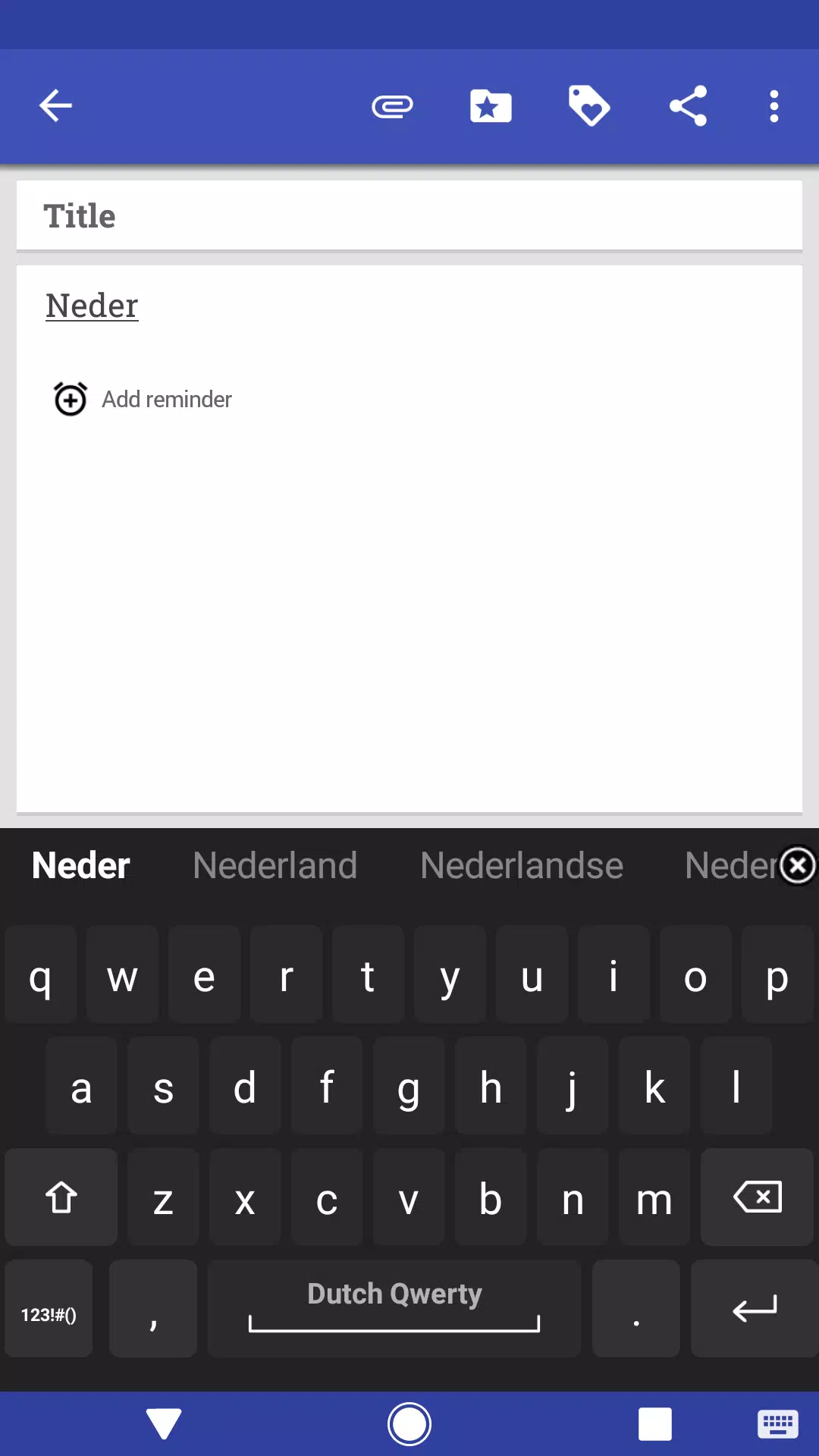
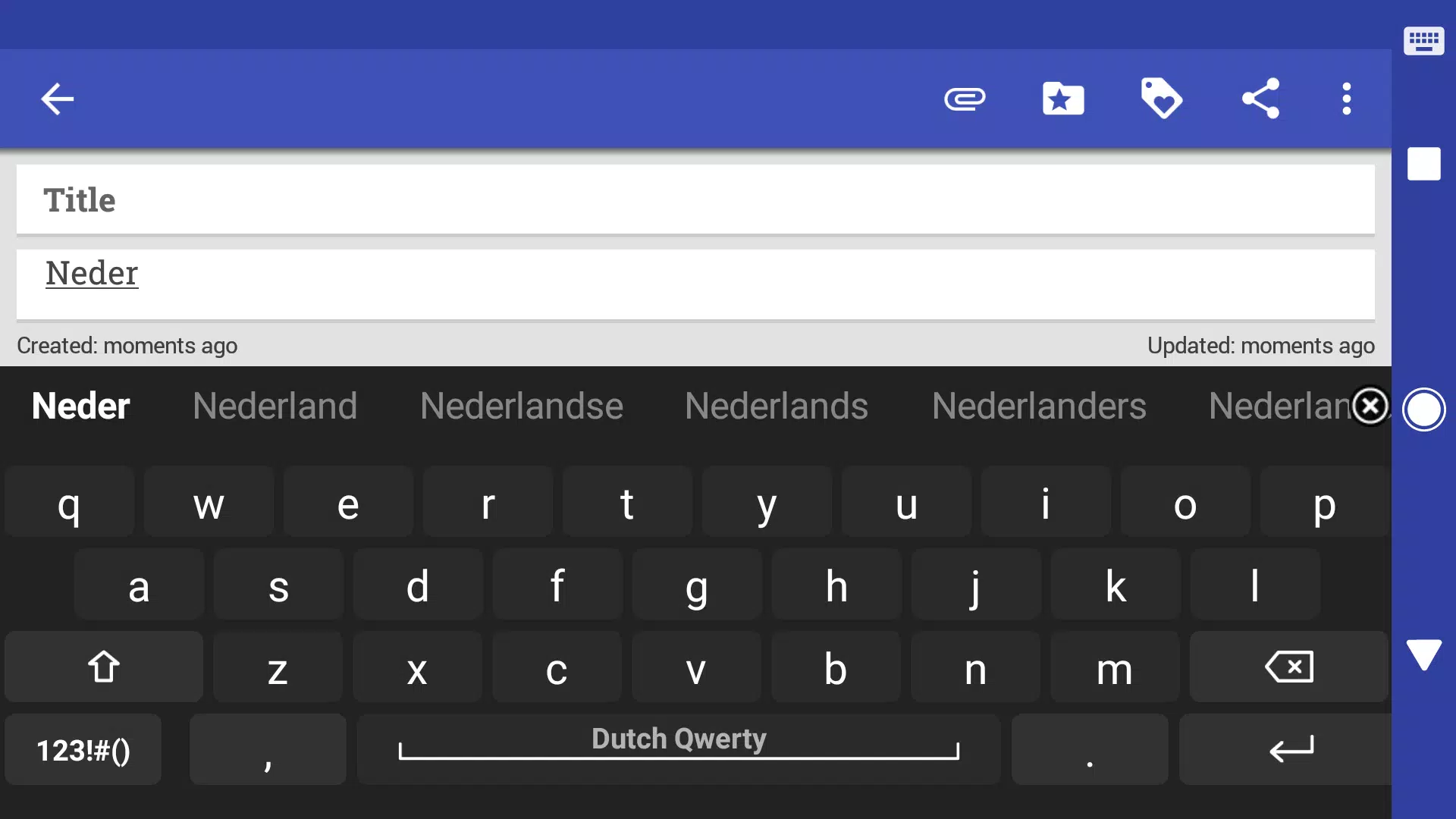
The pack provides fully optimized Dutch layouts that include special characters and diacritics commonly used in Dutch, plus a built-in dictionary tuned for Dutch spelling and word frequency. Autocorrect and predictive suggestions are configured to reduce common Dutch typos and to surface appropriate word completions, helping messages and emails feel smoother to write. The language data is stored locally so basic correction and suggestion work offline and remain under the control of your device and AnySoftKeyboard settings. Integration is lightweight: the add-on uses the exact keyboard UI you already have while adding language-specific behavior and word lists.
Typing controls and input mechanics
The pack relies on standard input interactions supported by AnySoftKeyboard such as long-press for access to accented characters and alternative symbols, and on-key suggestions from the Dutch dictionary as you type. Where the host app supports gestures or swipe input, the Dutch layouts are compatible and will provide the same visual feedback and suggestion bar behavior as other installed languages. Key repeat, punctuation placement, and long-press timing follow the configuration in AnySoftKeyboard, so you can fine-tune response and sensitivity in the keyboard’s control panel rather than in the language pack itself.
Customization, themes and visual style
Because this pack extends AnySoftKeyboard rather than replacing it, visual style and theme options are controlled by the main keyboard app. The Dutch layouts are sized and arranged to match those themes, whether you prefer compact keys, high-contrast colors or larger key labels for easier readability. You can adjust font size, key height and gap settings from AnySoftKeyboard and the Dutch characters will render consistently with your chosen theme. The pack focuses on correct character placement and legibility to reduce mis-taps and improve overall typing speed.
Personalization and adaptive suggestions
Predictive text and autocorrect in this language pack are tuned for Dutch usage and will become more useful the more you type. The suggestion bar learns common phrases and user-specific vocabulary when permitted by the keyboard settings, and you can add custom words to your personal dictionary to avoid repeated corrections. Suggestions are ranked to favor contextually appropriate Dutch words, and the system provides visible alternatives when multiple corrections are possible so you stay in control of changes.
Accessibility and offline support
The language pack supports offline use for core dictionary lookup and autocorrect, which is helpful when you are travelling or in areas without data access. Accessibility options such as larger keys, high-contrast themes and adjustable key feedback are inherited from AnySoftKeyboard’s settings, enabling users with vision or motor preferences to tune the keyboard to their needs. Because the Dutch dictionary is local, no text needs to be sent to external servers for basic correction, supporting users who prefer privacy-oriented typing tools.
Integration, limitations and developer information
This package requires the main AnySoftKeyboard app to function and will not operate as a standalone keyboard or integrate with other third-party keyboard apps. The language pack is maintained alongside the open-source AnySoftKeyboard project and follows the same privacy-focused principles. If you need help enabling the layout or adjusting settings, open AnySoftKeyboard’s configuration screen and choose Keyboards to add or reorder Dutch for AnySoftKeyboard among your active input languages.
Who benefits most and everyday use cases
Whether you are a bilingual communicator, a student learning Dutch, or a professional who writes emails and documents in Dutch, this language pack improves accuracy and speeds up composition by placing commonly used characters and punctuation where you expect them. It is also useful for multilingual households and travelers who switch frequently between languages, since toggling layouts is straightforward and preserves the familiarity of your existing keyboard setup. Regular use helps the Dutch dictionary provide more relevant suggestions over time, increasing typing efficiency without forcing cloud-based learning or synchronization.
Show More
Information
Screenshots
Latest Update












Latest News
-
![Revealing the Launch Playlists and Cross-Progression for COD Warzone Mobile News]()
-
![March 2024 Free Redemption Codes for Honkai: Star Rail News]()
-
PUBG Mobile Teams Up with Bentley Motors: Luxury Cars, Exclusive Collectibles, and Beyond 2024-04-18
![PUBG Mobile Teams Up with Bentley Motors: Luxury Cars, Exclusive Collectibles, and Beyond News]()
-
![Monster Never Cry is now accessible on both Android and iOS mobile devices. News]()
-
V2.2 of the Farlight 84 update introduces an overhauled Season structure, fresh in-game currency, an 2024-04-16
![V2.2 of the Farlight 84 update introduces an overhauled Season structure, fresh in-game currency, an News]()
-
![Arrival of Genshin Impact 4.6 Update: 'Embers of Two Realms, Twilight of Crimson' News]()
-
April 2024 Clash of Clans Update: Unveiling a Fresh Companion, Enhanced Levels, Chat Tagging, and Be 2024-04-16
![April 2024 Clash of Clans Update: Unveiling a Fresh Companion, Enhanced Levels, Chat Tagging, and Be News]()






