

e维身份
Version:3.1.3
Published:2026-08-25
Introduction
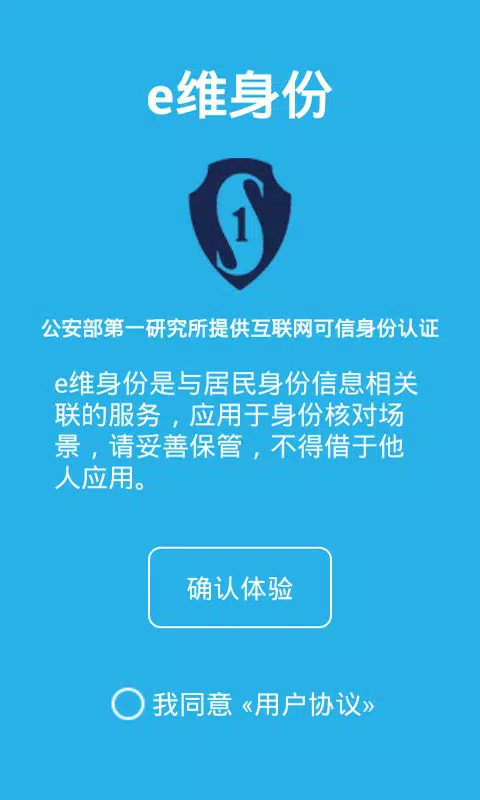
e维身份 is a practical identity verification application built to simplify real-name authentication for both online services and in-person encounters. e维身份 brings remote, internet-based identity checks together with a QR-based presentation mode so individuals and organizations can complete required identity steps with fewer physical documents and clearer audit trails. This editor summary explains how the app works, what to expect from version 2.0, and how the design balances convenience with careful handling of unique user credentials.
Key Features
The core capabilities of e维身份 include remote verification over the internet and a QR scan function that displays a controlled set of personal information to authorized readers. Remote verification allows a verified authority or service to confirm identity without an in-person meeting, while the QR presentation offers a fast, touch-free alternative for situations that accept scanned identity tokens. Each QR code is unique to the user and intended for limited, controlled sharing; the system emphasizes explicit consent and session-based exchange so that personal details are revealed only to authorized recipients.
User Flow and Controls
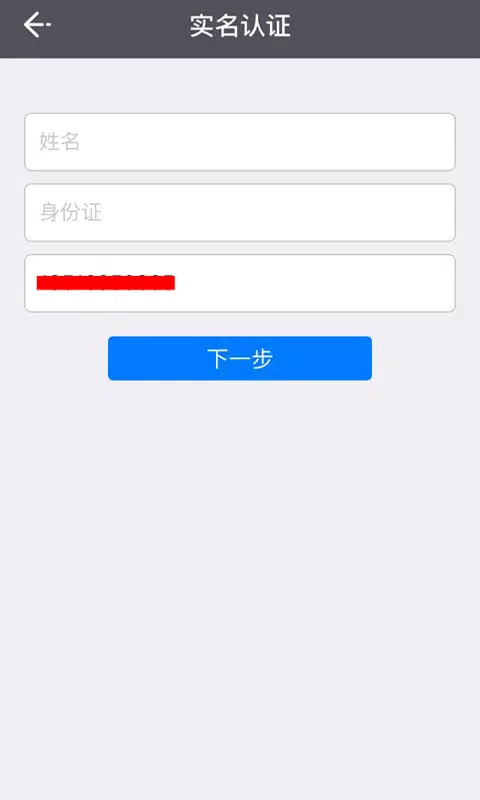
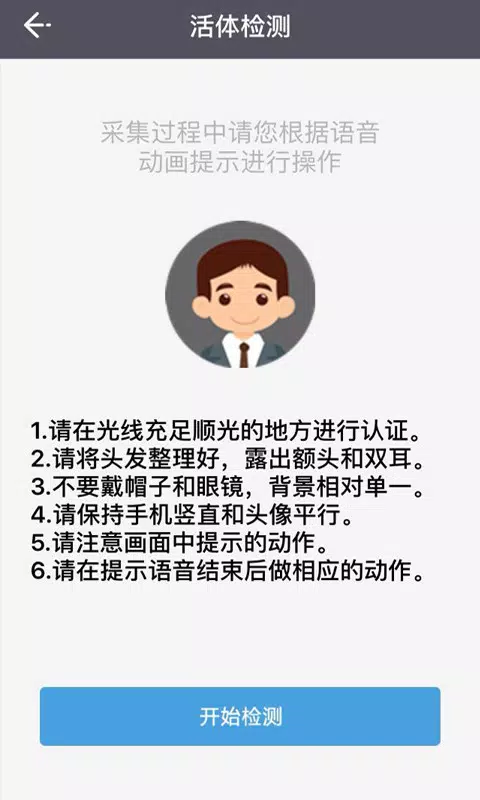
The app guides users through a clear, step-by-step process: account setup and profile completion, photo or document capture where required, submission for third-party verification, and finally QR generation for on-site presentation. Controls are straightforward: tap to start a verification request, allow camera access to capture a QR or document, and confirm sharing prompts before revealing any personal details. Authorized personnel receive a scan or verification request and can confirm identity through the Internet Trusted Identity Authentication backend when permitted.
Verification Process and Progression
Verification progresses through distinct states to keep users informed and auditable: unverified (new account), pending (submission under review), verified (successful real-name check), and rejected (with a reason and next steps). These statuses help users and service providers understand where a verification stands and what actions are required. Transaction logs and simple status indicators make it easy to track the history of verifications without exposing sensitive content in standard summaries.
Privacy, Security and Trust
Privacy is built into the workflow: the unique QR code generated for each user contains only the minimum information required by the receiving party, and sharing always requires user confirmation. e维身份 relies on Internet Trusted Identity Authentication technology provided by the Research Institute of the Ministry of Public Security to perform third-party real-name checks, and the app is designed to avoid unnecessary data exposure. Users are advised to treat their QR code as a private credential and to revoke or regenerate codes if they suspect misuse.
Visual Design and Accessibility
The interface favors clarity and legibility, with screens designed to display verification status, QR presentation, and next steps in concise blocks. Visual cues indicate when a scan is active or when a session is being transmitted to an authorized service. Accessibility considerations are part of the app experience: text contrast, scalable font sizes, and simplified navigation aim to help users complete verification tasks with minimal friction across different devices and screen sizes.
Offline Behavior and Limitations
While some local functions are available without a network—such as displaying an already generated QR code for direct scanning—full remote verification and status updates require an internet connection. The app therefore works best in connected scenarios where authorized parties can query the backend. Users should note that acceptance of a displayed QR code depends on the receiving organization’s processes; not all services will accept QR presentation as a standalone proof without completing their own checks.
Customization, Replay Value and Practical Use
Customization focuses on privacy preferences and presentation options: users can choose which allowed fields are displayed via QR, manage notification settings for verification outcomes, and review past transactions for auditing. The app’s practical replay value comes from repeatable, consistent verification flows for multiple services—banking, government interactions, or private enrollments—reducing repeated paperwork and speeding routine interactions.
Support and Version Notes
Version 2.0 introduces internet-based remote identity verification and an improved QR scan feature for displaying personal information, with specific refinements to the user interface and session controls. In-app help resources explain verification stages, privacy guidance, and recommended practices for keeping QR codes secure. For organizations, clear documentation describes how to integrate verification checks and how the Research Institute’s trusted identity technology is applied within the app’s workflow.
Show More
Information
Screenshots

Latest Update












Hot Tags
Latest News
-
![Revealing the Launch Playlists and Cross-Progression for COD Warzone Mobile News]()
-
![March 2024 Free Redemption Codes for Honkai: Star Rail News]()
-
PUBG Mobile Teams Up with Bentley Motors: Luxury Cars, Exclusive Collectibles, and Beyond 2024-04-18
![PUBG Mobile Teams Up with Bentley Motors: Luxury Cars, Exclusive Collectibles, and Beyond News]()
-
![Monster Never Cry is now accessible on both Android and iOS mobile devices. News]()
-
V2.2 of the Farlight 84 update introduces an overhauled Season structure, fresh in-game currency, an 2024-04-16
![V2.2 of the Farlight 84 update introduces an overhauled Season structure, fresh in-game currency, an News]()
-
![Arrival of Genshin Impact 4.6 Update: 'Embers of Two Realms, Twilight of Crimson' News]()
-
April 2024 Clash of Clans Update: Unveiling a Fresh Companion, Enhanced Levels, Chat Tagging, and Be 2024-04-16
![April 2024 Clash of Clans Update: Unveiling a Fresh Companion, Enhanced Levels, Chat Tagging, and Be News]()






