

Eventzilla
Version:6.8.4
Published:2026-08-28
Introduction
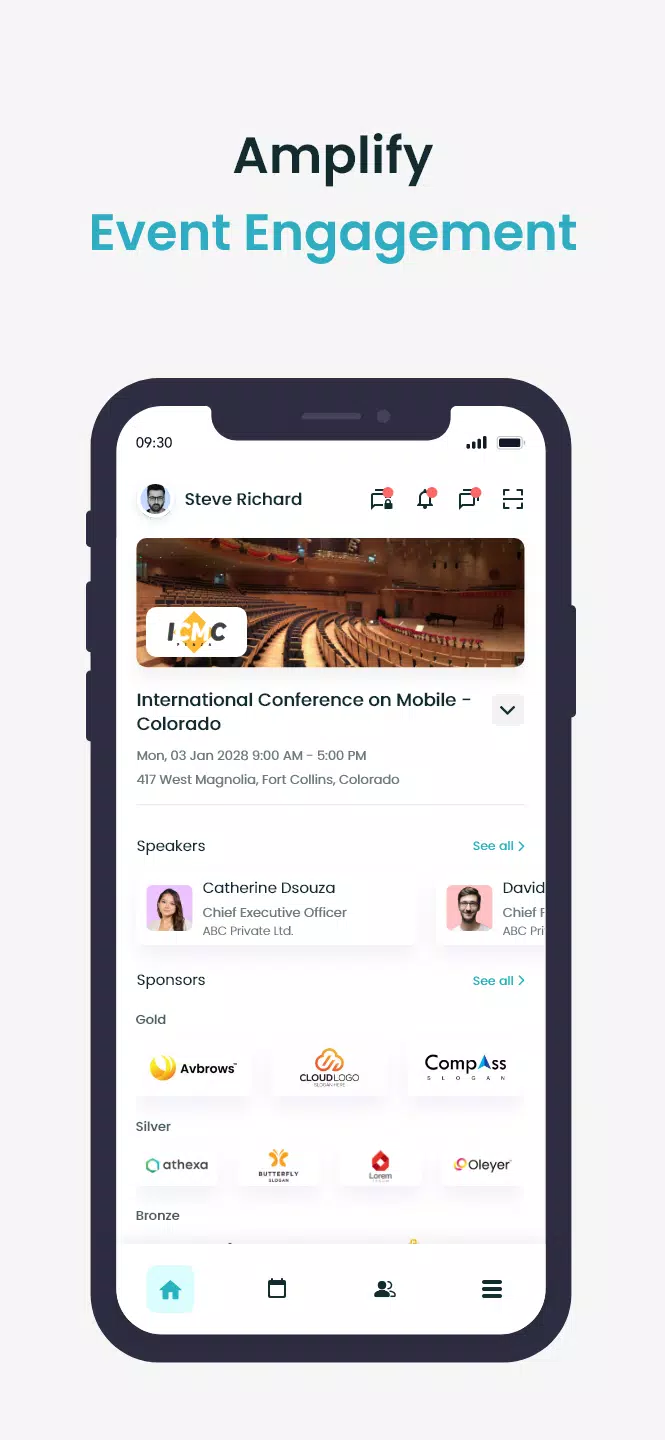
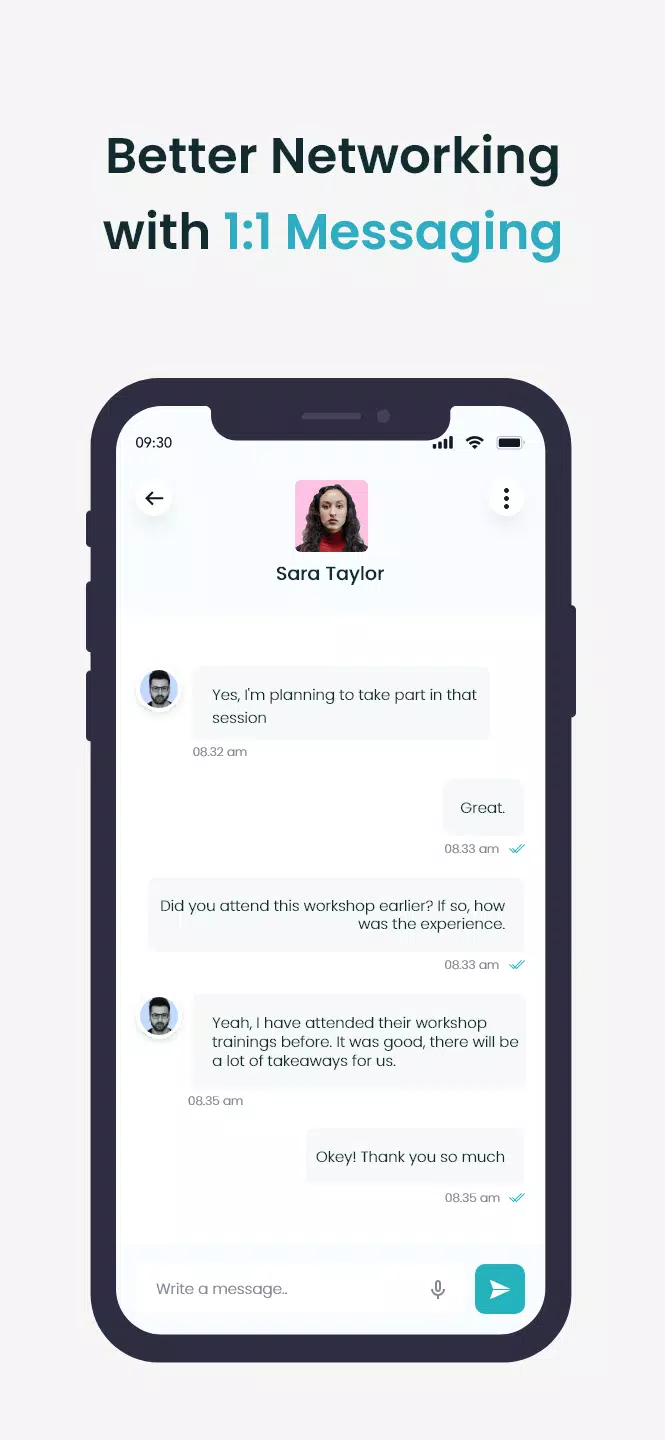
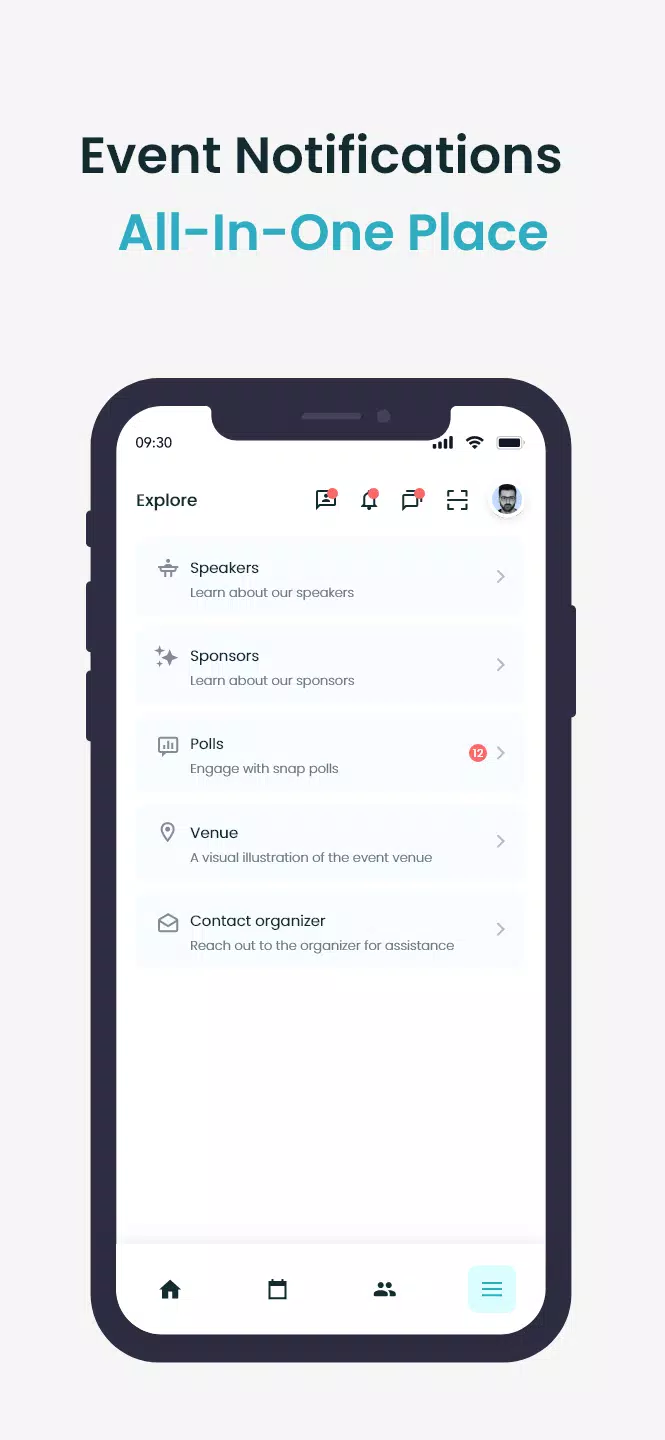
Eventzilla is a purpose-built mobile companion that helps event organizers publish a dedicated app and gives attendees a single place to manage schedules, speakers, maps and sponsor information. The app guides registered users through personalized agendas, reminders and private community access after sign-in with a registration email or event code, while streamlining the flow of updates from organizers to participants. Designed for trade shows, conferences, festivals and local meetups alike, Eventzilla focuses on clarity and reliability so attendees can find sessions, contacts and venue details without clutter.
Key features and interaction mechanics
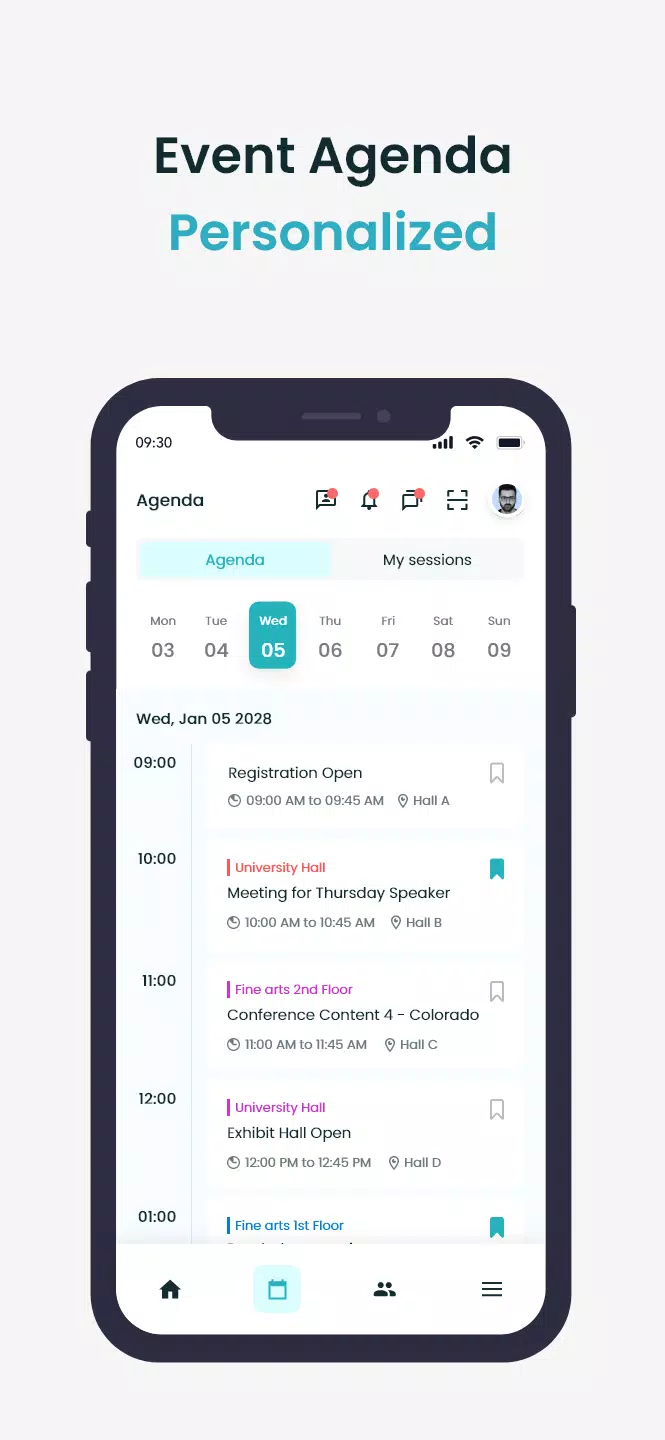
The core of the app centers on event schedules and session pages that update in real time when the organizer pushes changes. Schedules support multiple parallel tracks, session descriptions, speaker affiliations and suggested prerequisites so attendees can choose the right sequence of sessions for their interests. Interaction mechanics include tapping to add sessions to a personal agenda, swiping between day views, using a search bar with filters for topic or speaker, and previewing session locations on an interactive venue map. Notifications are handled through configurable reminders and organizer announcements rather than constant background alerts, giving attendees control over the frequency and type of messages they receive.
User experience, controls and progression
The interface emphasizes simple controls and clear progression through an event day: create a personal agenda, mark sessions as favorites, set reminder times, and navigate to rooms using turn-by-turn floor plan highlights. Progression is reflected visually—bookmarked sessions populate a My Agenda view that tracks upcoming items and past sessions. Users can check off visited sessions to keep notes and build a post-event summary. While Eventzilla does not invent complex game-like systems, these lightweight progression cues encourage thoughtful planning and make it easier to prioritize which talks or booths to visit across a multi-day schedule.
Customization, visual style and branding
Organizers can tailor the app’s look and feel to match event branding: color accents, logos and custom section names help create a cohesive in-app presence without development work. The visual style favors high-contrast typography and legible card layouts so information remains readable on a variety of screen sizes. Attendees encounter consistent visual signals for live, upcoming and cancelled sessions, and sponsor pages display partner assets in a clean, scrollable format that feels integrated rather than intrusive.
Level structure, session discovery and replay value
Events are structured into digestible levels—days, tracks and session blocks—making navigation straightforward even at large conferences. Session discovery is enhanced by topic tags, recommended sequences from organizers and curated collections for newcomers. When organizers enable recordings or post-session materials, the app preserves replay value by letting attendees revisit session notes, slides and video links from within the session pages. This archival approach extends the usefulness of the app beyond the live event without creating any assumptions about which media the organizer will provide.
Accessibility, offline support and device compatibility
Accessibility features are considered throughout the experience: scalable text sizes, clear focus order for screen readers, and color-contrast choices that aid visibility. Venue maps and critical schedule data can be cached for offline use so attendees still access maps and their personal agendas when Wi-Fi is unreliable. The app is optimized for common Android performance profiles, minimizing background battery use while maintaining timely notifications when connectivity resumes.
Organizer tools, privacy and limitations
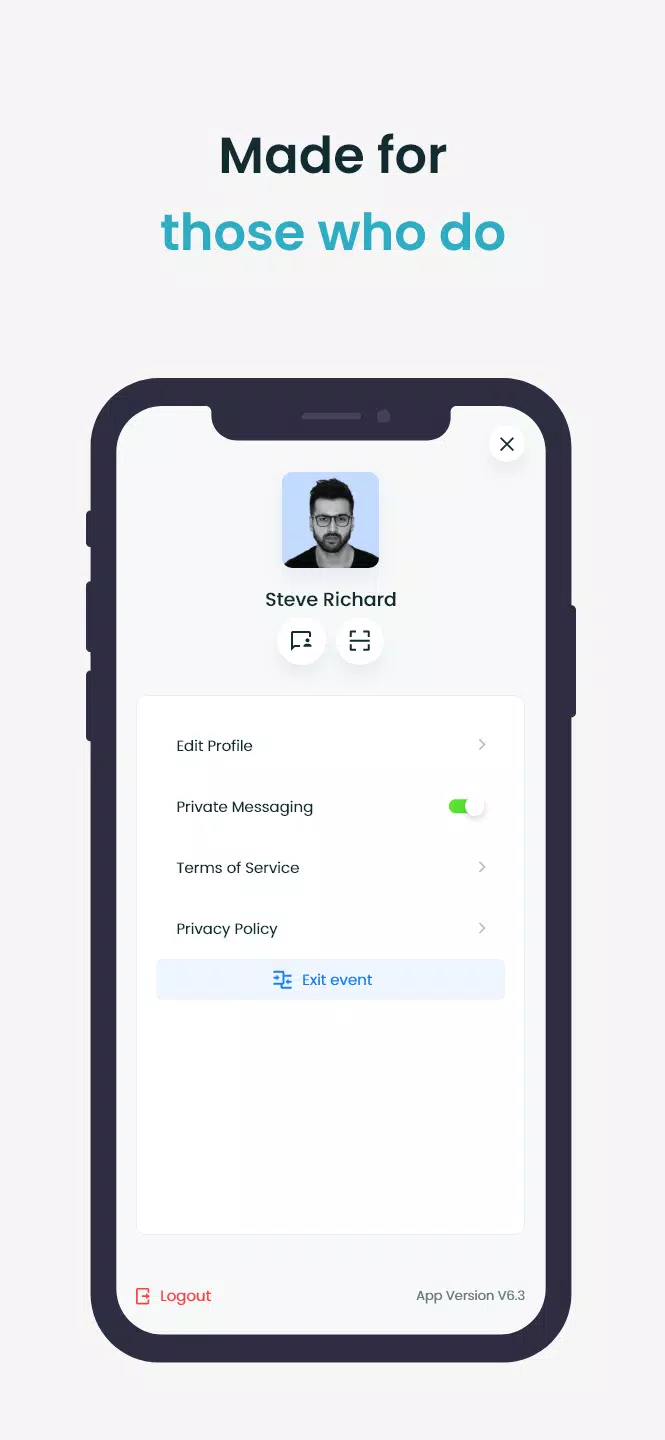
Event organizers use a browser-based console to assemble speakers, sponsors and maps; the mobile app reflects that configuration rather than replacing it. Because many advanced elements depend on organizer input—such as interactive floor plans, session recordings or private community setup—availability varies by event. Security and privacy are straightforward: access to private event content requires the registration email or event code provided by organizers, and Eventzilla follows typical data handling practices to keep attendee information scoped to the event context.
Support, reuse and long-term utility
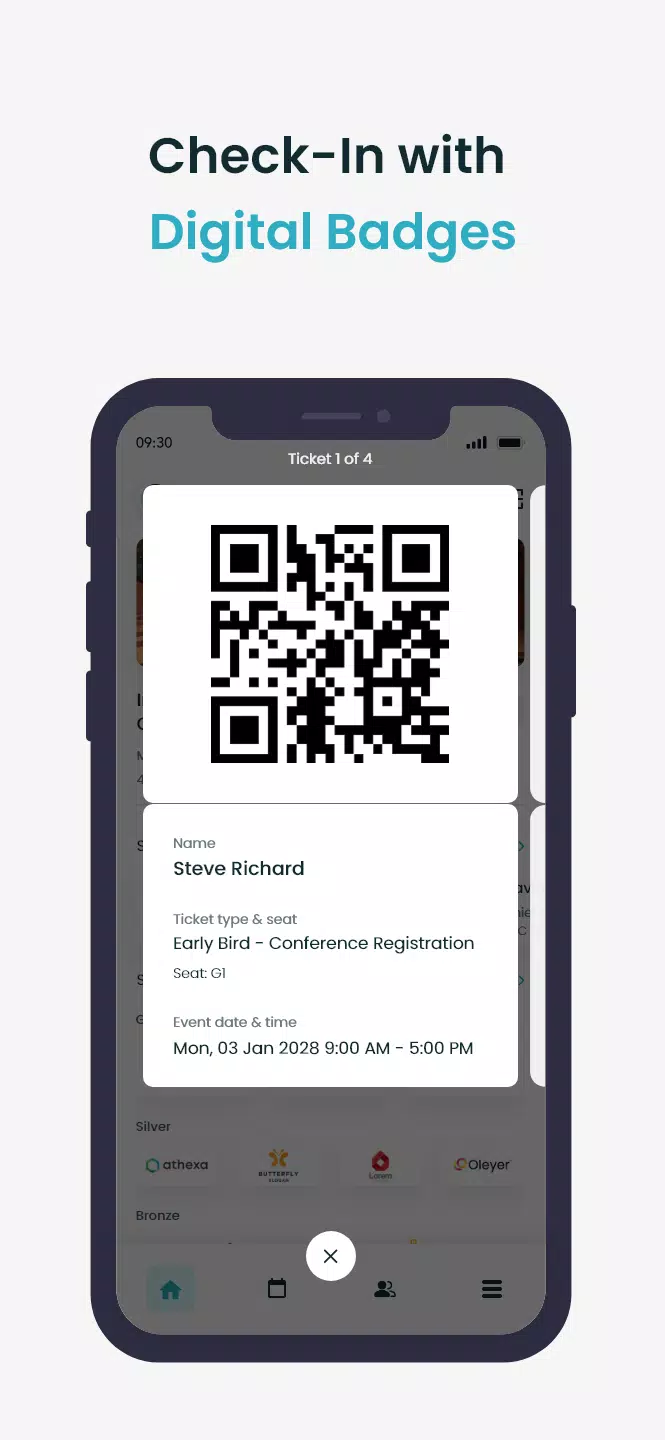
For attendees who regularly participate in conferences or meetups, the app functions as an archive and planning tool: save favorite sessions across events, export calendar entries to personal calendars where supported, and return to recorded materials when event organizers make them available. Eventzilla aims to reduce friction at check-in, increase discoverability of relevant sessions, and provide a portable event hub that organizers and participants can rely on before, during and after an event.
Show More
Information
Screenshots
Latest Update












Latest News
-
![Revealing the Launch Playlists and Cross-Progression for COD Warzone Mobile News]()
-
![March 2024 Free Redemption Codes for Honkai: Star Rail News]()
-
PUBG Mobile Teams Up with Bentley Motors: Luxury Cars, Exclusive Collectibles, and Beyond 2024-04-18
![PUBG Mobile Teams Up with Bentley Motors: Luxury Cars, Exclusive Collectibles, and Beyond News]()
-
![Monster Never Cry is now accessible on both Android and iOS mobile devices. News]()
-
V2.2 of the Farlight 84 update introduces an overhauled Season structure, fresh in-game currency, an 2024-04-16
![V2.2 of the Farlight 84 update introduces an overhauled Season structure, fresh in-game currency, an News]()
-
![Arrival of Genshin Impact 4.6 Update: 'Embers of Two Realms, Twilight of Crimson' News]()
-
April 2024 Clash of Clans Update: Unveiling a Fresh Companion, Enhanced Levels, Chat Tagging, and Be 2024-04-16
![April 2024 Clash of Clans Update: Unveiling a Fresh Companion, Enhanced Levels, Chat Tagging, and Be News]()






