

Spotify Web
Version:1.6.9
Published:2026-08-29
Introduction
Spotify Web lets you open the desktop Spotify web player inside a tailored Android WebView so your phone presents a familiar desktop layout and behavior. Spotify Web is designed for people who prefer the full-featured browser interface, need a lighter alternative to the native app, or want an integrated way to reduce audio ad interruptions while using the official web player. The app adapts desktop controls to smaller screens, provides two primary layout modes, and includes a handful of practical fixes for login and playback quirks that commonly appear when running a desktop-oriented web player on Android devices.
Key features and how they work
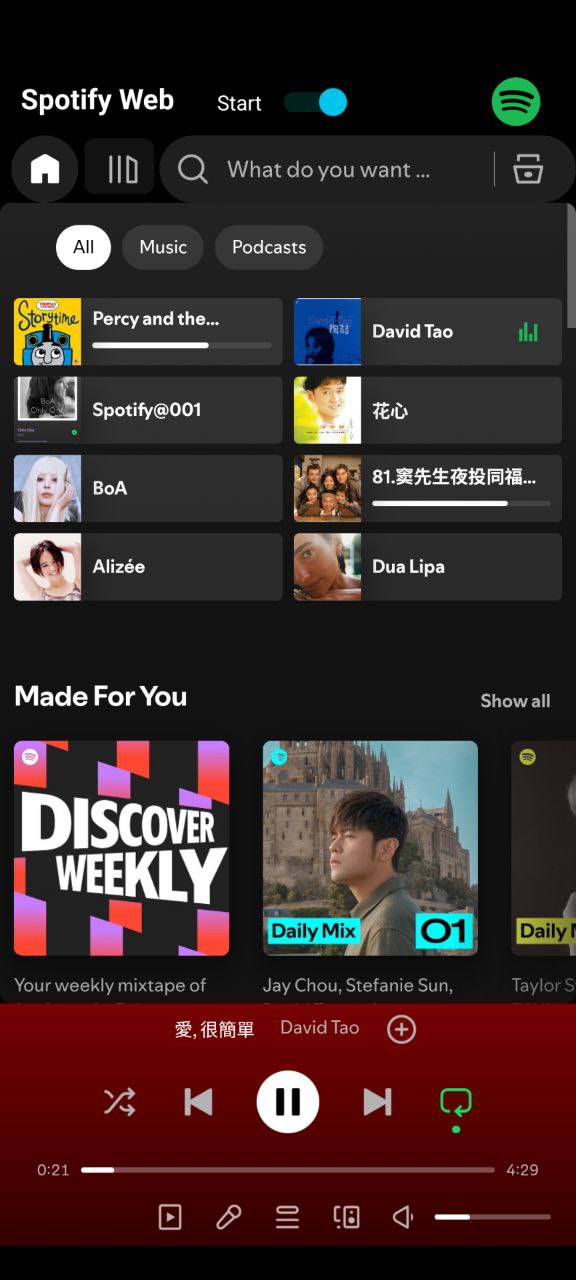
The core idea behind Spotify Web is to present the standard browser experience in a compact wrapper that behaves like a desktop session. The app loads the official web player inside a modified WebView and then applies CSS adjustments so the desktop menus, sidebars and player controls remain usable on phones and small tablets. One layout keeps the classic desktop proportions with scaled elements, while the Wide Window UI gives more horizontal room for album art and queue viewing. A simple built-in audio ad filter reduces many interruptions by blocking common ad audio requests at the WebView level, though it does not interfere with your account or replace the native application features.
Controls, navigation and playback behavior
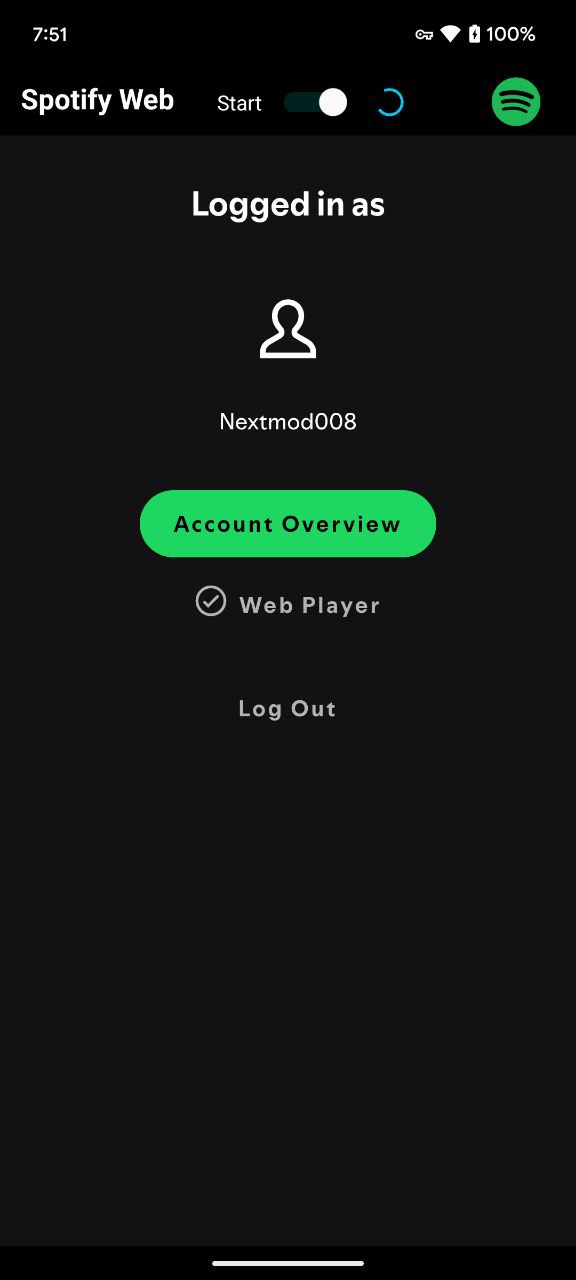
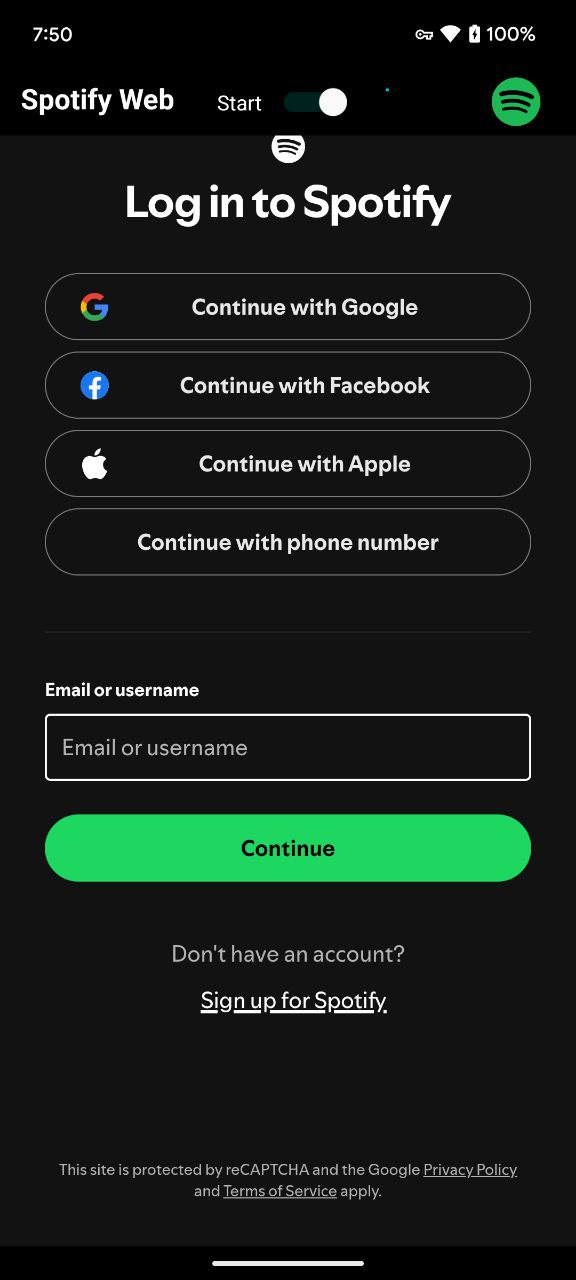
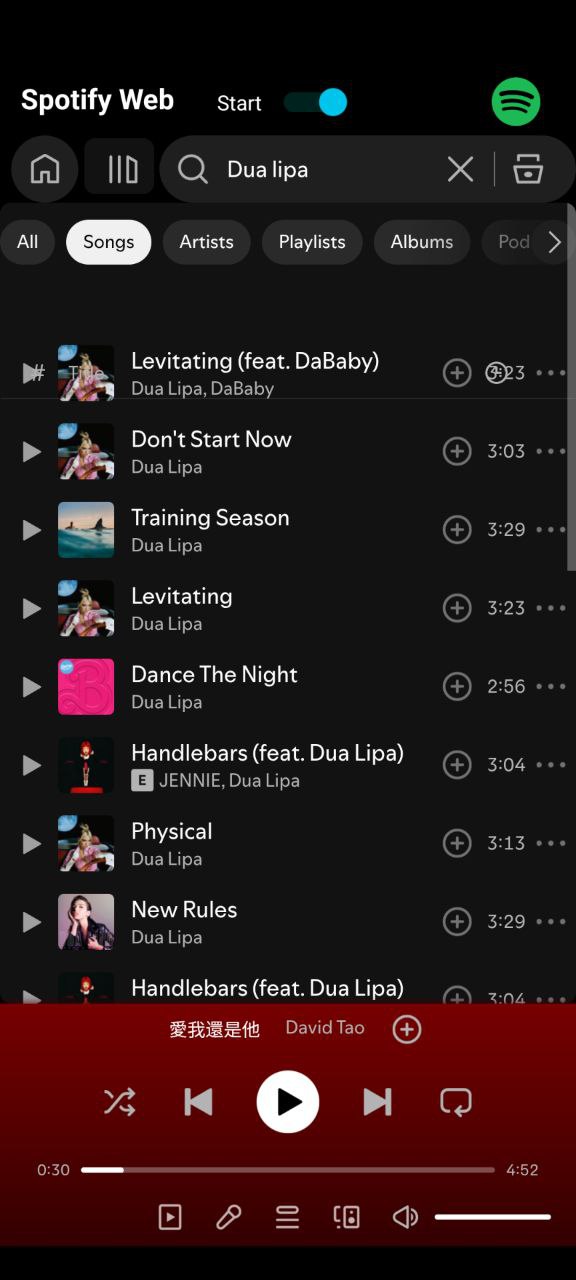
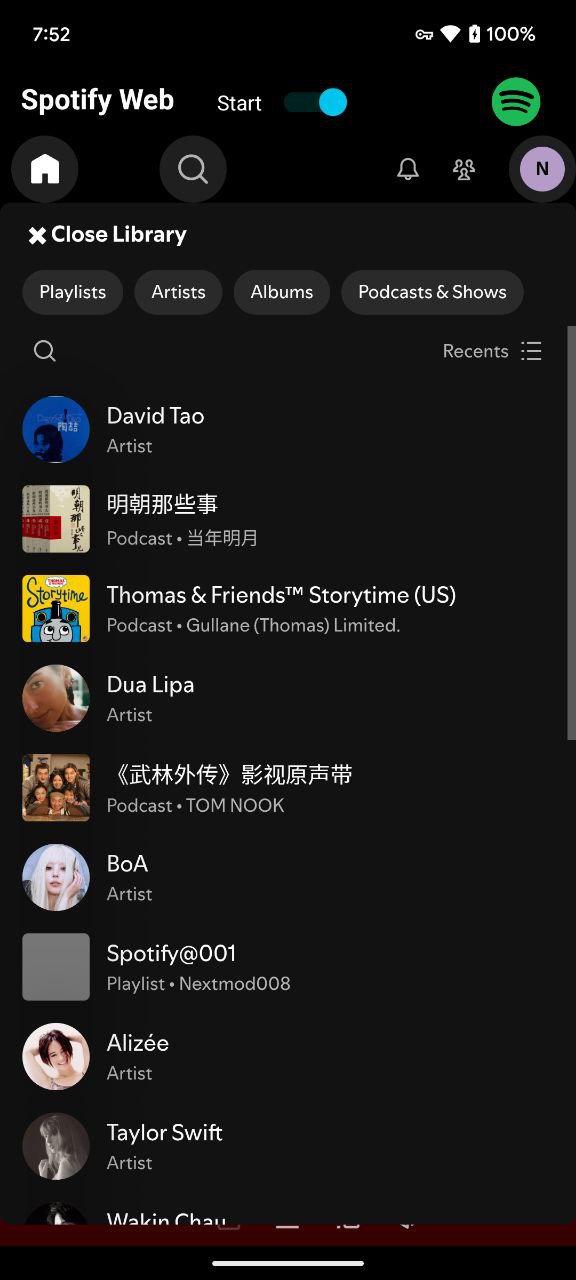
Playback uses the same web-based controls you expect: play/pause, seek, next/previous, repeat and shuffle, plus queue management and access to library sections such as Playlists, Albums, and Podcasts. Spotify Web also supports external media controls and works with Bluetooth headsets and the Android media notification for basic transport commands. Login flows mirror the browser experience; email+OTP is recommended for smoother authentication. Because this is a web player running inside WebView, occasional startup stalls can occur: the app applies CSS and session handling after login (usually 20–30 seconds) and you may need to press play once to initialize audio. If a first track freezes, allow the internal unlocker a moment to advance, or stop and restart the service to recover playback.
Visual style, customization and layout options
The visual approach is intentionally desktop-like: menus, a persistent left navigation column and a bottom playback bar are preserved where possible. The default “CSS adaptation” refines spacing and button targets so tap zones are comfortable on touchscreens, and the Wide Window mode rearranges panels for larger visual focus on album art and current queue. While there are no theme packs or extensive visual skins, these two layout choices cover most use cases and let you pick the interface that fits your screen and usage habits.
User experience, limitations and performance
Spotify Web trades some native smoothness for compatibility and fidelity to the desktop UI. Because the underlying UI is rendered by the web player rather than rebuilt as native components, animations and scrolling can feel less fluid on older devices, and memory use is constrained by the WebView. The app is best on devices running Android 5.0 or newer with a recent Android System WebView implementation (v121 or higher). Offline playback is not supported by this web-based approach; offline features remain tied to the official native Spotify clients and account capabilities.
Compatibility, requirements and troubleshooting
To run Spotify Web reliably, ensure your device has an up-to-date system WebView or browser component set as the WebView provider in developer settings if your ROM supports multiple implementations. If you cannot reach the player, update the system WebView or the system browser, or try a different supported WebView implementation. When the play button reports playback unavailable, a quick stop and restart of the service often clears the state. If you encounter short or silent tracks, check account restrictions — disposable email-based accounts sometimes carry limitations; registering with a reputable email provider typically resolves those problems. These practical steps help most users get a steady desktop-style playback experience from Spotify Web.
Accessibility, long-term use and replay value
Because Spotify Web mirrors the official web player, it benefits from the accessibility options built into the web interface and standard Android assistive technologies. Keyboard navigation via external keyboards, screen reader compatibility and simple tap targets in the adapted CSS help make the desktop layout usable to a wider audience. The replay value comes from having access to desktop browsing features, an unchanged queue and playlist management flow, and the ability to use the web player when you want desktop functionality without installing or updating the native client.
Show More
Information
Screenshots
Latest Update












Latest News
-
![Revealing the Launch Playlists and Cross-Progression for COD Warzone Mobile News]()
-
![March 2024 Free Redemption Codes for Honkai: Star Rail News]()
-
PUBG Mobile Teams Up with Bentley Motors: Luxury Cars, Exclusive Collectibles, and Beyond 2024-04-18
![PUBG Mobile Teams Up with Bentley Motors: Luxury Cars, Exclusive Collectibles, and Beyond News]()
-
![Monster Never Cry is now accessible on both Android and iOS mobile devices. News]()
-
V2.2 of the Farlight 84 update introduces an overhauled Season structure, fresh in-game currency, an 2024-04-16
![V2.2 of the Farlight 84 update introduces an overhauled Season structure, fresh in-game currency, an News]()
-
![Arrival of Genshin Impact 4.6 Update: 'Embers of Two Realms, Twilight of Crimson' News]()
-
April 2024 Clash of Clans Update: Unveiling a Fresh Companion, Enhanced Levels, Chat Tagging, and Be 2024-04-16
![April 2024 Clash of Clans Update: Unveiling a Fresh Companion, Enhanced Levels, Chat Tagging, and Be News]()






