

SeaUp
Version:1
Published:2026-09-01
Introduction
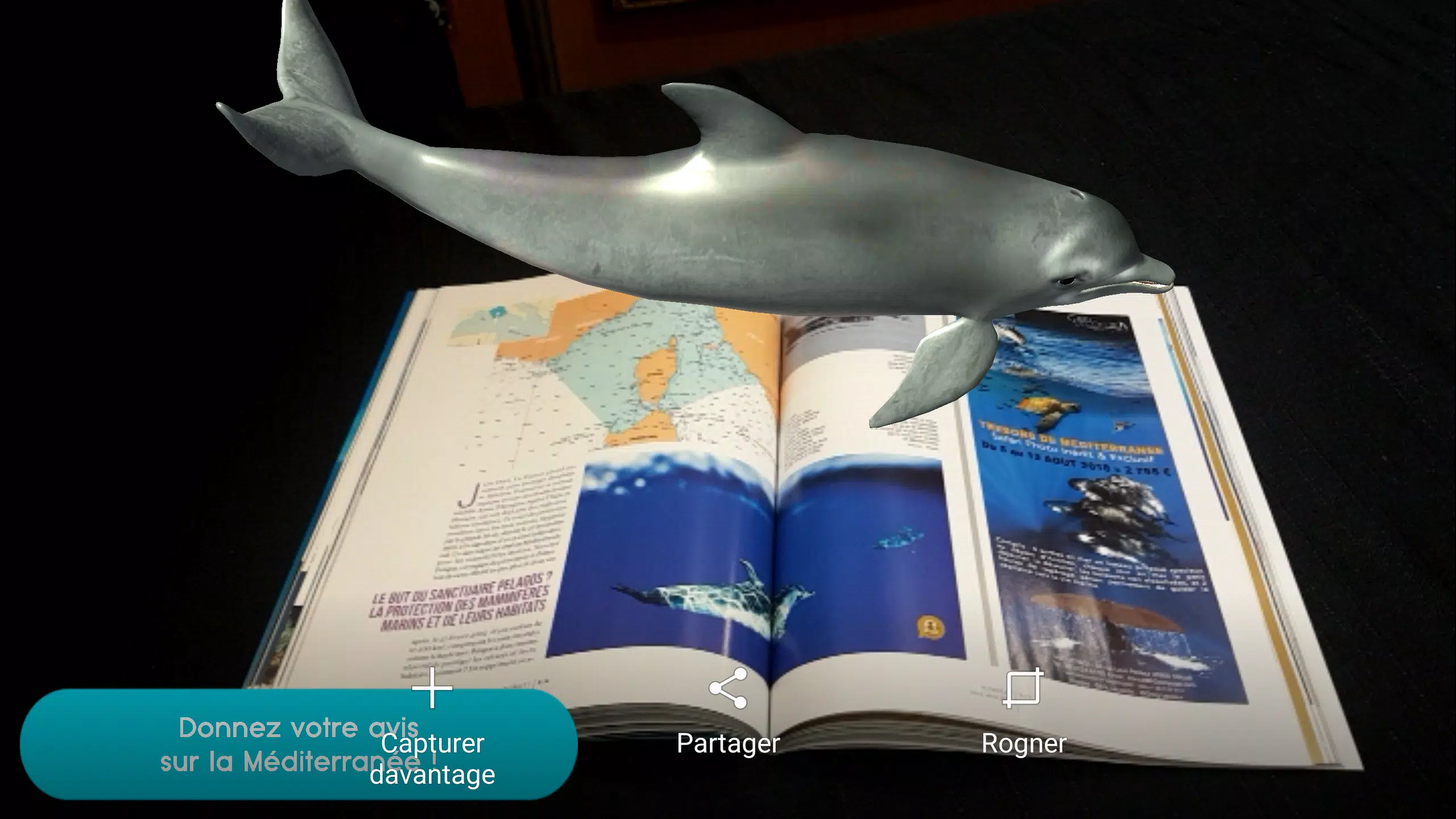
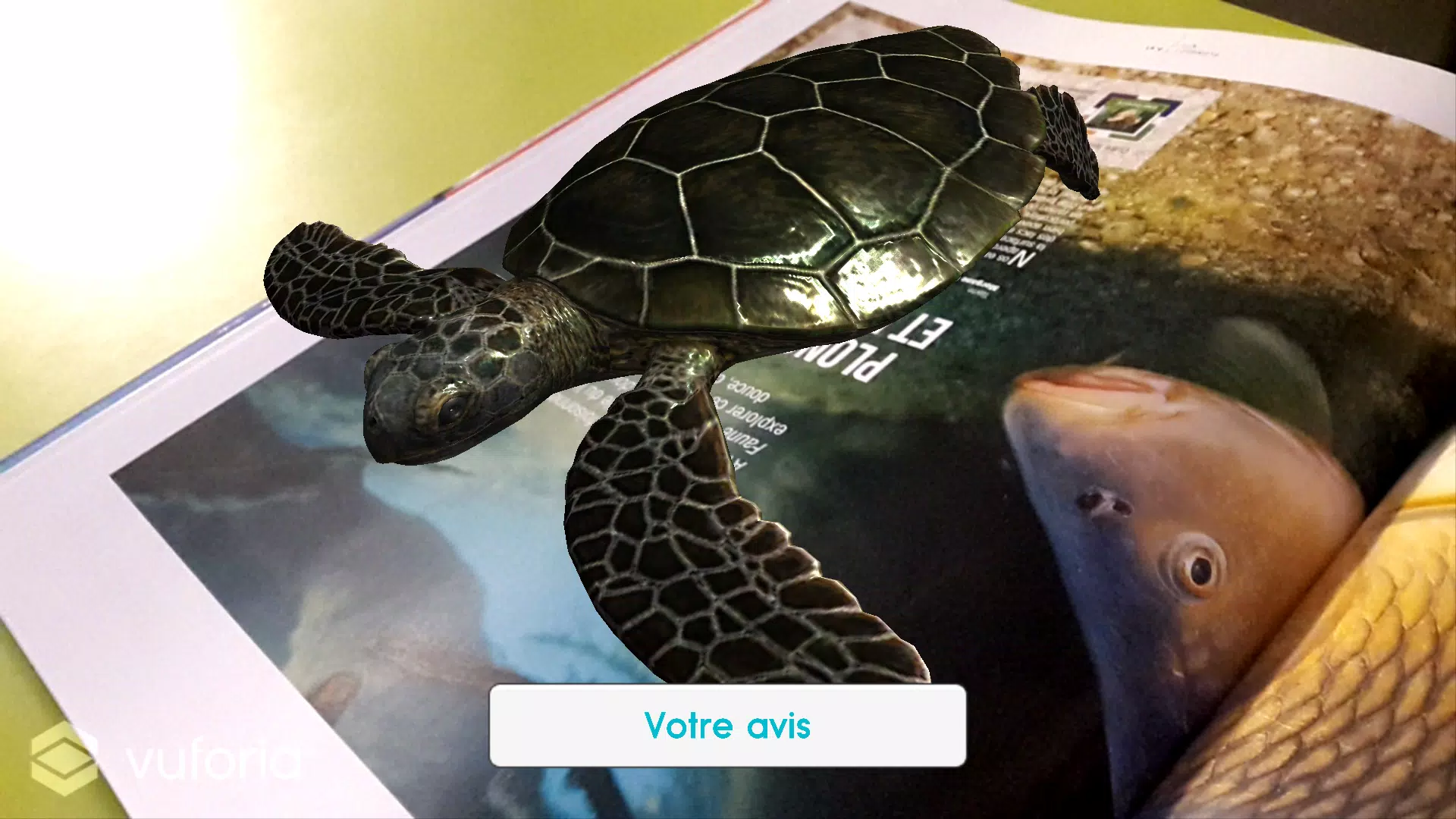
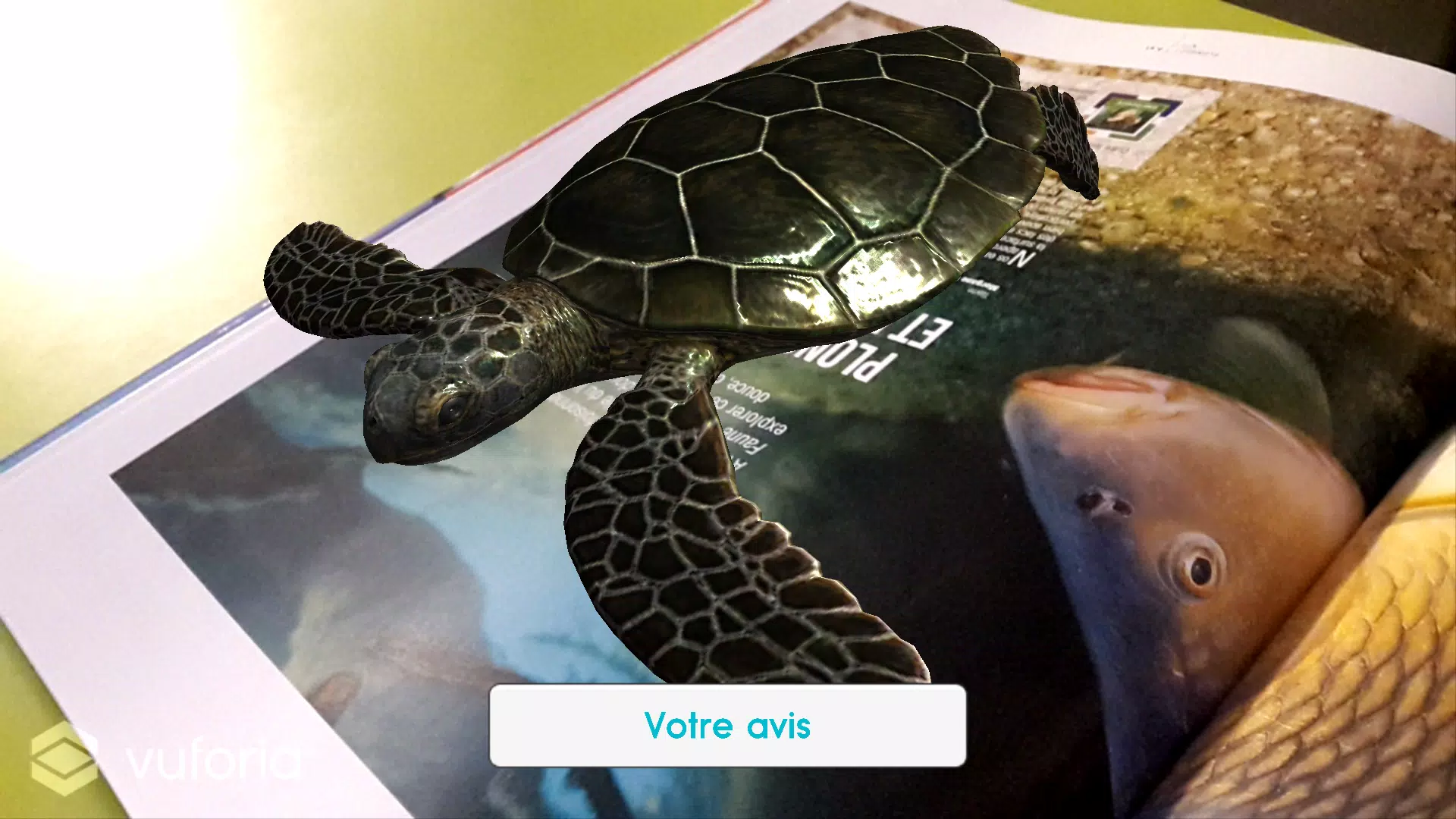
SeaUp is an augmented-reality app that transforms printed and static media into immersive underwater experiences, designed for students, educators, museum visitors and anyone curious about marine life. SeaUp uses Unity for smooth rendering and Vuforia’s marker-based AR engine to detect print triggers, overlay animated video and 3D models and present contextual information about coral reefs, fish, invertebrates and habitats as if they were emerging from the page. The app focuses on education and exploration, so users can move around a printed image, examine models from different angles and learn through interaction without relying on constant internet access for every asset.
Key features and content
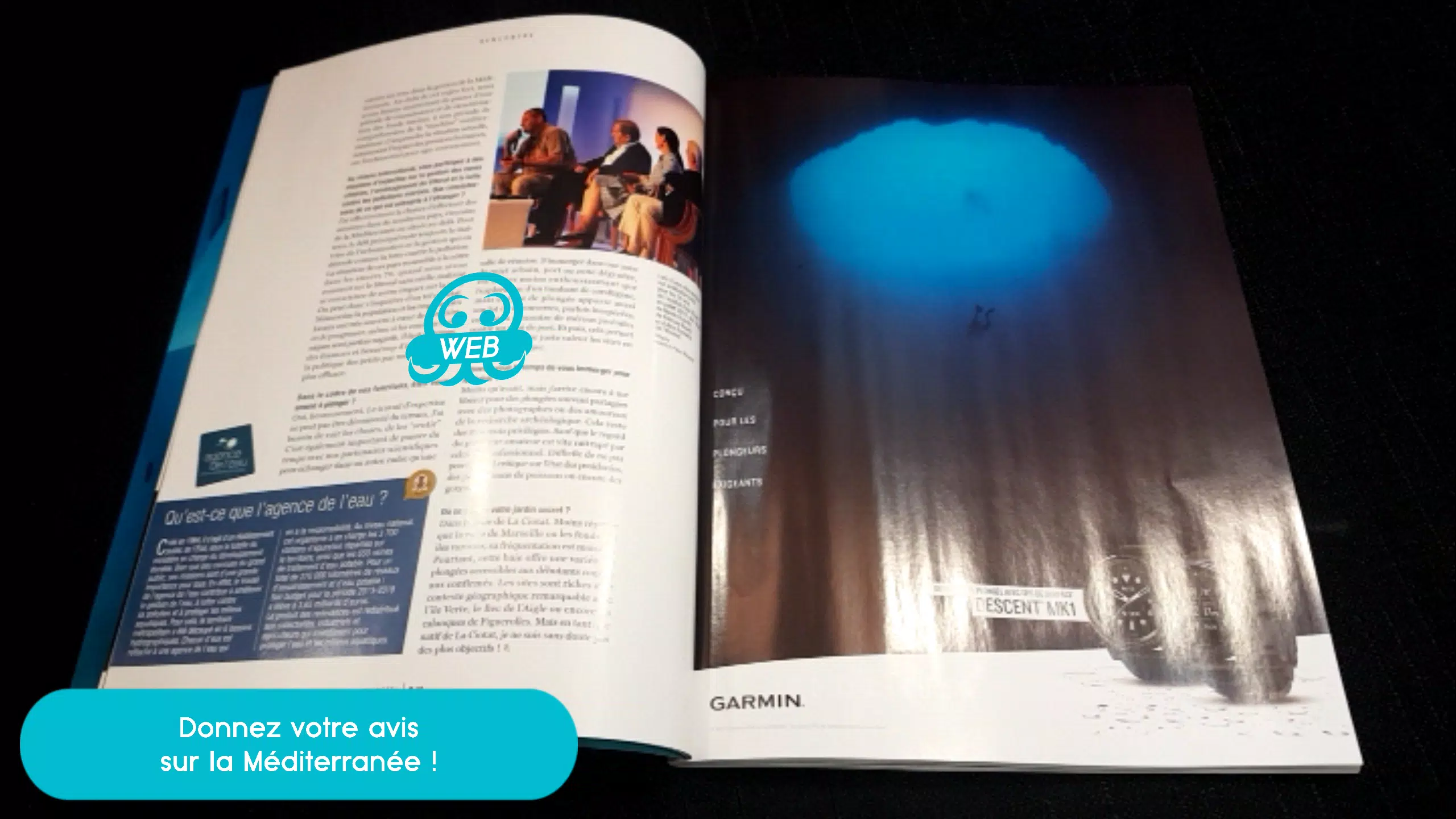
The core of SeaUp is its ability to convert static images into animated overlays and interactive models: a magazine photo can become a looping underwater clip, while markers printed on a worksheet can call up detailed, rotatable 3D creatures. Each AR scene includes layered content such as species labels, short descriptions, audio narration snippets and simple animations that demonstrate feeding, movement or reef structure. SeaUp organizes content into themed packs — for example, coral reef, tide pool and pelagic zones — so educators can pick the set that matches a lesson or display.
How the experience works
SeaUp detects markers with the device camera and spawns an AR scene attached to that marker. Once a marker is recognized, models are anchored to the surface and remain stable while you move the device; you can step closer to read labels or walk around a table to see a model from the side. The app combines animated video overlays with real-time 3D so some content plays as short cinematic loops while other elements remain interactive, giving a mix of passive and hands-on learning moments.
Controls and interaction
Interaction is designed to be intuitive for touchscreen and motion controls. Use tap gestures to open species cards that display facts and habitat notes, pinch to scale models up or down for closer examination, and drag to rotate when free rotation is enabled. On-screen buttons allow you to pause animations, toggle information labels, switch between guided and free-explore modes, and replay short narrated segments. SeaUp also responds to natural device movement: changing your viewing angle reveals occlusion and depth cues that make models feel anchored to the physical page.
Progression, challenges and replay value
SeaUp encourages extended use with a simple progression system built around content discovery rather than levels or combat. As you scan new markers and explore different themed packs you unlock additional models, higher-detail textures and extended narration for certain species. Optional local challenges — scavenger hunts, observation tasks and quizzes that run entirely on the device — provide low-pressure goals that reinforce learning and add replay value without requiring online accounts or multiplayer features. Progress and any earned badges are stored locally so schools and families can track classroom activities offline.
Visual style and performance
The app prioritizes realistic, educational visuals rendered with Unity’s graphics pipeline: richly textured coral, believable water motion and smooth creature animations. Models are optimized to balance fidelity and performance on modern Android devices; SeaUp detects available hardware capabilities and adjusts render quality to keep tracking stable. Vuforia’s marker-based tracking delivers consistent placement on printed materials, while lighting and shadow options help integrate virtual elements into real-world scenes for a convincing presentation.
Customization, accessibility and offline use
SeaUp includes settings to adapt the experience for different users and environments: toggle text size and label contrast for readability, enable audio narration or subtitles, reduce animation speed for detailed observation and turn on high-contrast mode for visibility in bright spaces. Much of the app’s content is designed to work offline once a themed pack is downloaded, so classrooms or field trips without reliable internet can still run full AR presentations. Privacy-minded educators will appreciate that all marker data and progress remain on-device unless users explicitly export reports or share screenshots.
Suitable environments and user experience
SeaUp performs best on devices with a working camera and Android 5.0 or later; it is intended for use with printed materials, classroom displays, museum labels or prepared worksheets that include compatible markers. The interface is kept simple to make set-up quick: open the app, point the camera at the printed trigger and let the AR content appear. SeaUp aims to make learning about the ocean tactile and memorable by blending realistic visuals, accessible controls and content organized around exploration and curiosity.
Show More
Information
Screenshots

Latest Update












Latest News
-
![Revealing the Launch Playlists and Cross-Progression for COD Warzone Mobile News]()
-
![March 2024 Free Redemption Codes for Honkai: Star Rail News]()
-
PUBG Mobile Teams Up with Bentley Motors: Luxury Cars, Exclusive Collectibles, and Beyond 2024-04-18
![PUBG Mobile Teams Up with Bentley Motors: Luxury Cars, Exclusive Collectibles, and Beyond News]()
-
![Monster Never Cry is now accessible on both Android and iOS mobile devices. News]()
-
V2.2 of the Farlight 84 update introduces an overhauled Season structure, fresh in-game currency, an 2024-04-16
![V2.2 of the Farlight 84 update introduces an overhauled Season structure, fresh in-game currency, an News]()
-
![Arrival of Genshin Impact 4.6 Update: 'Embers of Two Realms, Twilight of Crimson' News]()
-
April 2024 Clash of Clans Update: Unveiling a Fresh Companion, Enhanced Levels, Chat Tagging, and Be 2024-04-16
![April 2024 Clash of Clans Update: Unveiling a Fresh Companion, Enhanced Levels, Chat Tagging, and Be News]()






