

Malayalam Tongue Twister Fun
Version:1.0
Published:2026-09-02
Introduction
Malayalam Tongue Twister Fun is a compact language practice tool designed to help speakers and learners explore Malayalam tongue twisters in a focused, enjoyable way. Malayalam Tongue Twister Fun collects playful and challenging phrases that you can read aloud, repeat and return to at your own pace, whether practicing solo or sharing a laugh with friends and family. The app presents material that builds pronunciation stamina and speaking confidence through short, repeatable sessions suitable for a variety of ages and skill levels.
Key Features
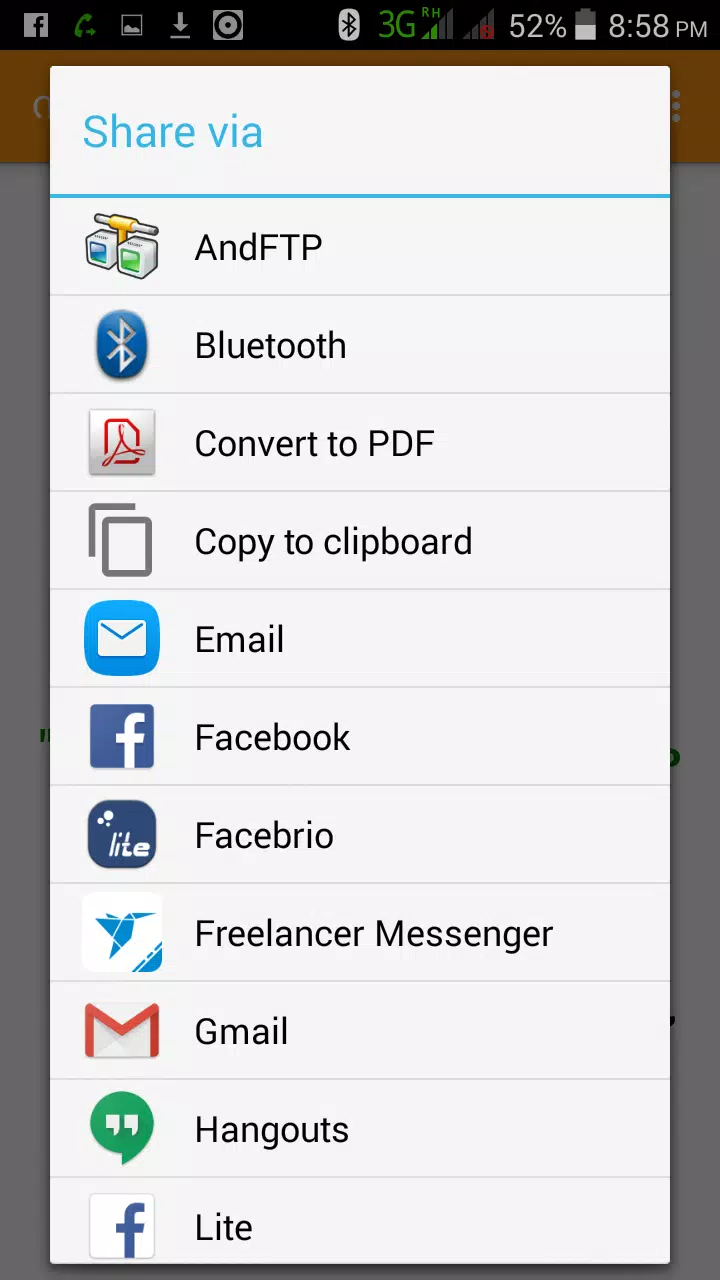
The app offers a carefully curated set of tongue twisters arranged by difficulty, from lighthearted lines for warm-up to trickier sequences that require concentrated articulation. Phrases are grouped so users can browse by skill level, mark favorites to revisit later, and use a shuffle option to keep practice sessions unpredictable. Simple progress tracking records which items you have practiced and how frequently, helping you notice steady improvement without imposing rigid goals. Built-in sharing uses your device’s standard sharing options so you can challenge friends or save a favorite phrase to an external note or messaging app. Community feedback options within the app let editors consider suggestions for new content, keeping the phrase bank fresh over time.
How it works
Using Malayalam Tongue Twister Fun is straightforward: pick a difficulty tier, select a phrase, and read it aloud a few times. The app is designed for repetition-based practice rather than automated scoring, emphasizing steady improvement through repetition and self-evaluation. Each item includes a clear display of the Malayalam script and a transliteration if you prefer to practice using Roman letters. You can tag phrases as practiced or challenging, which helps the in-app progress view highlight areas to revisit. Practice sessions are short by design, so users can fit a quick set into a break or use longer sessions when they have more time.
Controls and customization
The interface relies on simple touch controls: tap to open a phrase, swipe to move between entries, and use filter controls to narrow the list by difficulty or topic. Several customization options let you adapt the display to your needs: adjustable font size for better readability, a compact view for faster browsing, and a favorites collection for quick access. Visual theme options include a light and a dark mode to make practice comfortable in different lighting conditions. There are no complex menus or hidden settings—just a straightforward layout that keeps the focus on speaking practice.
Progression and challenge systems
Progression in the app is organized around difficulty tiers and repeat practice rather than formal levels or online rankings. As you work through a tier you can track how many phrases you have attempted and which ones you returned to most often; this simple log provides a practical sense of progress. For additional challenge, optional self-timed practice lets you set a short timer and work on a series of phrases under a time constraint, turning repetition into a focused exercise. Because the app is intended as a practice utility, all challenge modes are local to your device and designed to encourage personal improvement rather than competition.
Visual style and accessibility
The app uses a clean, minimal visual style optimized for readability of Malayalam script; spacing and typography were chosen to reduce eye strain during repeated reading. Accessibility is considered throughout: adjustable font sizes, high-contrast text options, and consistently labeled controls make the app usable by a wide range of users. The layout responds to common system font-size settings so the display can scale with device accessibility preferences. Designers focused on clarity rather than decorative elements to keep attention on the phrases themselves.
Offline use, replay value and user experience
Malayalam Tongue Twister Fun is lightweight and designed to work offline after installation, so you can practice without a network connection. Replay value comes from a broad phrase collection, randomization options, and the ability to mark and re-practice favorites; these elements encourage repeated short sessions rather than one-off interactions. The overall user experience emphasizes quick pickup, low friction browsing, and small, measurable improvements that accumulate with regular practice. Whether used as a classroom warm-up, a party challenge, or a daily pronunciation drill, the app aims to make Malayalam speaking practice accessible and enjoyable.
Show More
Information
Screenshots
Latest Update












Latest News
-
![Revealing the Launch Playlists and Cross-Progression for COD Warzone Mobile News]()
-
![March 2024 Free Redemption Codes for Honkai: Star Rail News]()
-
PUBG Mobile Teams Up with Bentley Motors: Luxury Cars, Exclusive Collectibles, and Beyond 2024-04-18
![PUBG Mobile Teams Up with Bentley Motors: Luxury Cars, Exclusive Collectibles, and Beyond News]()
-
![Monster Never Cry is now accessible on both Android and iOS mobile devices. News]()
-
V2.2 of the Farlight 84 update introduces an overhauled Season structure, fresh in-game currency, an 2024-04-16
![V2.2 of the Farlight 84 update introduces an overhauled Season structure, fresh in-game currency, an News]()
-
![Arrival of Genshin Impact 4.6 Update: 'Embers of Two Realms, Twilight of Crimson' News]()
-
April 2024 Clash of Clans Update: Unveiling a Fresh Companion, Enhanced Levels, Chat Tagging, and Be 2024-04-16
![April 2024 Clash of Clans Update: Unveiling a Fresh Companion, Enhanced Levels, Chat Tagging, and Be News]()






