

ASCOM Brasil
Version:0.0.78
Published:2026-09-03
Introduction
ASCOM Brasil centralizes member benefits and association services into a single, easy-to-use mobile app so associates can find discounts, manage account details and stay connected with their association from one place. The app uses your device location to surface nearby partner offers and provides a digital membership card, an account area for personal information and an integrated support channel to open and track requests without leaving the interface. Designed for everyday use, ASCOM Brasil balances simple discovery tools with controls to personalize results and keep membership information at your fingertips.
Key Features
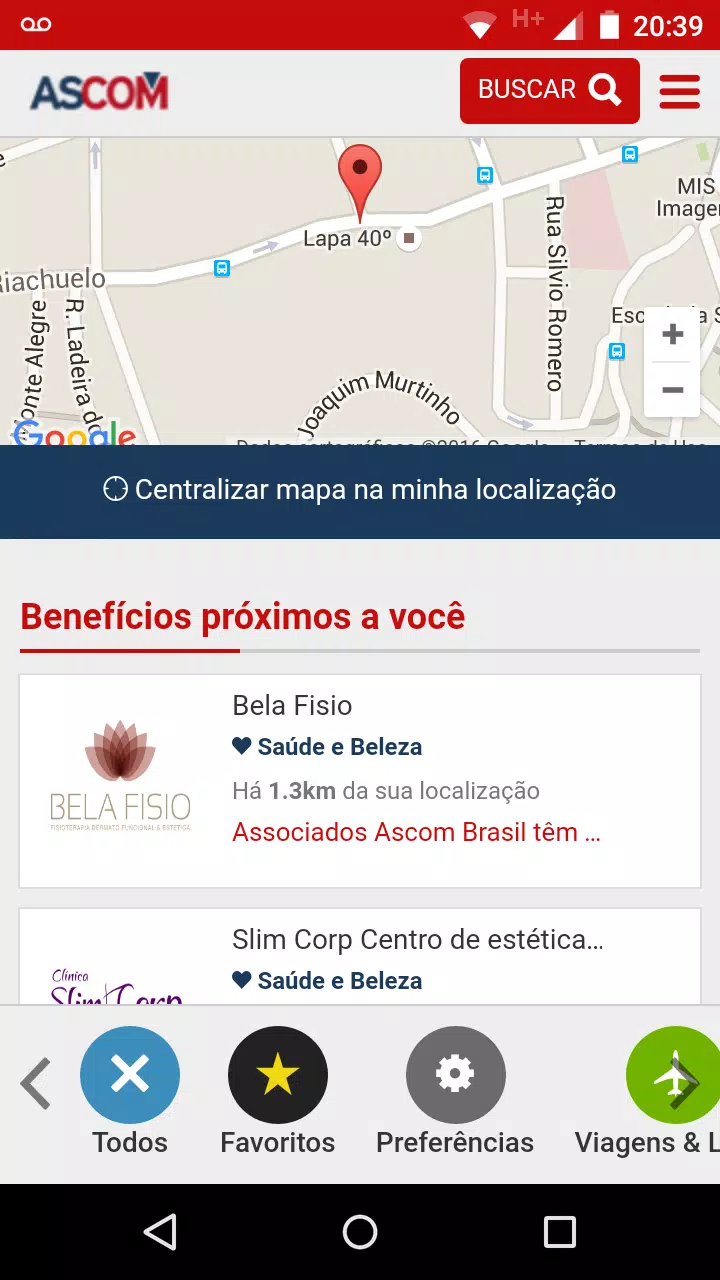
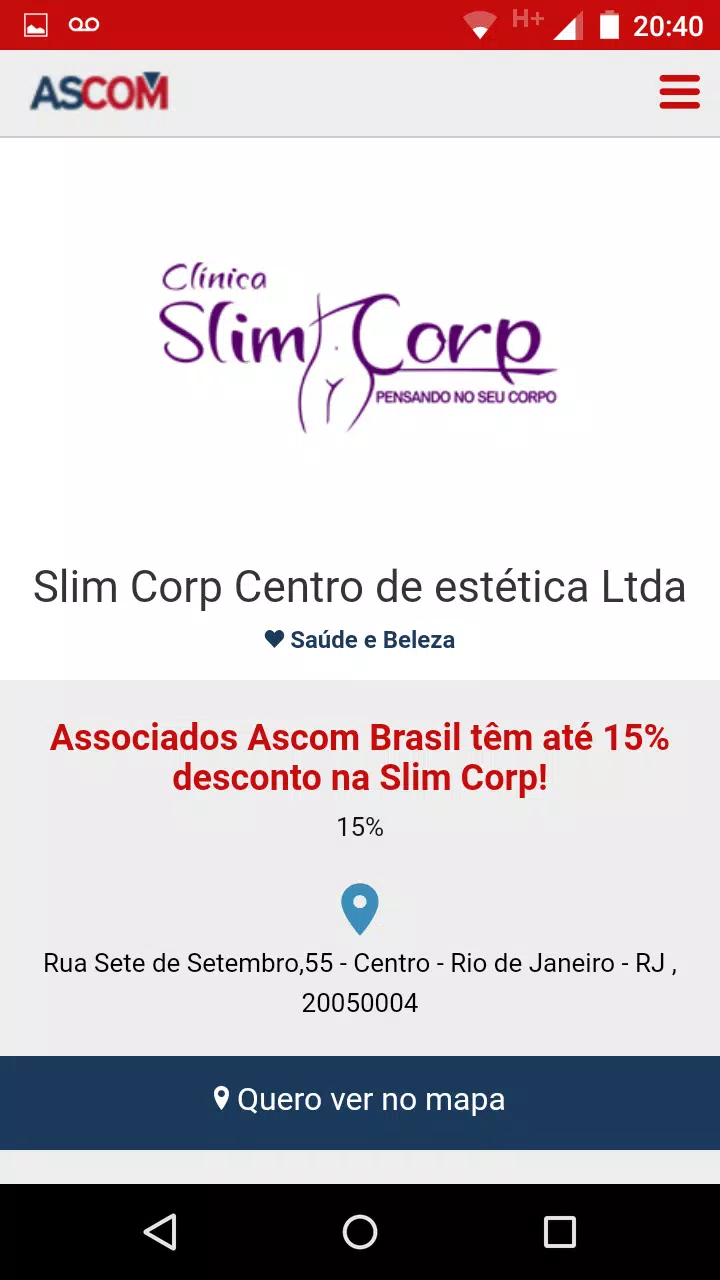
Search and discovery combine a map-based view with list results so you can quickly see offers near your current position or in any selected state. Filters let you narrow results by category, distance or state (UF), and a favorites section stores the services you use most. The app presents partner details, contact information and terms for each benefit, and a clear preferences area helps tune which types of offers appear first. Customer support is built into the app so you can submit questions, follow case status and receive updates directly in your account.
Controls are focused on familiar mobile patterns to keep interactions quick: tap markers on the map to open partner pages, swipe between categories to compare options, and use persistent buttons for saving favorites or sharing a benefit with a colleague. Sorting and search are responsive to your input so you can change criteria without losing context, and contextual hints help new users understand how filters and preferences affect results.
Progression and Continued Value
ASCOM Brasil does not use gamified systems but provides practical progression through personalization and frequent use. As you save favorites, set preferences and interact with offers, the app learns which categories and distances matter most and surfaces more relevant benefits over time. Recent activity and account history help you revisit previously used services, and the invite-and-suggest flow allows members to expand the partner network by recommending businesses or social institutions for inclusion.
Visual Style and Navigation
The app favors a clean, utility-focused visual style to make browsing benefits efficient. Map and list views use clear typography, consistent iconography and restrained color accents so partner details and action buttons stand out. Navigation emphasizes a few core areas—search/discovery, favorites, account and support—so that even new users can move through the app without a steep learning curve. Visual cues indicate filtering and sorting state to reduce confusion when switching between modes.
Customization and Preferences
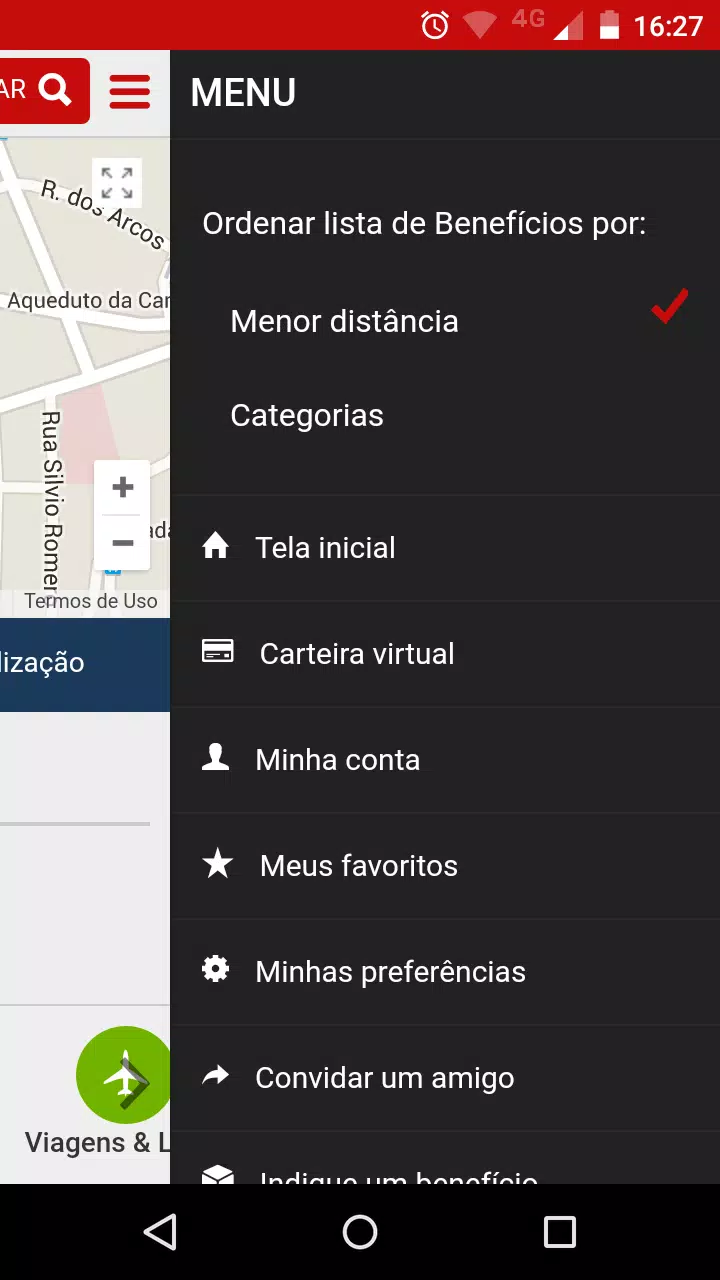
Personalization is central to how ASCOM Brasil delivers value: set your preferred categories, choose whether distance or category should come first in results, and save common searches to speed future visits. Notification settings allow you to control when the app informs you about new partner offers or updates to support tickets. These options keep suggestions relevant without overwhelming your device with unwanted alerts.
Offline Use and Performance
Core conveniences such as your digital membership card and saved favorites remain available when your device is offline, but live geolocation-based results and partner availability require a network connection. The app is optimized to limit background battery use and to cache recently viewed pages so common actions feel instantaneous. Regular updates focus on improving responsiveness and ensuring the app works across a wide range of Android devices.
Accessibility and Support
ASCOM Brasil is built with accessibility in mind: readable font sizes, clear contrast for important labels and compatibility with standard screen readers improve usability for a broader audience. The integrated support channel provides a single place to ask questions, report issues or request help with membership tasks, and in-app status updates keep communications transparent between members and the association team.
Limitations and Considerations
Many features are available only to registered associates, so full access requires a valid membership. Offer availability varies by partner participation and by location, and precise results depend on granting location permissions to enable geolocation search. To get the most relevant recommendations, spend a few minutes configuring preferences and saving favorites after signing in.
Getting Started
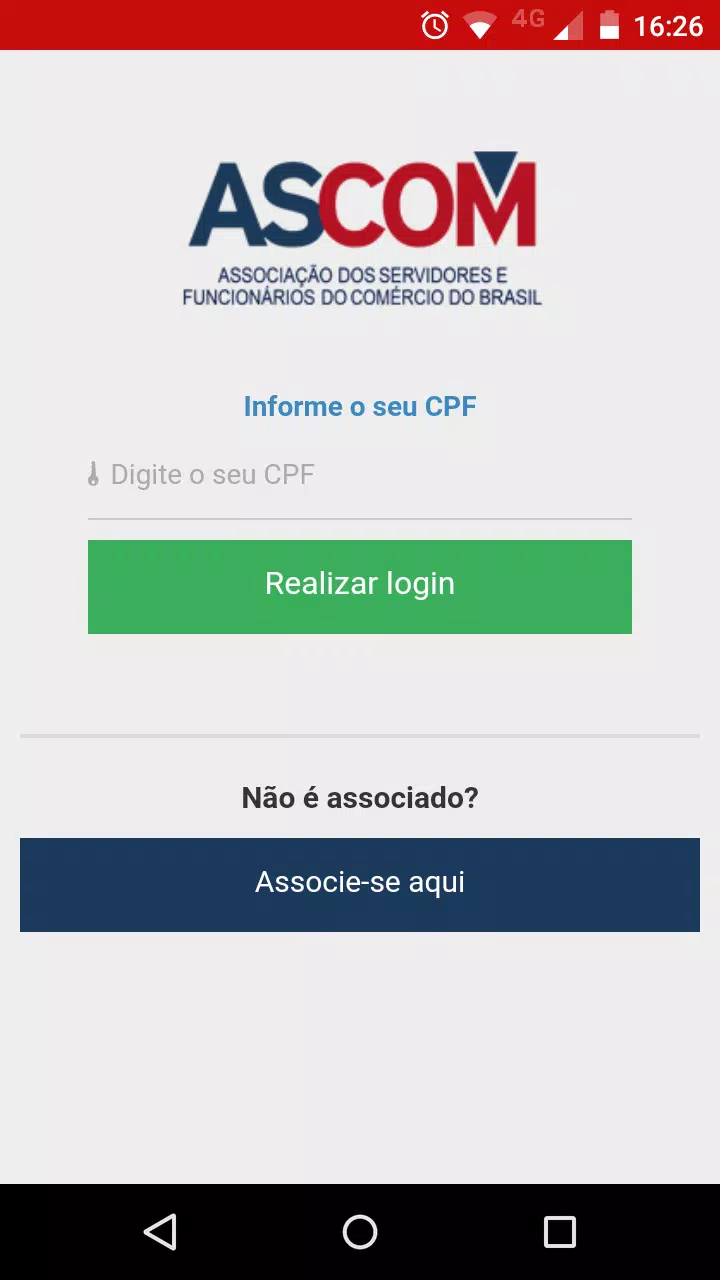
After installing the app, sign in with your association credentials, review and set your preferences, and grant location permission if you want nearby offers. Explore the map or perform a category search, save useful benefits to favorites, and keep your membership card ready for partner validation. If you need assistance, use the in-app support channel to open a ticket and track its progress until resolution.
Show More
Information
Screenshots

Latest Update












Latest News
-
![Revealing the Launch Playlists and Cross-Progression for COD Warzone Mobile News]()
-
![March 2024 Free Redemption Codes for Honkai: Star Rail News]()
-
PUBG Mobile Teams Up with Bentley Motors: Luxury Cars, Exclusive Collectibles, and Beyond 2024-04-18
![PUBG Mobile Teams Up with Bentley Motors: Luxury Cars, Exclusive Collectibles, and Beyond News]()
-
![Monster Never Cry is now accessible on both Android and iOS mobile devices. News]()
-
V2.2 of the Farlight 84 update introduces an overhauled Season structure, fresh in-game currency, an 2024-04-16
![V2.2 of the Farlight 84 update introduces an overhauled Season structure, fresh in-game currency, an News]()
-
![Arrival of Genshin Impact 4.6 Update: 'Embers of Two Realms, Twilight of Crimson' News]()
-
April 2024 Clash of Clans Update: Unveiling a Fresh Companion, Enhanced Levels, Chat Tagging, and Be 2024-04-16
![April 2024 Clash of Clans Update: Unveiling a Fresh Companion, Enhanced Levels, Chat Tagging, and Be News]()






