
Stylish Fonts
Version:2.0.5
Published:2026-10-12
Introduction
Stylish Fonts transforms ordinary text into eye-catching, shareable styles across messaging, social profiles, and graphic apps, offering an approachable way to personalize writing without complex editing tools. It delivers an extensive font library, quick copy-and-paste workflow, and simple customization to suit casual and power users alike.
What Stylish Fonts Does
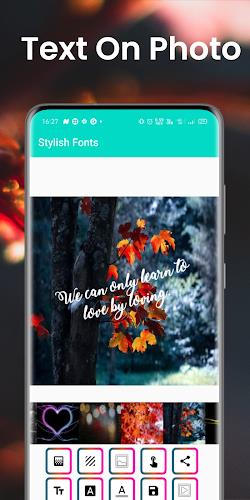
Stylish Fonts is a lightweight utility that converts plain text into dozens of decorative and readable variants. Rather than replacing system fonts, it generates styled text you can paste into chats, bios, and captions. The app focuses on speed and clarity so you can apply creative typography without leaving the conversation.
Core Features at a Glance
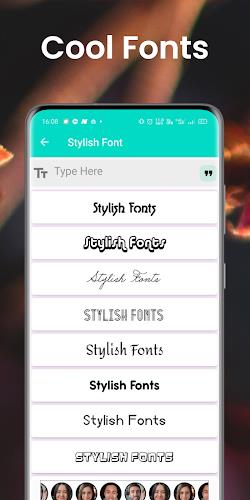
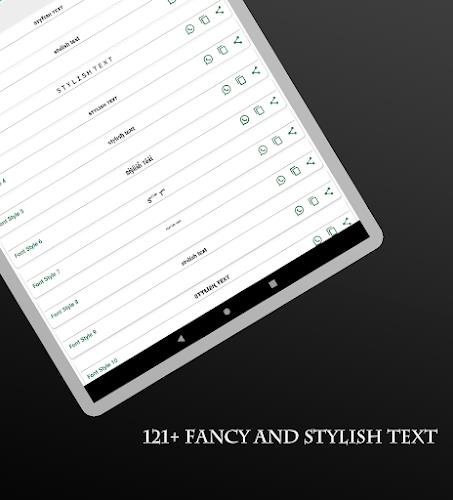
- Font Library: A curated collection of modern, retro, and decorative text styles that cover most social and messaging scenarios.
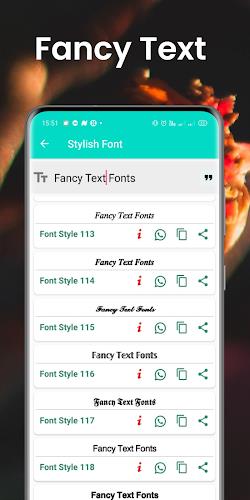
- Instant Preview: Type once and see live conversions across multiple styles to evaluate looks quickly.
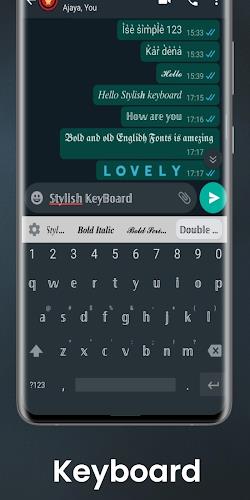
- Copy & Share: One-tap copy makes it simple to paste styled text into other apps, saving time on multi-step workflows.
- Favorites: Save your preferred styles for faster access later.
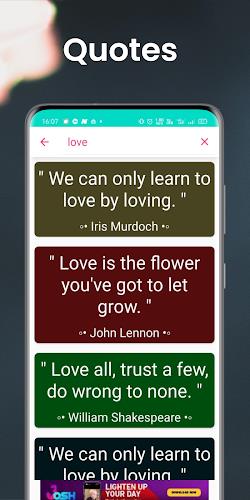
- Search & Filter: Find styles by keyword or visual category instead of scrolling endlessly.
How It Works
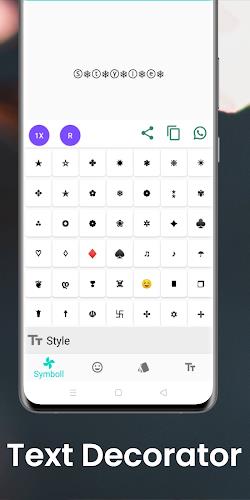
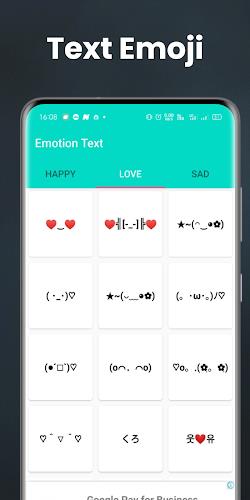
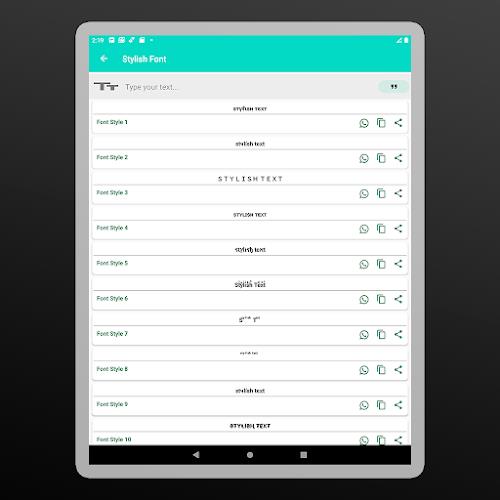
Using Stylish Fonts is intentionally straightforward. Enter text in the input field, watch the style tiles populate with transformed outputs, and tap any tile to copy the result to the clipboard. Some styles use Unicode symbols and diacritics to mimic letter shapes, while others rely on true Unicode characters. Because output is text-based, results are compatible with most platforms that accept typed input.
Customization and Tools
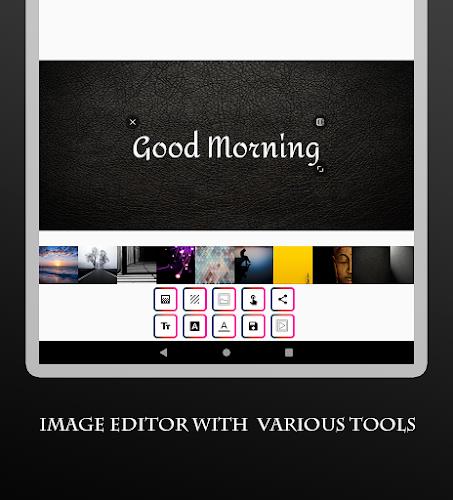
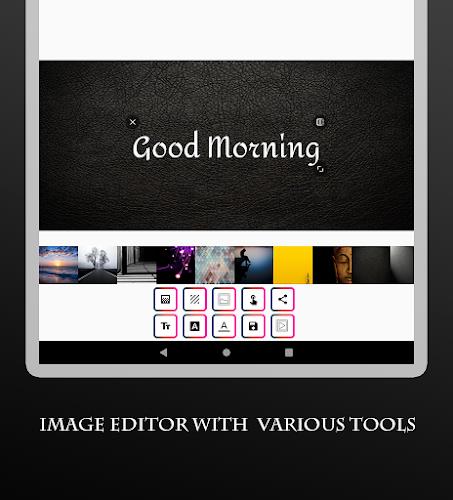
Beyond preset styles, the app supplies a few small tools to refine results. Adjust spacing and letter casing, toggle special characters on or off, and preview longer passages to see how a style handles line breaks. These controls help when you need readable headings versus decorative one-liners.
Interface and Performance
The interface prioritizes clarity: large style previews, an always-visible input field, and minimal settings. Performance is optimized for low latency; even older devices render styles instantly because transformations are computed locally. The app avoids heavy animations to reduce distraction and battery use while keeping interactions snappy.
User Experience Highlights
- Accessibility: High-contrast previews and adjustable text sizes make the tool usable for a wide audience.
- Reliability: Styled text remains stable across major apps; occasional platform-specific limitations are noted in small tooltips.
- No Account Required: Most features work without signing in, which simplifies privacy concerns and first-time use.
Who Benefits from Stylish Fonts
Content creators, social users, and anyone who wants to add personality to short text will find value here. It’s ideal for crafting profile names, highlighting phrases in posts, or creating themed messages. Designers working on quick mockups can also use generated text to visualize typographic options without installing full font packages.
Practical Tips for New Users
- Try multiple styles with the same phrase to compare legibility before posting.
- Use the favorites feature to build a small palette of go-to looks for different platforms.
- Keep an eye on character compatibility when pasting into older apps or services that strip special Unicode symbols.
Getting Started
Install the app, grant the minimal permissions it requests, and type a sample phrase. Use the search bar to explore categories like minimal, ornate, or symbol-infused styles. If you plan frequent use, pin the Stylisһ Fonts shortcut or add its widget (when available) for single-tap access to saved styles.
Final Thoughts on Practical Value
Stylish Fonts brings quick, creative typography to everyday communication without demanding design skills. Its mix of performance, convenience, and a broad style set makes it a useful productivity tool for anyone who writes on mobile. The app strikes a balance between playful expression and practical usability, helping text stand out where it matters most.
Show More
Information
Screenshots
Latest Update












Latest News
-
![Revealing the Launch Playlists and Cross-Progression for COD Warzone Mobile News]()
-
![March 2024 Free Redemption Codes for Honkai: Star Rail News]()
-
PUBG Mobile Teams Up with Bentley Motors: Luxury Cars, Exclusive Collectibles, and Beyond 2024-04-18
![PUBG Mobile Teams Up with Bentley Motors: Luxury Cars, Exclusive Collectibles, and Beyond News]()
-
![Monster Never Cry is now accessible on both Android and iOS mobile devices. News]()
-
V2.2 of the Farlight 84 update introduces an overhauled Season structure, fresh in-game currency, an 2024-04-16
![V2.2 of the Farlight 84 update introduces an overhauled Season structure, fresh in-game currency, an News]()
-
![Arrival of Genshin Impact 4.6 Update: 'Embers of Two Realms, Twilight of Crimson' News]()
-
April 2024 Clash of Clans Update: Unveiling a Fresh Companion, Enhanced Levels, Chat Tagging, and Be 2024-04-16
![April 2024 Clash of Clans Update: Unveiling a Fresh Companion, Enhanced Levels, Chat Tagging, and Be News]()






