

Hex MIDI - Isomorphic Keyboard
Version:0.6.152
Published:2026-10-12
Introduction
Hex MIDI - Isomorphic Keyboard is a portable virtual MIDI controller that maps notes to a hexagonal isomorphic layout, letting musicians play scales, chords and melodies with consistent fingering. The app supports MIDI output over USB and Bluetooth, customizable tuning, and flexible mappings for quick creative workflows.
What Hex MIDI Brings to Your Setup
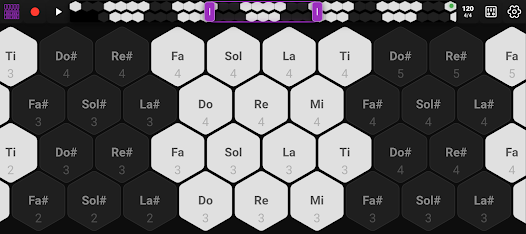
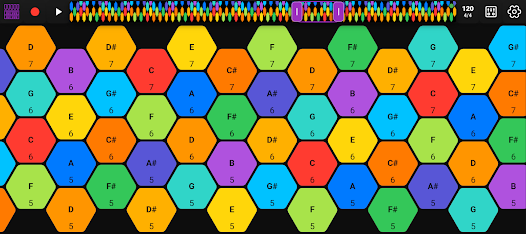
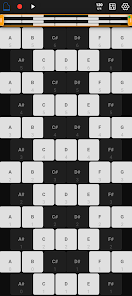
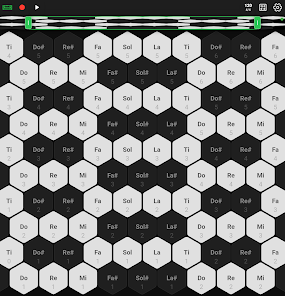
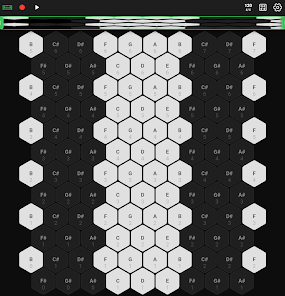
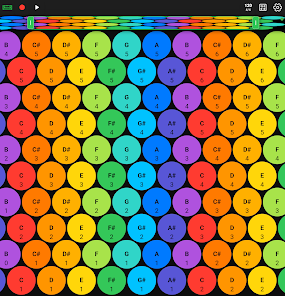
Hex MIDI - Isomorphic Keyboard rethinks touch-based controllers by using an isomorphic hex grid instead of a piano-roll or chromatic pad layout. That consistency means the same shapes produce the same intervals anywhere on the grid, which accelerates learning and opens new patterns for composition. It targets performers, producers and experimental players who want a compact, systematic way to send MIDI data to mobile or desktop DAWs.
Key Features
The app packs practical tools for both live playing and studio use. Core features include:
- Hexagonal isomorphic layout that preserves interval shapes across the keyboard for intuitive transposition and pattern use.
- MIDI connectivity via USB host, class-compliant devices and Bluetooth MIDI for cable-free sessions.
- Custom tuning and temperaments allowing microtonal scales, alternate tunings and user-defined pitch maps.
- Multiple mapping modes for note, chord, arpeggio and CC performance with configurable velocity and aftertouch behavior.
- Presets and bank management to switch between setups quickly during sets or studio sessions.
Interface and Layout
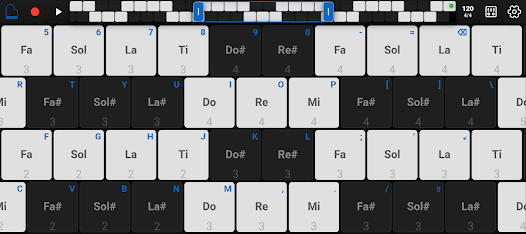
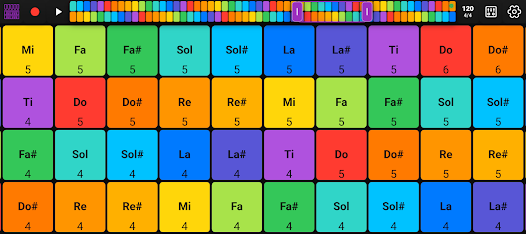
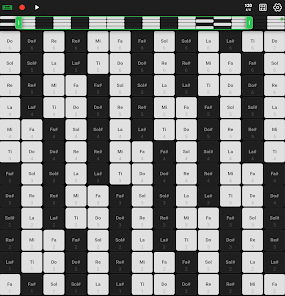
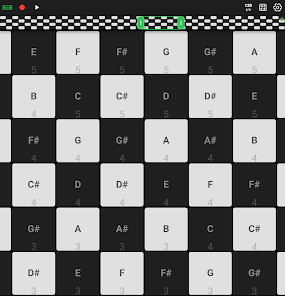
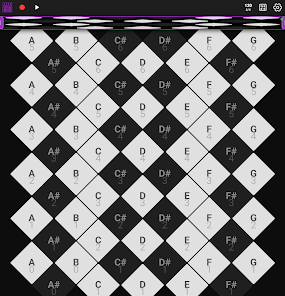
The interface keeps controls accessible without clutter. A responsive hex grid fills most of the screen, while a compact toolbar houses transport controls, output selection and mapping toggles. Visual feedback highlights active notes, velocities and pad pressure so you can track expression on the fly. The design balances touch responsiveness with clear visual cues for live performance.
MIDI Connectivity and Compatibility
Hex MIDI supports standard MIDI output formats and integrates with popular DAWs and synthesizers. Choose between Bluetooth MIDI for wireless use or wired USB when low-latency reliability is essential. The app also offers configurable MIDI channels, program change, and continuous controller routing to suit complex setups. Most class-compliant USB audio interfaces and controllers will pair without extra drivers.
Customization and Scales
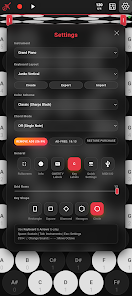
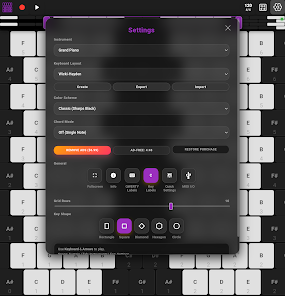
Deep customization is a major strength. Users can define scale layouts, remap individual hex cells, and specify how chords form on the grid. Microtonal musicians will appreciate the ability to load custom tuning tables and adjust octave spacing. For producers, this means you can lock the keyboard to a mode or scale to avoid wrong notes and focus on sonic design.
Workflow and Practical Uses
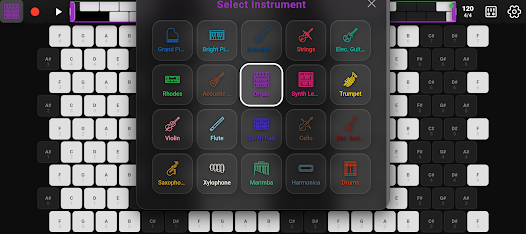
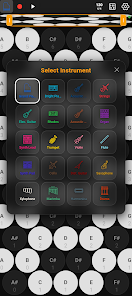
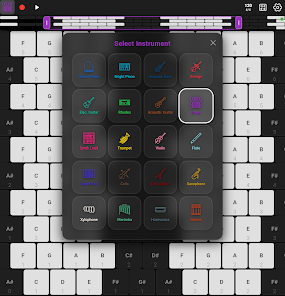
Hex MIDI is useful for sketching ideas, playing live, and controlling soft synths. The consistent fingering simplifies transposition, making it faster to explore harmonies and modal shifts. Use preset switching to change instrument patches mid-set or to move from melodic playing to modulation control with instant mapping swaps. Arpeggiators and step-sequencer integrations turn the grid into a hands-on phrase-builder for electronic music production.
Performance, Latency and Reliability
Responsiveness is tuned for low latency performance. When connected via USB, the app delivers tight timing suitable for live performance. Wireless Bluetooth MIDI works well for practice and casual jamming, though audio-critical environments will typically prefer wired connections. The app manages CPU efficiently, keeping touch scanning and MIDI throughput stable even with complex mappings.
Getting Started Quickly
Begin by choosing an output method and selecting a preset that matches your needs. Experiment with basic scales and transpose the grid to hear how shapes move. Save custom mappings as named presets and assign them to banks for rapid recall. There are no complicated routing steps to start making music — plug in, select your DAW or synth, and begin playing.
Who Should Try It
Hex MIDI - Isomorphic Keyboard suits experimental composers, keyboardists exploring new interfaces, and electronic musicians who want an efficient way to control virtual instruments. Its blend of modular mapping, tuning flexibility and solid MIDI connectivity makes it a useful tool for both studio workflows and stage rigs.
With a focus on playability and deep customization, the app offers a fresh approach to mobile MIDI controllers. If you want consistent fingering patterns, advanced tuning options and reliable MIDI routing in a compact package, Hex MIDI - Isomorphic Keyboard is worth exploring.
Show More
Information
Screenshots
Latest Update












Hot Tags
Latest News
-
![Revealing the Launch Playlists and Cross-Progression for COD Warzone Mobile News]()
-
![March 2024 Free Redemption Codes for Honkai: Star Rail News]()
-
PUBG Mobile Teams Up with Bentley Motors: Luxury Cars, Exclusive Collectibles, and Beyond 2024-04-18
![PUBG Mobile Teams Up with Bentley Motors: Luxury Cars, Exclusive Collectibles, and Beyond News]()
-
![Monster Never Cry is now accessible on both Android and iOS mobile devices. News]()
-
V2.2 of the Farlight 84 update introduces an overhauled Season structure, fresh in-game currency, an 2024-04-16
![V2.2 of the Farlight 84 update introduces an overhauled Season structure, fresh in-game currency, an News]()
-
![Arrival of Genshin Impact 4.6 Update: 'Embers of Two Realms, Twilight of Crimson' News]()
-
April 2024 Clash of Clans Update: Unveiling a Fresh Companion, Enhanced Levels, Chat Tagging, and Be 2024-04-16
![April 2024 Clash of Clans Update: Unveiling a Fresh Companion, Enhanced Levels, Chat Tagging, and Be News]()






