

My Subaru
Version:3.1.22
Published:2026-10-12
Introduction
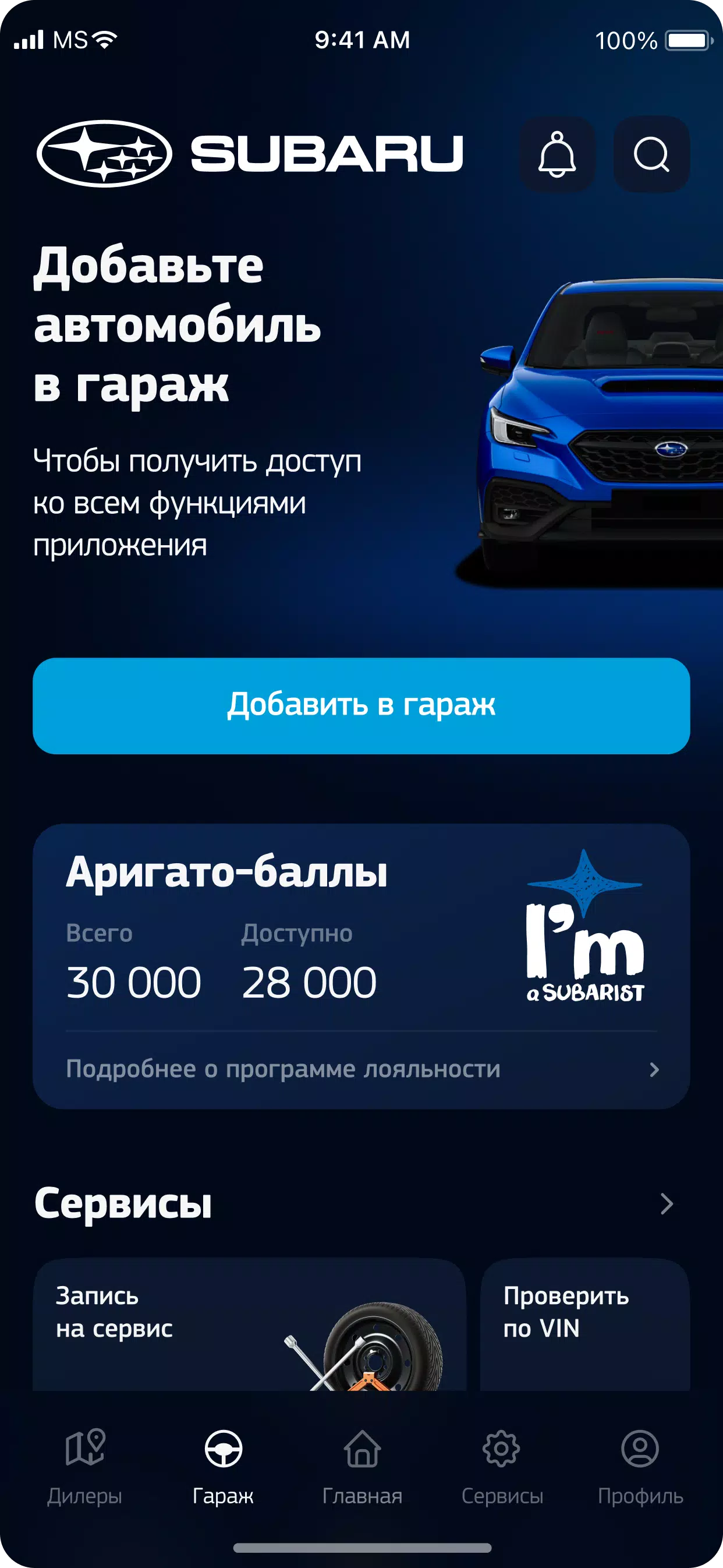
My Subaru is a companion app designed to connect Subaru owners with their vehicle, offering remote control features, maintenance tracking, and trip history. It streamlines vehicle management, delivers notifications about service and safety, and helps owners access support and tools tailored to Subaru models and ownership lifecycle.
Key Features at a Glance
The app bundles a set of practical tools that make daily ownership simpler. With My Subaru you can monitor vehicle status, view upcoming service reminders, and store documents like warranty and registration. Alerts for recalls and critical diagnostics appear in-app so you can act quickly when attention is needed.
- Remote access: Lock or unlock doors, check fuel or charge level, and start climate controls where supported.
- Maintenance planning: Schedule service appointments and track oil changes, brake inspections, and tire rotations.
- Vehicle health reports: Receive diagnostics summaries and learn whether issues require dealer attention.
- Trip and mileage logs: Review recent journeys, distance driven, and fuel economy trends.
- Roadside assistance: Request help and share vehicle location quickly in emergencies.
User Interface and Connectivity
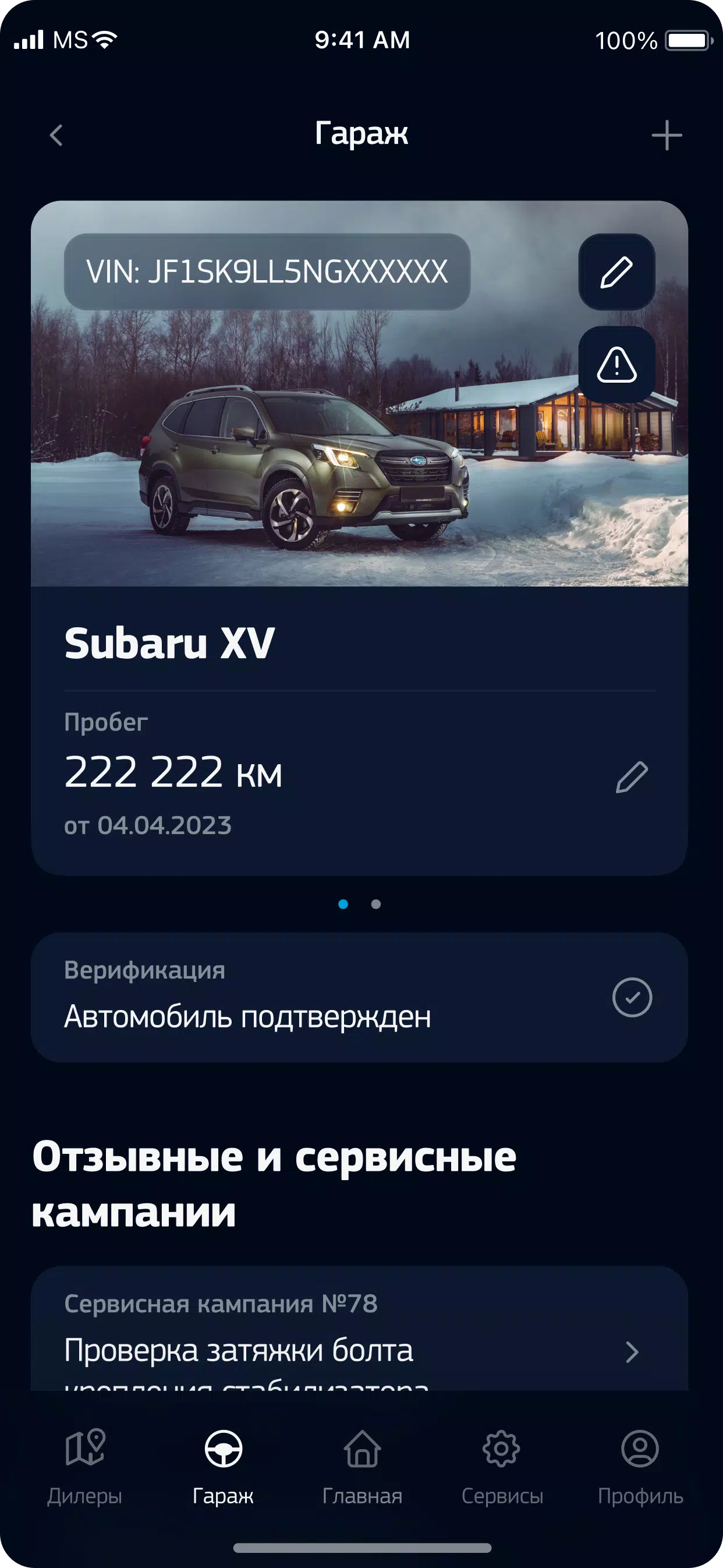
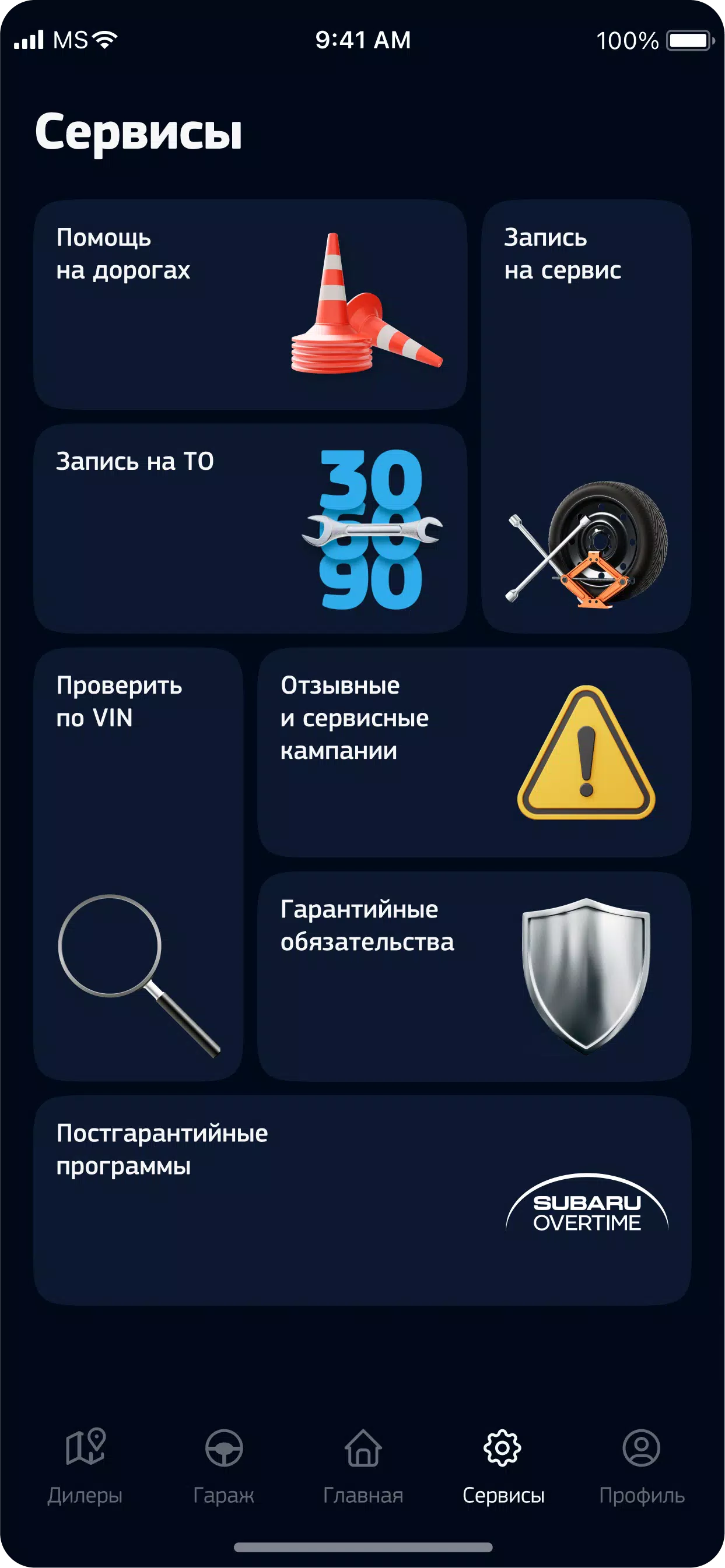
My Subaru’s design emphasizes clear status panels and quick access to the most-used functions. The dashboard uses large icons for remote commands, an activity feed for notifications, and a dedicated service tab for maintenance history. Connection to the vehicle is handled via the manufacturer’s telematics system; pairing is a guided process that links your vehicle identification number (VIN) with your account.
Maintenance and Diagnostics
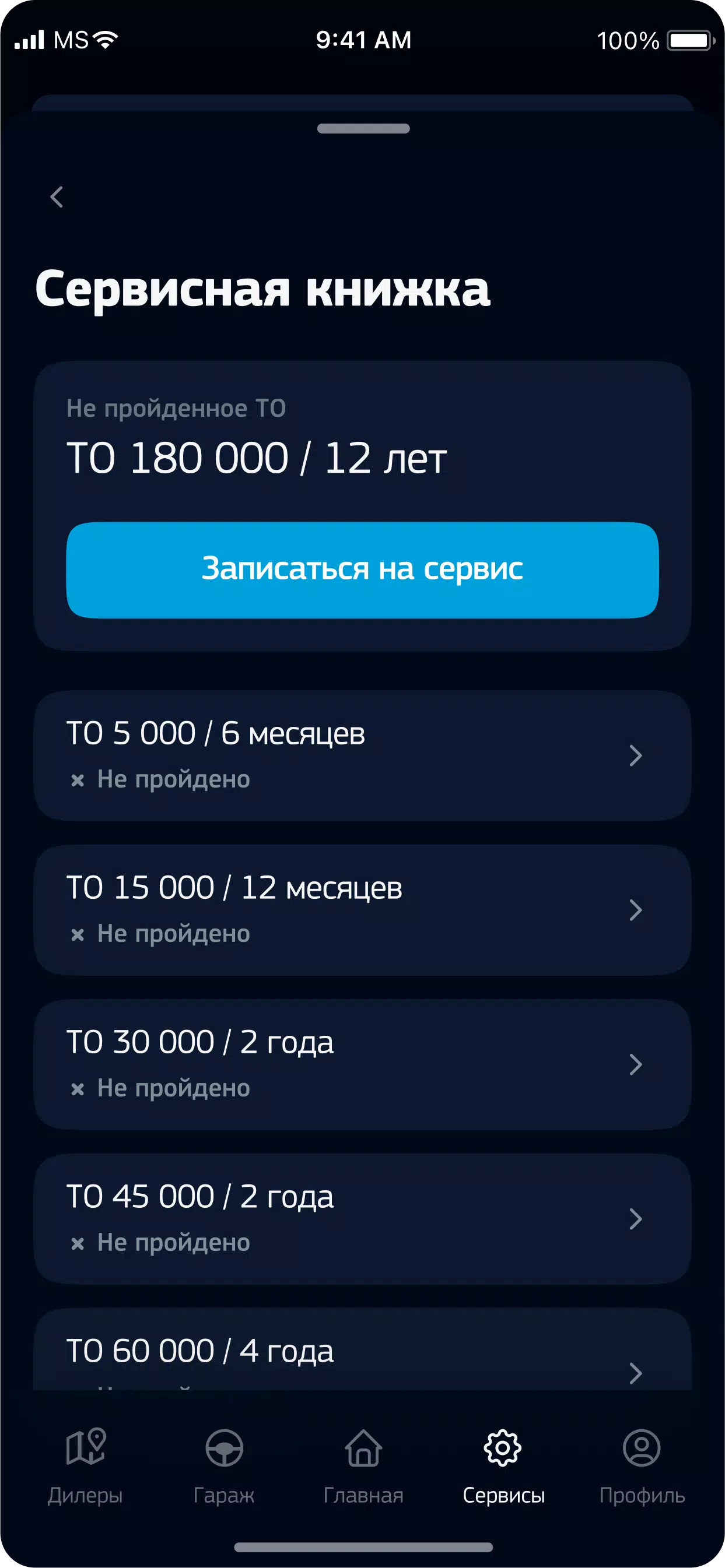
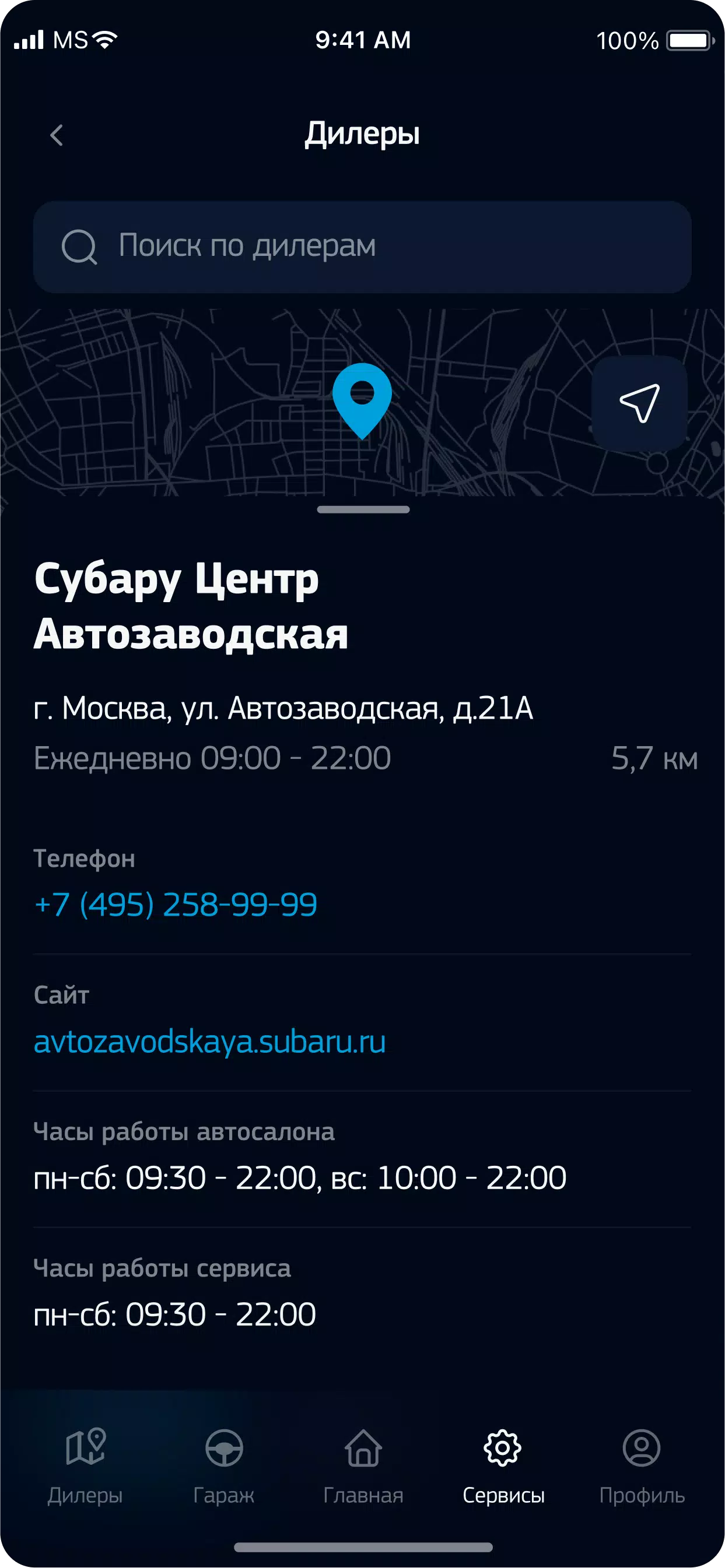
Keeping a Subaru in good working order is a central purpose of the app. It compiles service history entries and sends reminders based on mileage or time intervals. When the vehicle’s on-board systems detect an issue, My Subaru presents a readable diagnostic summary, suggested actions, and the option to book an appointment with a preferred dealer.
For owners who value records, the app stores receipts and service notes so you can review past repairs and warranty claims. This historical perspective helps with resale, routine upkeep, and budgeting for larger recommended services.
Remote Services and Security
Remote features in My Subaru are practical for everyday scenarios: preconditioning the cabin on cold mornings, checking whether doors are locked after leaving the vehicle, or locating the car in a busy parking lot. Security features include encrypted communications and account protections such as multi-factor authentication, reducing the risk of unauthorized access.
When offered for a particular model, remote start and climate preconditioning integrate with schedules and geofencing options so you can set preferences without repeating the same commands. A built-in location history helps with trip reconstruction and theft recovery if needed.
Practical Workflow for Daily Use
Start by registering your account and adding your vehicle via the VIN. The app walks you through initial setup and what permissions are needed for remote operations. After setup, routine tasks follow a predictable flow: check the dashboard for alerts, tap the remote command for quick actions, and use the service tab to book maintenance. Notifications appear on your phone and can be customized by priority.
Business users and drivers who track expenses will find trip logs and exportable data useful for record-keeping. Families sharing a vehicle can manage profiles, each with tailored notifications and preferences.
Performance and Compatibility
Performance depends on the vehicle’s model year and the telematics package installed by the manufacturer. Newer Subaru models generally provide the broadest set of remote services, while older cars may have a reduced feature list. The app is designed to be lightweight and responsive on modern Android devices and minimizes battery usage by employing push notifications rather than constant background polling.
Getting Started and Support
To begin using My Subaru, download the app, create an account, and follow the VIN pairing instructions. If you encounter pairing issues, in-app help guides and dealer support are available to walk through connectivity checks and software updates. The support section also includes owner’s manuals, frequently asked questions, and contact options for roadside assistance and service scheduling.
My Subaru offers a streamlined way to manage ownership tasks, stay informed about your vehicle’s condition, and connect with dealer services. With regular updates and expanding features, the app continues to strengthen the link between drivers and their Subaru vehicles.
Show More
Information
Screenshots
Latest Update












Latest News
-
![Revealing the Launch Playlists and Cross-Progression for COD Warzone Mobile News]()
-
![March 2024 Free Redemption Codes for Honkai: Star Rail News]()
-
PUBG Mobile Teams Up with Bentley Motors: Luxury Cars, Exclusive Collectibles, and Beyond 2024-04-18
![PUBG Mobile Teams Up with Bentley Motors: Luxury Cars, Exclusive Collectibles, and Beyond News]()
-
![Monster Never Cry is now accessible on both Android and iOS mobile devices. News]()
-
V2.2 of the Farlight 84 update introduces an overhauled Season structure, fresh in-game currency, an 2024-04-16
![V2.2 of the Farlight 84 update introduces an overhauled Season structure, fresh in-game currency, an News]()
-
![Arrival of Genshin Impact 4.6 Update: 'Embers of Two Realms, Twilight of Crimson' News]()
-
April 2024 Clash of Clans Update: Unveiling a Fresh Companion, Enhanced Levels, Chat Tagging, and Be 2024-04-16
![April 2024 Clash of Clans Update: Unveiling a Fresh Companion, Enhanced Levels, Chat Tagging, and Be News]()






