
FleetDocs
Version:2.1.3 20240404.1
Published:2026-10-13
Introduction
FleetDocs is a mobile-first documentation and compliance tool for transport operators that centralizes vehicle records, streamlines inspections, and automates reminders. FleetDocs helps managers and drivers carry essential documents and inspection evidence on their devices, reducing paper handling and improving the speed of routine checks while remaining suitable for small teams and large operations alike.
Overview
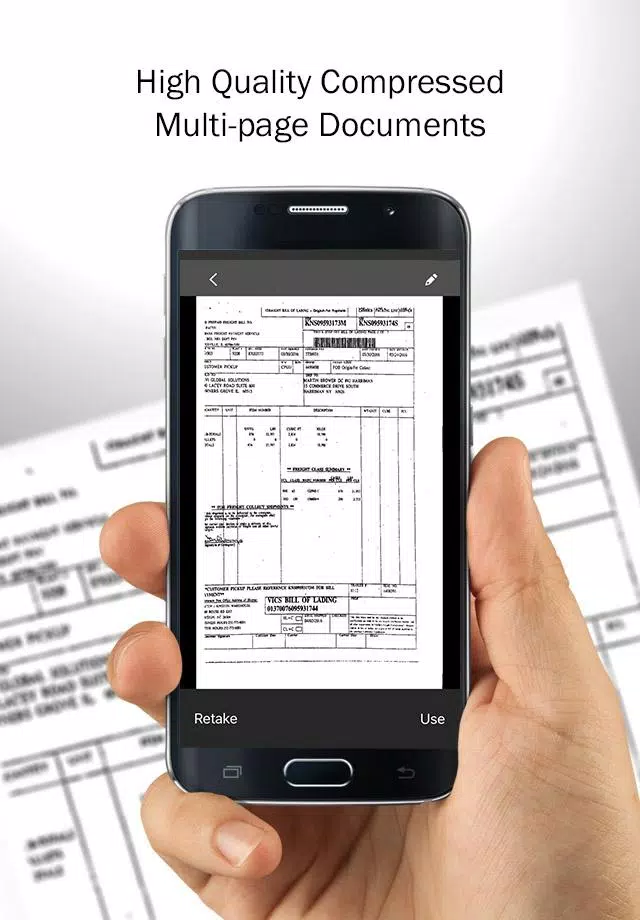
Built to address dispersed records and inconsistent reporting, FleetDocs collects registrations, insurance certificates, maintenance invoices and inspection logs into a searchable repository. The app emphasizes practical workflows: add vehicles and driver profiles, attach documents or capture photos, and assign routine checks that are tracked with timestamps. This structure supports regulatory readiness by making past activity easy to find and verify during audits.
Core tools and controls
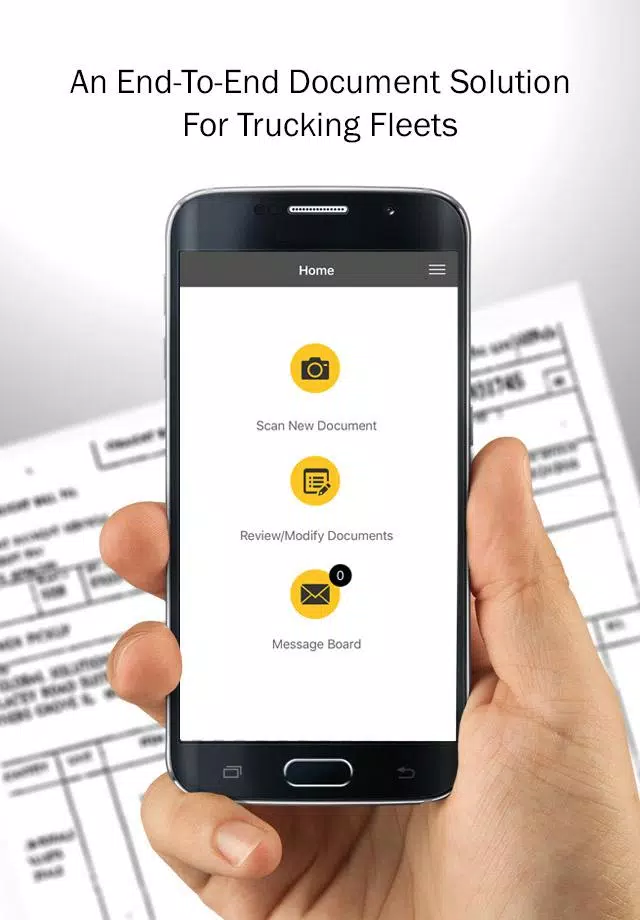
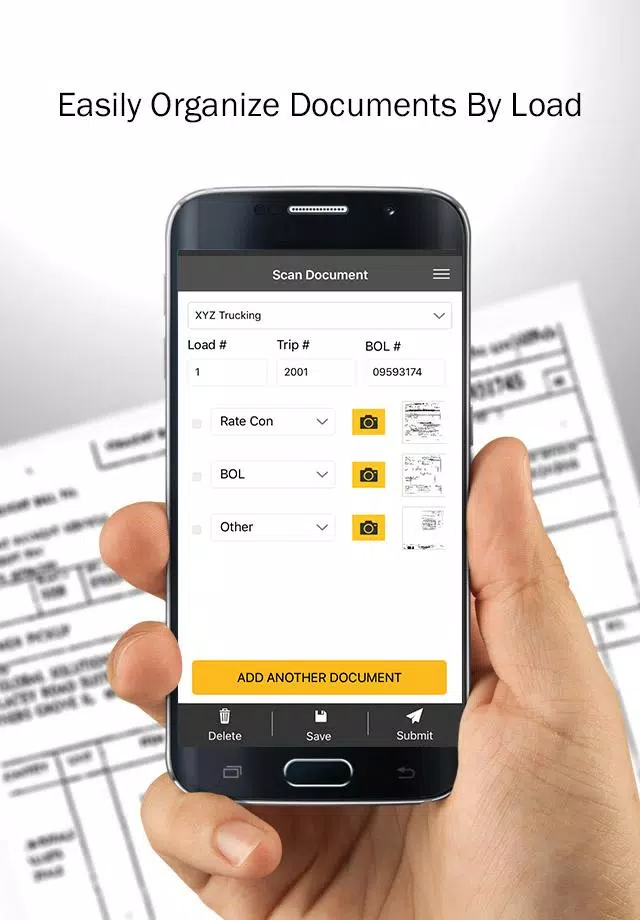
FleetDocs provides role-based access so administrators can decide who views or edits each record, and simple on-screen controls designed for quick use in the field. Common tasks—starting an inspection, uploading a file, or marking a checklist—are exposed as primary actions for drivers, while managers use filter and export controls to assemble audit packets. The touch controls and form flows are optimized for one-handed use on rugged devices and tablets.
Inspection workflows and progression
Inspection mechanics are driven by customizable templates that guide users through pass/fail checks, mandatory fields and photo capture. As fleets adopt FleetDocs, teams often progress from basic, single-vehicle pilots to layered templates covering vehicle classes and sites; this progression allows standardization across routes and operations while preserving flexibility for special-use vehicles. Each completed inspection advances a vehicle’s service history, contributing to a clear maintenance progression over time.
Reports, exports and audit readiness
FleetDocs generates PDF and CSV exports that collect selected records into coherent audit reports. Managers can filter by date range, vehicle or document type and include photo-backed evidence to support entries. Exported files are suitable for regulators and internal reviews, and they retain timestamps and user attribution to preserve a verifiable audit trail without extra manual compilation.
Interface, visual style and level structure
The interface favors clarity over ornamentation: readable type, clear labels and consistent color cues for document states and expiration levels. The app groups records by vehicle, driver and document type, creating a layered structure that resembles level progression—high-level fleet summaries lead into vehicle pages and then into individual inspections. This hierarchy makes it straightforward to drill down from a company-wide view to a single inspection detail.
Customization and integrations
FleetDocs supports configurable fields and templates so you can align forms with internal standards and local regulations. Integration options with common fleet management systems and cloud storage providers reduce duplicate data entry and help maintain a single source of truth. For teams with technical resources, API endpoints provide controlled read and write access to synchronize records with back-office systems.
Security, accessibility and offline use
Security features include encrypted storage and secure transmission, plus administrative controls for view, edit and deletion privileges. Accessibility is considered through clear contrast, large touch targets and concise labels to support quick data entry in bright sunlight or low-light conditions. Offline capability allows data collection without connectivity; the app stores entries locally and uses incremental synchronization and optimized media compression to upload changes when a connection is available.
User experience and efficiency
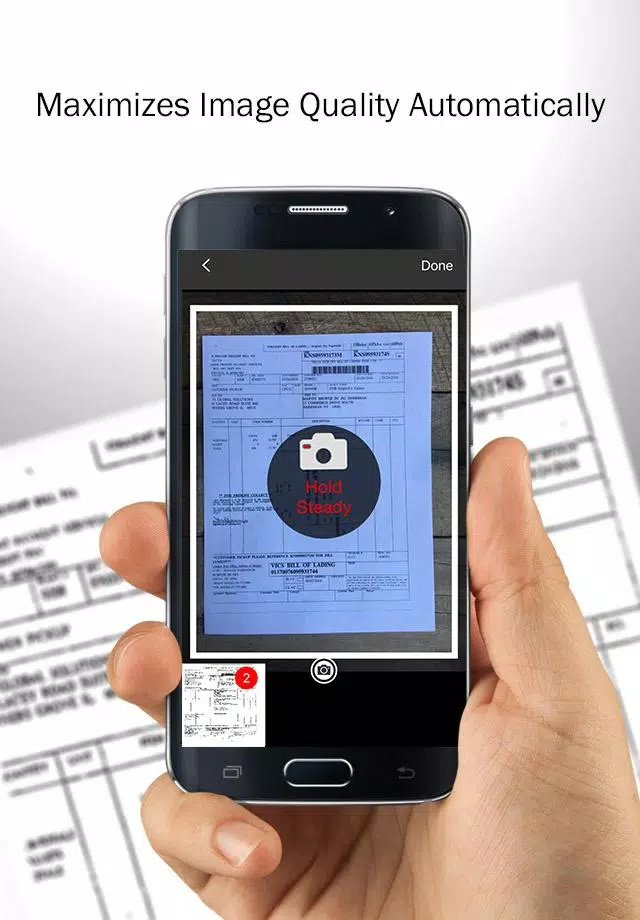
Onboarding emphasizes hands-on setup and early wins: start with a pilot group of vehicles, refine templates and deploy regionally. Users report a short learning curve as contextual help and logical templates reduce training time. Routine use of photo capture, time-stamping and automated reminders cuts administrative follow-up, helps resolve disputes faster, and creates a continuously improving dataset that highlights recurring issues and maintenance opportunities.
Getting started and scaling
Initial setup involves creating an account, defining roles and importing a vehicle list by CSV or manual entry; FleetDocs includes guided setup prompts and sample templates to reduce configuration time. Small teams can be operational within hours while larger fleets can phase rollouts by region or vehicle type. With clear controls and well-defined progression, FleetDocs supports sustained operational clarity and stronger compliance practices as your fleet grows.
Show More
Information
Screenshots

Latest Update












Latest News
-
![Revealing the Launch Playlists and Cross-Progression for COD Warzone Mobile News]()
-
![March 2024 Free Redemption Codes for Honkai: Star Rail News]()
-
PUBG Mobile Teams Up with Bentley Motors: Luxury Cars, Exclusive Collectibles, and Beyond 2024-04-18
![PUBG Mobile Teams Up with Bentley Motors: Luxury Cars, Exclusive Collectibles, and Beyond News]()
-
![Monster Never Cry is now accessible on both Android and iOS mobile devices. News]()
-
V2.2 of the Farlight 84 update introduces an overhauled Season structure, fresh in-game currency, an 2024-04-16
![V2.2 of the Farlight 84 update introduces an overhauled Season structure, fresh in-game currency, an News]()
-
![Arrival of Genshin Impact 4.6 Update: 'Embers of Two Realms, Twilight of Crimson' News]()
-
April 2024 Clash of Clans Update: Unveiling a Fresh Companion, Enhanced Levels, Chat Tagging, and Be 2024-04-16
![April 2024 Clash of Clans Update: Unveiling a Fresh Companion, Enhanced Levels, Chat Tagging, and Be News]()






