
NKCCluster
Version:2.5.10
Published:2026-10-13
Introduction
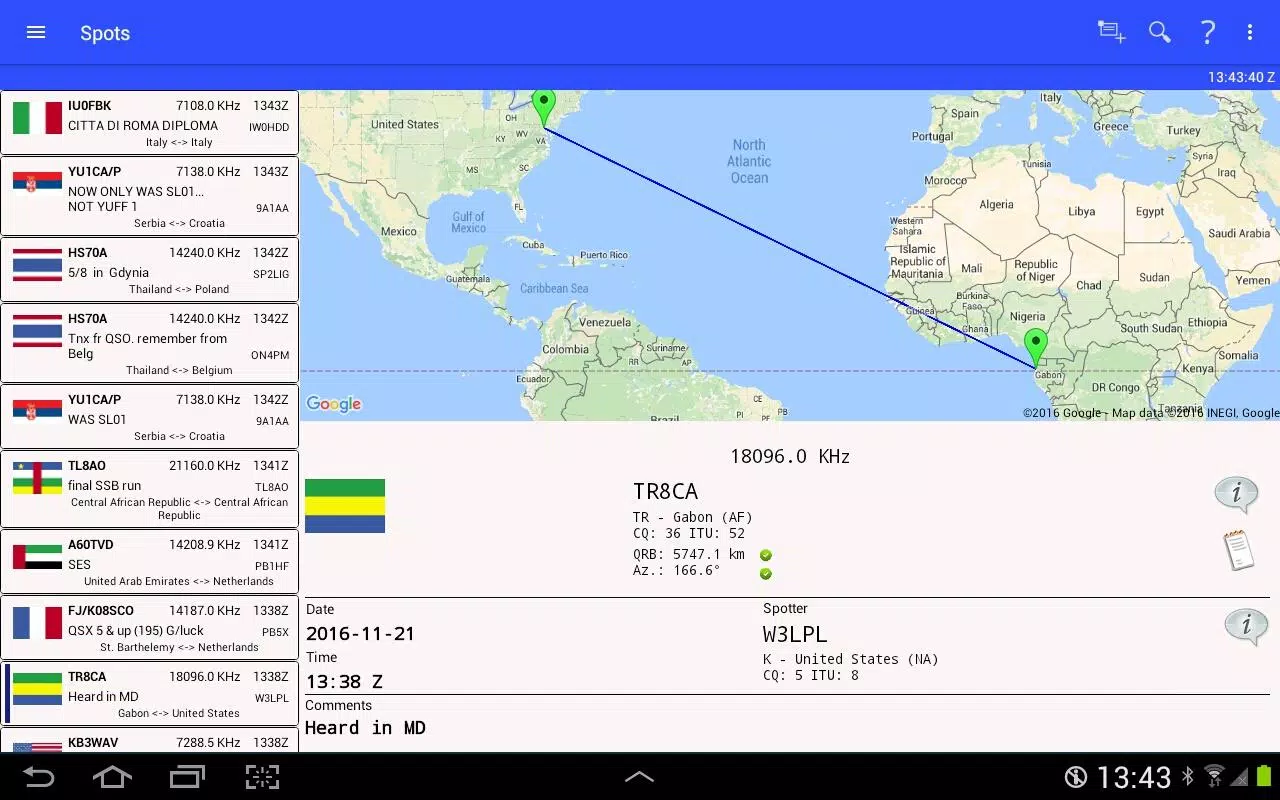
NKCCluster is a compact Android utility that lets administrators monitor and manage clusters of devices and services directly from a phone. It delivers real-time metrics, configurable alerts, remote command execution, and basic orchestration, giving on-call engineers fast visibility and control without needing a laptop.
Quick overview of the app
Designed for mobile-first operations, this app focuses on presenting critical infrastructure data in bite-sized views. NKCCluster reduces the time it takes to identify issues, compare node health, and run targeted fixes through an intuitive panel that minimizes friction for field technicians and site reliability engineers.
Core functionality at a glance
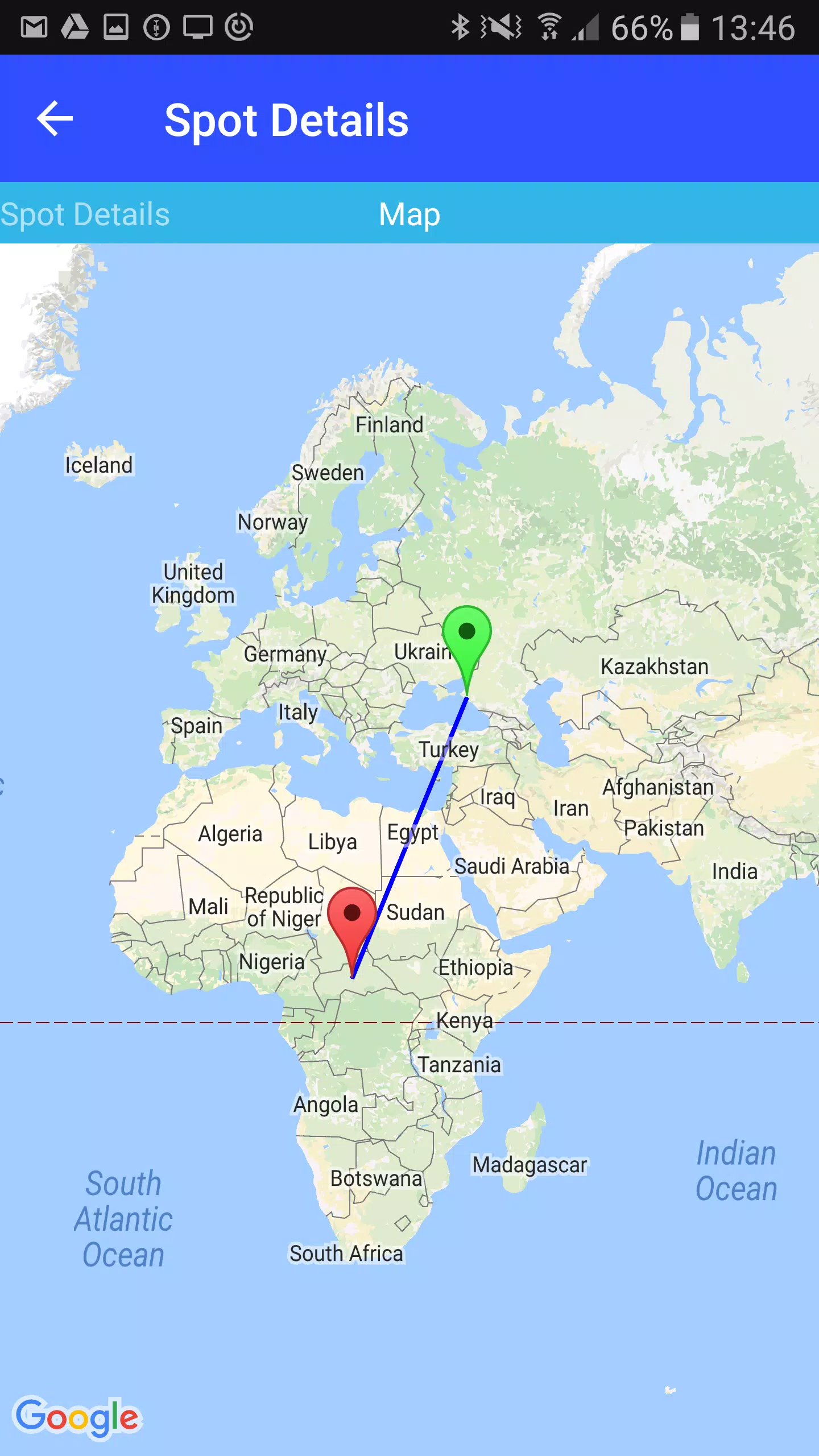
- Real-time dashboards: Live charts and status indicators for CPU, memory, disk, and network usage across nodes.
- Alerting and notifications: Flexible thresholds with vibration, sound, and push alert routing so you never miss a degraded service.
- Remote commands: Execute scripts or shell commands on selected nodes with a tap, including dry-run and confirmation flows.
- Log inspection: Tail logs from devices, filter by keyword, and jump to relevant timestamps without leaving the app.
- Light orchestration: Group operations, rolling restarts, and simple deployment triggers for routine fixes.
How the workflow operates
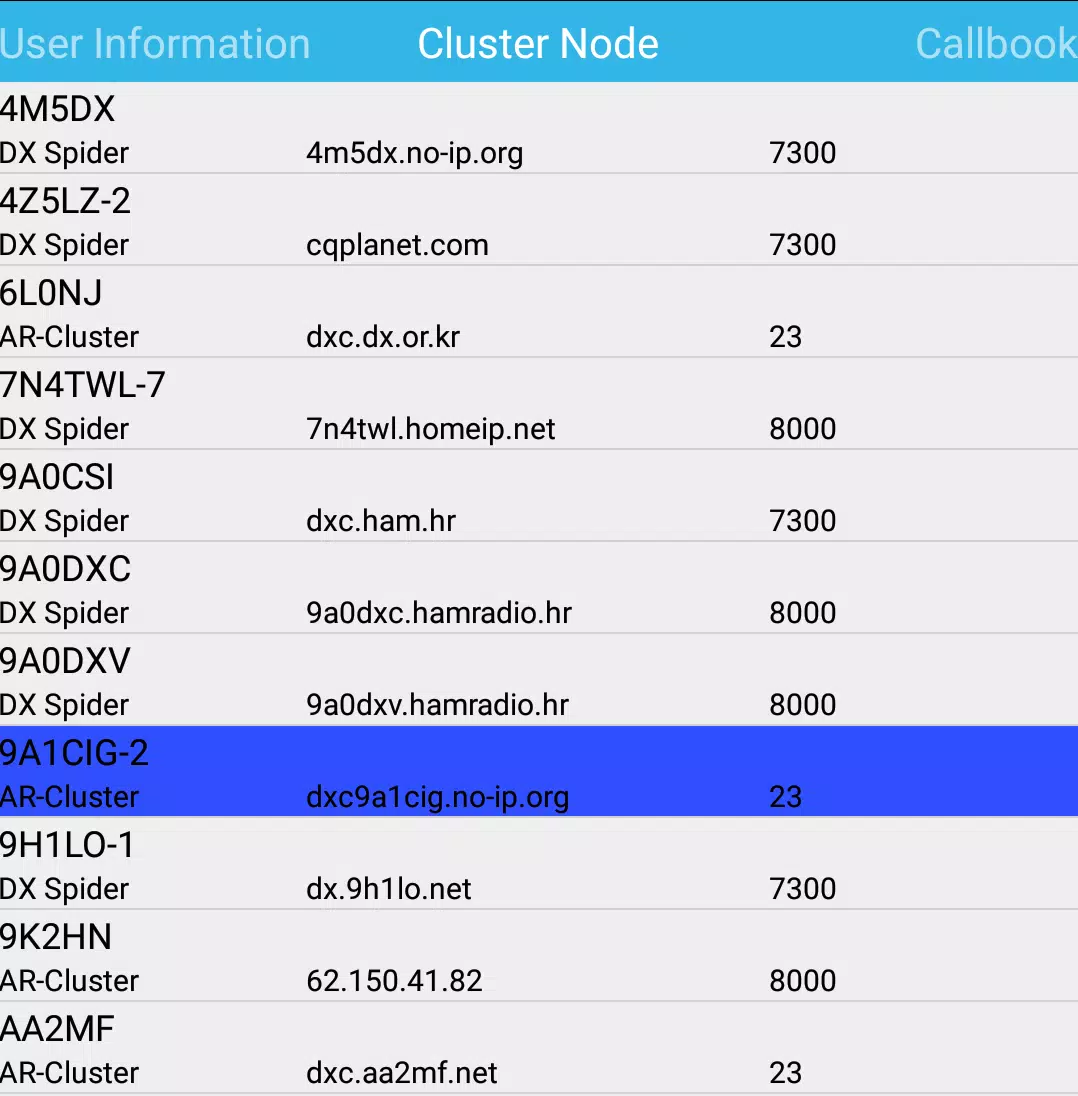
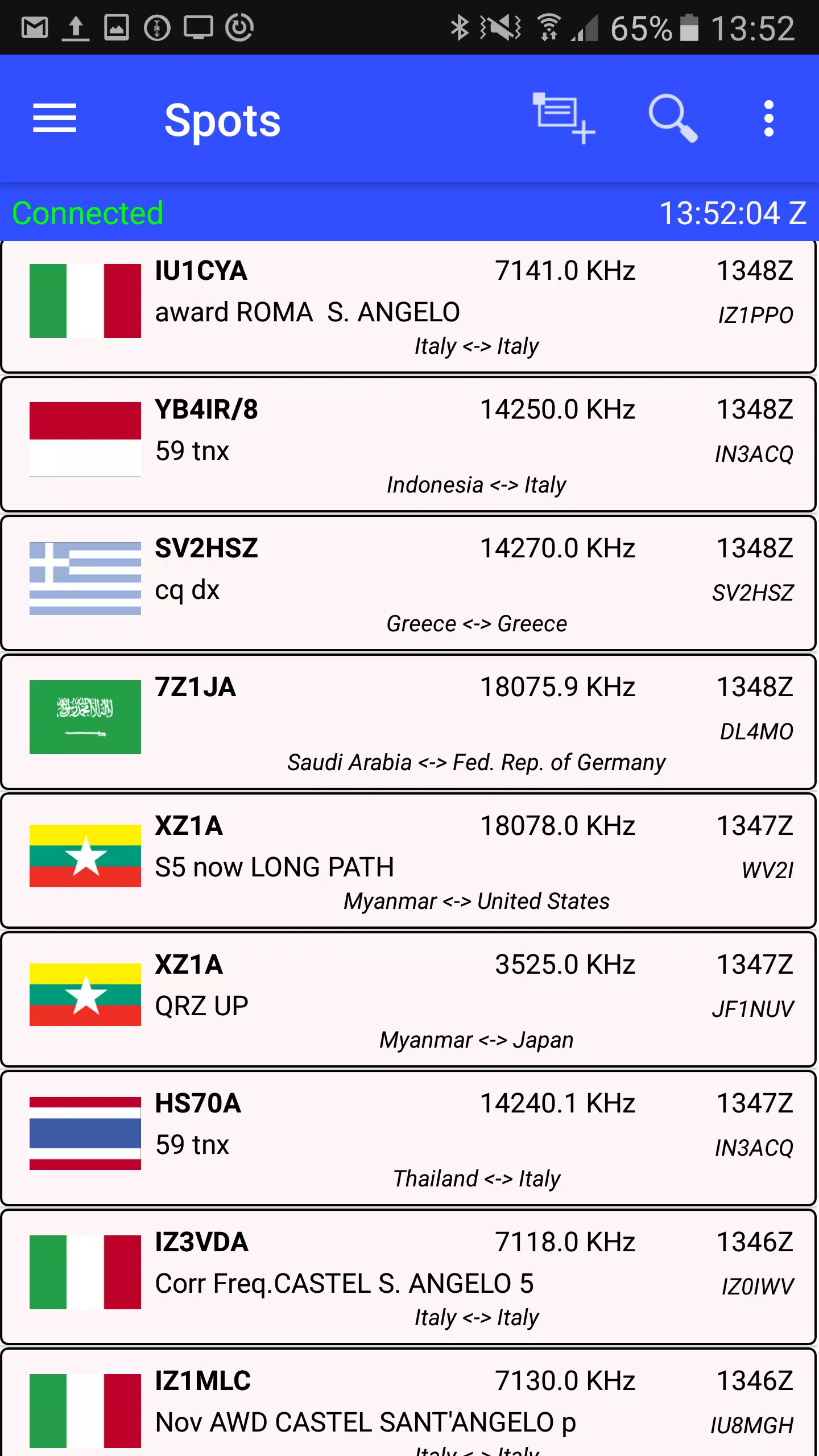
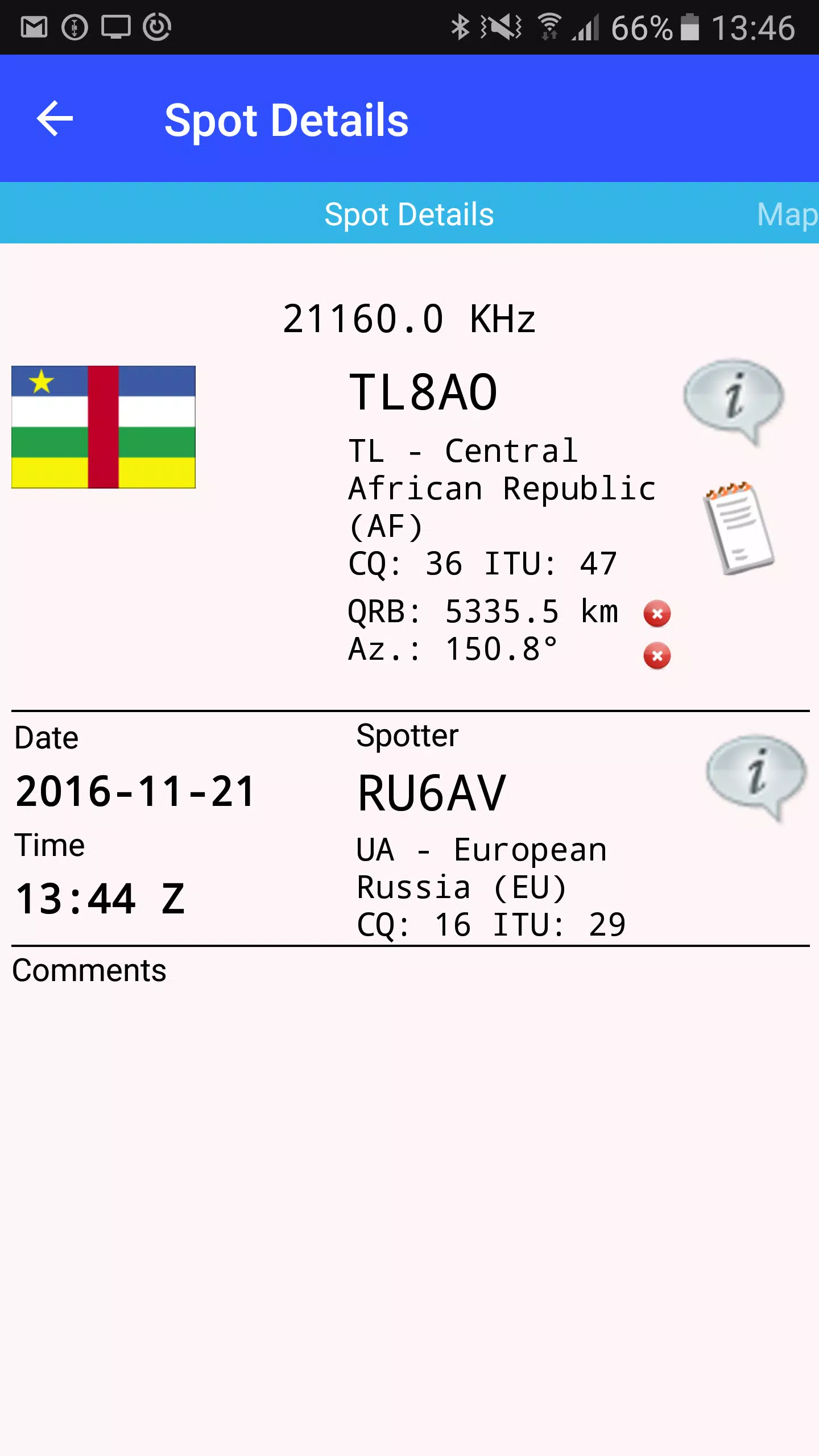
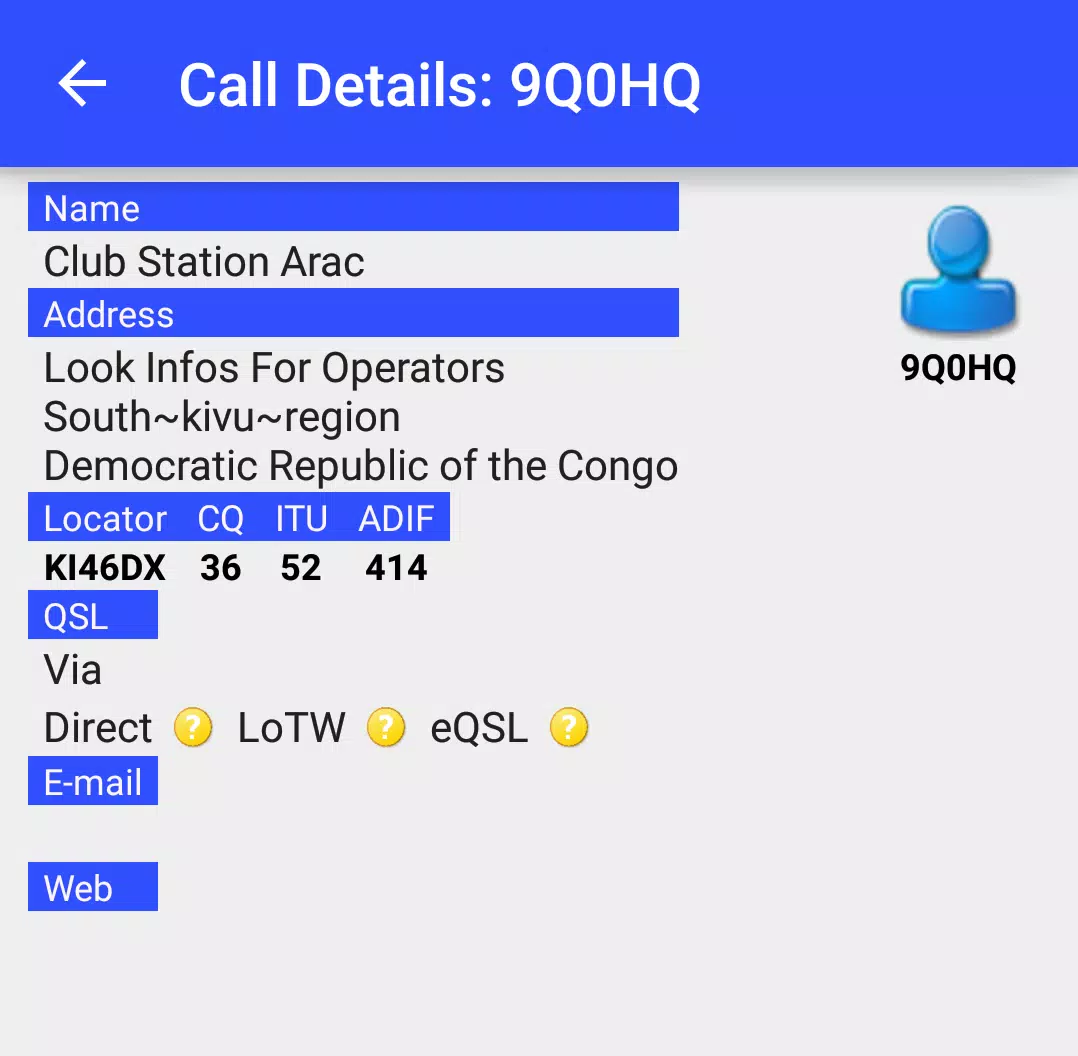
The workflow centers on concise situational awareness. NKCCluster groups hosts into clusters or environments, surfaces abnormal metrics, and recommends actions. From the main cluster view you can drill into individual nodes, view recent incidents, acknowledge alerts, and run preconfigured remediation routines. The goal is to let you move from detection to action within a few taps.
Interface and performance considerations
Performance is tuned for mobile bandwidth and battery life. Visualizations use compressed telemetry and adaptive polling, which lowers data use while keeping information fresh. The UI follows a hierarchy of importance: incident banners at the top, cluster tiles in the middle, and node details beneath. This structure helps maintain clarity on smaller screens.
Customization and integrations
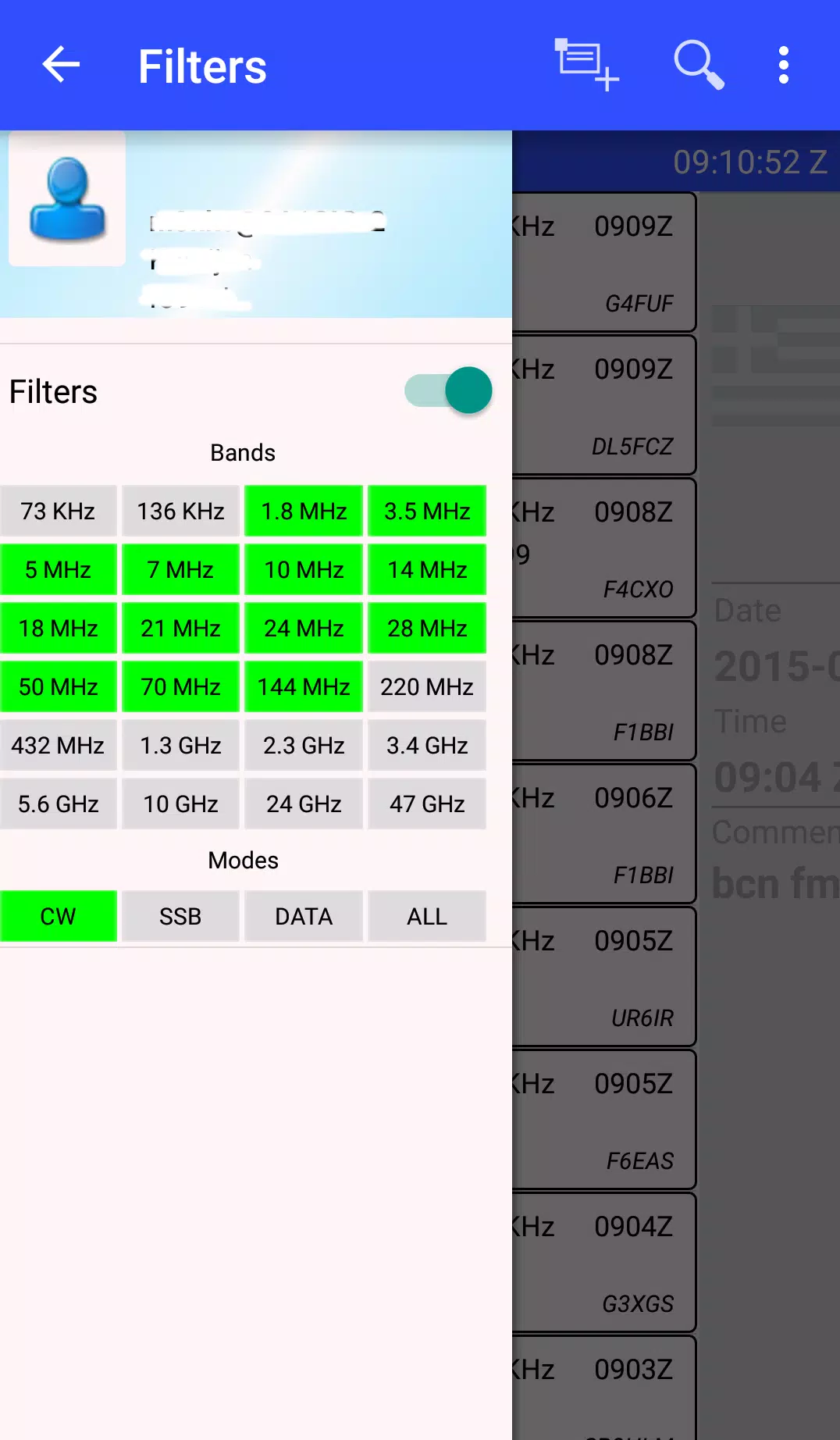
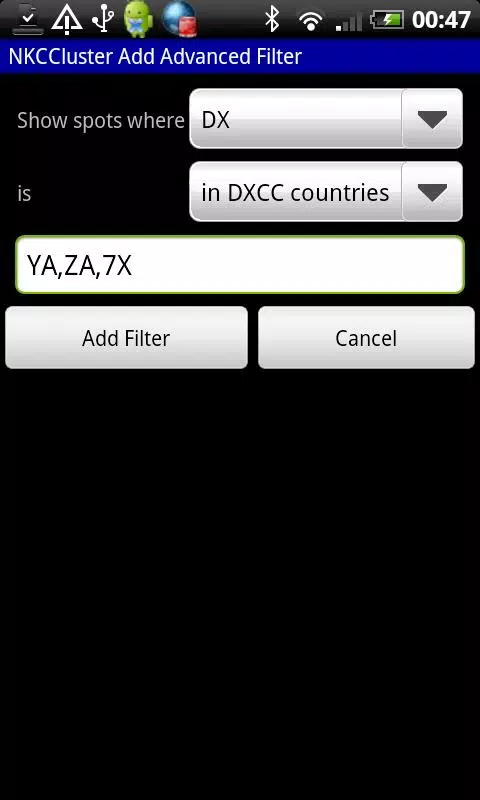
Customization options let teams map NKCCluster to existing workflows. You can import SSH credentials through secure key storage, integrate with popular alerting channels, and set custom metric thresholds per environment. The app supports webhooks for third-party tools and provides a simple template system to create on-device action scripts.
Security and access control
Security features include optional two-factor authentication, role-based access to sensitive commands, and encrypted transport for all telemetry and command execution. Administrators can create read-only observers and full-control operators, reducing the risk of accidental changes while on the move.
Getting started and installation
Installation takes only a few steps. After adding your first cluster you’ll map host identifiers and configure a safe test command. The app provides sample scripts and a sandbox mode so new users can practice without affecting production systems. Onboarding documentation is accessible within the app and highlights recommended alert thresholds for common server types.
Tips for newcomers
- Start with read-only access until you understand the environment layout.
- Set conservative alert thresholds during the first 48 hours to tune noise levels.
- Use the sandbox feature to validate automation templates before enabling them in production.
- Group hosts logically (by service, region, or role) so cluster summaries are meaningful.
Why teams adopt it
Teams appreciate NKCCluster for its straightforward approach to mobile ops. It scales from single-site maintenance to multi-cluster monitoring and complements existing dashboards rather than replacing them. The app’s low-latency controls and clear failure signals help reduce mean time to repair when on-call staff are away from their desks.
Final practical notes
Periodic updates introduce new integrations and small UX refinements, and the app keeps a changelog inside settings. For teams that need quick mobile intervention tools without a heavy desktop footprint, NKCCluster provides a focused, secure, and efficient option for keeping services healthy while out in the field.
Show More
Information
Screenshots
Latest Update












Latest News
-
![Revealing the Launch Playlists and Cross-Progression for COD Warzone Mobile News]()
-
![March 2024 Free Redemption Codes for Honkai: Star Rail News]()
-
PUBG Mobile Teams Up with Bentley Motors: Luxury Cars, Exclusive Collectibles, and Beyond 2024-04-18
![PUBG Mobile Teams Up with Bentley Motors: Luxury Cars, Exclusive Collectibles, and Beyond News]()
-
![Monster Never Cry is now accessible on both Android and iOS mobile devices. News]()
-
V2.2 of the Farlight 84 update introduces an overhauled Season structure, fresh in-game currency, an 2024-04-16
![V2.2 of the Farlight 84 update introduces an overhauled Season structure, fresh in-game currency, an News]()
-
![Arrival of Genshin Impact 4.6 Update: 'Embers of Two Realms, Twilight of Crimson' News]()
-
April 2024 Clash of Clans Update: Unveiling a Fresh Companion, Enhanced Levels, Chat Tagging, and Be 2024-04-16
![April 2024 Clash of Clans Update: Unveiling a Fresh Companion, Enhanced Levels, Chat Tagging, and Be News]()






