

Connect Plus+
Version:1.32.0
Published:2026-10-13
Introduction
Connect Plus+ is a versatile Android utility designed to simplify device connections and data sharing across networks. It centralizes Wi-Fi management, Bluetooth pairing, file transfers, and hotspot control into a single interface, offering quick tools for productivity and seamless connectivity whether you're at home, in the office, or on the move.
Core features and tools
At its heart, Connect Plus+ bundles a set of practical connectivity features that reduce friction when managing multiple devices. The app offers a streamlined Wi-Fi scanner with signal strength indicators, one-tap Bluetooth pairing, secure file transfer over local networks, and an easy hotspot toggler. Additional utilities include QR-based network sharing, scheduled connection profiles, and a persistent widget to access key functions from the home screen.
Interface and workflow
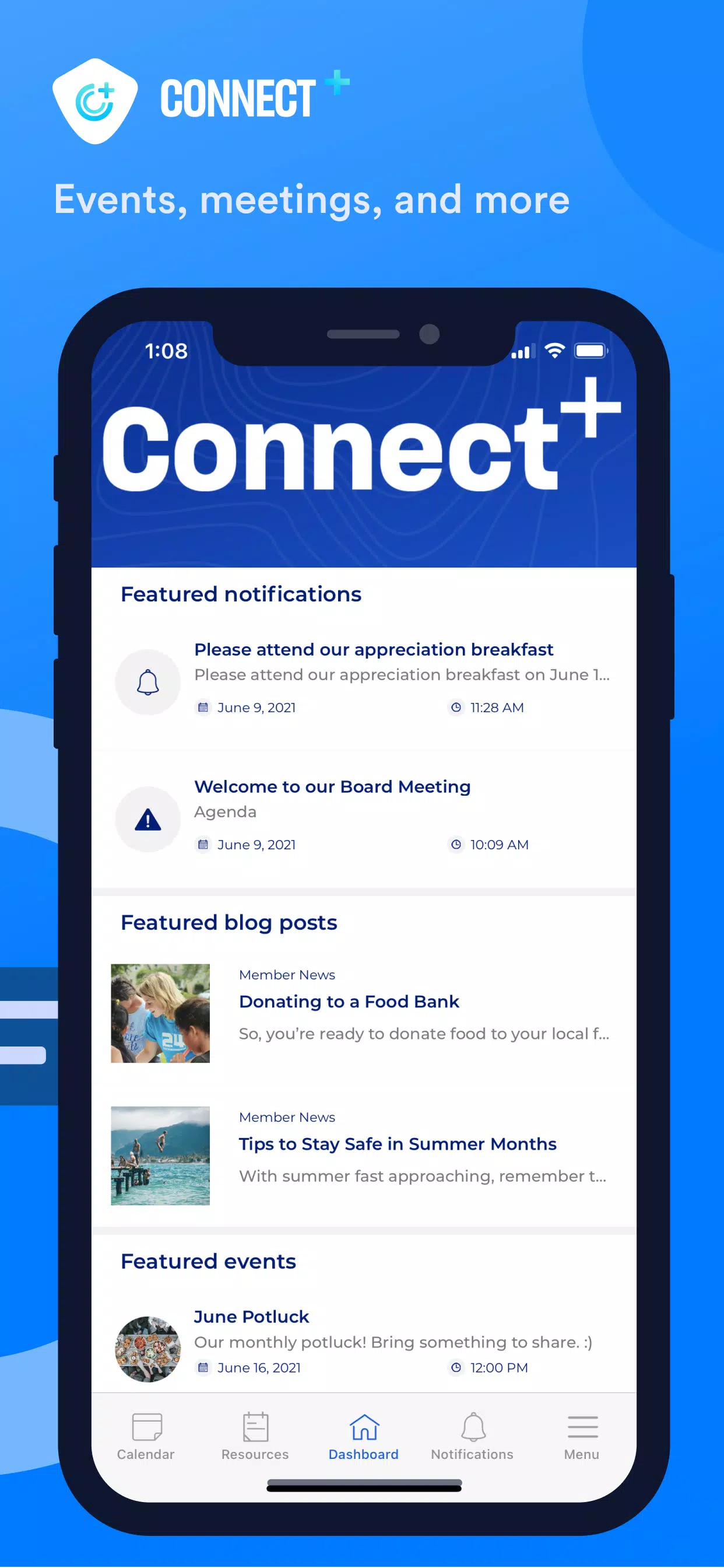
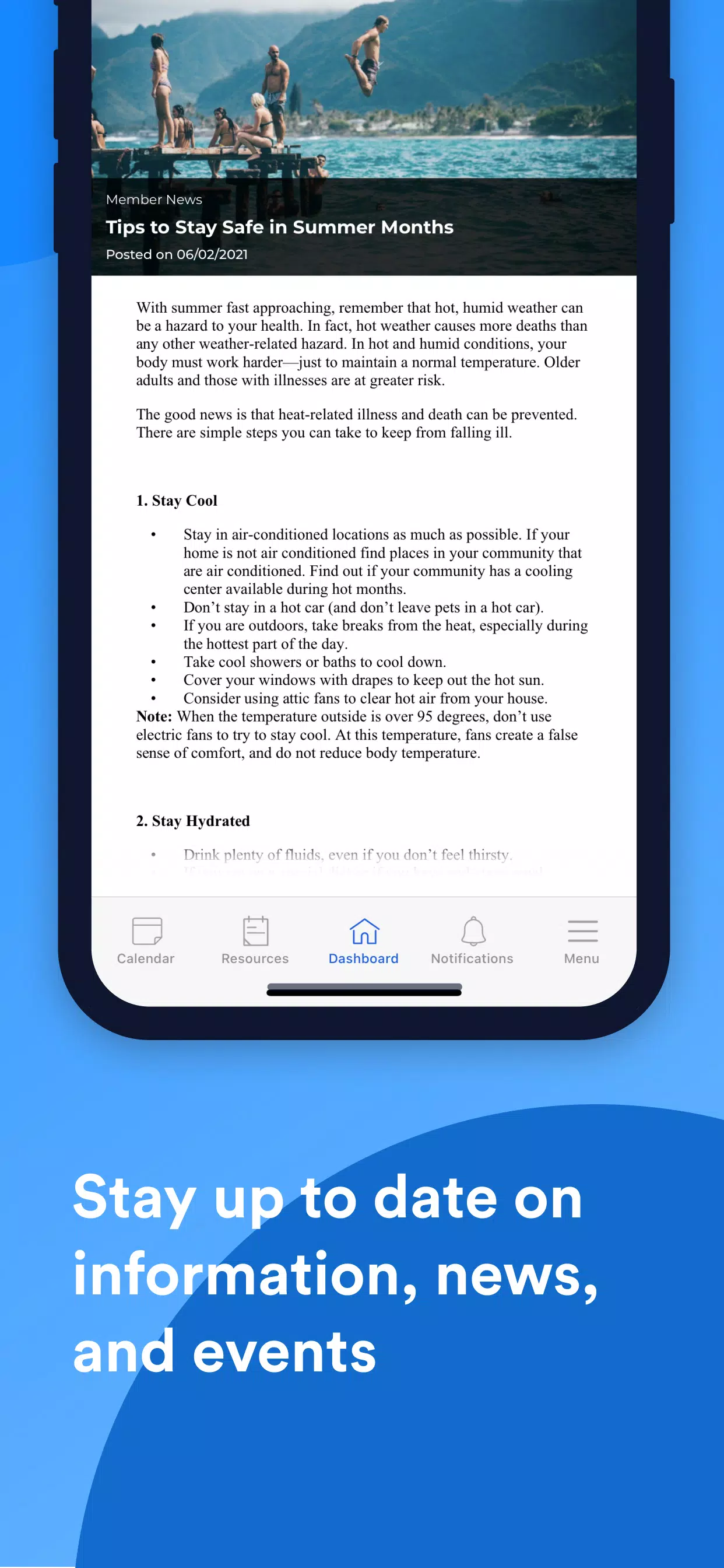
The interface balances simplicity with function. A clean dashboard displays active connections and recent transfers, while tabbed screens separate Wi-Fi, Bluetooth, and sharing activities so you can find what you need without digging through menus. Contextual action buttons change depending on the device and network state, helping you complete common tasks—like connecting to a trusted network or sending a file—within two taps.
How transfers and sharing work
File sharing is optimized for speed and convenience. Connect Plus+ detects other app users on the same network and establishes a direct transfer channel that avoids cloud uploads, keeping transfers faster and private. For cross-network sharing, the app can generate secure links or QR codes. Transfers resume automatically if a connection drops, and a transfer queue lets you manage multiple files without restarting operations manually.
Customization and profiles
Profiles let you adapt the app to different environments. Create a ‘‘Home’’ profile that prioritizes fast local transfers and enables automatic device recognition, or an ‘‘Office’’ profile that enforces stricter security settings and disables automatic pairing. Schedules can toggle Wi-Fi or hotspot modes at set times, saving battery and reducing manual steps. Connect Plus+ also supports custom notification rules so you see only the alerts that matter.
Performance and compatibility
Designed to be light on resources, Connect Plus+ runs well on modern mid-range devices and remains responsive on older phones. Network operations use minimal background processing and apply efficient caching to reduce repeated scans. Compatibility extends across Android versions commonly in use, and the app adapts to manufacturer variations in Wi-Fi and Bluetooth stacks to maintain broad device support.
Security and privacy
Security is a priority for Connect Plus+. Local transfers use end-to-end encryption within the session, and QR or link-based sharing includes optional expiration times and password protection. The app requests only the permissions needed for core features and provides clear controls to revoke access. Logs and transfer histories can be purged with a single action, and certificate pinning is applied for any cloud-assisted functionality.
Practical scenarios
Connect Plus+ is useful for a range of everyday situations: moving photos between devices at social gatherings, sharing large presentations in meetings without relying on external drives, or quickly reconnecting to a known Wi-Fi after a temporary drop. Students can use the app for group project exchanges, and field technicians benefit from the hotspot management tools when working in remote locations.
Getting started
Begin by granting the minimal permissions requested and running the initial scan to populate detected networks and nearby devices. Create one or two profiles to match your frequent locations and test a sample file transfer to confirm settings. The onboarding guide walks through core actions, and the built-in help section offers troubleshooting tips for common connectivity quirks.
Tips to get more out of Connect Plus+
- Use profiles: Save time with tailored settings for home, work, and travel.
- Enable the widget: Quickly toggle the most-used functions without opening the app.
- Secure sharing: Set expirations and passwords for sensitive transfers.
- Schedule scans: Reduce battery drain by timing background scans to when you usually connect.
Connect Plus+ aims to reduce hassles around mobile connectivity by consolidating common tasks into one polished app. With thoughtful features, lightweight performance, and clear security controls, it can become a daily utility for anyone who frequently connects devices or needs reliable local sharing on Android.
Show More
Information
Screenshots


Latest Update












Latest News
-
![Revealing the Launch Playlists and Cross-Progression for COD Warzone Mobile News]()
-
![March 2024 Free Redemption Codes for Honkai: Star Rail News]()
-
PUBG Mobile Teams Up with Bentley Motors: Luxury Cars, Exclusive Collectibles, and Beyond 2024-04-18
![PUBG Mobile Teams Up with Bentley Motors: Luxury Cars, Exclusive Collectibles, and Beyond News]()
-
![Monster Never Cry is now accessible on both Android and iOS mobile devices. News]()
-
V2.2 of the Farlight 84 update introduces an overhauled Season structure, fresh in-game currency, an 2024-04-16
![V2.2 of the Farlight 84 update introduces an overhauled Season structure, fresh in-game currency, an News]()
-
![Arrival of Genshin Impact 4.6 Update: 'Embers of Two Realms, Twilight of Crimson' News]()
-
April 2024 Clash of Clans Update: Unveiling a Fresh Companion, Enhanced Levels, Chat Tagging, and Be 2024-04-16
![April 2024 Clash of Clans Update: Unveiling a Fresh Companion, Enhanced Levels, Chat Tagging, and Be News]()






