
Klaesi
Version:1.2
Published:2026-10-13
Introduction
Klaesi is a compact productivity hub for Android that combines notes, tasks, and file organization into a single streamlined workspace. Designed for efficient daily workflows, Klaesi prioritizes quick entry, contextual tags, and cross-device synchronization to help users manage projects, ideas, and documents without clutter or unnecessary complexity.
Key Features
Klaesi bundles core productivity tools into a lightweight package. Expect a flexible notes editor with rich text formatting, checklist and task modules, a nested folder structure for documents, and fast search across all content. Built-in tagging and filters let you slice information by project, priority, or deadline, while customizable templates speed recurrent tasks like meeting notes or planning outlines.
Interface and Navigation
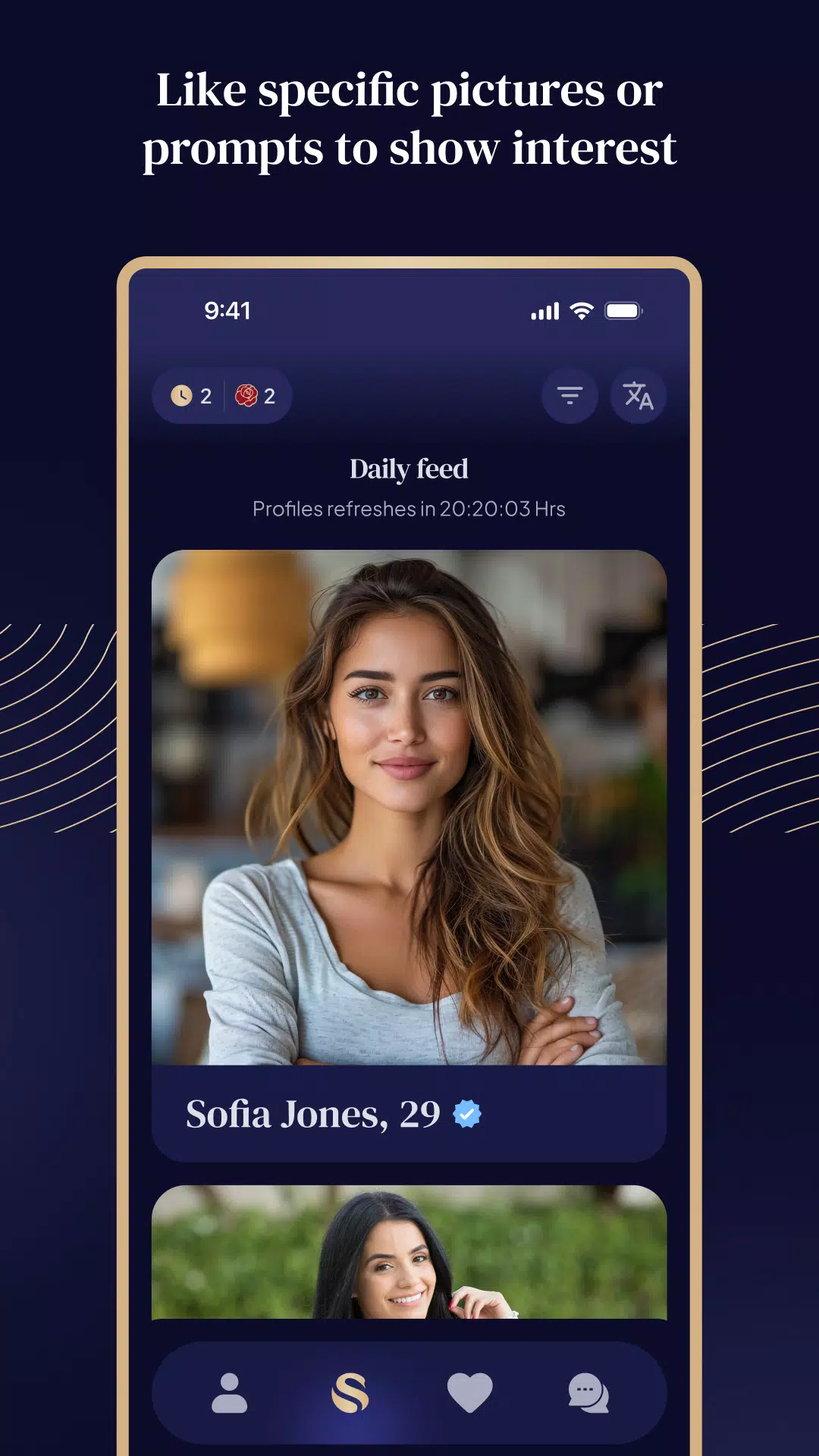
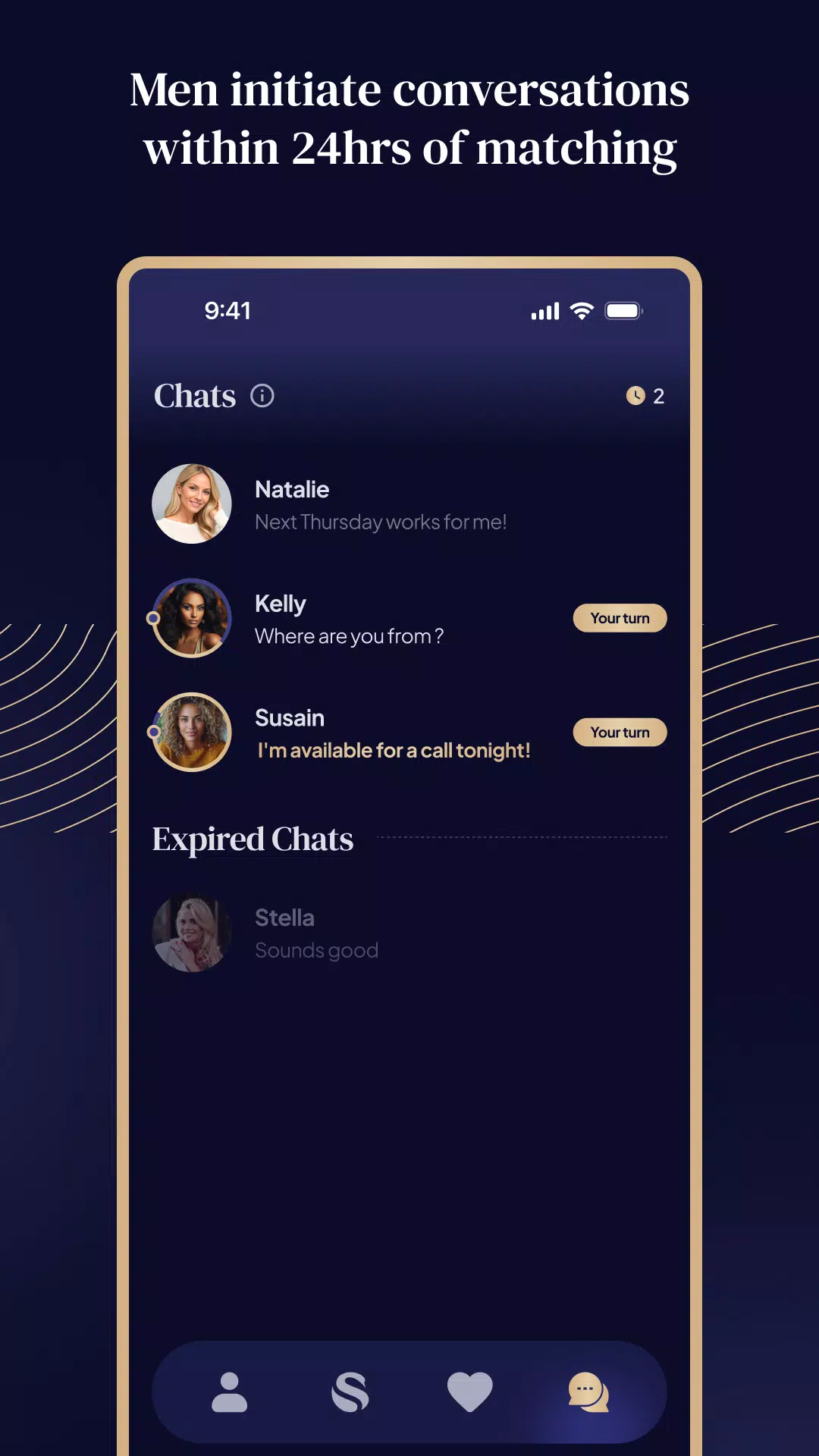
The app presents a clean, distraction-free interface that focuses on legibility and quick access. A left-hand navigation rail exposes primary areas: Notes, Tasks, Files, and Search. Cards and previews reduce taps by showing key details at a glance. Klaesi uses gestures for rapid item management — swipe to complete tasks, long-press to move content between folders, and pinch to switch between compact and expanded views.
How Klaesi Organizes Workflows
At the heart of Klaesi is a lightweight workflow engine that links notes, tasks, and files into contextual workspaces. You can attach tasks to notes, link documents to calendar events, and view related items in a single timeline. The workspace concept allows you to group everything related to a client, project, or topic without duplicating content. This reduces friction when switching contexts and keeps progress visible across related tasks and resources.
Customization Options
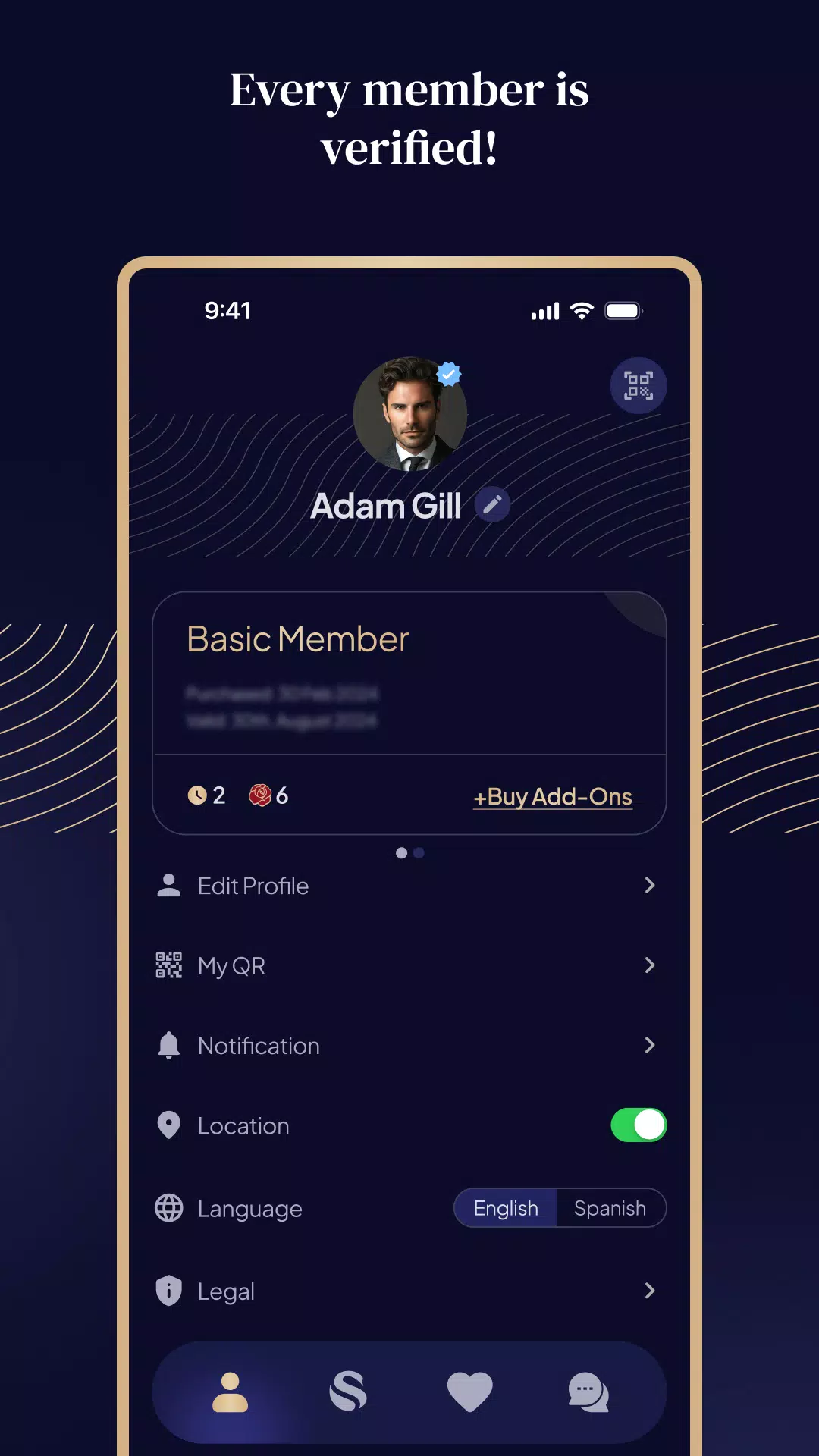
Klaesi supports several personalization layers so the app adapts to your style. Create custom templates for repetitive notes, define color-coded tags, and set default sorting rules for lists. Theme options include light, dark, and auto-adaptive modes with adjustable font sizes. Power users can enable compact density to fit more content on-screen, while casual users can keep larger spacing for comfortable reading.
Security and Synchronization
Security is built into Klaesi’s synchronization model. Data is encrypted in transit and at rest when using the cloud sync option. Local-only mode is available for users who prefer to keep data on the device. Syncing supports multiple devices, merging changes intelligently and preserving revision history so you can revert to earlier versions of notes or recover deleted items within a configurable time window.
Performance and Compatibility
Klaesi is optimized for responsiveness across a wide range of Android devices. Background processes are kept minimal to preserve battery life, and the app is tuned to handle thousands of notes and files without lag. Offline access ensures you can continue working without connectivity. Compatibility extends to older Android versions with graceful feature fallbacks, while modern devices get accelerated animations and multi-window support.
Getting Started
On first launch Klaesi offers a short setup assistant that helps you create your first workspace, import content from common formats, and choose synchronization preferences. Import tools accept plain text, Markdown, CSV task lists, and common document formats to simplify migration from other apps. A well-organized onboarding checklist helps new users learn gestures and core workflows in minutes.
Integrations and Extensions
Klaesi integrates with calendar apps, simple cloud storage providers, and Android’s share menu to accept content from other apps. Export options include PDF and Markdown, and you can publish selected notes as shareable links. An API layer (beta) supports simple automation, letting power users script recurring actions or trigger tasks from external services.
Tips for Effective Use
- Start each project with a workspace template to maintain consistent structure.
- Use tags sparingly and combine them with folder hierarchy for findability.
- Rely on the timeline view when juggling deadlines across multiple projects.
- Enable revision history before importing large archives to keep rollback options ready.
Klaesi aims to be a practical, low-friction toolkit for organizing daily work on Android. With a balance of straightforward features and privacy-conscious sync, it suits users who want a unified place for notes, tasks, and files without sacrificing speed or control.
Show More
Information
Screenshots


Latest Update












Latest News
-
![Revealing the Launch Playlists and Cross-Progression for COD Warzone Mobile News]()
-
![March 2024 Free Redemption Codes for Honkai: Star Rail News]()
-
PUBG Mobile Teams Up with Bentley Motors: Luxury Cars, Exclusive Collectibles, and Beyond 2024-04-18
![PUBG Mobile Teams Up with Bentley Motors: Luxury Cars, Exclusive Collectibles, and Beyond News]()
-
![Monster Never Cry is now accessible on both Android and iOS mobile devices. News]()
-
V2.2 of the Farlight 84 update introduces an overhauled Season structure, fresh in-game currency, an 2024-04-16
![V2.2 of the Farlight 84 update introduces an overhauled Season structure, fresh in-game currency, an News]()
-
![Arrival of Genshin Impact 4.6 Update: 'Embers of Two Realms, Twilight of Crimson' News]()
-
April 2024 Clash of Clans Update: Unveiling a Fresh Companion, Enhanced Levels, Chat Tagging, and Be 2024-04-16
![April 2024 Clash of Clans Update: Unveiling a Fresh Companion, Enhanced Levels, Chat Tagging, and Be News]()






