

Anime Browser
Version:1.2.0
Published:2026-10-13
Introduction
Anime Browser offers a streamlined mobile experience for discovering, organizing, and streaming anime content. It aggregates episode catalogs, provides customizable watchlists, and supports multiple playback sources so users can browse series efficiently, track progress, and enjoy high-quality video with minimal setup.
Core features
At its heart, Anime Browser focuses on fast discovery and reliable playback. The app collects metadata for shows, displays episode lists with synopses, and links to a variety of streaming hosts. Key tools include a multi-source player selector, offline download options, and a history timeline that updates as you watch. Built-in filters let you sort by season, airing status, genre, or popularity, making it easier to find the next title to watch.
User interface and navigation
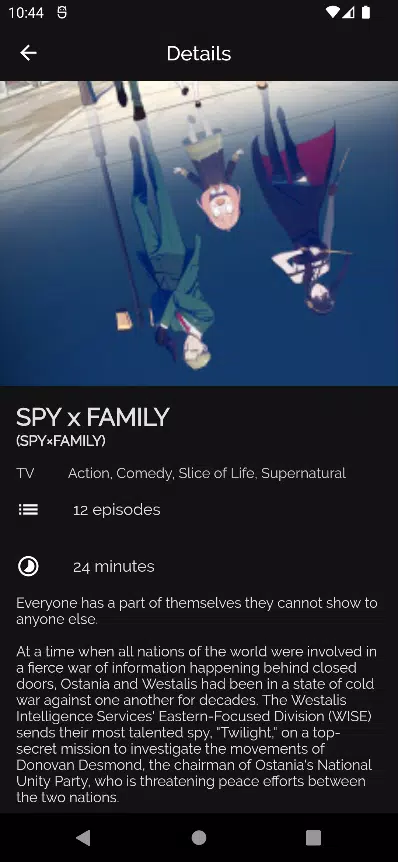
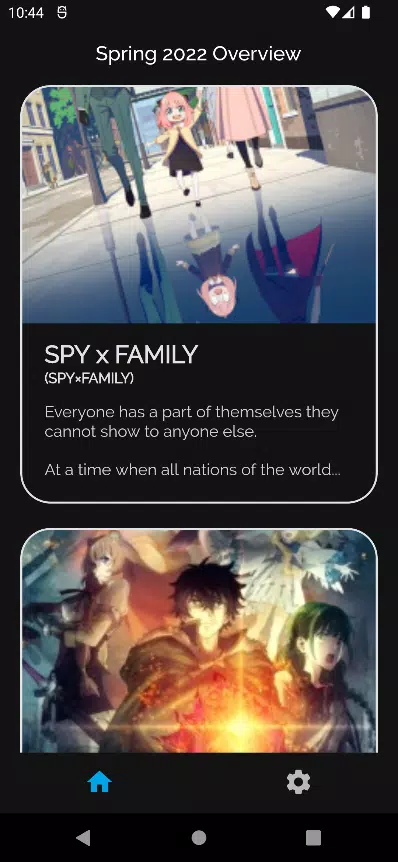
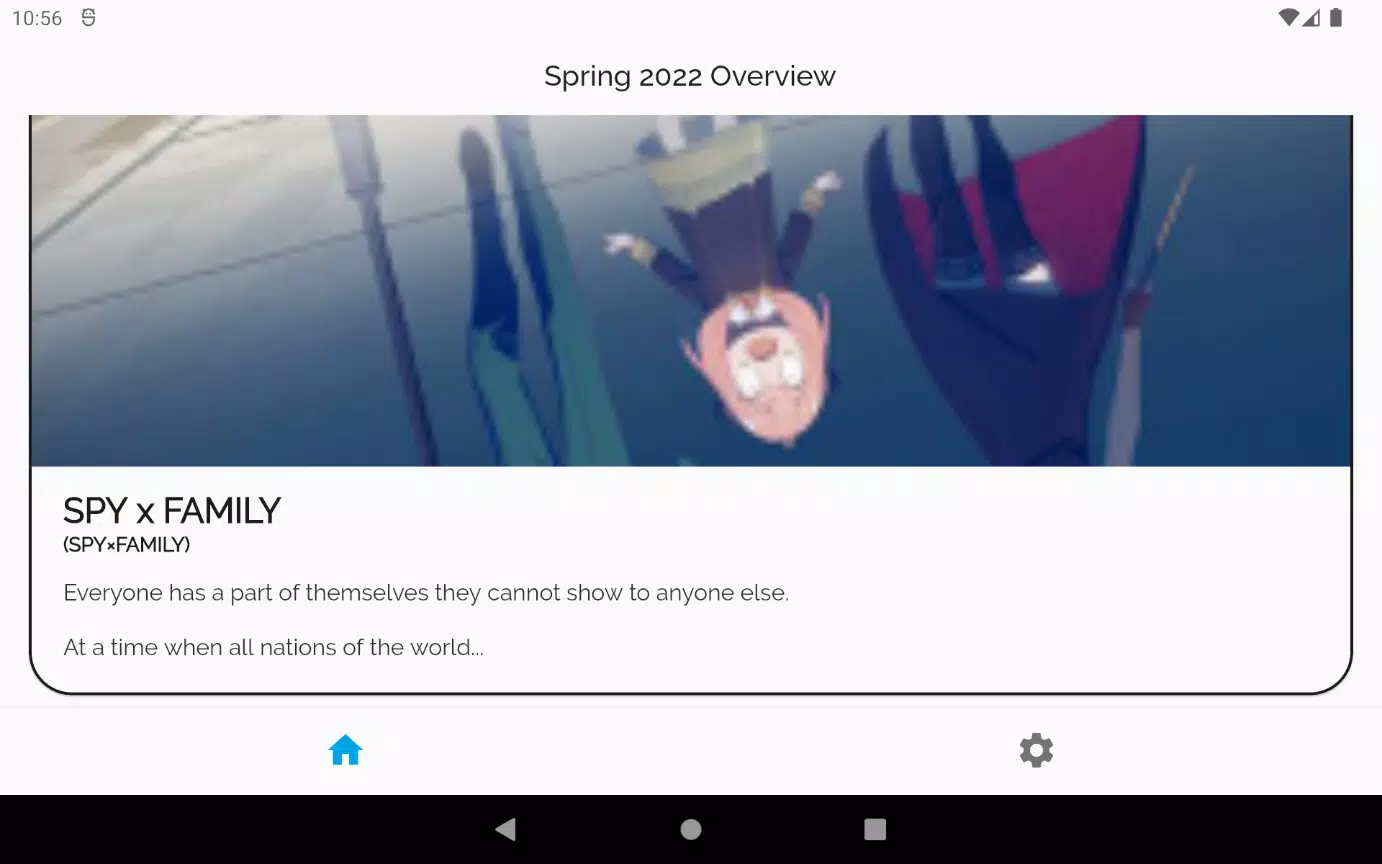
The interface prioritizes clarity. Primary sections are arranged along a bottom navigation bar, with quick access to Home, Search, Library, and Settings. Series pages feature prominent artwork, episode grids, and an expandable description area. Controls remain accessible during playback so you can change quality, switch audio or subtitles, and jump between episodes without leaving the player.
Search and discovery tools
Search is fast and forgiving, offering suggestions as you type and supporting alternate titles and romanized names. A discovery feed surfaces trending shows, seasonal charts, and curated lists for genres like action, slice-of-life, and fantasy. Advanced filters include year of release, score range, and studio, helping users narrow down options for specific tastes or moods.
Watchlists, tracking, and library management
Anime Browser’s library system helps you build and manage watchlists, mark episodes watched, and save favorites. Sync options connect with external tracking services so progress stays consistent across devices. Users can create custom collections, tag entries, and order lists by priority or release date. Notifications remind you when new episodes air or when a series in your list receives an update.
Playback performance and settings
Playback aims to balance quality and bandwidth. The player supports multiple resolutions, adjustable bitrate, and frame-rate switching for smoother motion. If a primary source fails, the app can automatically switch to a backup host. Subtitle support includes local files and selectable subtitle tracks, with font size and color controls. For those who prefer listening, audio-only mode conserves data while keeping pace with new episodes.
Customization and privacy
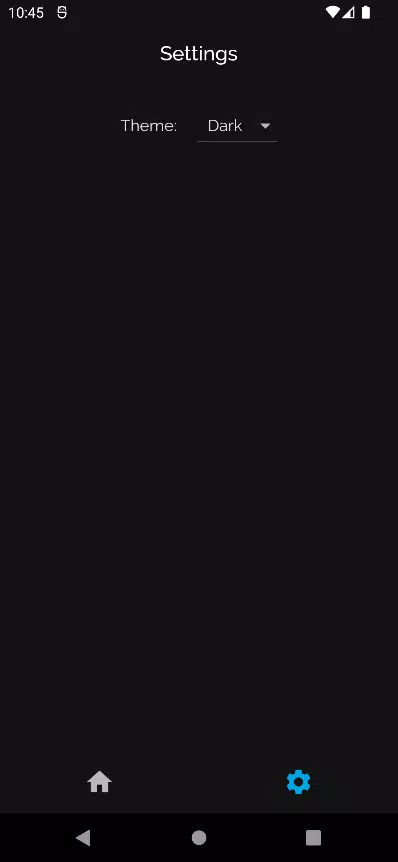
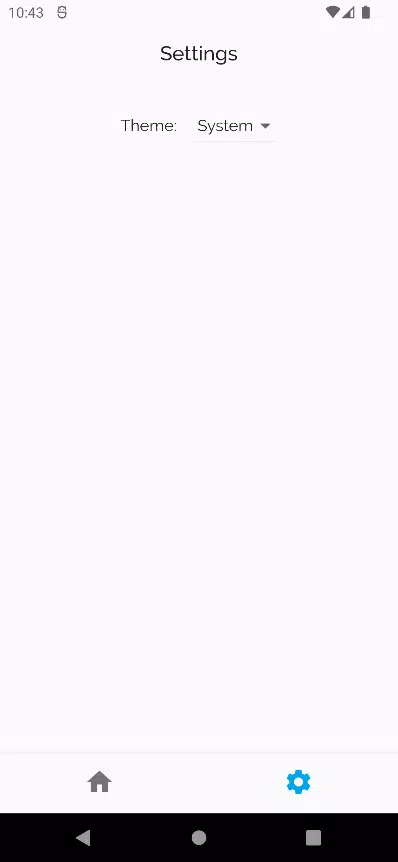
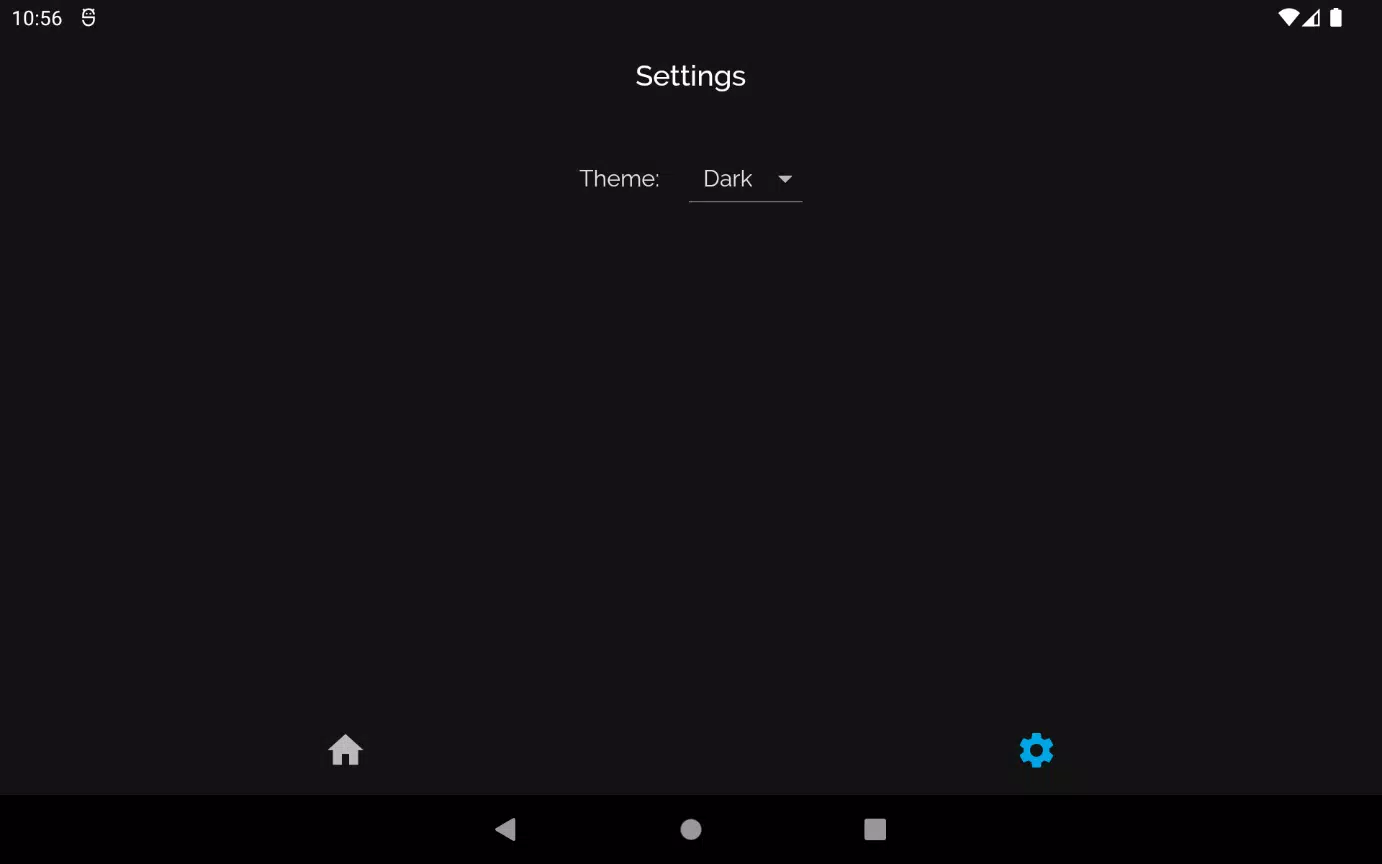
Personalization features include theme adjustments, compact or expanded list views, and a night mode for late viewing. Privacy-focused options allow users to limit data collection, disable analytics, or disable auto-play on mobile networks. Downloaded content is stored in an encrypted cache accessible only through the app, and users can clear caches selectively to manage storage.
Compatibility and resource use
Designed to work on a wide range of Android devices, Anime Browser is optimized for both phones and tablets. It adapts to different screen sizes and supports picture-in-picture playback for multitasking. The app is mindful of battery and memory usage: background tasks like metadata updates run on a schedule and pause when the device is low on resources.
How to get started
Getting started with Anime Browser is straightforward. Install the app, grant optional permissions for storage if you want downloads, and run an initial scan to populate recommended content. Add series to your library by tapping the plus icon on a show page, and configure playback preferences from Settings. The first-run tutorial highlights key controls and library features to speed up the onboarding process.
Why users choose Anime Browser
Users appreciate Anime Browser for its combination of convenience and control. The multi-source approach reduces interruptions, while robust library tools and customizable playback cater to both casual viewers and dedicated fans. Regular updates add new features and improve compatibility, keeping the app responsive as streaming sources and formats evolve.
Whether you’re building a watchlist for the season or catching up on classics, Anime Browser offers the tools to organize, play, and enjoy anime on the go.
Show More
Information
Screenshots


Latest Update












Latest News
-
![Revealing the Launch Playlists and Cross-Progression for COD Warzone Mobile News]()
-
![March 2024 Free Redemption Codes for Honkai: Star Rail News]()
-
PUBG Mobile Teams Up with Bentley Motors: Luxury Cars, Exclusive Collectibles, and Beyond 2024-04-18
![PUBG Mobile Teams Up with Bentley Motors: Luxury Cars, Exclusive Collectibles, and Beyond News]()
-
![Monster Never Cry is now accessible on both Android and iOS mobile devices. News]()
-
V2.2 of the Farlight 84 update introduces an overhauled Season structure, fresh in-game currency, an 2024-04-16
![V2.2 of the Farlight 84 update introduces an overhauled Season structure, fresh in-game currency, an News]()
-
![Arrival of Genshin Impact 4.6 Update: 'Embers of Two Realms, Twilight of Crimson' News]()
-
April 2024 Clash of Clans Update: Unveiling a Fresh Companion, Enhanced Levels, Chat Tagging, and Be 2024-04-16
![April 2024 Clash of Clans Update: Unveiling a Fresh Companion, Enhanced Levels, Chat Tagging, and Be News]()






