

Xlens-AI mix photo effect
Version:1.5.4
Published:2026-10-13
Introduction
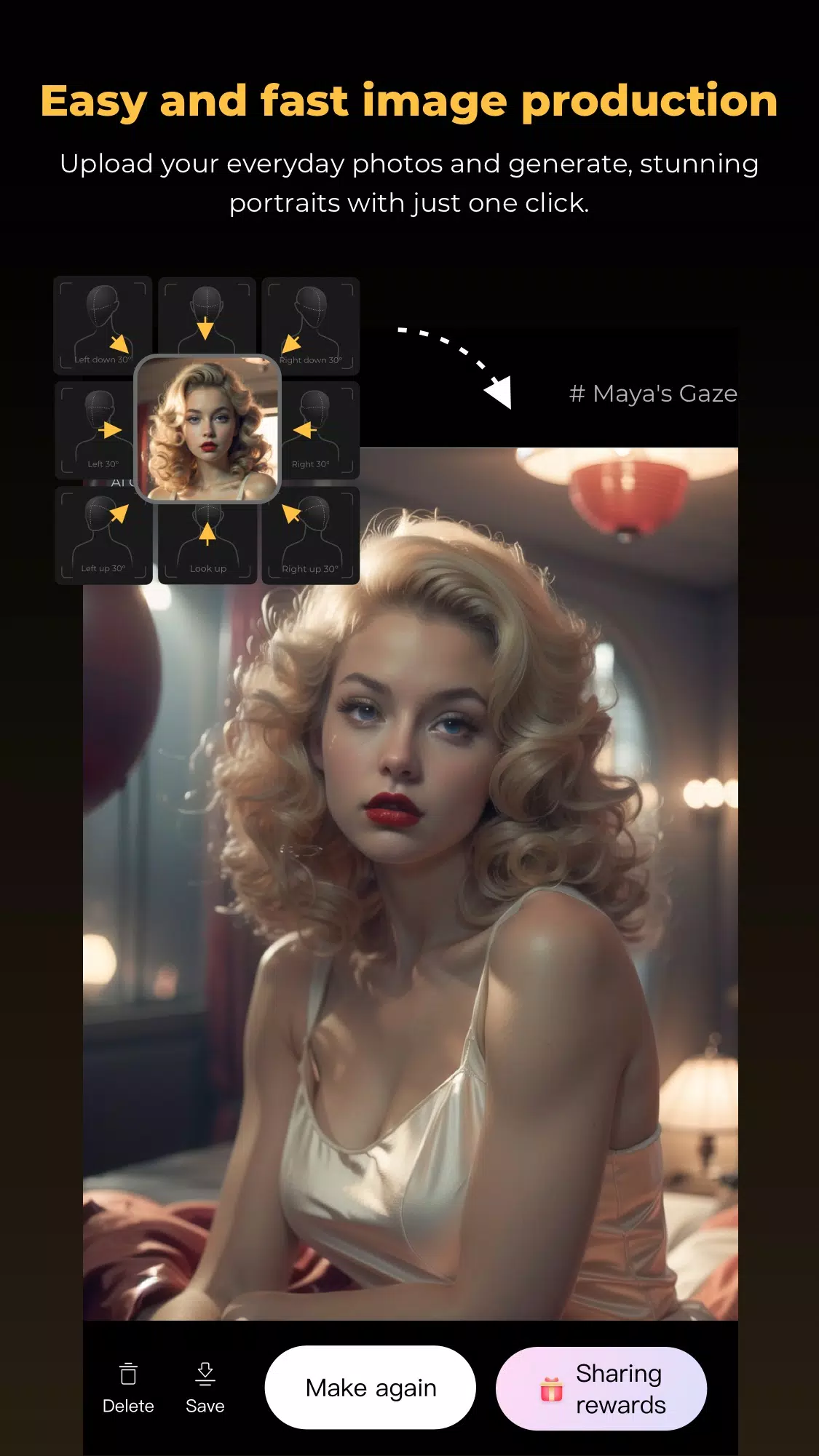
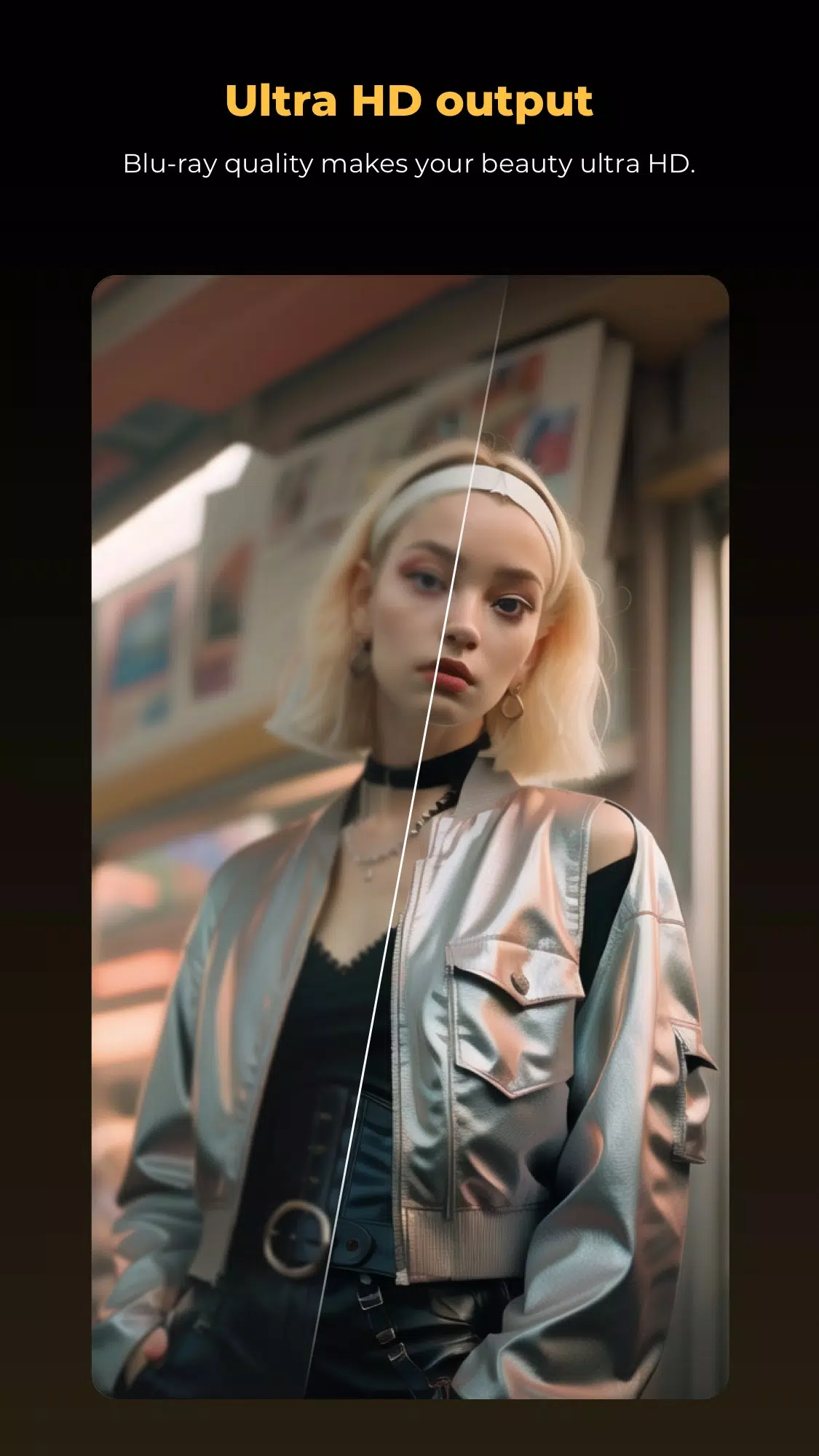
Xlens-AI mix photo effect is a mobile editing tool that blends AI-powered filters with manual controls to create unique images. It streamlines portrait enhancement, background replacement, and creative overlays while keeping adjustments intuitive for amateurs and pros alike, delivering fast previews and export options for social sharing.
Overview: What the app does
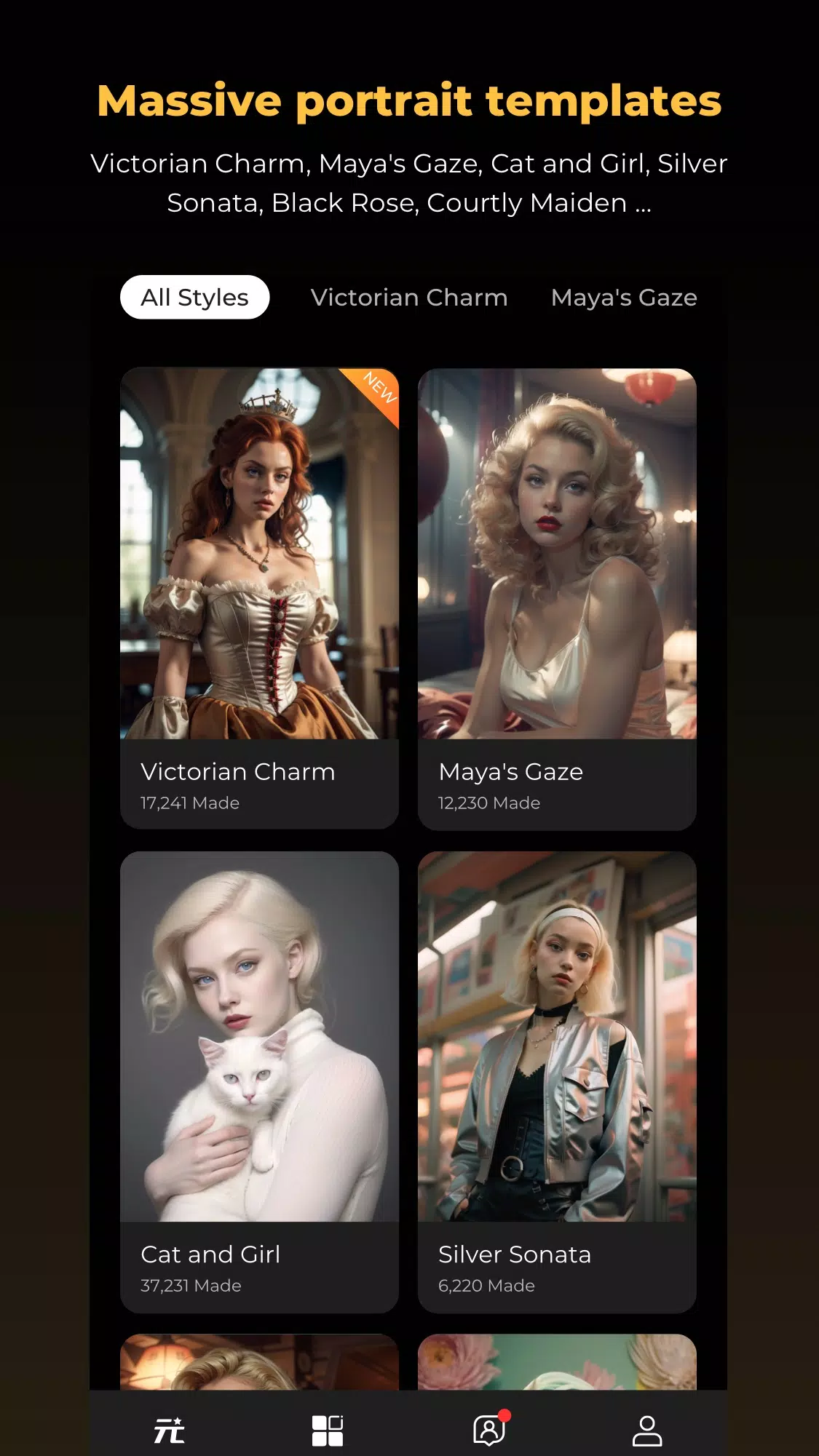
Designed for Android photographers who want quick, creative results, Xlens-AI mix photo effect bridges automated intelligence and hands-on editing. The app focuses on combining multiple visual effects into one cohesive image, letting users experiment with stylized looks, subtle corrections, and hybrid filters that merge colors, textures, and depth cues.
Core capabilities
- AI-driven enhancement for skin smoothing, exposure correction, and smart color grading.
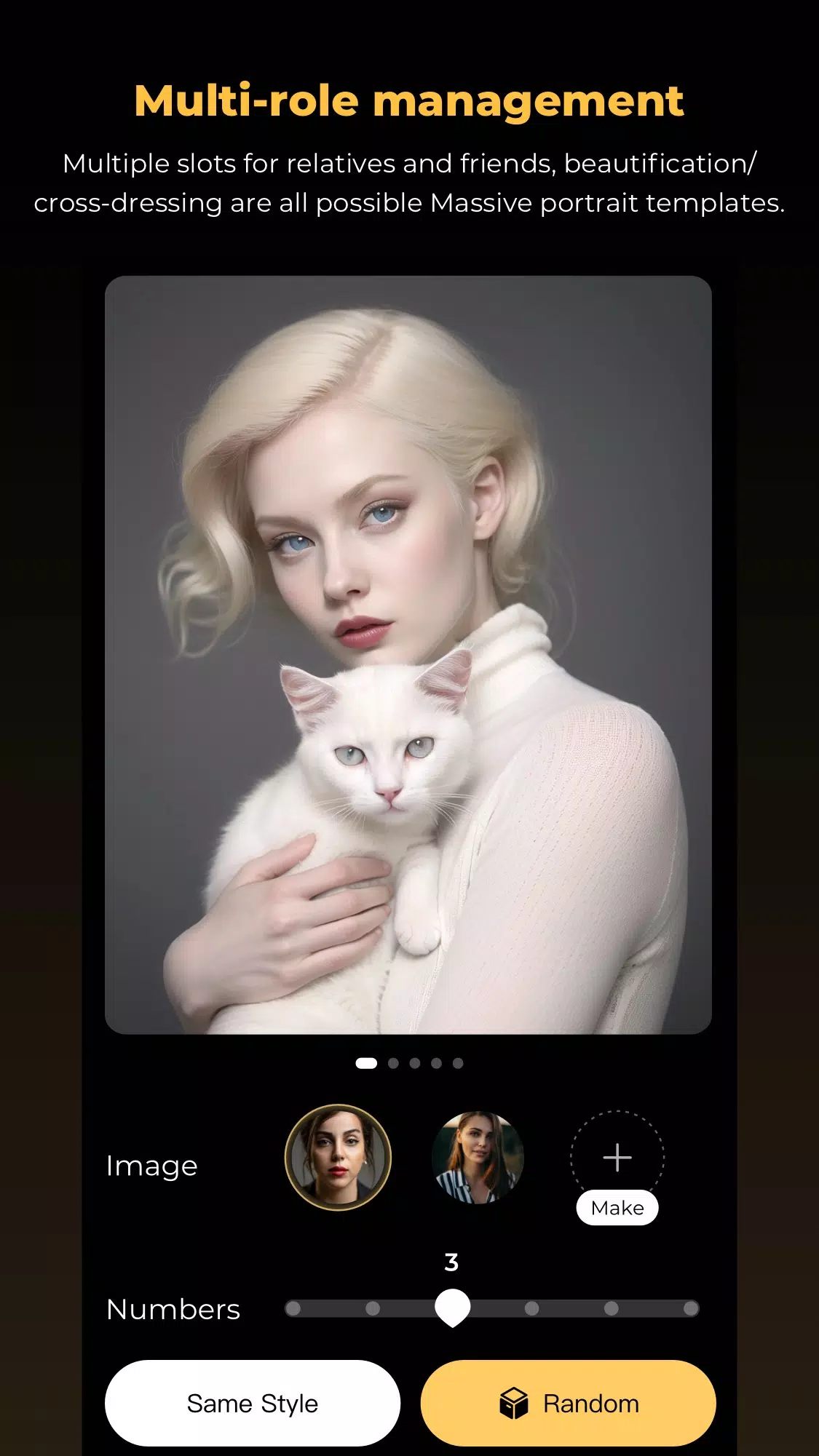
- Layered effect mixing so you can stack and blend multiple filters without destructive editing.
- Background replacement with edge-aware masking and perspective-aware blending.
- Export flexibility including common image formats and social-ready presets.
How the tools work in practice
The interface separates automated transforms from manual sliders. Tap an AI preset to get an instant suggestion, then use sliders to refine intensity, warmth, and texture. The layer stack lets you reorder effects, adjust opacity, and apply localized masks. Xlens-AI mix photo effect keeps a live preview so changes render quickly, which helps when iterating on a look.
User interface and performance
Menus are compact and context-aware: tools appear only when relevant, minimizing clutter. The app supports both single-image edits and batch processing for quick delivery. Performance is optimized for mid-range and high-end devices; lower-end phones may experience longer render times on complex mixes but can still access simplified presets for faster edits.
Practical features photographers will use
- Selective adjustments: brush and radial masks for targeted color or exposure changes.
- Blend modes: multiply, screen, overlay and custom algorithms designed for AI-enhanced textures.
- Preset snapshots: save your favorite mixes as one-tap looks for consistent output.
- Undo history: non-destructive steps that can be revisited during a session.
Workflow tips for better results
Start with a neutral base: correct exposure and white balance before applying stylistic mixes. Use subtle AI enhancements initially, then increase intensity as needed. When replacing backgrounds, choose images with complementary lighting to maintain realism. Export test images at full resolution to check fine details before sharing.
Why creatives choose this app
Photographers and social creators appreciate Xlens-AI mix photo effect for balancing speed and control. The AI suggestions accelerate routine fixes, while manual controls allow for artistic shaping. The app’s layered approach encourages experimentation and reduces the worry of irreversible edits, making it easier to develop a signature aesthetic.
Getting started and installation
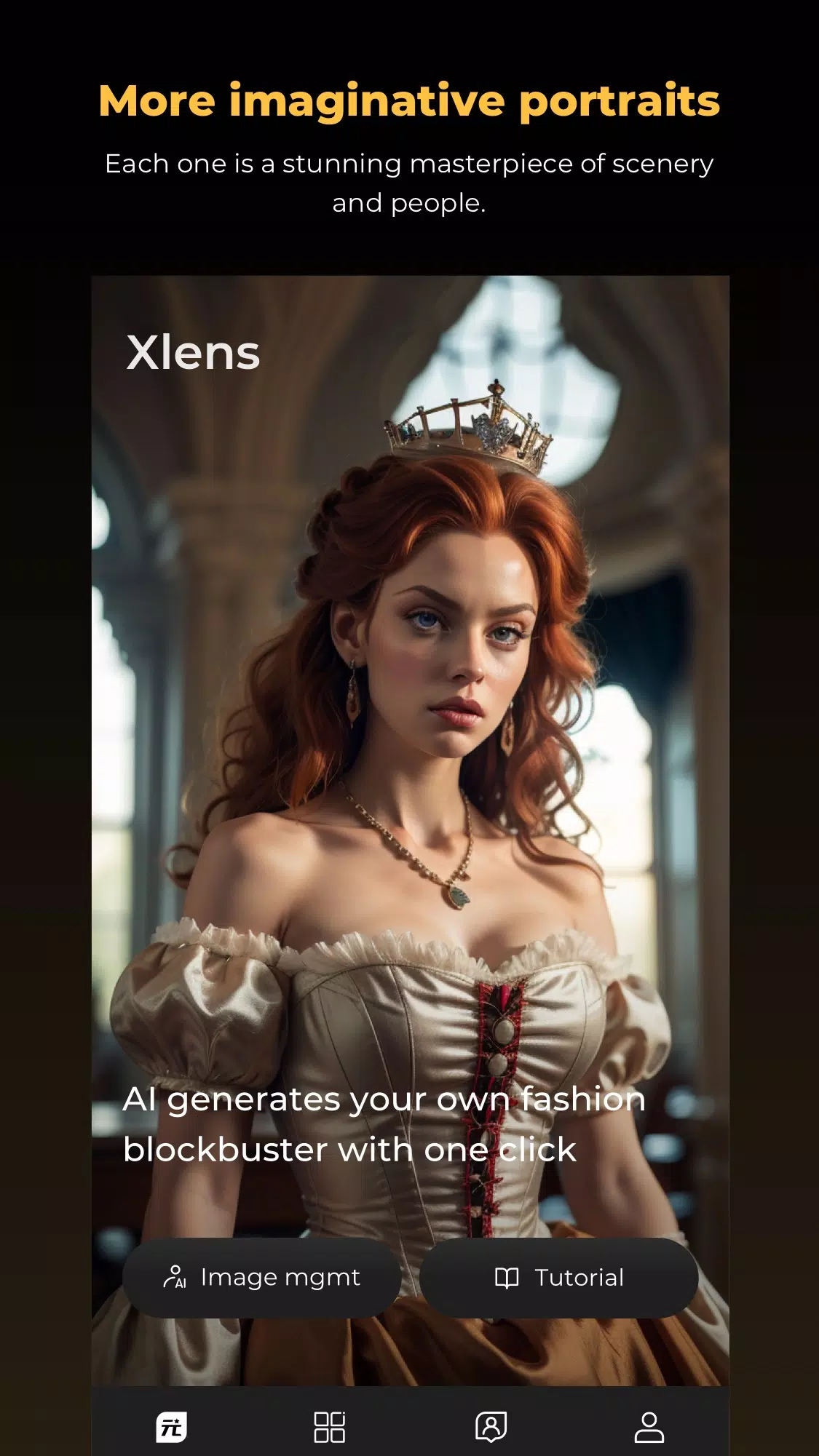
Installation follows standard Android APK procedures: download, allow installs from unknown sources if required, and open the app to complete the initial setup. The onboarding tour highlights the main workspace, AI presets, and the layer panel. Built-in tutorials walk through common edits so new users can be productive in minutes.
Final notes on usability
Regular updates add new filters and performance tweaks, and the app includes tips to optimize battery and memory usage during extended sessions. Whether you’re refining portraits or crafting bold composite art, Xlens-AI mix photo effect provides a compact but capable toolkit for modern mobile editing needs.
Show More
Information
Screenshots
Latest Update












Hot Tags
Latest News
-
![Revealing the Launch Playlists and Cross-Progression for COD Warzone Mobile News]()
-
![March 2024 Free Redemption Codes for Honkai: Star Rail News]()
-
PUBG Mobile Teams Up with Bentley Motors: Luxury Cars, Exclusive Collectibles, and Beyond 2024-04-18
![PUBG Mobile Teams Up with Bentley Motors: Luxury Cars, Exclusive Collectibles, and Beyond News]()
-
![Monster Never Cry is now accessible on both Android and iOS mobile devices. News]()
-
V2.2 of the Farlight 84 update introduces an overhauled Season structure, fresh in-game currency, an 2024-04-16
![V2.2 of the Farlight 84 update introduces an overhauled Season structure, fresh in-game currency, an News]()
-
![Arrival of Genshin Impact 4.6 Update: 'Embers of Two Realms, Twilight of Crimson' News]()
-
April 2024 Clash of Clans Update: Unveiling a Fresh Companion, Enhanced Levels, Chat Tagging, and Be 2024-04-16
![April 2024 Clash of Clans Update: Unveiling a Fresh Companion, Enhanced Levels, Chat Tagging, and Be News]()






