

Stamps
Version:1.2
Published:2026-10-13
Introduction
Stamps is a streamlined mobile utility for creating, organizing, and applying digital stamps to documents and images. It brings precise placement tools, reusable templates, and cloud sync to a compact interface, making it easy for professionals and hobbyists to annotate, certify, or decorate files on the go.
Overview of the app
At its core, Stamps focuses on speed and accuracy. The app supports multiple file formats and integrates basic image editing so you can import a PDF or photo and add a custom stamp within seconds. The learning curve is short, and common tasks are accessible from the main screen.
What you can do
- Create custom stamps from text, icons, or uploaded images.
- Apply multiple stamps with adjustable size, rotation, and opacity.
- Save stamp sets for reuse across projects or teams.
Key tools and workflow
Stamps organizes features around a clear toolbar: a library for saved stamps, placement controls, and export options. Use the drag-and-drop placement or numeric input for exact coordinates. Layers are supported so stamps can sit above or below annotations and images, and a simple undo history reduces mistakes.
Customization options
Customization is a standout. Users can tweak fonts, colors, and borders; add dates or signature lines; and apply predefined shapes like ovals or rectangles. Templates let you group multiple stamp elements into a single reusable object. For professionals, template versioning keeps track of updates without losing older assets.
Integration and file handling
Stamps reads popular file types including PDF, JPG, PNG, and TIFF. It exports flattened images or updated PDFs that retain the original document structure. Cloud connectors enable saving directly to popular storage services, and sharing tools let you email stamped files or create shareable links from within the app.
User interface and performance
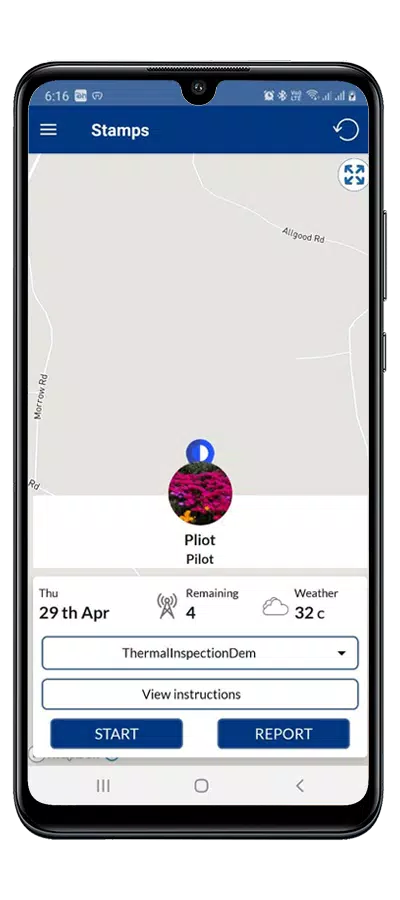
The interface prioritizes clarity: large icons, context-sensitive menus, and a preview pane. Performance is optimized for mid-range devices, with responsive touch controls and ambient caching to reduce load times. Batch stamping is available for repetitive workflows, processing multiple documents sequentially without manual intervention.
Practical use cases
Stamps works well in administrative, legal, and creative contexts. Office users can mark documents as approved or confidential. Designers can apply decorative seals or date marks. Hobbyists will find it useful for crafting digital collections and labeling images. The tool adapts to formal stamps used for approvals and to playful designs for social media images.
Tips for new users
- Create a small starter library of 6–8 frequently used stamps to speed up day-to-day tasks.
- Use templates for multi-element stamps like a signature plus date, so placement remains consistent.
- Test exports at different resolutions when preparing files for printing versus web publishing.
Security and sharing
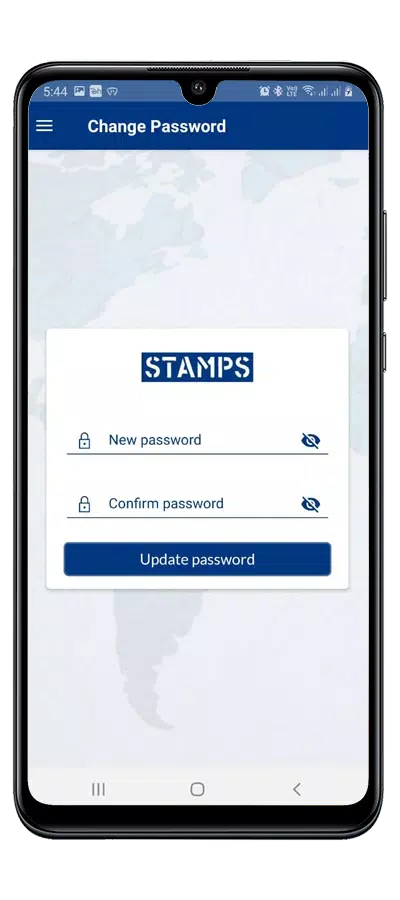
Security features include optional password protection for saved stamp libraries and watermarking controls to prevent unauthorized reuse. When sharing sensitive documents, the app can embed audit metadata such as who applied a stamp and when it was added, which helps maintain an edit trail for compliance purposes.
Why people choose it
Users appreciate Stamps for its focused feature set and predictable behavior. It avoids clutter by offering essential tools without overwhelming panels. The combination of speed, template flexibility, and robust export options makes it a practical choice for teams and solo professionals alike.
Getting started
Begin by importing a sample document and experimenting with a few stamps. Save a personal library and create a template for any repeated process. Regular backups and syncing to cloud storage ensure your stamps and templates remain available across devices.
Stamps is compact, dependable, and designed around productivity. Whether you need precise certification markings for paperwork or creative seals for visual projects, the app provides a practical toolkit for stamping tasks and document annotation.
Show More
Information
Screenshots
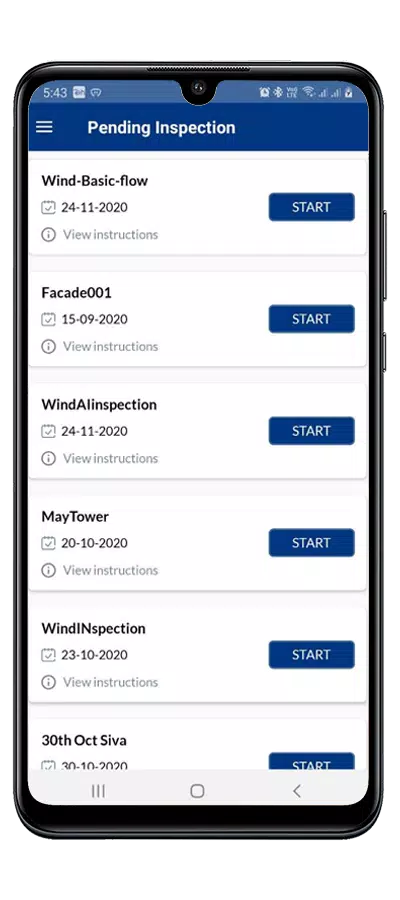
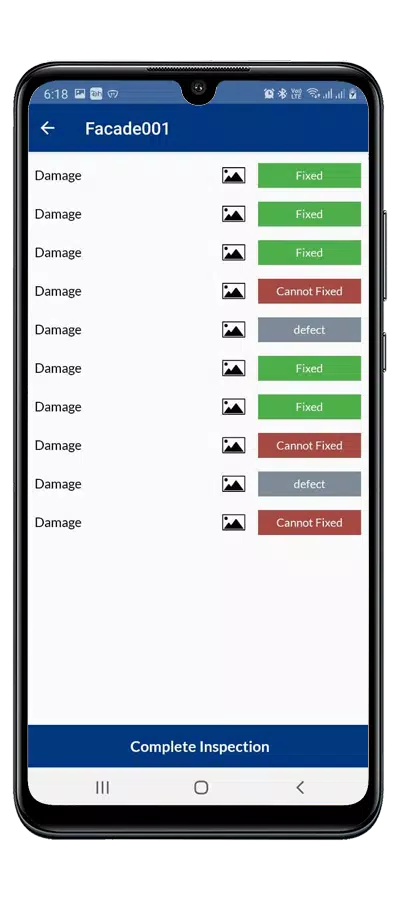
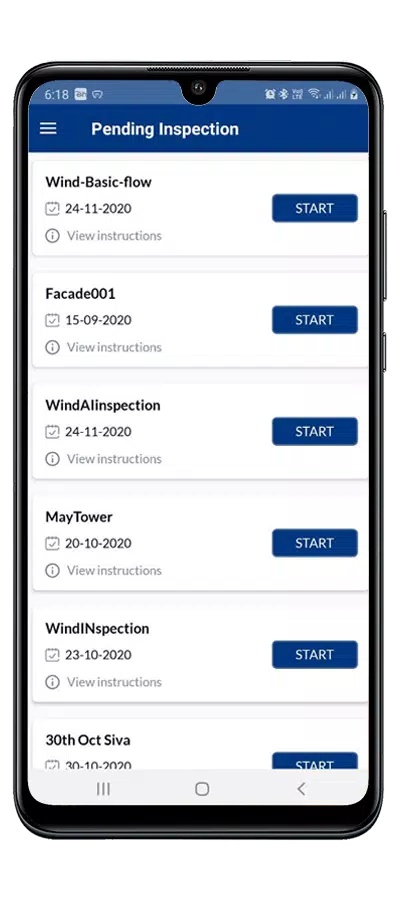
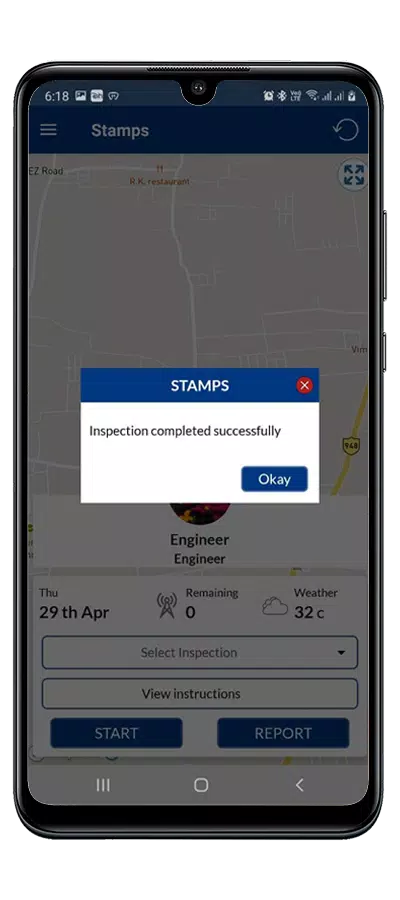
Latest Update












Latest News
-
![Revealing the Launch Playlists and Cross-Progression for COD Warzone Mobile News]()
-
![March 2024 Free Redemption Codes for Honkai: Star Rail News]()
-
PUBG Mobile Teams Up with Bentley Motors: Luxury Cars, Exclusive Collectibles, and Beyond 2024-04-18
![PUBG Mobile Teams Up with Bentley Motors: Luxury Cars, Exclusive Collectibles, and Beyond News]()
-
![Monster Never Cry is now accessible on both Android and iOS mobile devices. News]()
-
V2.2 of the Farlight 84 update introduces an overhauled Season structure, fresh in-game currency, an 2024-04-16
![V2.2 of the Farlight 84 update introduces an overhauled Season structure, fresh in-game currency, an News]()
-
![Arrival of Genshin Impact 4.6 Update: 'Embers of Two Realms, Twilight of Crimson' News]()
-
April 2024 Clash of Clans Update: Unveiling a Fresh Companion, Enhanced Levels, Chat Tagging, and Be 2024-04-16
![April 2024 Clash of Clans Update: Unveiling a Fresh Companion, Enhanced Levels, Chat Tagging, and Be News]()






