

Conference Room Controller
Version:1.4
Published:2026-10-13
Introduction
Conference Room Controller puts room management at your fingertips, combining scheduling, device control and meeting setup into one intuitive interface. Designed for small offices to large enterprises, it streamlines AV, lighting, and calendar coordination so meetings start on time with minimal manual configuration.
What the app does
Conference Room Controller is a utility focused on simplifying everyday meeting tasks. Instead of juggling multiple remotes, apps and calendar windows, the app centralizes common controls: room booking, display selection, volume and microphone levels, and integration with popular calendar services. It targets productivity by reducing setup friction and preventing wasted meeting minutes.
Core capabilities
- Scheduling sync: Two-way calendar integration keeps availability up to date and prevents double bookings.
- Device orchestration: Route sources to displays, switch input modes, and trigger projectors or conferencing gear from one screen.
- Ambient controls: Adjust lights and shades or select preset scenes to match presentation, discussion or video calls.
- Permissions: Admin and user roles let IT configure rooms while everyday users operate only what they need.
User interface and experience
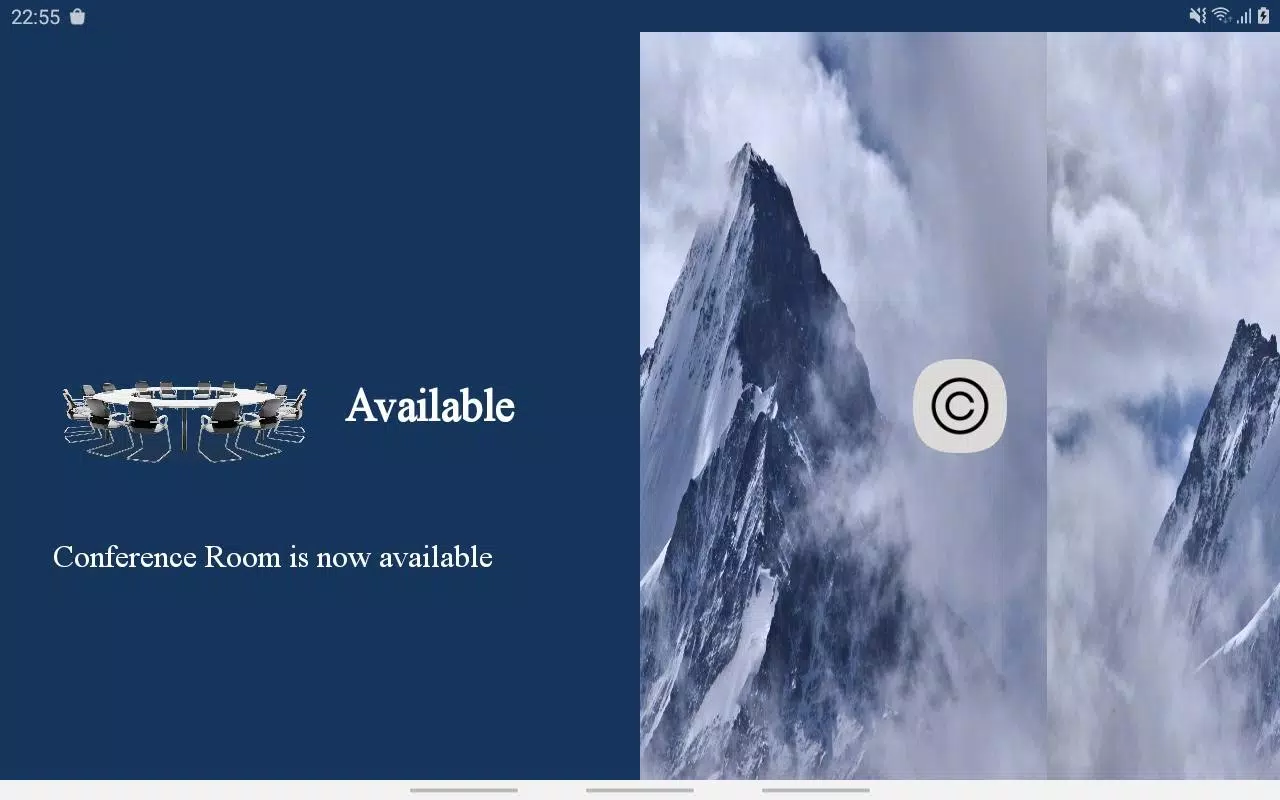
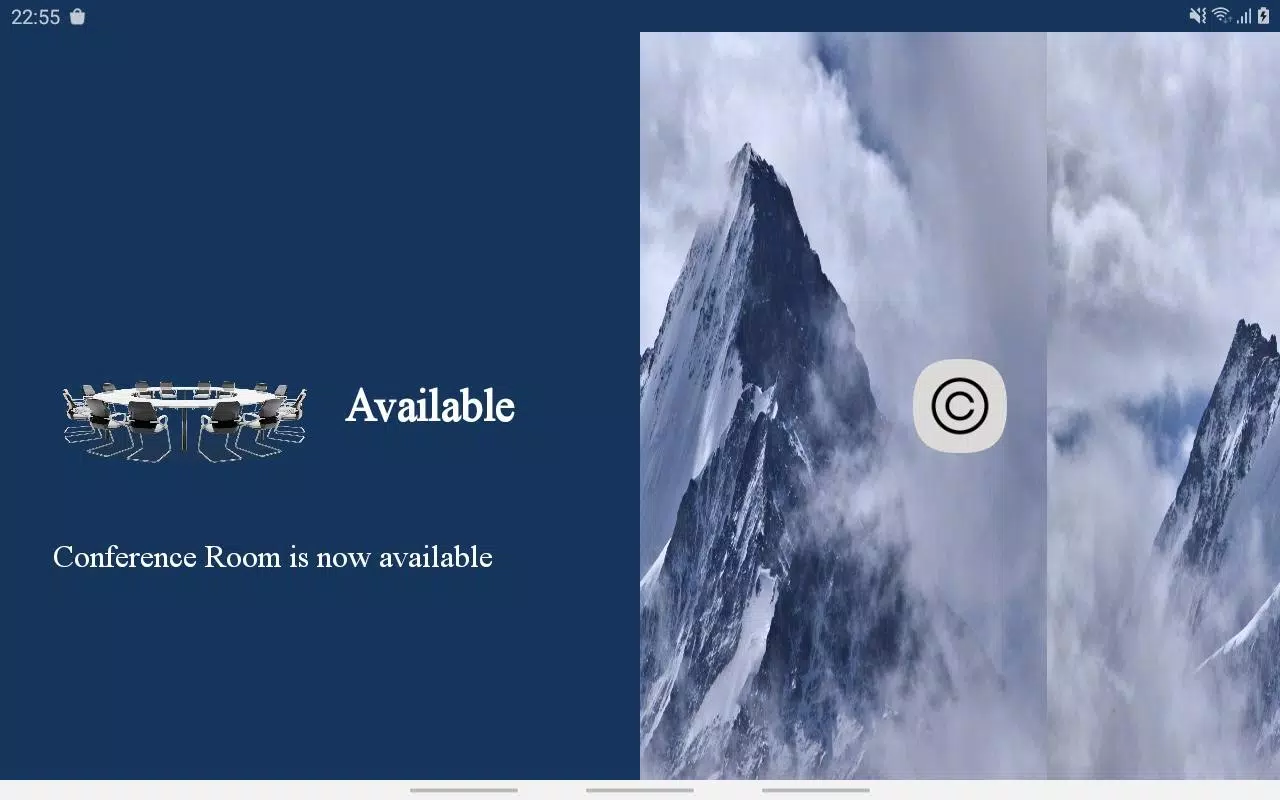
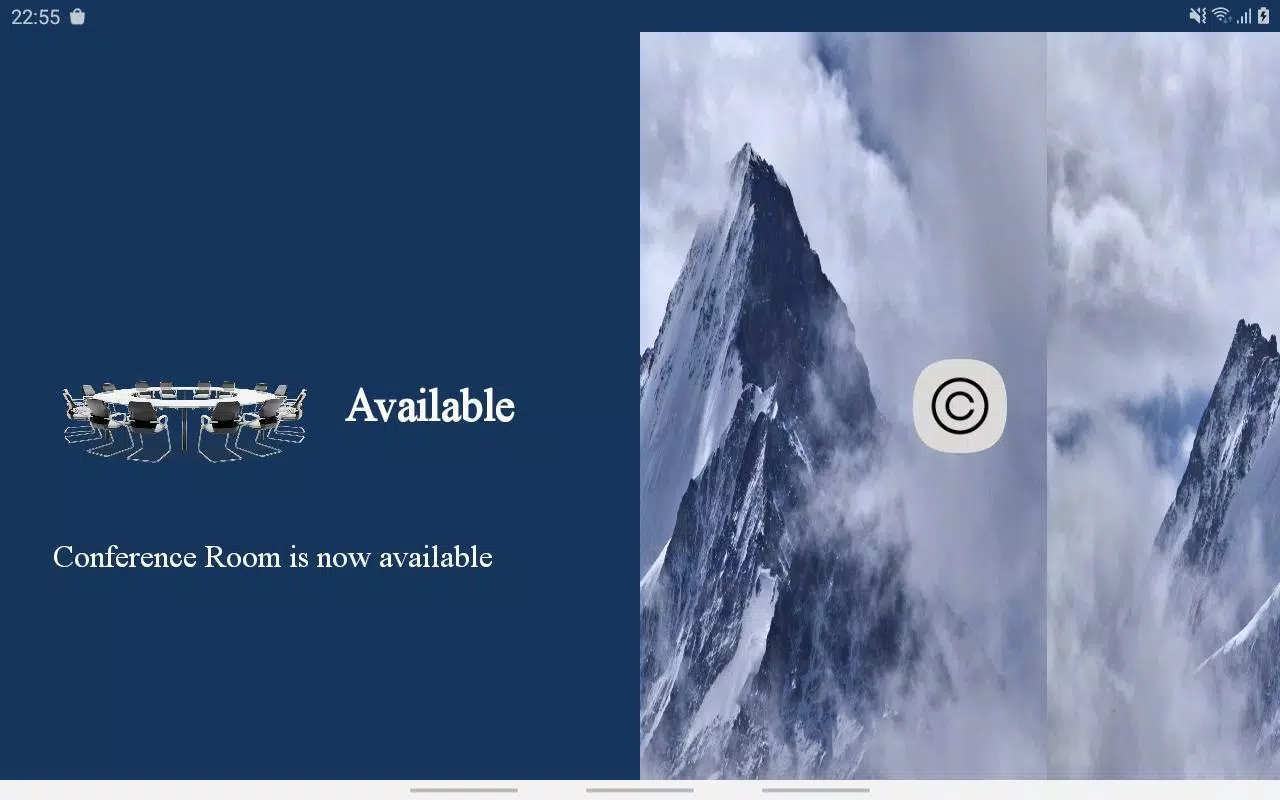
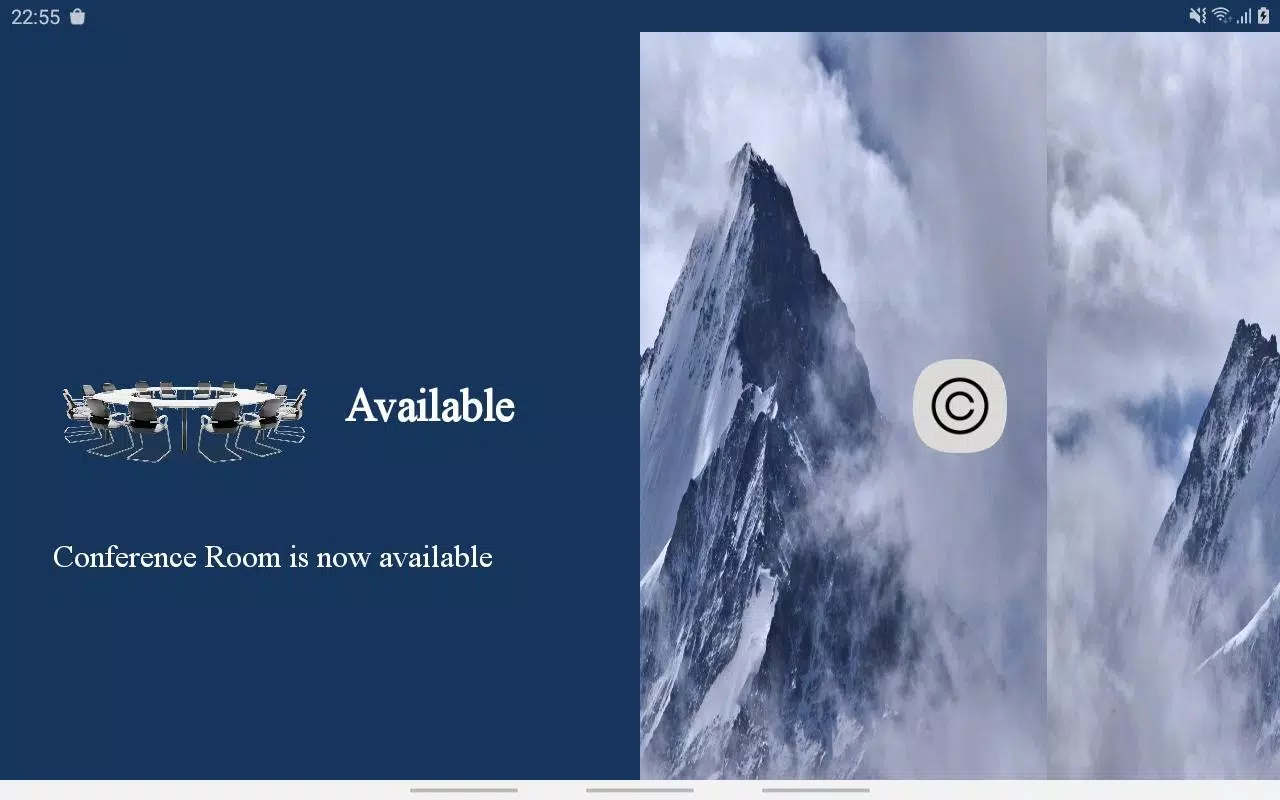
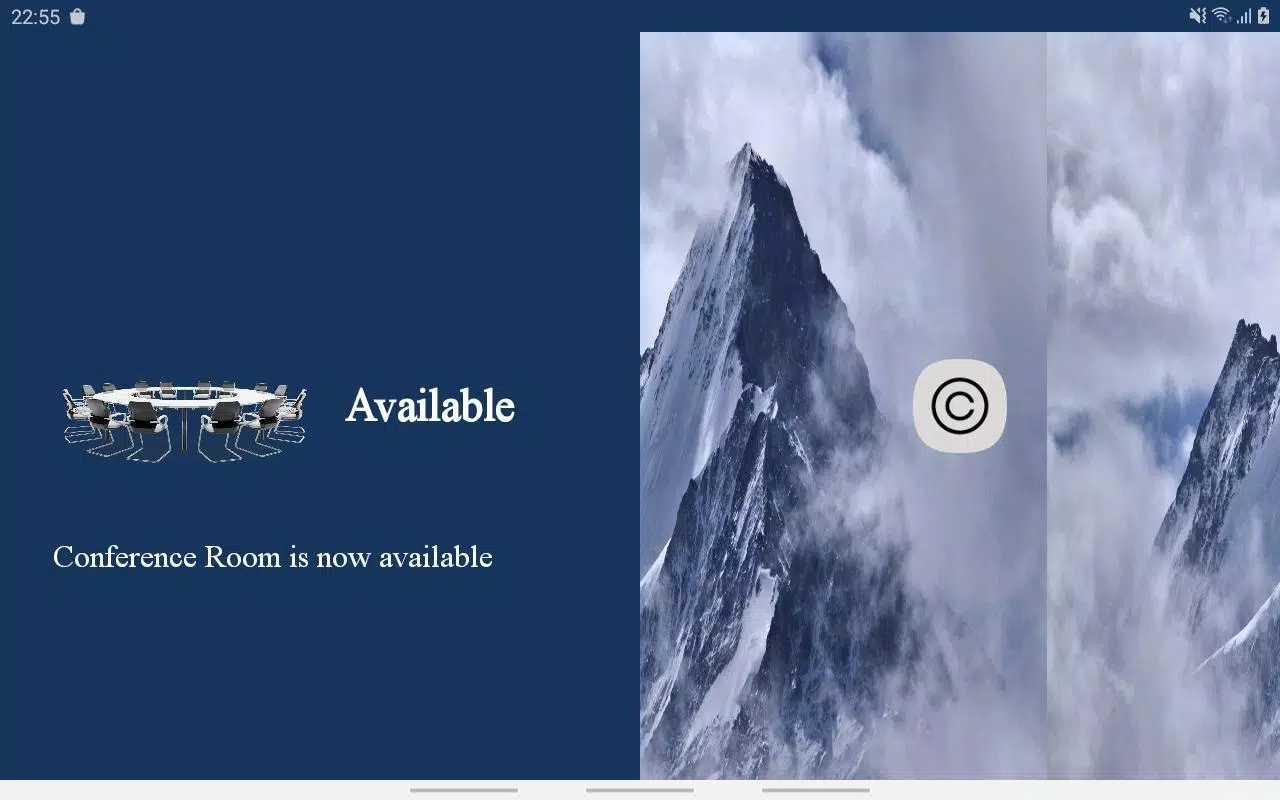
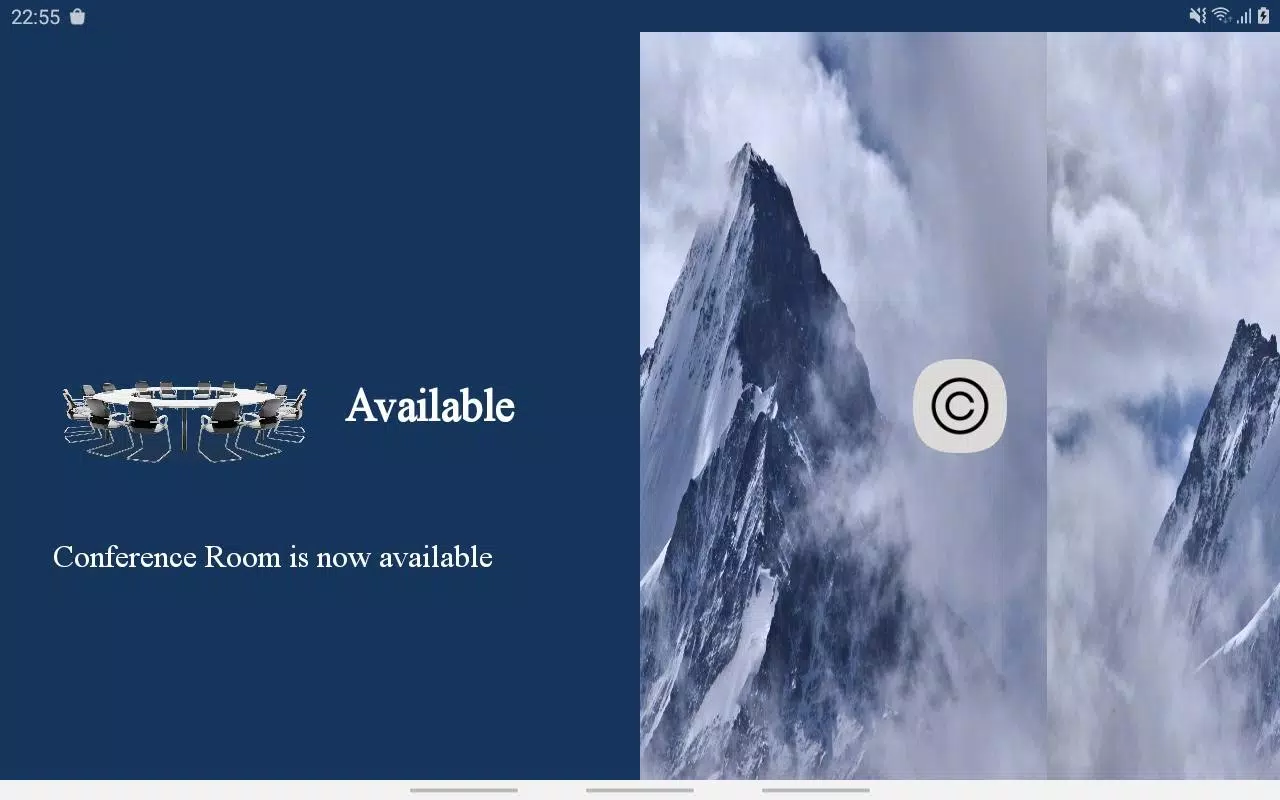
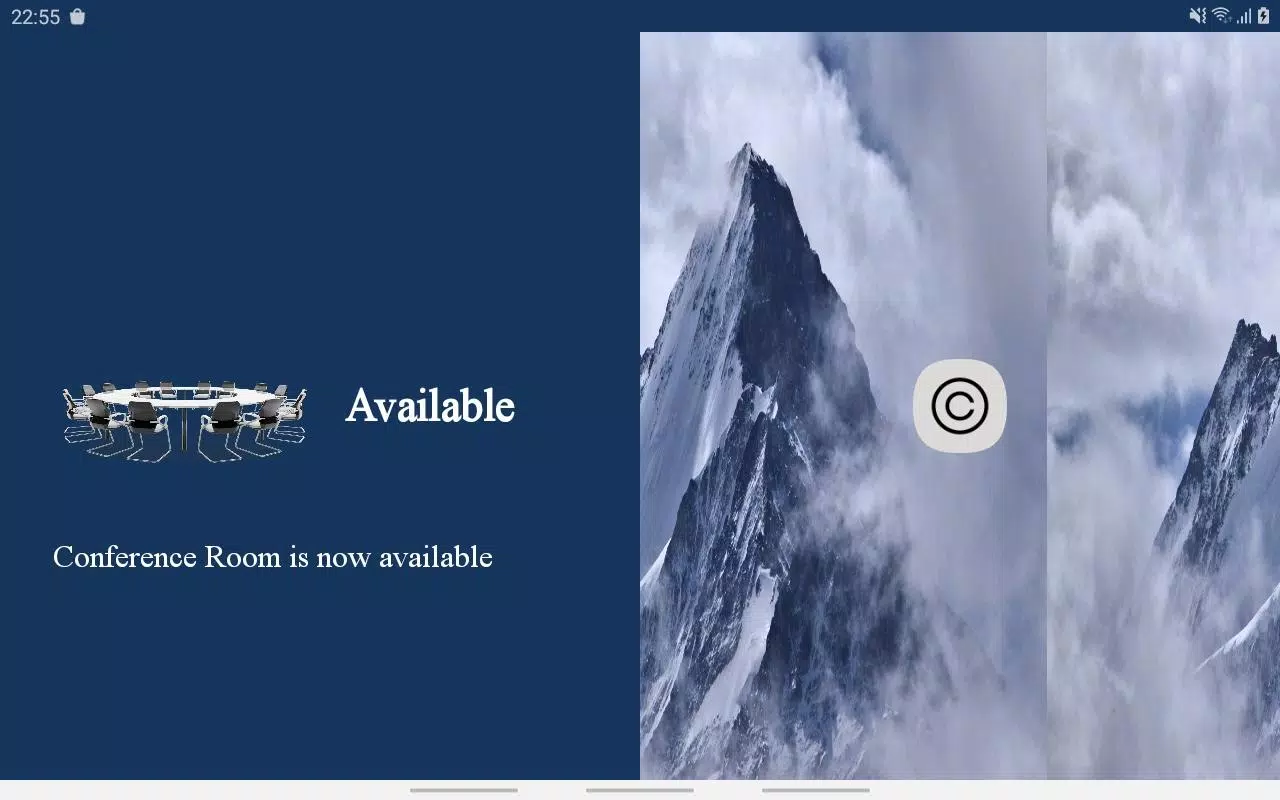
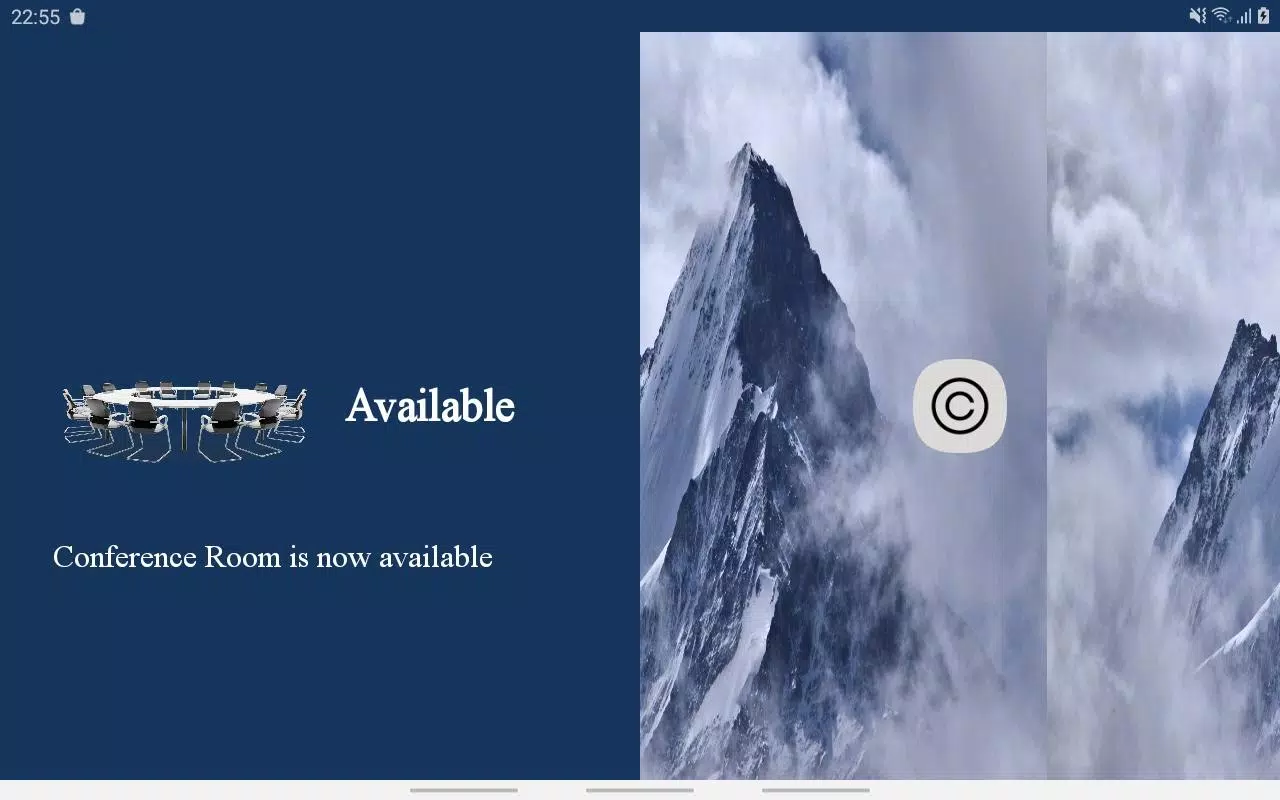
The design emphasizes clarity: large touch targets, clear labels and a workflow-driven layout. Conference Room Controller uses visual states and confirmation prompts so users can see active devices and scheduled events at a glance. Shortcuts for recurring meetings and one-tap join options reduce cognitive overhead during busy days.
How it integrates with existing systems
Integration is a practical priority. The app supports standard protocols and common enterprise hardware, meaning it can communicate with room controllers, video codecs and smart lighting systems without heavy rework. Administrators can map devices and create room profiles centrally, which deploy to endpoints automatically.
Administration and customization
For IT teams, Conference Room Controller provides a management console to configure rooms, assign user permissions and push firmware updates. Custom presets let organizations define start-up routines such as turning on a conference camera, lowering blinds and launching a presentation source. Labels and room names can be adapted for a global workplace with multiple locations.
Performance and reliability
The app prioritizes low latency when switching inputs or adjusting AV parameters so transitions feel seamless. Background sync keeps schedules current even when network conditions vary. Built-in diagnostics surface connection or device faults, helping support staff troubleshoot without being onsite.
Practical workflow examples
Imagine a morning stand-up: with Conference Room Controller you reserve a room from your calendar, the system preselects the video input and loads the conference bridge. After the call, a single tap resets the room to standby mode. For presentations, a speaker can queue their laptop, check microphone levels and dim lights from the same interface.
Tips for new users
- Familiarize yourself with room presets so you can switch scenes quickly.
- Use the calendar link for fast booking and avoid manual time entry errors.
- Report device names exactly as shown to help administrators map equipment correctly.
Why offices adopt it
Teams choose Conference Room Controller because it reduces setup time and lowers technical barriers for non-technical staff. The consolidated control surface reduces the number of apps people must learn and consolidates troubleshooting events into a single point of contact.
Getting started
Installation is typically handled by IT: pair endpoints, configure room profiles and set calendar permissions. End users then download the client and authenticate. Training is light; most staff adapt within a few uses because the interface mirrors common meeting tasks.
For organizations that host frequent meetings across multiple rooms, Conference Room Controller delivers a measurable productivity gain by minimizing friction. Its blend of device control, scheduling intelligence and admin tools makes it a practical choice for modern workplaces seeking to simplify meeting operations.
Show More
Information
Screenshots
Latest Update












Latest News
-
![Revealing the Launch Playlists and Cross-Progression for COD Warzone Mobile News]()
-
![March 2024 Free Redemption Codes for Honkai: Star Rail News]()
-
PUBG Mobile Teams Up with Bentley Motors: Luxury Cars, Exclusive Collectibles, and Beyond 2024-04-18
![PUBG Mobile Teams Up with Bentley Motors: Luxury Cars, Exclusive Collectibles, and Beyond News]()
-
![Monster Never Cry is now accessible on both Android and iOS mobile devices. News]()
-
V2.2 of the Farlight 84 update introduces an overhauled Season structure, fresh in-game currency, an 2024-04-16
![V2.2 of the Farlight 84 update introduces an overhauled Season structure, fresh in-game currency, an News]()
-
![Arrival of Genshin Impact 4.6 Update: 'Embers of Two Realms, Twilight of Crimson' News]()
-
April 2024 Clash of Clans Update: Unveiling a Fresh Companion, Enhanced Levels, Chat Tagging, and Be 2024-04-16
![April 2024 Clash of Clans Update: Unveiling a Fresh Companion, Enhanced Levels, Chat Tagging, and Be News]()






