

LiveChat Demo
Version:1.0
Published:2026-10-13
Introduction
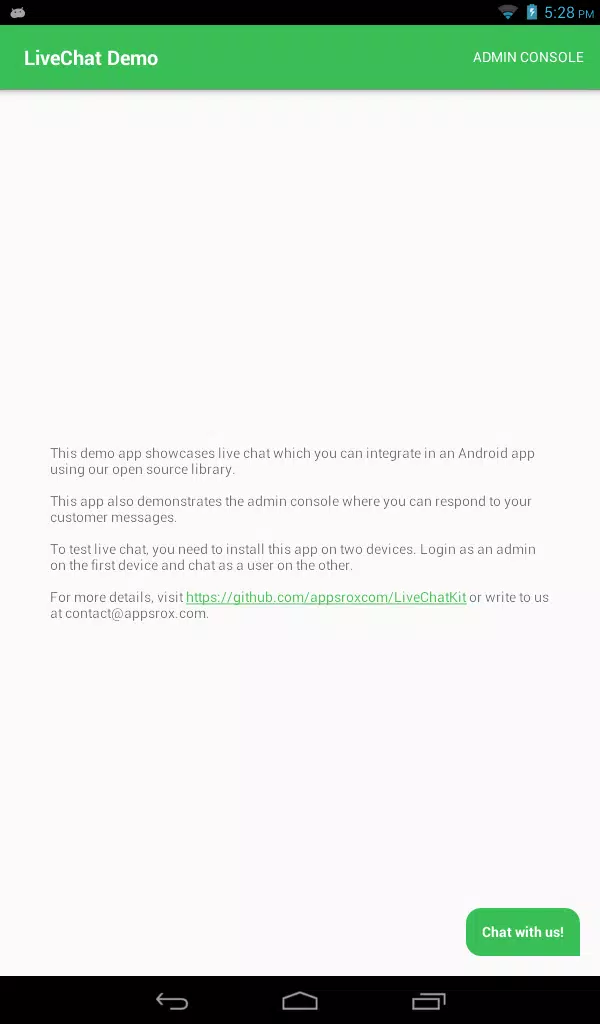
LiveChat Demo brings a compact, hands-on preview of a real-time customer messaging platform, letting teams test chat workflows, canned responses, and quick routing without a full account setup. It showcases agent tools, transcript history, and basic analytics to evaluate fit before committing to deployment.
What the demo includes
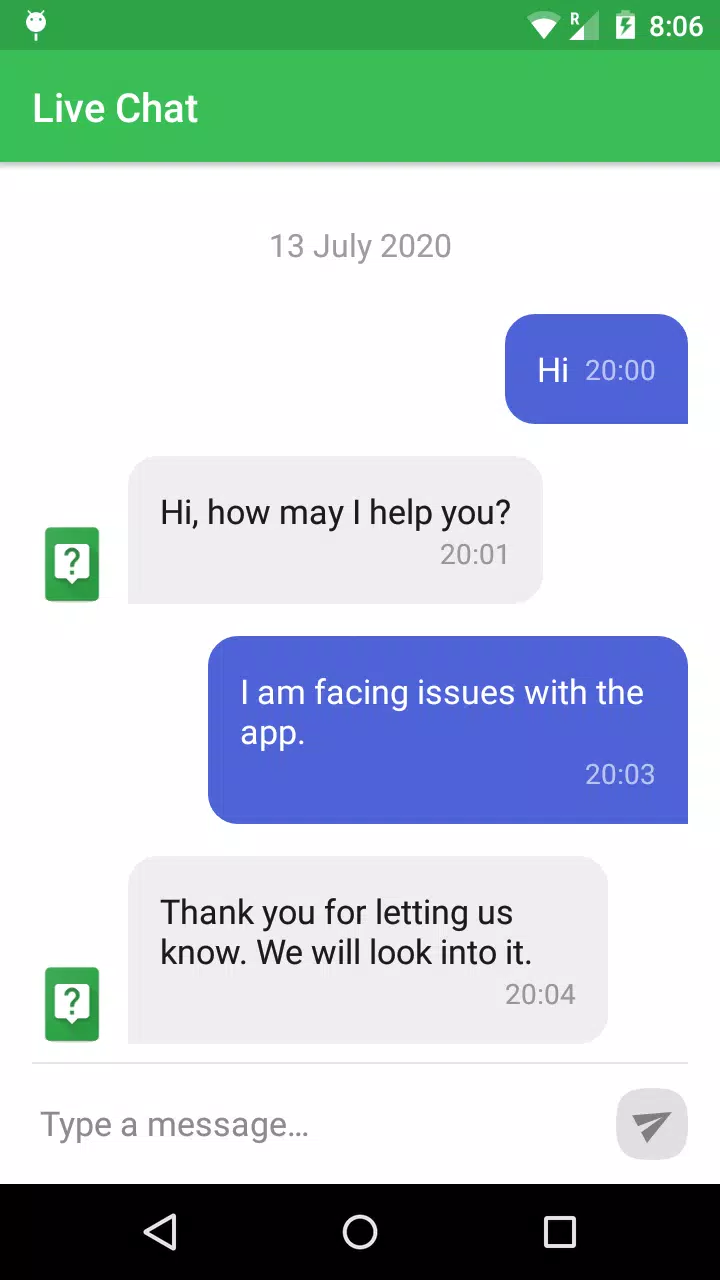
The LiveChat Demo replicates core functionality so you can explore how conversations flow and how agents interact with visitors. Expect guided scenarios that demonstrate message threading, typing indicators, file sharing, and visible presence indicators. The environment is designed to highlight practical features rather than full production scalability.
Key features at a glance
- Real-time messaging: See how live conversations update for both agent and customer views with minimal delay.
- Agent toolkit: Try canned replies, quick actions, note-taking, and simple routing to understand agent workflows.
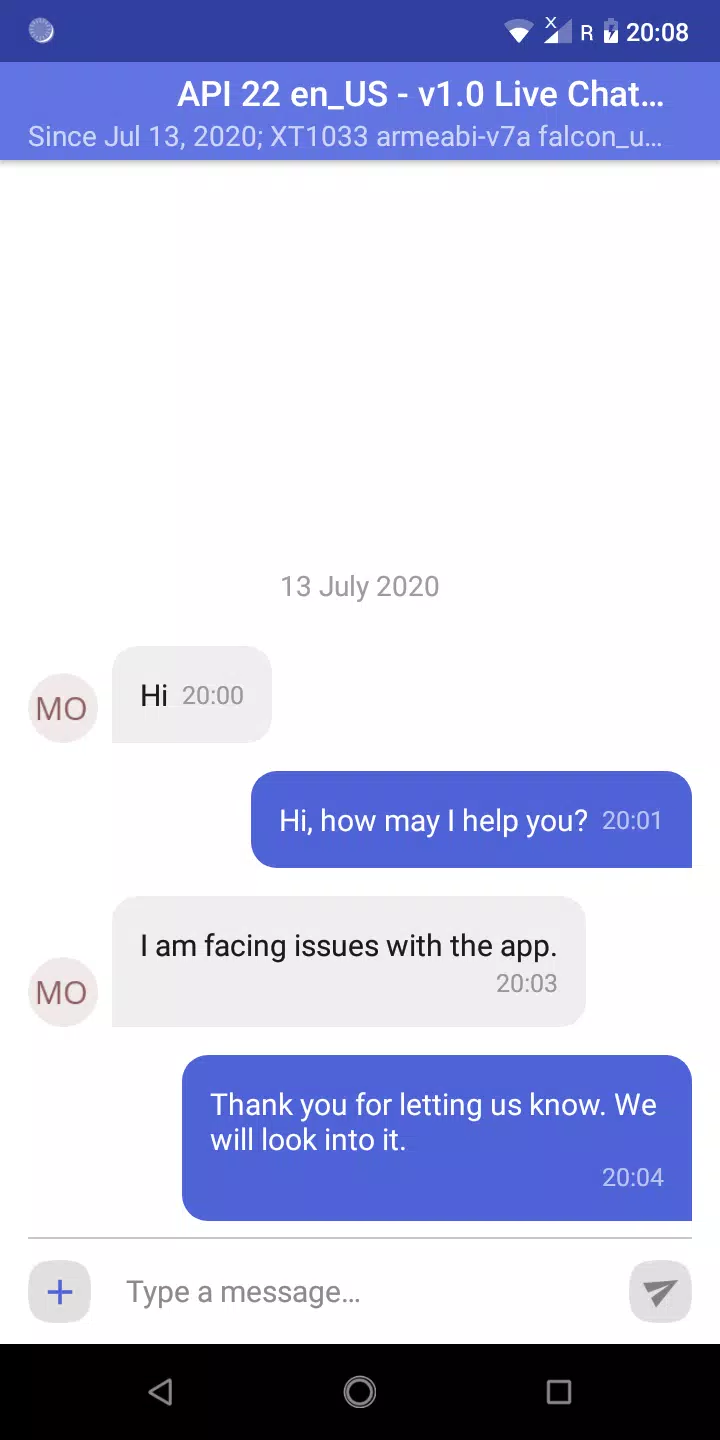
- Conversation history: Preview transcript playback and simple context recall to evaluate handovers and follow-ups.
- Basic analytics: Review demo metrics such as response time and message volume to judge reporting needs.
- File preview: Exchange attachments to verify support for images, documents, and links.
User interface and workflow
The interface in the LiveChat Demo is intentionally straightforward: a contact list on one side, the active conversation in the center, and contextual tools on the right. This layout helps testers quickly grasp conversation routing, transfer between agents, and how to escalate messages. Tooltips and inline prompts accelerate learning for new users.
Customization possibilities
Although the demo limits deep configuration, it exposes common customization options so teams can imagine branding and behavior changes. You can preview message templates, experiment with greeting rules, and toggle availability statuses. These settings communicate how the full product will adapt to business policies and brand tone.
Integration and compatibility
The demo demonstrates typical integration touchpoints such as CRM linking, ticket creation, and simple web widget embedding. While third-party connectors may be simulated, the session clarifies what integration points are available and how data flows between systems. It also highlights compatibility with major browsers and standard mobile resolutions.
Performance and responsiveness
LiveChat Demo prioritizes snappy interaction to mirror production responsiveness. Message updates, presence indicators, and interface transitions are all tuned to exhibit low-latency behavior. This is useful for evaluating perceived performance under normal conditions, although load testing requires a full deployment.
Security and data handling
Security features are summarized within the demo to illustrate encryption basics, session handling, and transcript access controls. The preview clarifies permission models for agents and administrators and points to where stricter retention and export policies are enforced in full versions. Always review production-level security documentation before handling sensitive customer data.
Who benefits from the demo
Product teams, customer support managers, and technical evaluators can all gain value from a hands-on session. The LiveChat Demo gives stakeholders a practical feel for agent ergonomics, reporting fundamentals, and visitor experience without the overhead of full provisioning. It’s particularly helpful when comparing conversational platforms or training staff on basic operations.
Getting started tips
- Allow a couple of guided scenarios to run to experience routing and escalation.
- Test canned replies and response templates to evaluate time-savings potential.
- Simulate a multi-agent handoff to review collaboration tools and context persistence.
- Note any missing integrations you rely on and prepare questions for a full trial or vendor demo.
After walking through the LiveChat Demo, teams should have clearer expectations about feature coverage and user experience. The demo accelerates informed decisions by letting you validate core chat functionality, agent workflows, and basic reporting without committing to a live environment.
Show More
Information
Screenshots
Latest Update












Latest News
-
![Revealing the Launch Playlists and Cross-Progression for COD Warzone Mobile News]()
-
![March 2024 Free Redemption Codes for Honkai: Star Rail News]()
-
PUBG Mobile Teams Up with Bentley Motors: Luxury Cars, Exclusive Collectibles, and Beyond 2024-04-18
![PUBG Mobile Teams Up with Bentley Motors: Luxury Cars, Exclusive Collectibles, and Beyond News]()
-
![Monster Never Cry is now accessible on both Android and iOS mobile devices. News]()
-
V2.2 of the Farlight 84 update introduces an overhauled Season structure, fresh in-game currency, an 2024-04-16
![V2.2 of the Farlight 84 update introduces an overhauled Season structure, fresh in-game currency, an News]()
-
![Arrival of Genshin Impact 4.6 Update: 'Embers of Two Realms, Twilight of Crimson' News]()
-
April 2024 Clash of Clans Update: Unveiling a Fresh Companion, Enhanced Levels, Chat Tagging, and Be 2024-04-16
![April 2024 Clash of Clans Update: Unveiling a Fresh Companion, Enhanced Levels, Chat Tagging, and Be News]()






