

expo NAVIGATION
Version:1.8
Published:2026-10-13
Introduction
expo NAVIGATION is a focused mobile navigation utility built for event organizers, exhibitors, and visitors seeking an efficient floor-plan experience. It combines indoor positioning, map layers, and route guidance to help users find booths, sessions, and amenities quickly in large-scale expos or trade shows.
Quick overview
Expo organizers will appreciate how expo NAVIGATION streamlines visitor flow without overwhelming complexity. The app specializes in accurate map rendering, layered information for exhibitors, and real-time updates so attendees can move from hall to hall with minimal friction.
Core capabilities
- Detailed floor maps: High-resolution layouts show booth numbers, stages, and service points with clear icons and searchable labels.
- Smart routing: Turn-by-turn indoor paths route users between booths, restrooms, and exits using shortest or accessible routes.
- Live updates: Push notifications and map overlays reflect schedule changes, closed areas, or emergency alerts.
- Offline access: Download maps in advance so navigation works without a constant network connection.
How navigation works
The app relies on a hybrid positioning system combining Wi-Fi triangulation, BLE beacons, and GPS handoff near entrances. Users can tap a destination or scan a QR code at a booth to start guided navigation. Route instructions are presented visually on the map and with subtle prompts to avoid distraction during busy show hours.
Interface and responsiveness
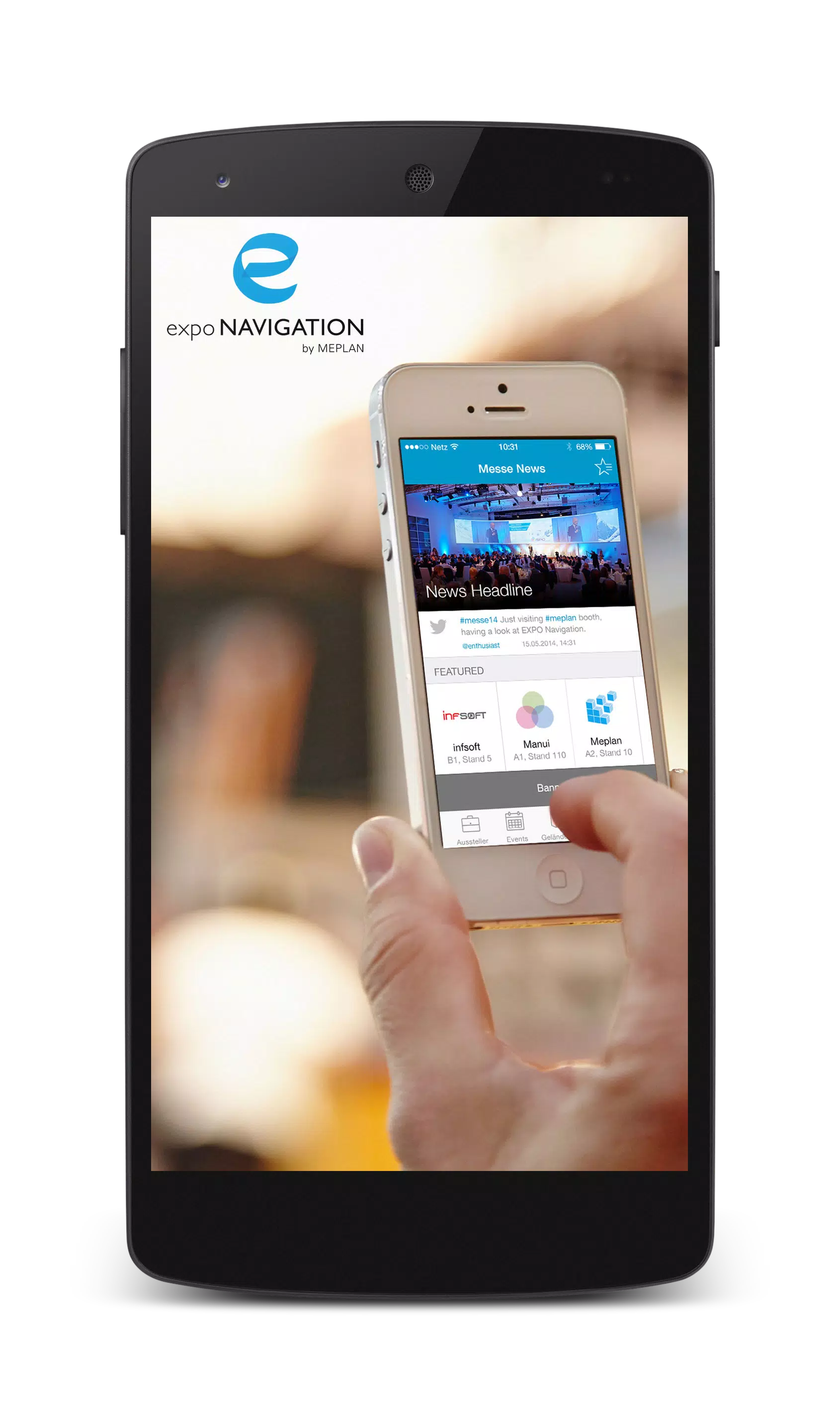
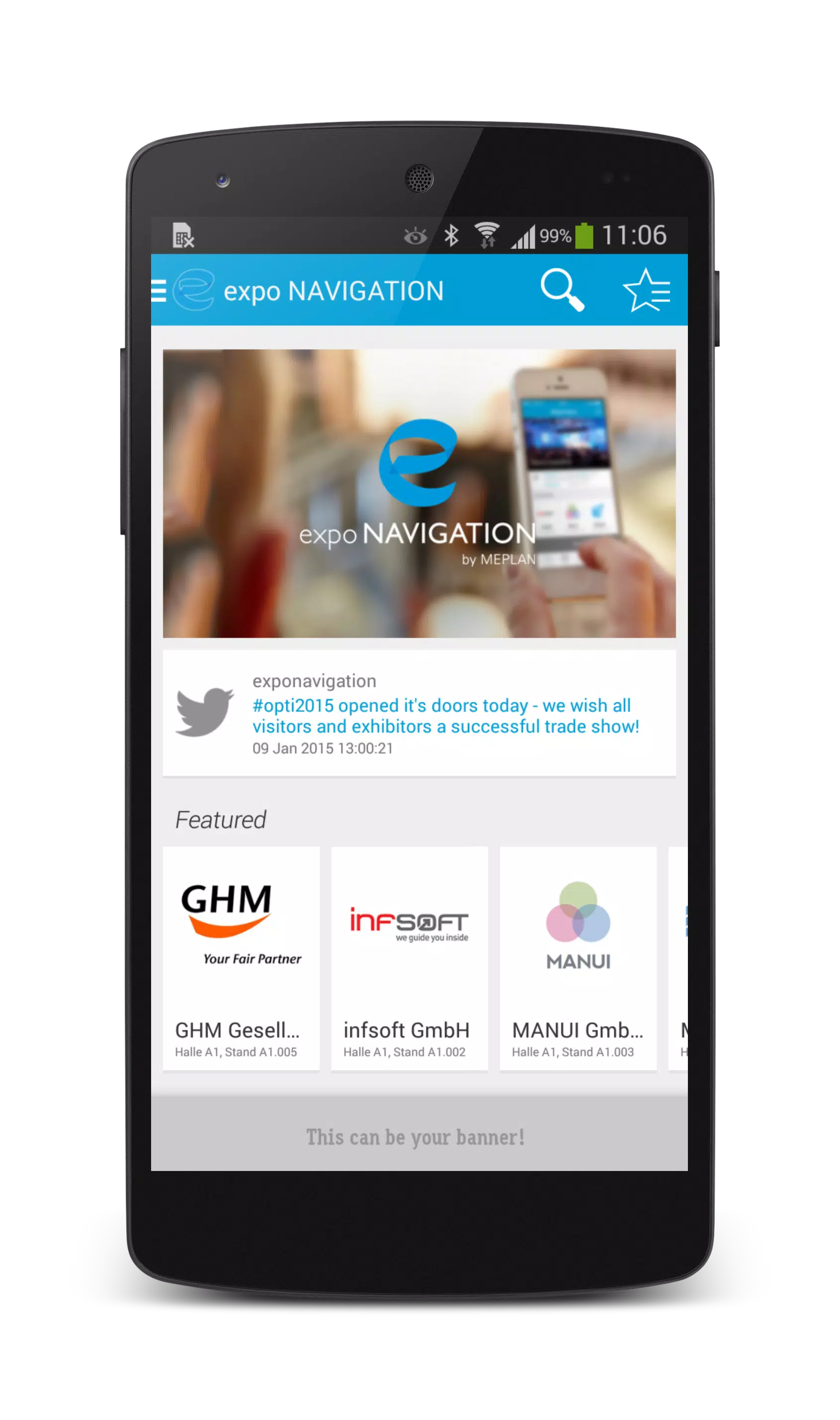
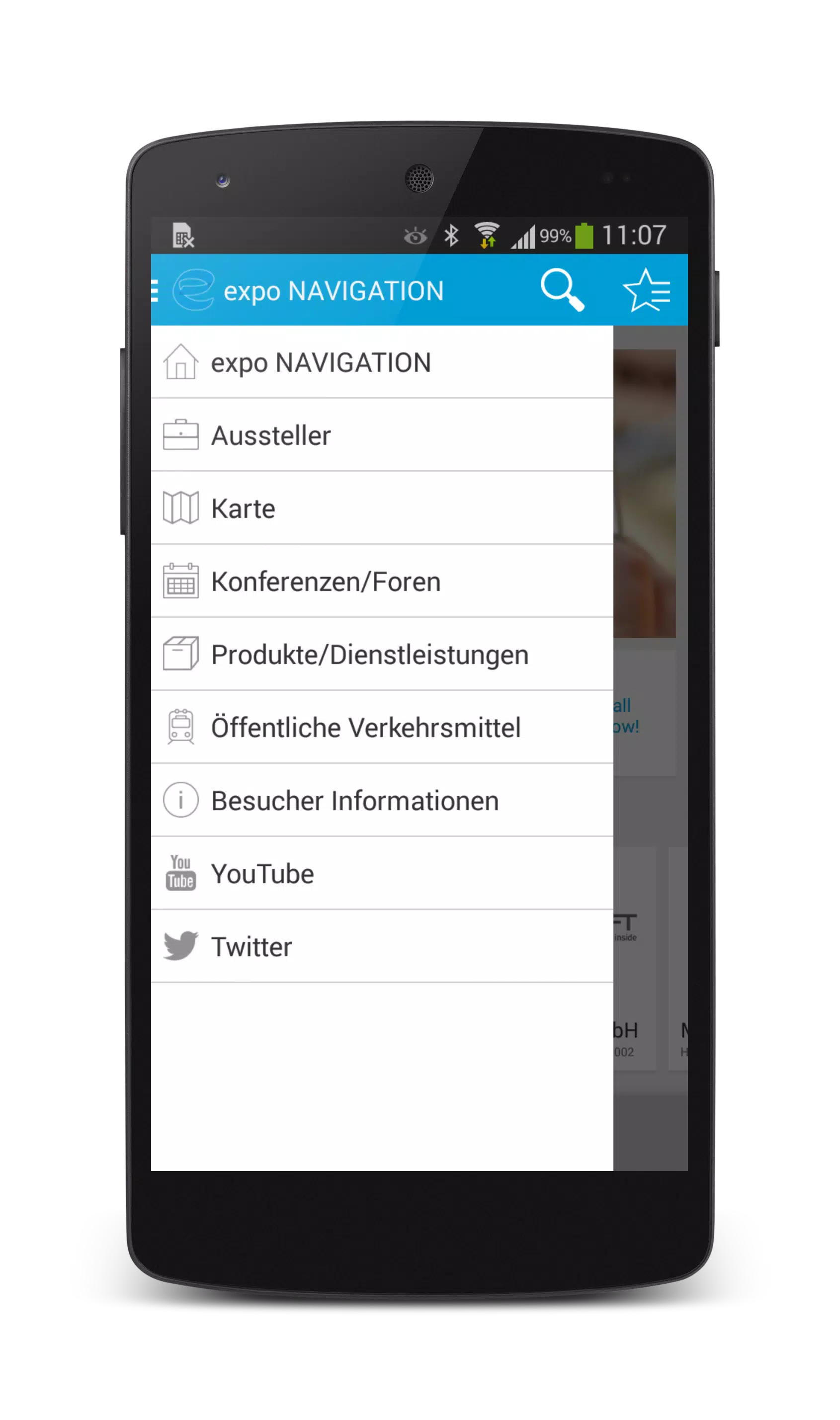
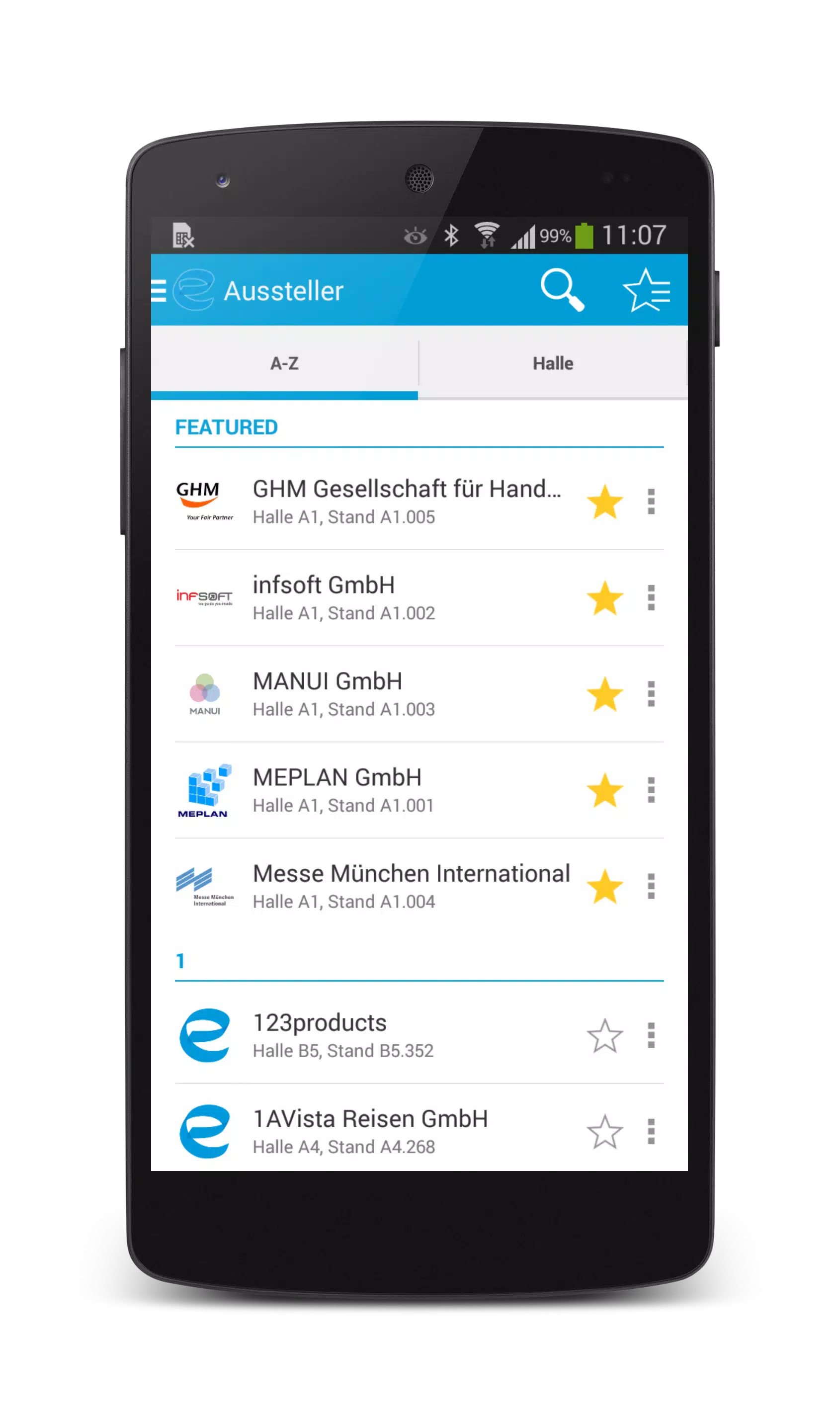
expo NAVIGATION uses a clean, icon-driven interface that favors legibility in crowded environments. Map zoom and pan gestures are responsive even on lower-end devices, and the search bar filters results by exhibitor name, product type, or session topic. Animations are minimal to conserve battery and keep the interface snappy during long event days.
Customization and exhibitor tools
Organizers and exhibitors get a suite of backend options to tailor the map experience. Upload booth layouts, set promotional pins, and schedule live demos that appear on attendee timelines. Exhibitors can update availability or assign staff locations so visitors receive accurate contact points at all times.
Integrations and data flow
The platform integrates with common event management systems and supports CSV imports for exhibitor lists and schedules. Analytics capture heatmaps of foot traffic and session attendance, enabling planners to optimize layouts and staffing for future events. Privacy controls let organizers anonymize visitor movement while retaining aggregated insights.
Practical user tips
- Preload maps: Download your event map before arrival to save time and data.
- Use QR check-ins: Scan booth QR codes for direct routing and to collect promotional materials.
- Enable notifications selectively: Allow only important alerts to avoid information overload during peak hours.
- Share routes: Send simple route links to colleagues so groups can meet without searching manually.
expo NAVIGATION also supports accessibility settings such as high-contrast modes and step-free routing, which is useful for attendees with mobility considerations. The app's minimal permissions model reduces friction during sign-up while still permitting location features that power routing.
Performance and reliability
In testing scenarios with dense foot traffic, the app maintained map accuracy and responded quickly to route requests. Battery usage is optimized by limiting background scanning and favoring event-specific positioning hardware when available. When network conditions degrade, cached tiles and pre-downloaded assets preserve the core navigation experience.
Getting started
Installation is straightforward: download, choose the event, and optionally preload maps and schedules. Organizers typically provide an event code or QR that configures the app automatically for the venue. After initial setup, finding sessions and exhibitors takes only a few taps.
Why event teams choose it
Event professionals favor expo NAVIGATION for its practical balance of functionality and simplicity. It reduces lost-time for attendees, provides measurable insights for planners, and gives exhibitors a direct line to visitors without requiring complex technical onboarding.
For anyone planning or attending a large expo, the app is a focused navigational assistant designed to cut through the common friction of moving through crowded venues while keeping organizers informed and visitors on track.
Show More
Information
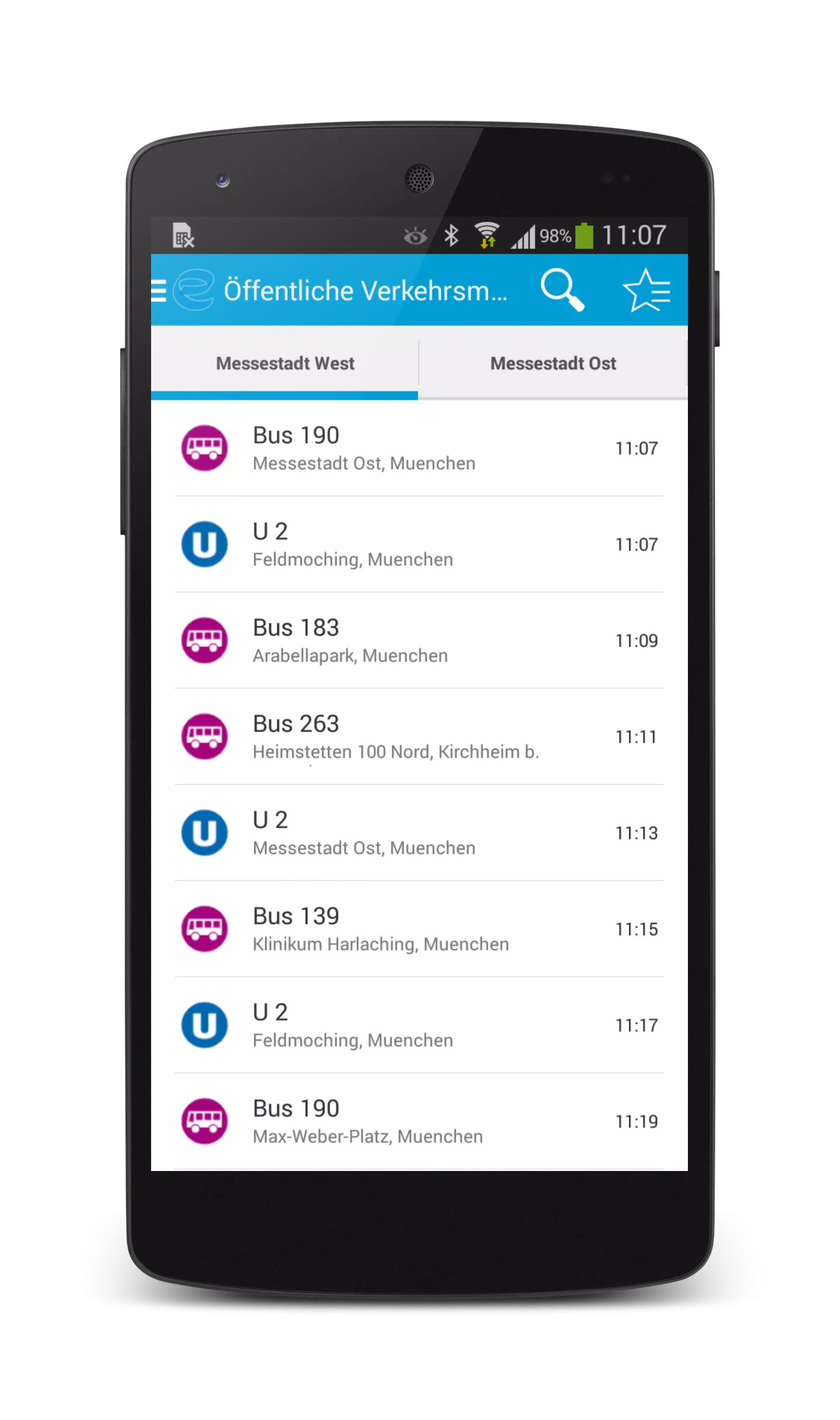
Screenshots
Latest Update












Latest News
-
![Revealing the Launch Playlists and Cross-Progression for COD Warzone Mobile News]()
-
![March 2024 Free Redemption Codes for Honkai: Star Rail News]()
-
PUBG Mobile Teams Up with Bentley Motors: Luxury Cars, Exclusive Collectibles, and Beyond 2024-04-18
![PUBG Mobile Teams Up with Bentley Motors: Luxury Cars, Exclusive Collectibles, and Beyond News]()
-
![Monster Never Cry is now accessible on both Android and iOS mobile devices. News]()
-
V2.2 of the Farlight 84 update introduces an overhauled Season structure, fresh in-game currency, an 2024-04-16
![V2.2 of the Farlight 84 update introduces an overhauled Season structure, fresh in-game currency, an News]()
-
![Arrival of Genshin Impact 4.6 Update: 'Embers of Two Realms, Twilight of Crimson' News]()
-
April 2024 Clash of Clans Update: Unveiling a Fresh Companion, Enhanced Levels, Chat Tagging, and Be 2024-04-16
![April 2024 Clash of Clans Update: Unveiling a Fresh Companion, Enhanced Levels, Chat Tagging, and Be News]()






