

Check Your Root
Version:2.2
Published:2026-10-13
Introduction
Check Your Root is a compact utility that verifies whether an Android device has active root access and details the system binaries involved. It provides clear, fast results without requiring network permissions, making it a practical first check for technicians, power users, and anyone curious about their phone's privilege level.
What the app does
At its core, Check Your Root scans common locations and standard methods used to gain root privileges and reports back a concise verdict. The app focuses on delivering accurate detections of su binaries, recovery signatures, and the presence of popular rooting frameworks while keeping the interface simple and direct.
Key capabilities
- Root detection: Runs multiple checks to identify whether root access is present and accessible to apps.
- Binary inspection: Looks for su, Superuser, Magisk, and other common executables in standard system paths.
- Safety-first: Performs reads and probes only; it does not modify system files or attempt to gain elevated permissions.
- Fast reports: Produces a short, easy-to-interpret summary suitable for non-technical users.
- Low footprint: Small installation size and minimal battery impact.
How it works in practice
Check Your Root executes a series of scripted checks that mimic what many root managers rely on to grant or deny access. It probes system folders, checks file permissions and ownership, and looks for tool signatures such as Magisk manager leftovers or SuperSU markers. Results are consolidated into a friendly status so users don’t need to parse logs.
Step-by-step usage
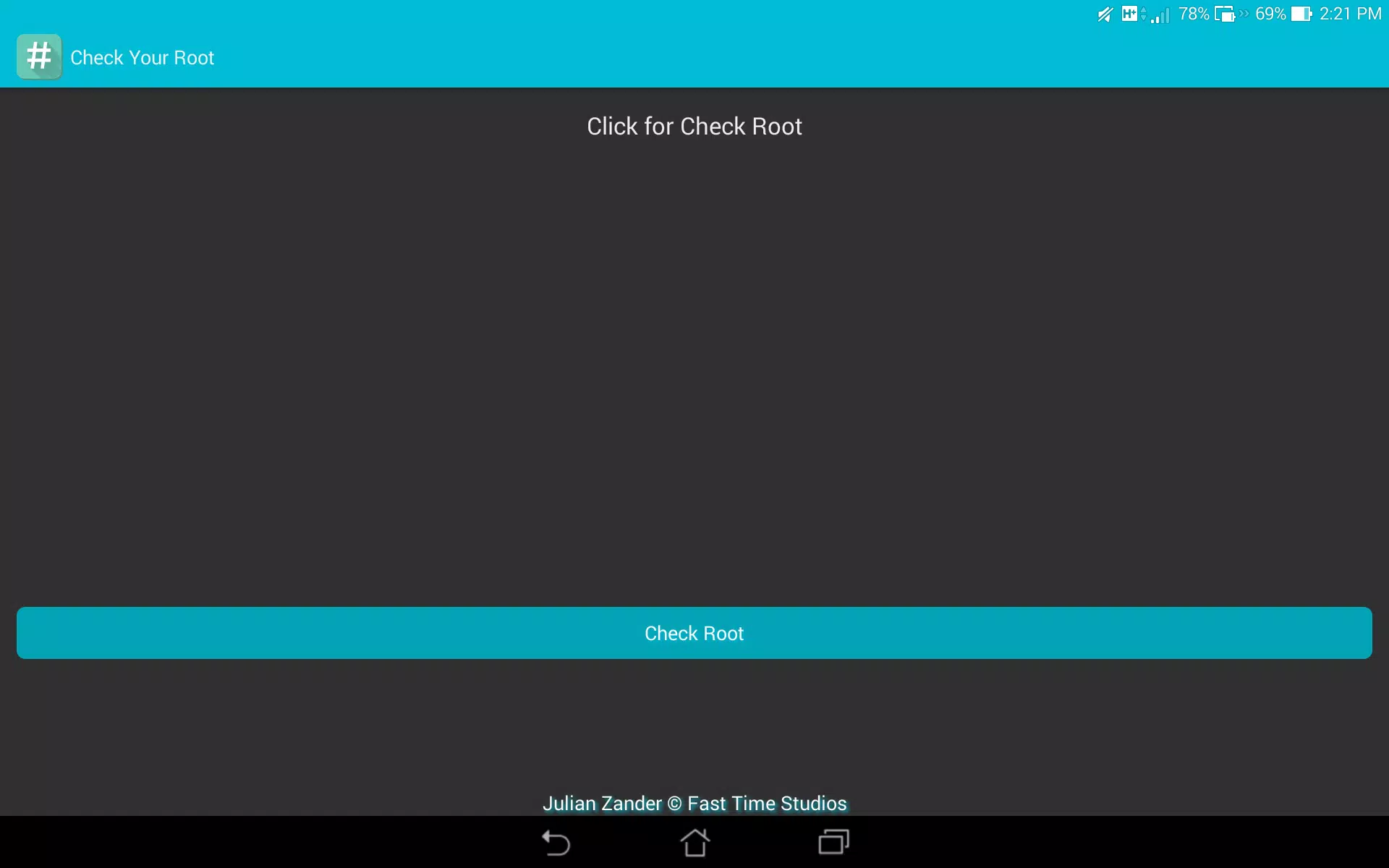
- Open the app and tap the main scan button.
- Allow the app to run quick read-only checks — no special permissions are required.
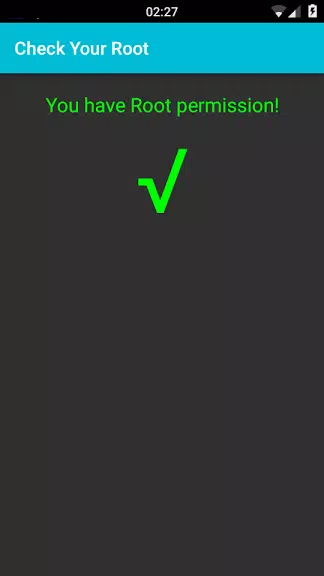
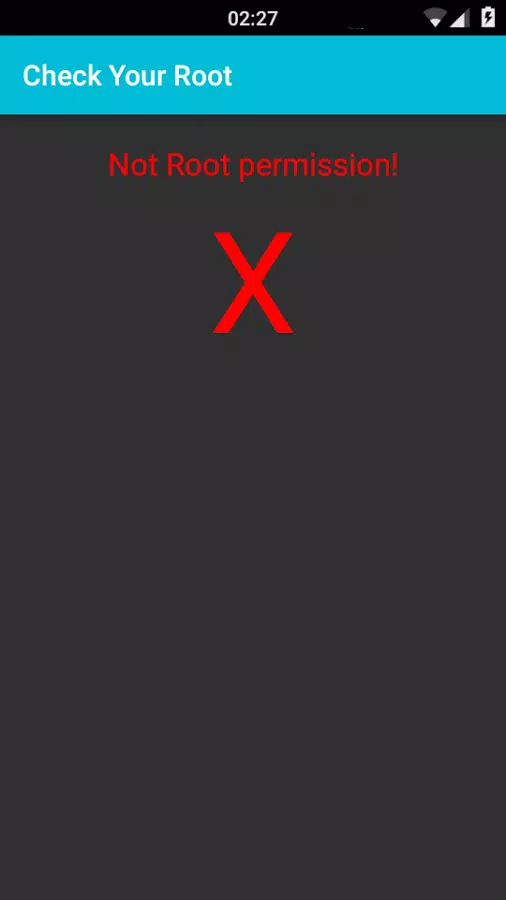
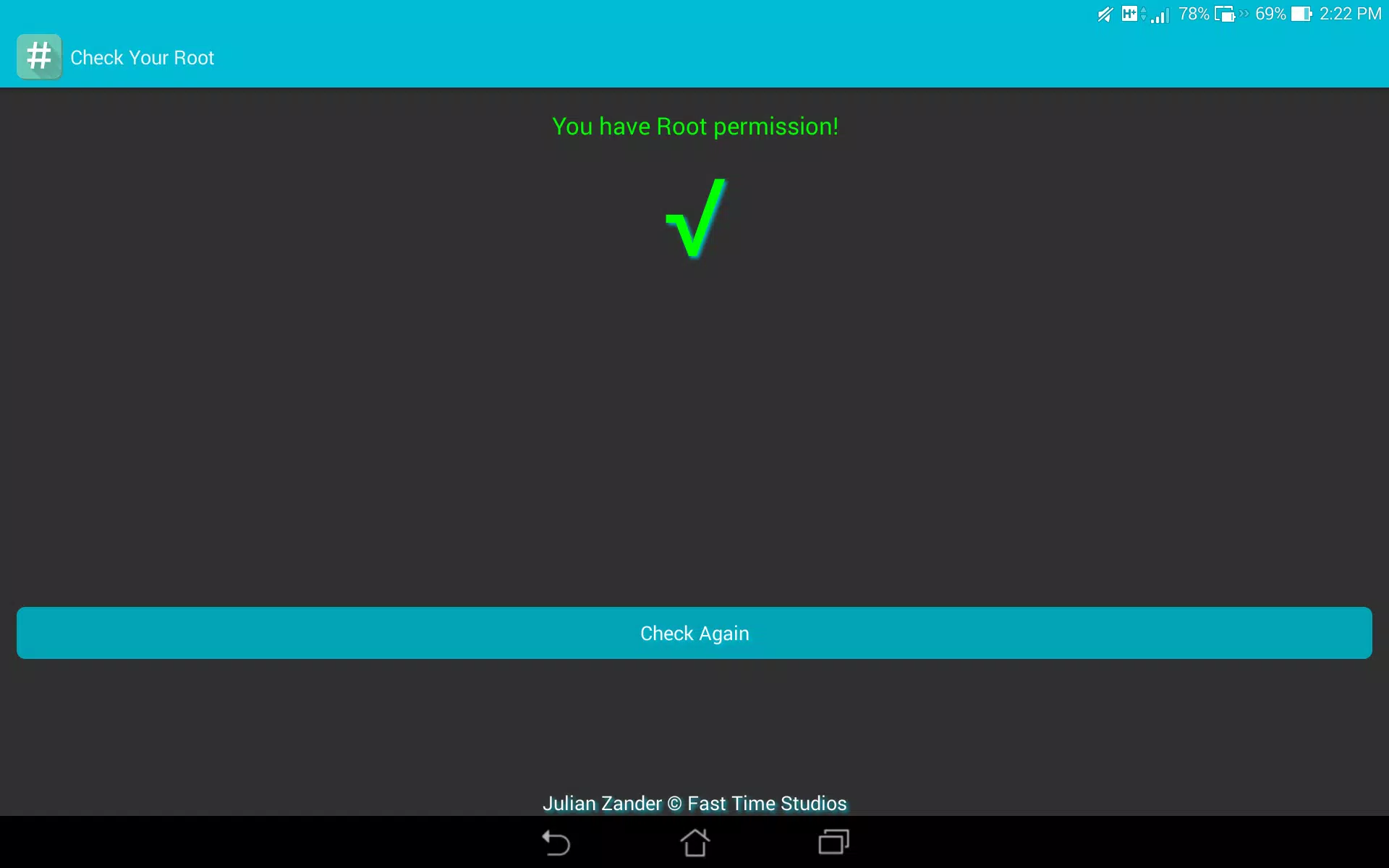
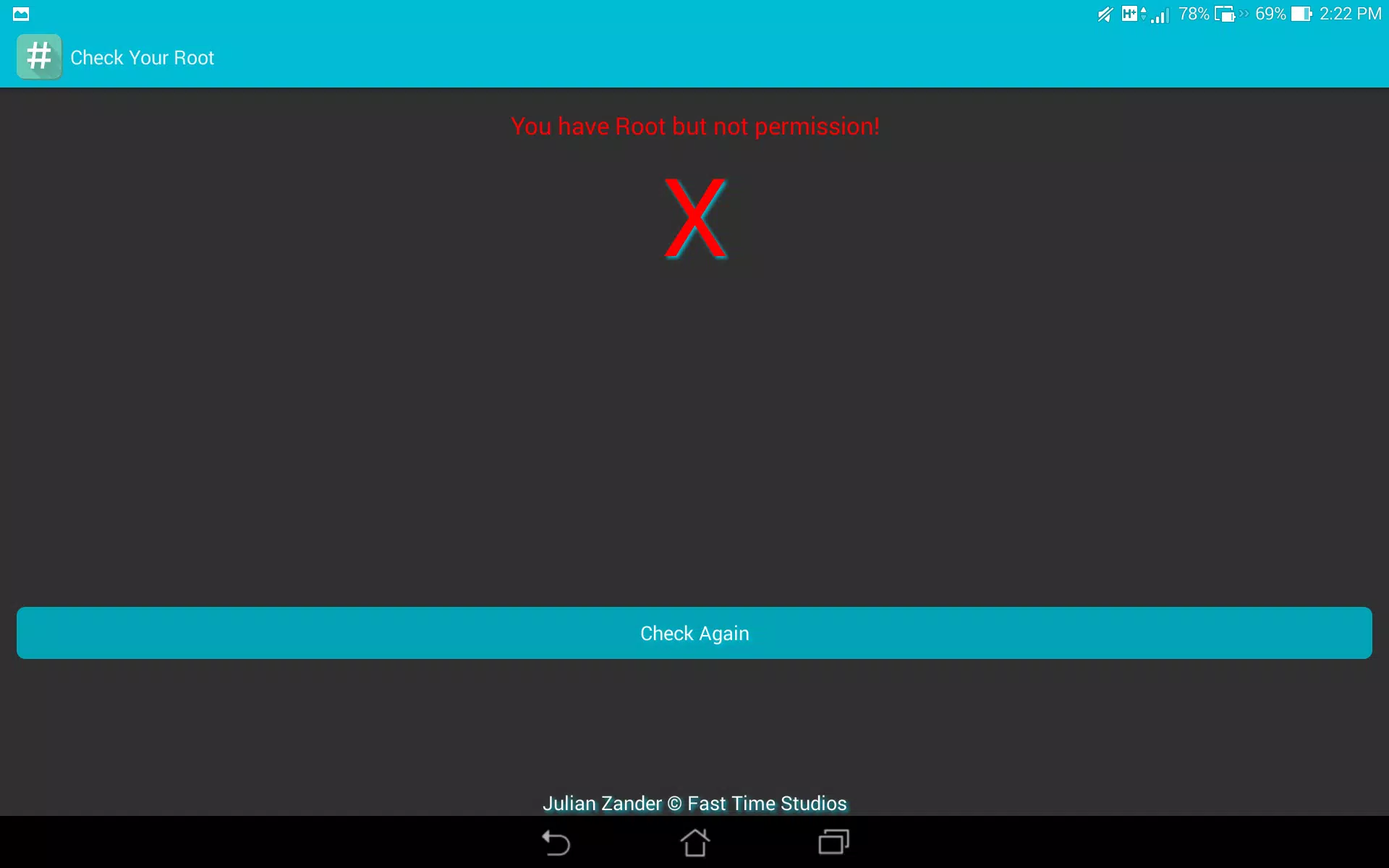
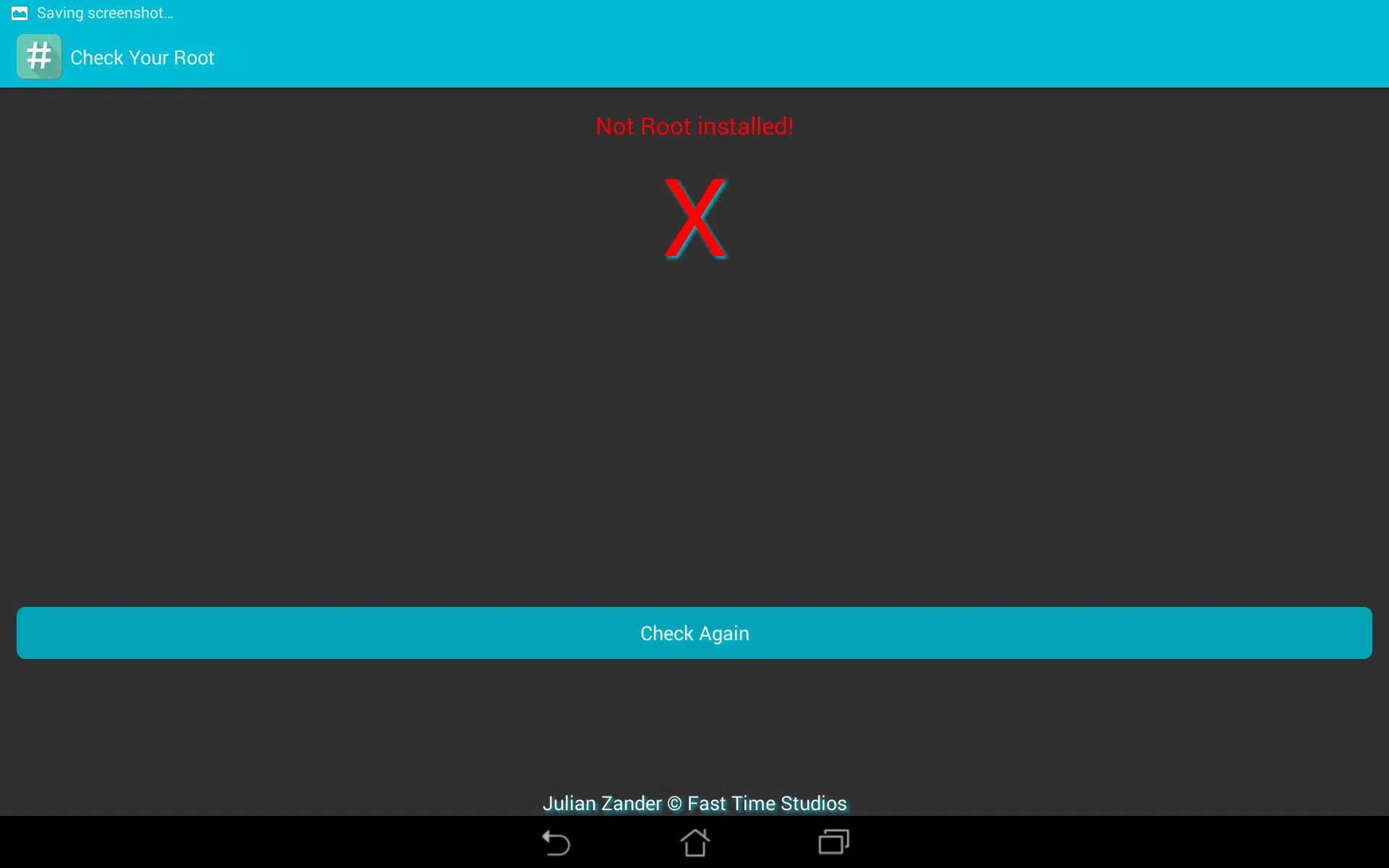
- Review the summary which highlights the presence or absence of root indicators.
- Tap the detailed view for a breakdown of each check, including file paths and permission flags.
Interface and performance
The user interface emphasizes clarity: large buttons, readable text, and a minimal results screen that separates definitive detections from inconclusive signs. Check Your Root is optimized to complete scans in seconds on modern devices and remains responsive even on older hardware. It avoids background processes and runs only while the user initiates a scan.
Design choices that matter
- Simple navigation with a single-screen flow for fast checks.
- Text-based results for easy copy-and-paste into bug reports or support chats.
- Dark and light theme friendliness by respecting system preferences.
Who benefits most
This utility is useful for repair shops, developers, and everyday smartphone owners who want to confirm the root state before installing system-level apps or returning a device. It is equally handy when you need to verify whether a previously rooted device has been returned to a stock state.
Practical scenarios
- Before selling or shipping a phone, verify that root components have been removed.
- When debugging app crashes that could relate to altered system libraries or permissions.
- For educational purposes: learn how root indicators appear on the filesystem.
Tips for first-time users
Start with a single scan and then open the detailed report to see which checks passed or failed. If the app reports root but you didn’t authorize it, consider running a full factory reset or using a root management tool to remove residual binaries. Always back up important data before making system changes.
Interpreting results
- A clear "no root" result generally means user-level apps cannot gain elevated privileges.
- A detected su or Magisk binary typically indicates root was active at some point; further cleanup might be necessary.
- Inconclusive findings can arise on heavily customized ROMs — consult device-specific forums or logs for deeper analysis.
Installation and compatibility
Check Your Root installs from common app stores and runs on a wide range of Android versions. The app requests minimal runtime permissions because its checks rely on publicly accessible filesystem paths. It is updated periodically to recognize new rooting tools and evolving file locations.
Final notes on reliability
As with any diagnostic tool, no single app can guarantee absolute certainty across all device variants. Check Your Root provides a trustworthy first look and a clear, actionable report that helps you decide whether to proceed with deeper system audits or remediation steps.
Show More
Information
Screenshots
Latest Update












Latest News
-
![Revealing the Launch Playlists and Cross-Progression for COD Warzone Mobile News]()
-
![March 2024 Free Redemption Codes for Honkai: Star Rail News]()
-
PUBG Mobile Teams Up with Bentley Motors: Luxury Cars, Exclusive Collectibles, and Beyond 2024-04-18
![PUBG Mobile Teams Up with Bentley Motors: Luxury Cars, Exclusive Collectibles, and Beyond News]()
-
![Monster Never Cry is now accessible on both Android and iOS mobile devices. News]()
-
V2.2 of the Farlight 84 update introduces an overhauled Season structure, fresh in-game currency, an 2024-04-16
![V2.2 of the Farlight 84 update introduces an overhauled Season structure, fresh in-game currency, an News]()
-
![Arrival of Genshin Impact 4.6 Update: 'Embers of Two Realms, Twilight of Crimson' News]()
-
April 2024 Clash of Clans Update: Unveiling a Fresh Companion, Enhanced Levels, Chat Tagging, and Be 2024-04-16
![April 2024 Clash of Clans Update: Unveiling a Fresh Companion, Enhanced Levels, Chat Tagging, and Be News]()






