

Que Buena 106
Version:7.10
Published:2026-10-13
Introduction
Que Buena 106 brings live regional Mexican radio to your Android device, offering on-demand shows, song requests, and real-time station info. The app delivers high-quality streams, program schedules, and easy-to-use controls so listeners can enjoy favorite hosts, music, and local updates wherever they go.
What the App Offers
Designed for fans of regional and contemporary Mexican music, Que Buena 106 provides a straightforward listening experience. Stream live broadcasts with minimal buffering, browse recent shows, and access presenter details and upcoming segments. The interface concentrates on ease: one-tap play, quick access to current track metadata, and clear volume and audio controls.
Core Features and Tools
- Live Streaming: High-quality audio streams optimized for mobile networks and Wi-Fi, with automatic quality adjustment to reduce interruptions.
- Program Guide: A searchable schedule lists daily shows and special programming so listeners can plan their tuning-in times.
- Favorites: Save shows, hosts, or segments for fast access later.
- Notifications: Optional alerts for contests, breaking news, or when a favorite show begins.
- Song Info and Requests: See currently playing tracks with artist details and send song requests directly through the app.
User Interface and Workflow
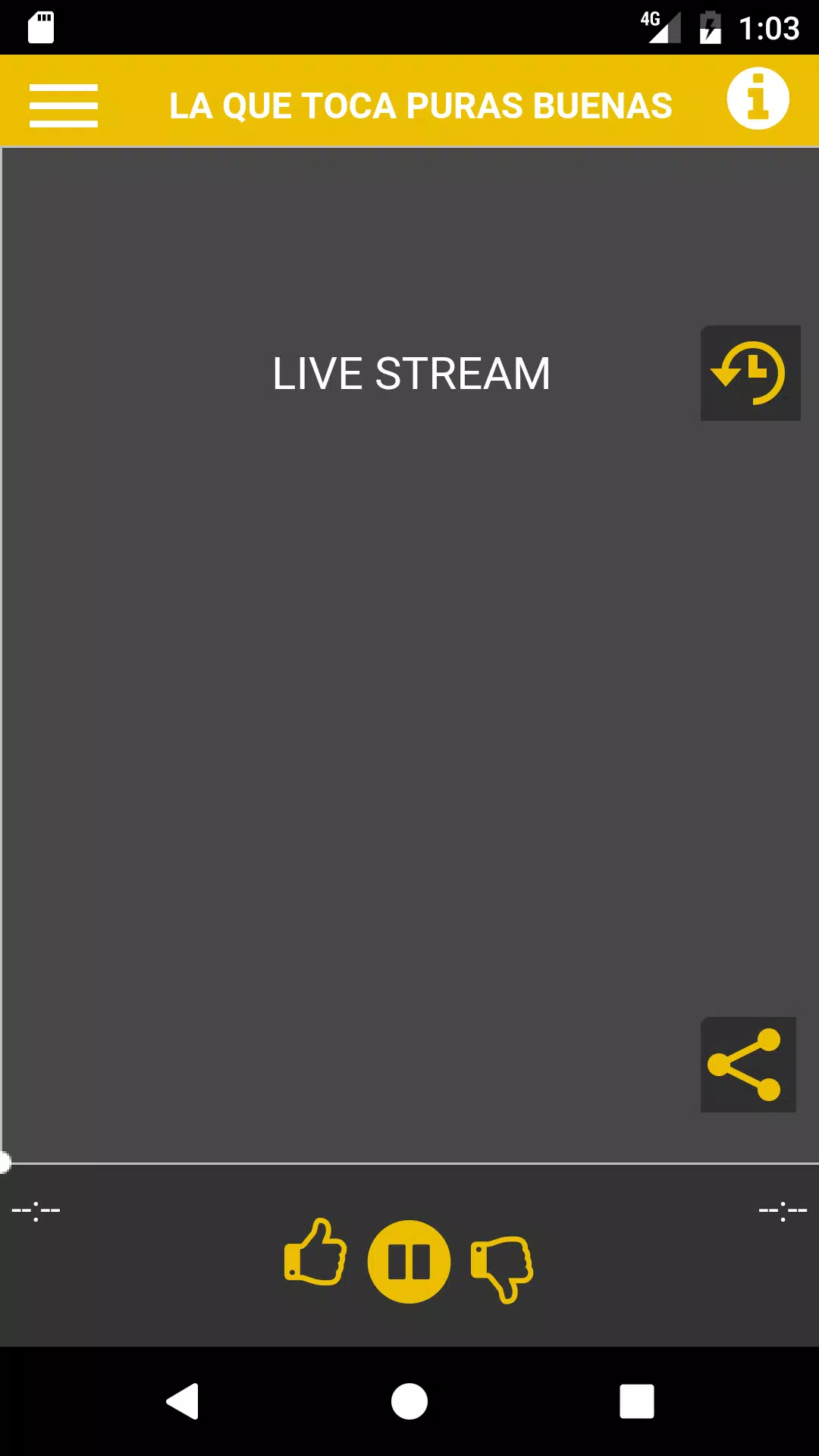
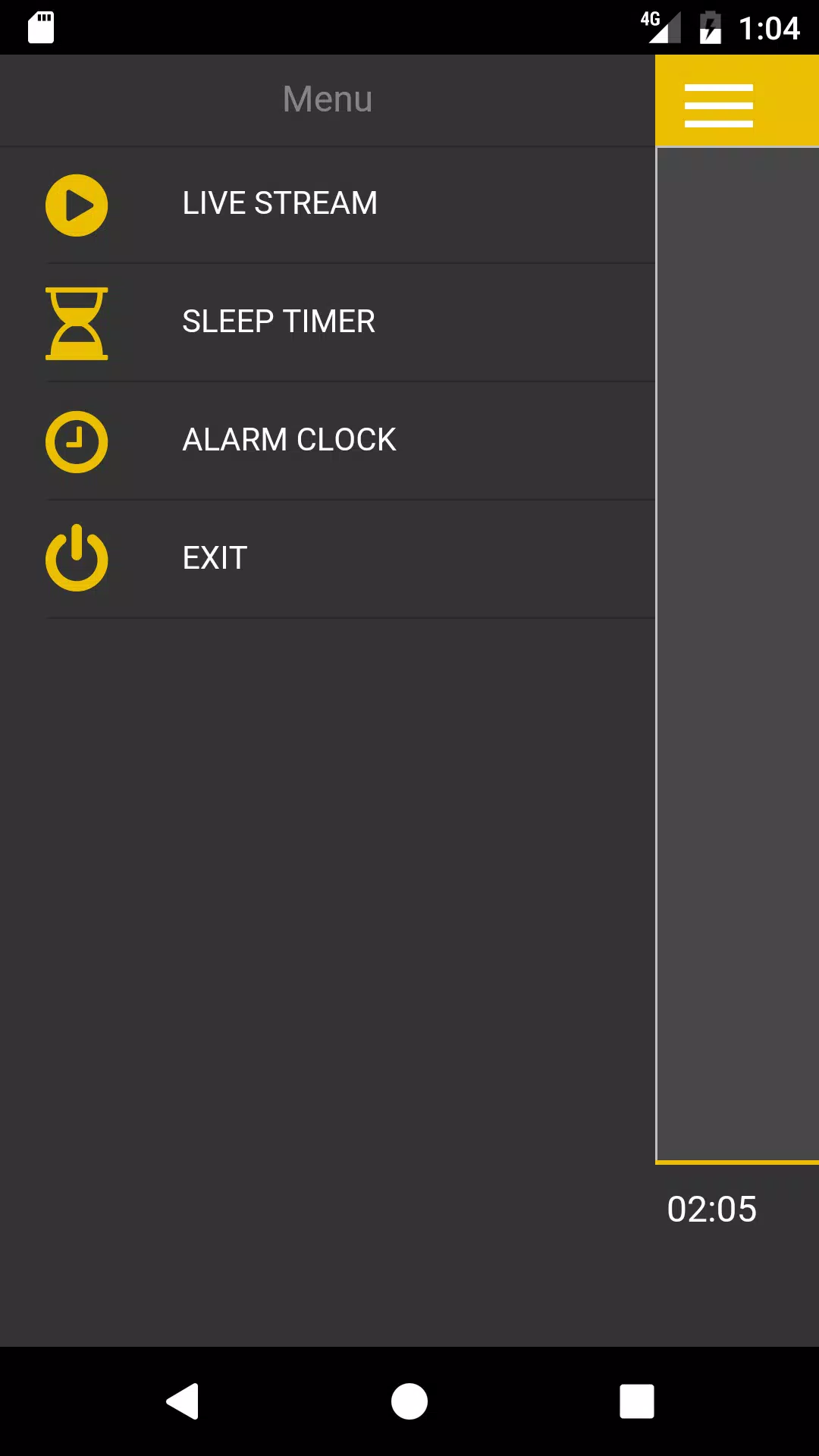
The layout emphasizes clarity: a central player with album art and basic controls occupies the main screen, while menus provide access to archives, presenters, and station news. Navigation is consistent and responsive, allowing users to switch between live, recorded, and local content without confusion. Playback controls remain available in notifications and on most lock screens for convenient background listening.
How to Get the Most from Que Buena 106
Start by granting the app necessary permissions to enable background play and notifications. Use the program guide to mark shows you don’t want to miss, and enable push alerts for real-time updates about contests or traffic advisories. For regular commuters, the app supports persistent playback so audio continues while other apps are used.
Customization and Personal Settings
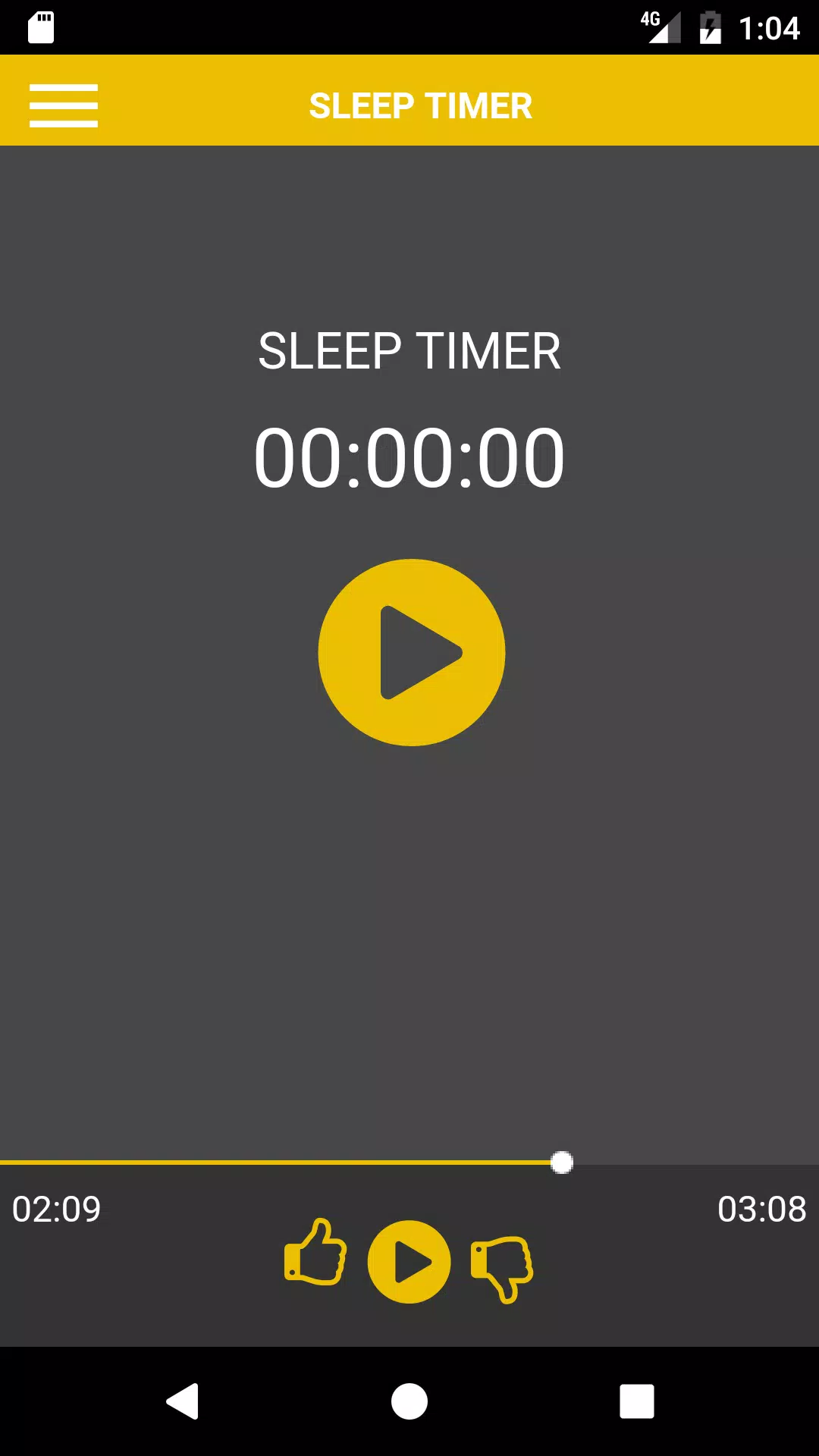
Personalization options let listeners tailor the experience. Choose notification preferences, manage a list of saved shows, and adjust streaming quality to balance data usage and audio clarity. Que Buena 106 also supports a simple sleep timer so the app can stop playback after a set period—handy for bedtime listening.
Performance and Compatibility
Que Buena 106 is optimized for modern Android devices, keeping memory use modest while delivering stable audio. The adaptive streaming minimizes drops on variable networks, and the app includes safeguards to reduce battery drain during extended listening. Compatibility notes and version requirements are clearly displayed in the app listing so users can confirm device support before installing.
Connectivity and Integration
The app plays well with common mobile accessories. It supports Bluetooth headsets and car audio systems, and remote controls on headsets function as expected. While in-car playback may depend on third-party apps and car firmware, Que Buena 106 prioritizes a reliable stream and a clear metadata feed so car displays can show track names and presenter info.
Practical Use Cases
- Daily commuters who want traffic reports and morning shows on the go.
- Listeners who follow local news, sports updates, or community announcements.
- Fans of specific hosts or programs who want alerts when new episodes are live.
Getting Started
Installation is straightforward: download, open the app, grant the requested permissions, and tap the play button. Create a simple profile to save preferences and build a favorites list. If you encounter connectivity issues, switch between Wi-Fi and mobile data or adjust the streaming quality in settings.
Support and Updates
The development team behind Que Buena 106 issues periodic updates to add features and improve stability. A help section within the app provides troubleshooting tips, and contact options let users send feedback or report problems. Regular updates also include performance tweaks to ensure smoother playback on a wide range of devices.
With its focus on accessibility, clear navigation, and radio-focused tools, Que Buena 106 offers a polished listening platform for audiences who want their local music and programming in a compact mobile format.
Show More
Information
Screenshots
Latest Update












Latest News
-
![Revealing the Launch Playlists and Cross-Progression for COD Warzone Mobile News]()
-
![March 2024 Free Redemption Codes for Honkai: Star Rail News]()
-
PUBG Mobile Teams Up with Bentley Motors: Luxury Cars, Exclusive Collectibles, and Beyond 2024-04-18
![PUBG Mobile Teams Up with Bentley Motors: Luxury Cars, Exclusive Collectibles, and Beyond News]()
-
![Monster Never Cry is now accessible on both Android and iOS mobile devices. News]()
-
V2.2 of the Farlight 84 update introduces an overhauled Season structure, fresh in-game currency, an 2024-04-16
![V2.2 of the Farlight 84 update introduces an overhauled Season structure, fresh in-game currency, an News]()
-
![Arrival of Genshin Impact 4.6 Update: 'Embers of Two Realms, Twilight of Crimson' News]()
-
April 2024 Clash of Clans Update: Unveiling a Fresh Companion, Enhanced Levels, Chat Tagging, and Be 2024-04-16
![April 2024 Clash of Clans Update: Unveiling a Fresh Companion, Enhanced Levels, Chat Tagging, and Be News]()






