

Eon Lighting
Version:1.0
Published:2026-10-13
Introduction
Eon Lighting is a smart lighting control app that streamlines bulb management, scene creation, and home automation from a single interface. Designed for tech-savvy users and homeowners alike, it simplifies scheduling, mood-setting, and energy tracking while supporting a wide range of Wi-Fi and Bluetooth fixtures in a minimal, responsive package.
What the app does
Eon Lighting centralizes all your smart lights so you can control brightness, color temperature, and power states without juggling multiple manufacturer apps. It connects to bulbs, strips, and gateways, letting you group devices by room, set timers, and create scenes that match daily routines. The app emphasizes fast response and predictable behavior for everyday use.
Notable features at a glance
- Centralized device list — see every connected lamp and accessory in one view and manage them individually or in bulk.
- Scene editor — build multi-light scenes with precise color and dimming controls, then trigger them manually or by schedule.
- Automation rules — create time-based or event-based rules that react to sunrise, sunset, or your location.
- Energy insights — monitor usage trends and estimate savings from scheduling or dimming strategies.
- Cloud sync — back up configurations and share control with family members securely.
User flow and setup
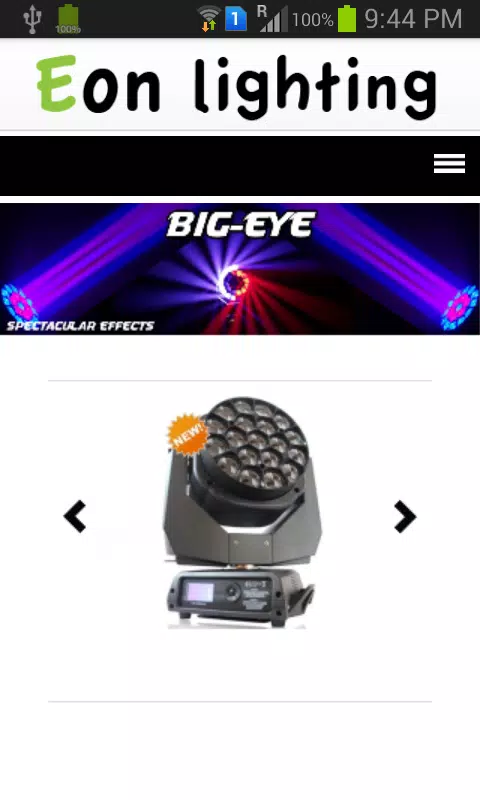
Getting started with Eon Lighting is straightforward. The onboarding process scans for compatible devices on your local network and guides you through naming and grouping each one. A step-by-step wizard helps you assign rooms and set up your first scene in minutes. Advanced users can access manual setup options for devices that require specific network credentials or firmware updates.
Interface and performance
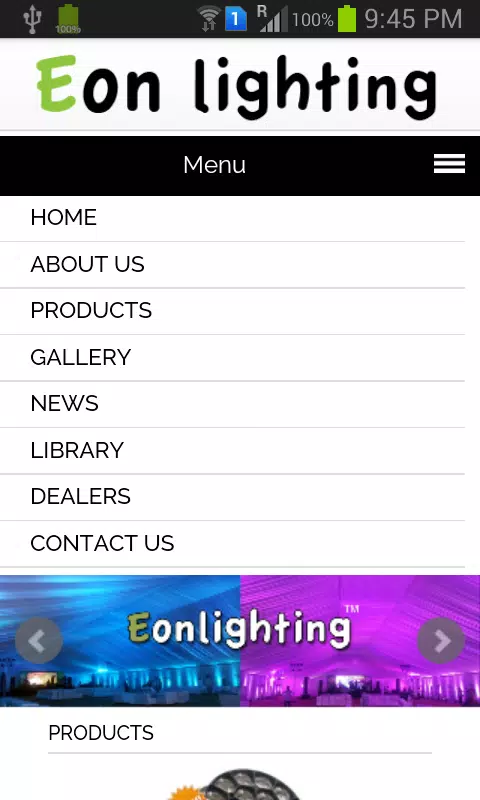
The app interface is organized to reduce friction: a persistent quick-access bar lists favorite rooms and recent scenes. Animations are purposeful and lightweight, keeping transitions smooth even on midrange devices. Eon Lighting prioritizes low latency, so dimming a light or switching modes responds instantly rather than waiting through a long cloud roundtrip.
Customization and control depth
Beyond simple on/off controls, Eon Lighting exposes color wheels, kelvin sliders, and multi-stage fades for users who want nuanced control. You can save custom palettes and link them to activities like reading, cooking, or movie night. For power users, manual schedules support complex recurrence patterns and conditional logic tied to geofencing or other smart-home sensors.
Practical uses and workflows
For daily life, the app supports wake-up routines, hands-free evening lights, and automated energy-saving modes when rooms are unoccupied. In a work-from-home setup, lights can switch to a focused white tone during set hours and shift to warmer colors for breaks. Eon Lighting adapts to both simple and complex routines, helping users save time and reduce electricity bills.
Compatibility and integrations
The developer maintains a regularly updated compatibility list, and the app works with common Zigbee and proprietary Wi-Fi bulbs via your home gateway. It also supports integration with popular voice assistants and home hubs for voice control and cross-device automations, expanding how Eon Lighting interacts with an existing smart-home ecosystem.
Tips for new users
- Start by grouping lights by room to simplify control.
- Create a few key scenes—Bright, Soft, and Night—to cover most situations quickly.
- Use geofencing sparingly to avoid accidental triggers while traveling.
- Test automation rules for a few days before relying on them for security or energy savings.
People choose Eon Lighting for its balance of power and simplicity. It provides deeper customization than basic manufacturer apps while avoiding the complexity of full home automation platforms. The app makes it simple to upgrade daily lighting routines without a steep learning curve.
How to get started
Download the app, run the quick device scan, and follow the setup wizard to name rooms and create your first scene. Allow cloud sync if you want backup and multi-user access. Regular updates keep device drivers and integrations current, so check the in-app release notes after installing new firmware on any connected device.
Eon Lighting is an approachable tool for anyone wanting smarter, more intentional lighting. It scales from a single-room setup to whole-house control while keeping the interface clean and the automation flexible.
Show More
Information
Screenshots
Latest Update












Latest News
-
![Revealing the Launch Playlists and Cross-Progression for COD Warzone Mobile News]()
-
![March 2024 Free Redemption Codes for Honkai: Star Rail News]()
-
PUBG Mobile Teams Up with Bentley Motors: Luxury Cars, Exclusive Collectibles, and Beyond 2024-04-18
![PUBG Mobile Teams Up with Bentley Motors: Luxury Cars, Exclusive Collectibles, and Beyond News]()
-
![Monster Never Cry is now accessible on both Android and iOS mobile devices. News]()
-
V2.2 of the Farlight 84 update introduces an overhauled Season structure, fresh in-game currency, an 2024-04-16
![V2.2 of the Farlight 84 update introduces an overhauled Season structure, fresh in-game currency, an News]()
-
![Arrival of Genshin Impact 4.6 Update: 'Embers of Two Realms, Twilight of Crimson' News]()
-
April 2024 Clash of Clans Update: Unveiling a Fresh Companion, Enhanced Levels, Chat Tagging, and Be 2024-04-16
![April 2024 Clash of Clans Update: Unveiling a Fresh Companion, Enhanced Levels, Chat Tagging, and Be News]()






