

Zora
Version:5.3.1
Published:2026-10-13
Introduction
Zora is a productivity app that streamlines task management, note-taking, and team collaboration into a single intuitive workspace. It blends a clean interface with flexible organization tools so users can track projects, share updates, and automate routine tasks without complex setup or steep learning curves.
Core features and functionality
Zora offers a set of practical tools designed to simplify daily workflows. Tasks can be created, prioritized, and grouped into projects with customizable labels and deadlines. Notes support rich text, checklists, and embedded media so you can keep reference material and action items together. Shared workspaces allow permissions at the project or folder level, making collaboration straightforward for small teams and cross-functional groups.
Interface and workflow design
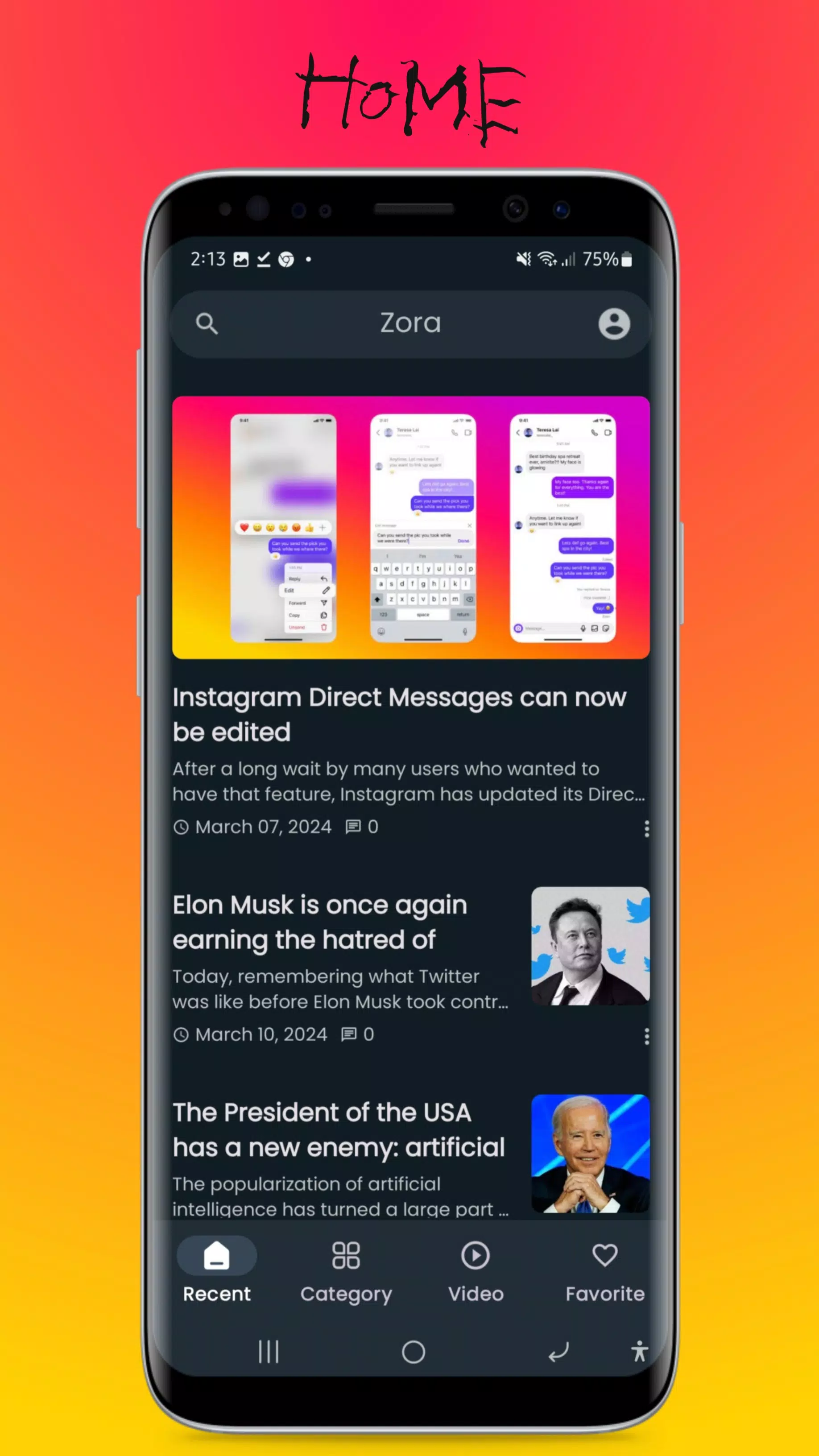
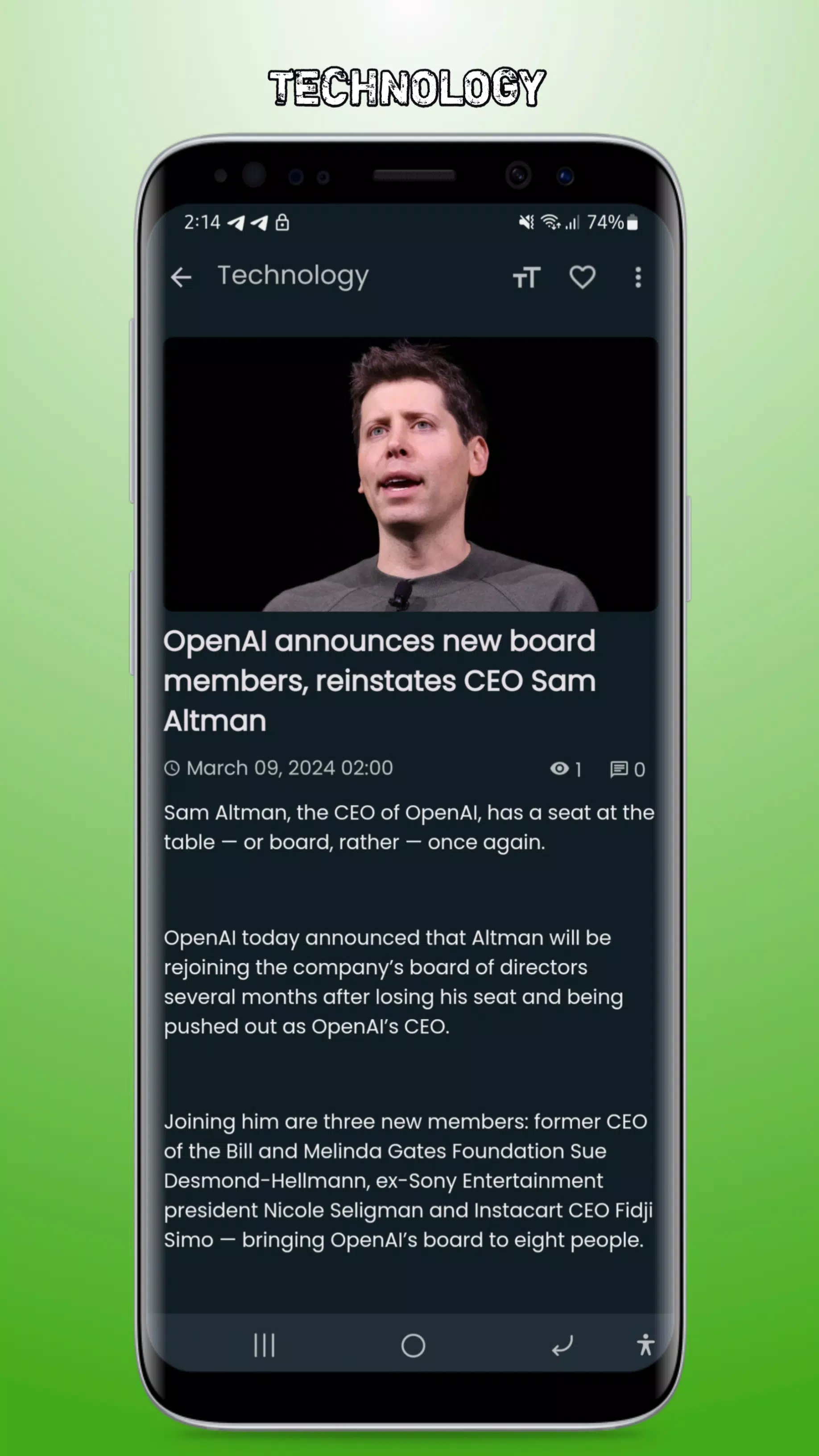
The interface focuses on clarity: navigation panels, a central content area, and context-sensitive controls reduce clutter. Zora's layout adapts to both phones and tablets, offering a compact view for quick updates and an expanded view for planning. Keyboard shortcuts, swipe gestures, and drag-and-drop editing speed up common tasks. Visual cues like color-coded tags and progress bars provide quick insight into status without opening detailed views.
Integrations and automation
To fit into existing ecosystems, Zora connects with popular calendar, cloud storage, and messaging services. Automatic syncing ensures changes are reflected across devices, while two-way calendar links keep deadlines aligned. Built-in automation lets you trigger actions—assign tasks, move items between lists, or send reminders—based on simple rules, reducing repetitive work and improving consistency across team processes.
Customization and organization
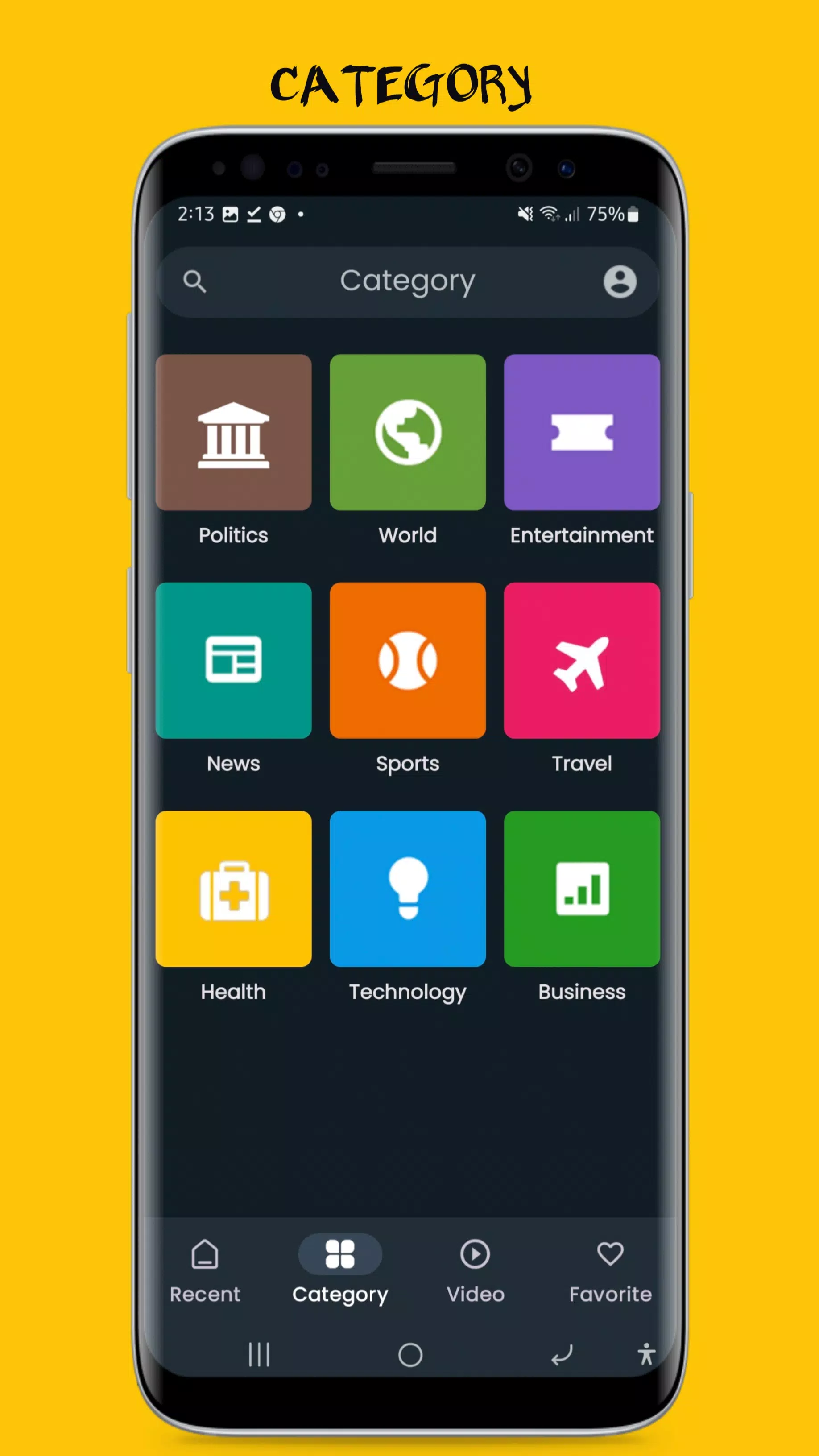
Users can configure Zora to match personal or team preferences. Choose between list, board, or timeline views for projects and define custom fields for tracking any data that matters to your workflow. Templates accelerate setup for recurring project types, and saved filters help surface work that requires immediate attention. This flexibility makes Zora adaptable for freelancers, project managers, and creative teams alike.
Security, syncing, and performance
Security features include encrypted data transmission and granular access controls to protect sensitive information. Zora uses efficient background syncing to minimize battery impact while keeping offline edits preserved. Performance optimizations ensure large workspaces remain responsive; indexing and lazy loading keep startup times short even with extensive archives and attachments.
Getting started with Zora
Begin by creating a workspace and inviting collaborators. Add a few projects and import or create tasks to see how the system maps to your process. Take advantage of sample templates to set up common workflows quickly. Zora's onboarding tips and in-app help guide new users through essential features so teams can start contributing right away.
Productivity tips and practical uses
Adopt a weekly review inside Zora to clear backlog items and re-prioritize. Use tags to track work types across projects, and set recurring rules to automate routine assignments. For teams, establish a simple naming convention for projects and templates; consistency reduces confusion and speeds up handoffs. Zora's search and saved filters make it easy to locate context when switching between tasks.
Who benefits most
Zora fits users who need a single place to manage both personal priorities and collaborative projects. Small teams that juggle client work, internal initiatives, and content creation will find the combination of notes, task lists, and automations especially useful. Individuals who prefer a minimal learning curve but want robust organization options will appreciate the balance between simplicity and depth.
Final considerations
Because Zora emphasizes adaptability, it's worth exploring customization settings during setup to align the app with how your team actually works. Regularly review automations and templates to ensure they evolve with your processes. With consistent use, Zora can reduce administrative overhead and help keep important work visible and on schedule.
Show More
Information
Screenshots

Latest Update












Latest News
-
![Revealing the Launch Playlists and Cross-Progression for COD Warzone Mobile News]()
-
![March 2024 Free Redemption Codes for Honkai: Star Rail News]()
-
PUBG Mobile Teams Up with Bentley Motors: Luxury Cars, Exclusive Collectibles, and Beyond 2024-04-18
![PUBG Mobile Teams Up with Bentley Motors: Luxury Cars, Exclusive Collectibles, and Beyond News]()
-
![Monster Never Cry is now accessible on both Android and iOS mobile devices. News]()
-
V2.2 of the Farlight 84 update introduces an overhauled Season structure, fresh in-game currency, an 2024-04-16
![V2.2 of the Farlight 84 update introduces an overhauled Season structure, fresh in-game currency, an News]()
-
![Arrival of Genshin Impact 4.6 Update: 'Embers of Two Realms, Twilight of Crimson' News]()
-
April 2024 Clash of Clans Update: Unveiling a Fresh Companion, Enhanced Levels, Chat Tagging, and Be 2024-04-16
![April 2024 Clash of Clans Update: Unveiling a Fresh Companion, Enhanced Levels, Chat Tagging, and Be News]()






