
Wiebkes Waage
Version:2.0.2
Published:2026-10-13
Introduction
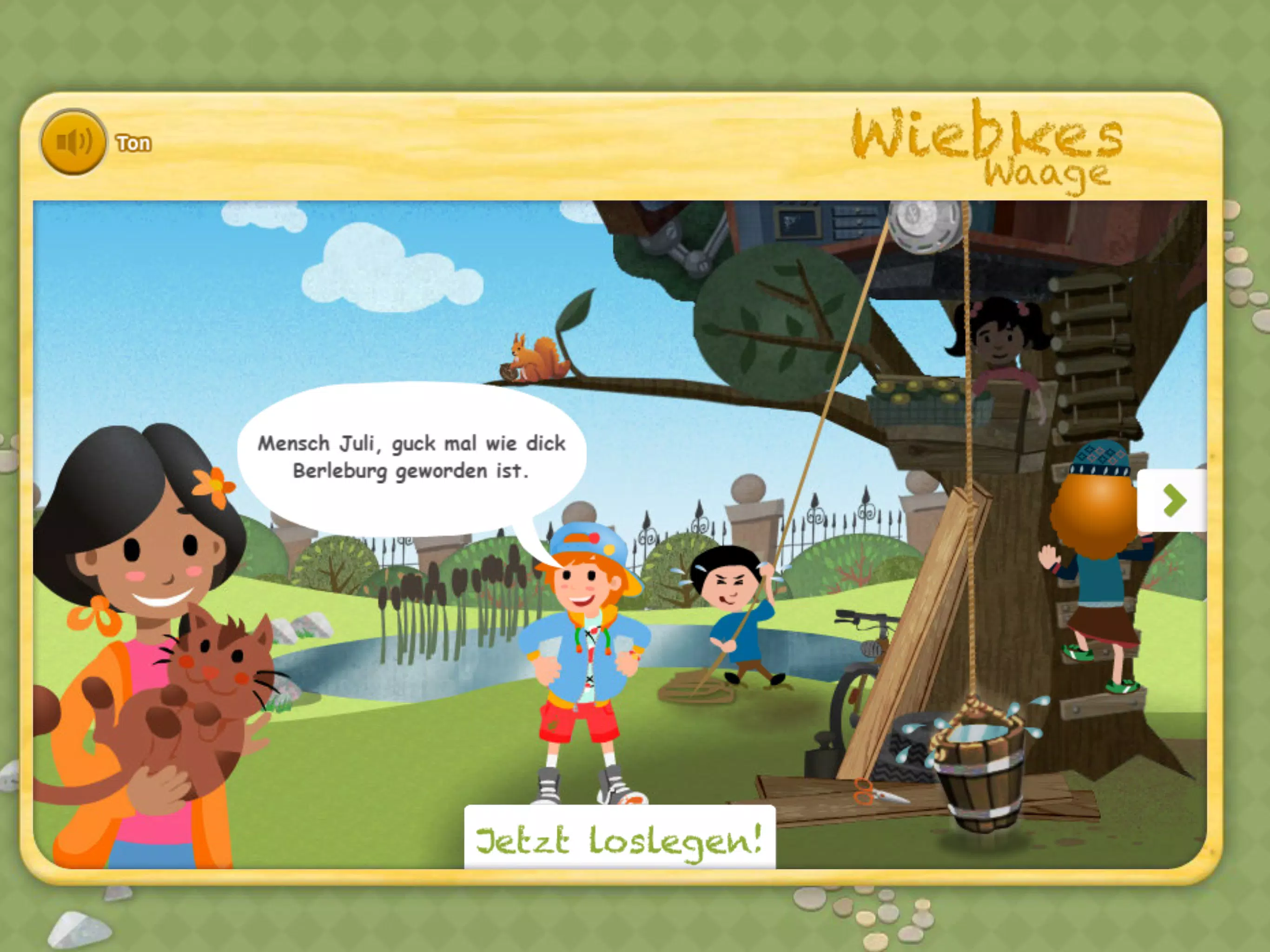
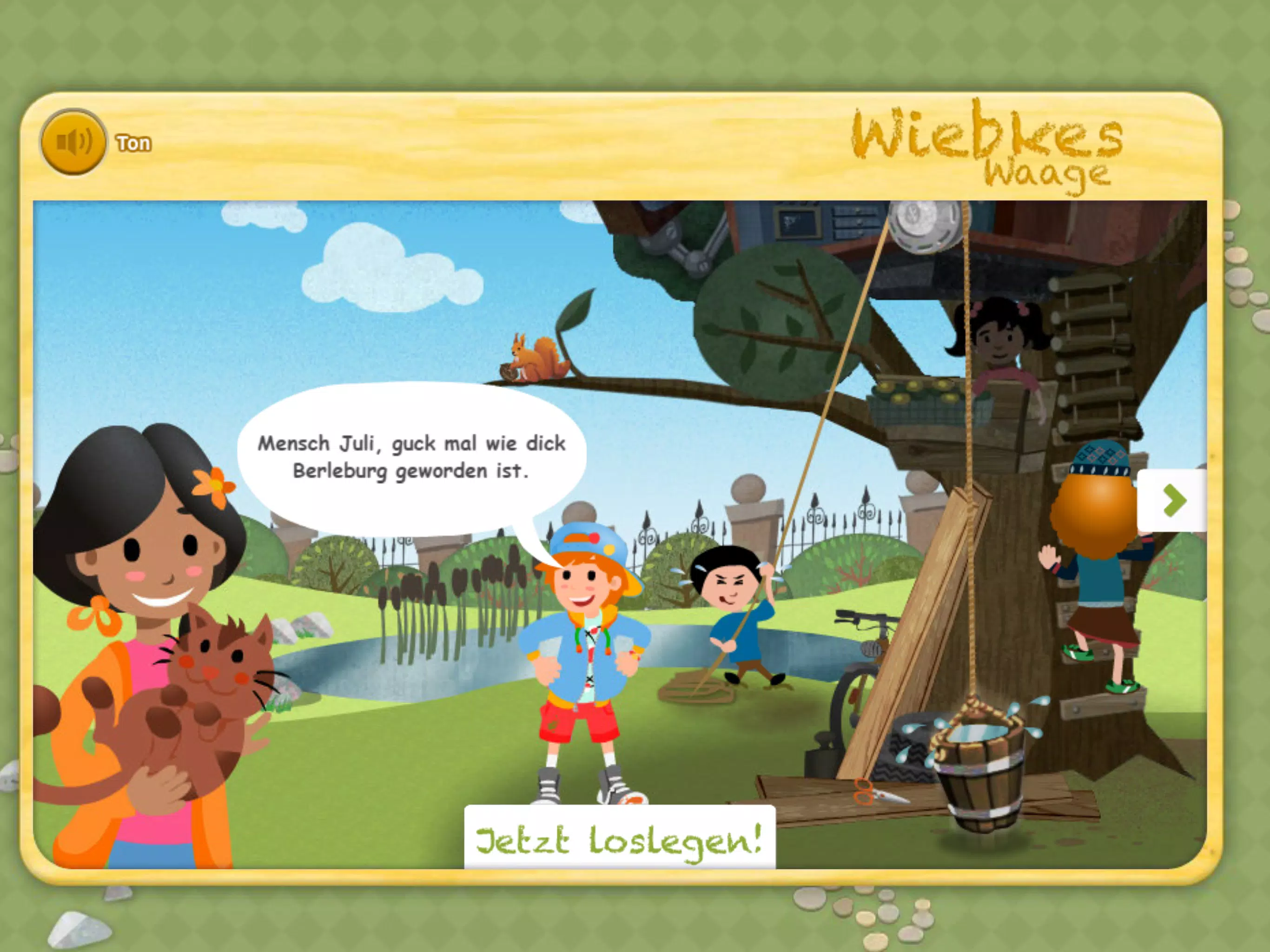
Wiebkes Waage is an educational app that brings hands-on balance experiments to tablets and phones, turning simple household items and animal illustrations into a playful introduction to weight and equilibrium. Wiebkes Waage places emphasis on observation, low-tech creativity and collaborative learning so parents and teachers can guide children through practical activities that illustrate core physics ideas without complex controls or precise instrumentation. The app is designed to be approachable for young learners while offering layered challenges that keep older children curious and engaged.
What the app does
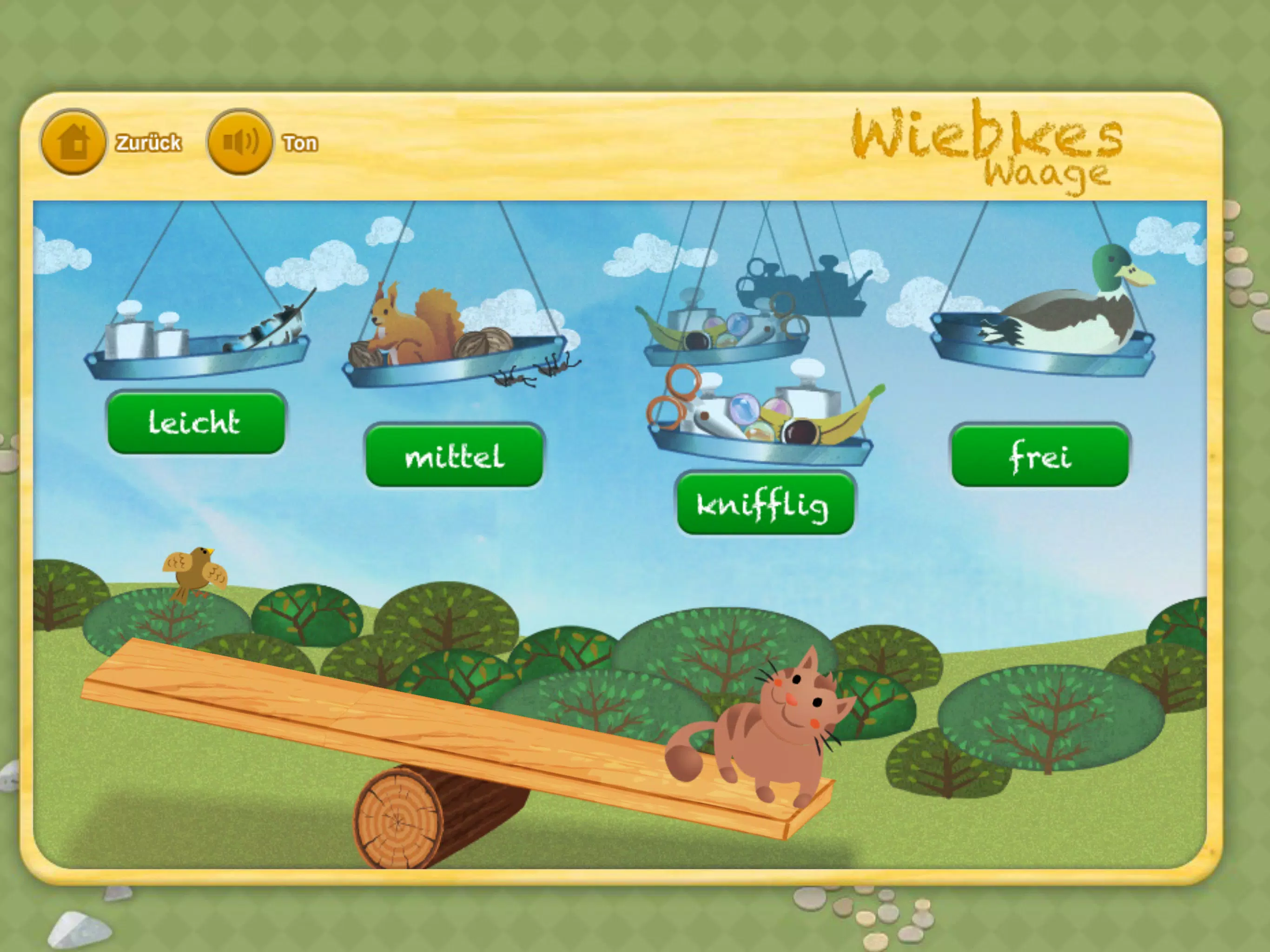
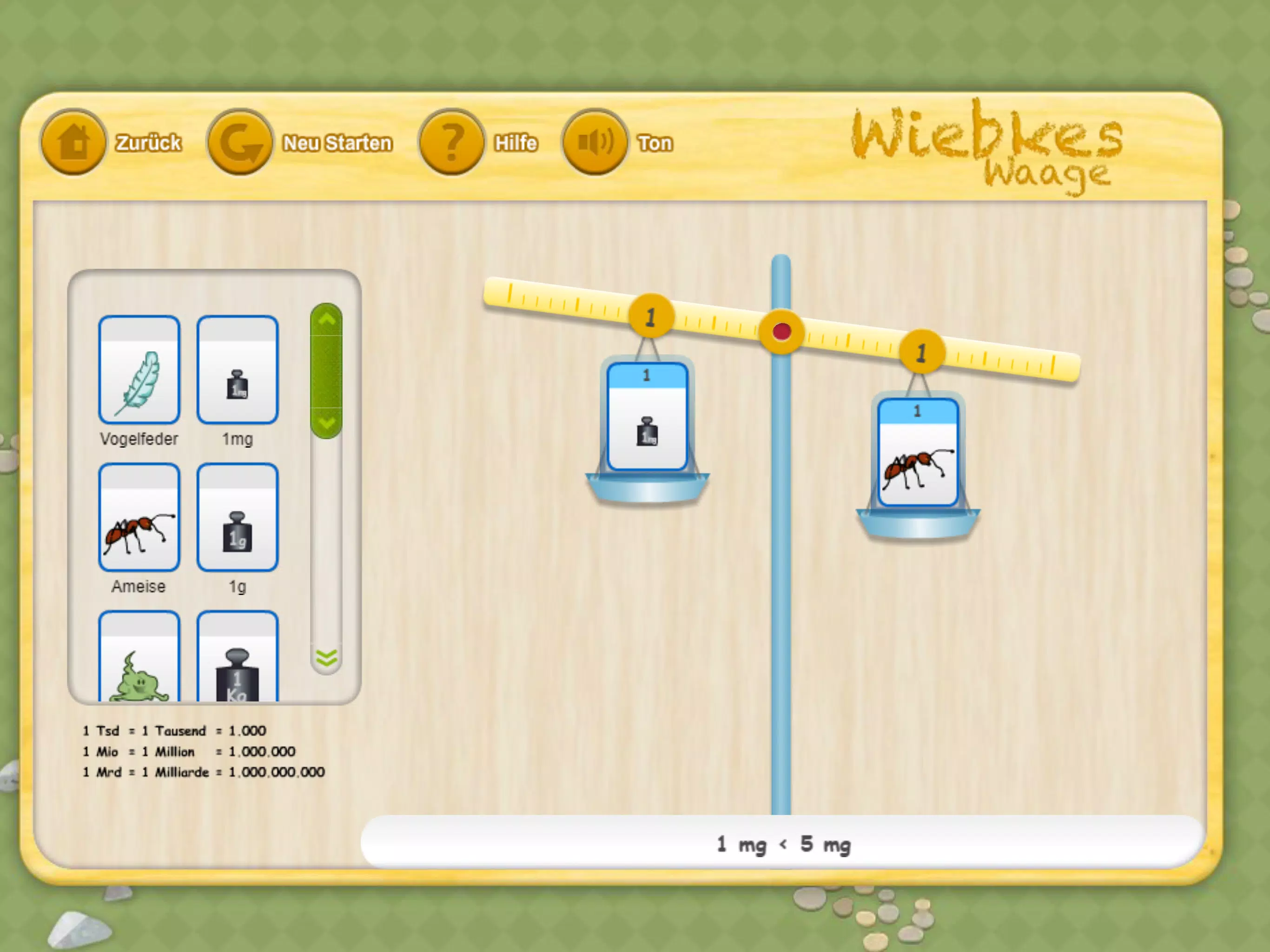
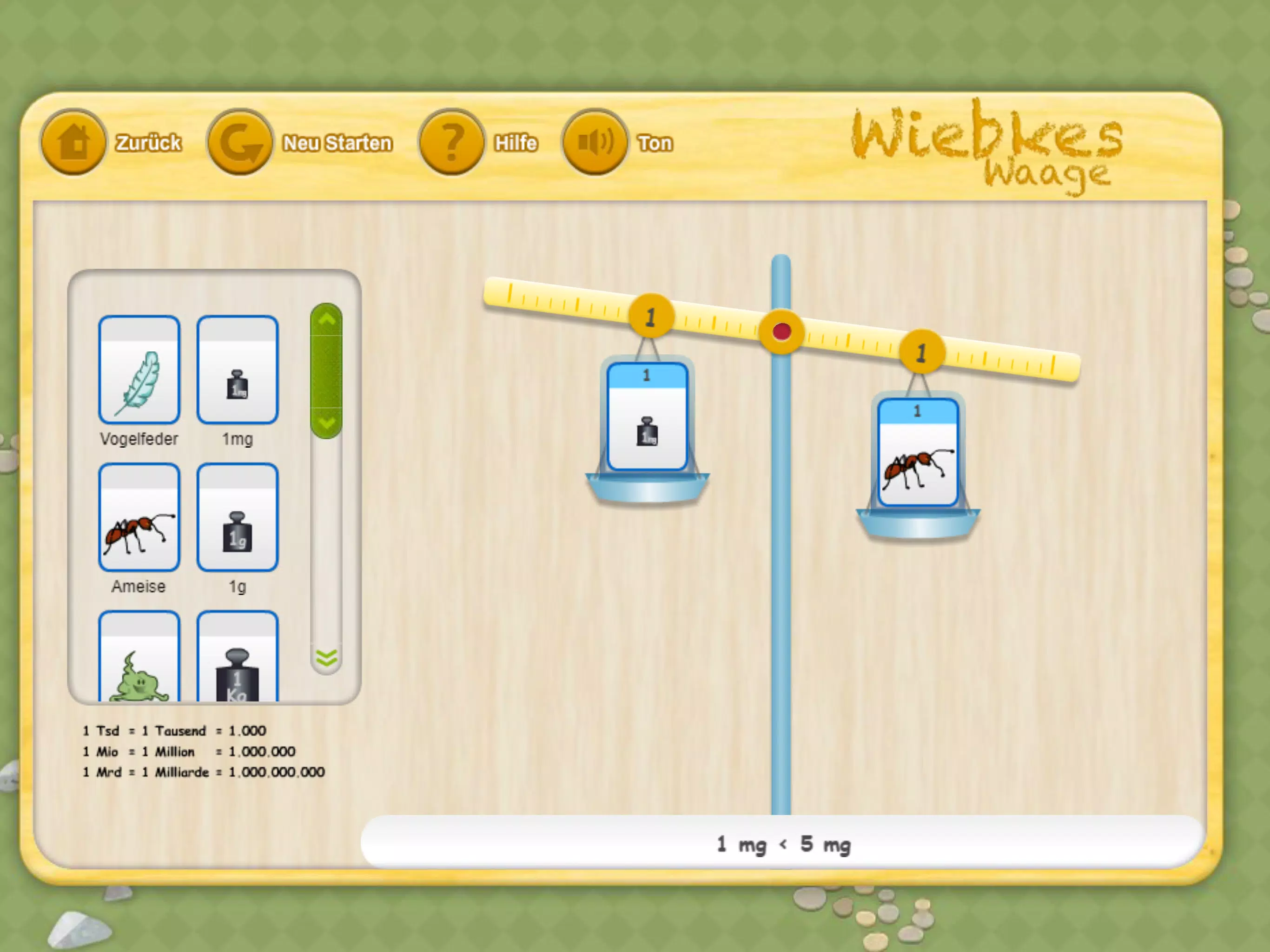
The app models a series of homemade scales and balance scenarios inspired by family-style experiments. Each scenario presents a pivot, a beam and a set of objects or animal figures with visual weight cues; users arrange items on either side to explore how placement and mass affect balance. Instead of advanced simulations, the app focuses on qualitative understanding: how different combinations tip, balance, or find equilibrium. Short guidance prompts encourage prediction, testing, and reflection so learners practice scientific thinking while they play.
Gameplay and controls
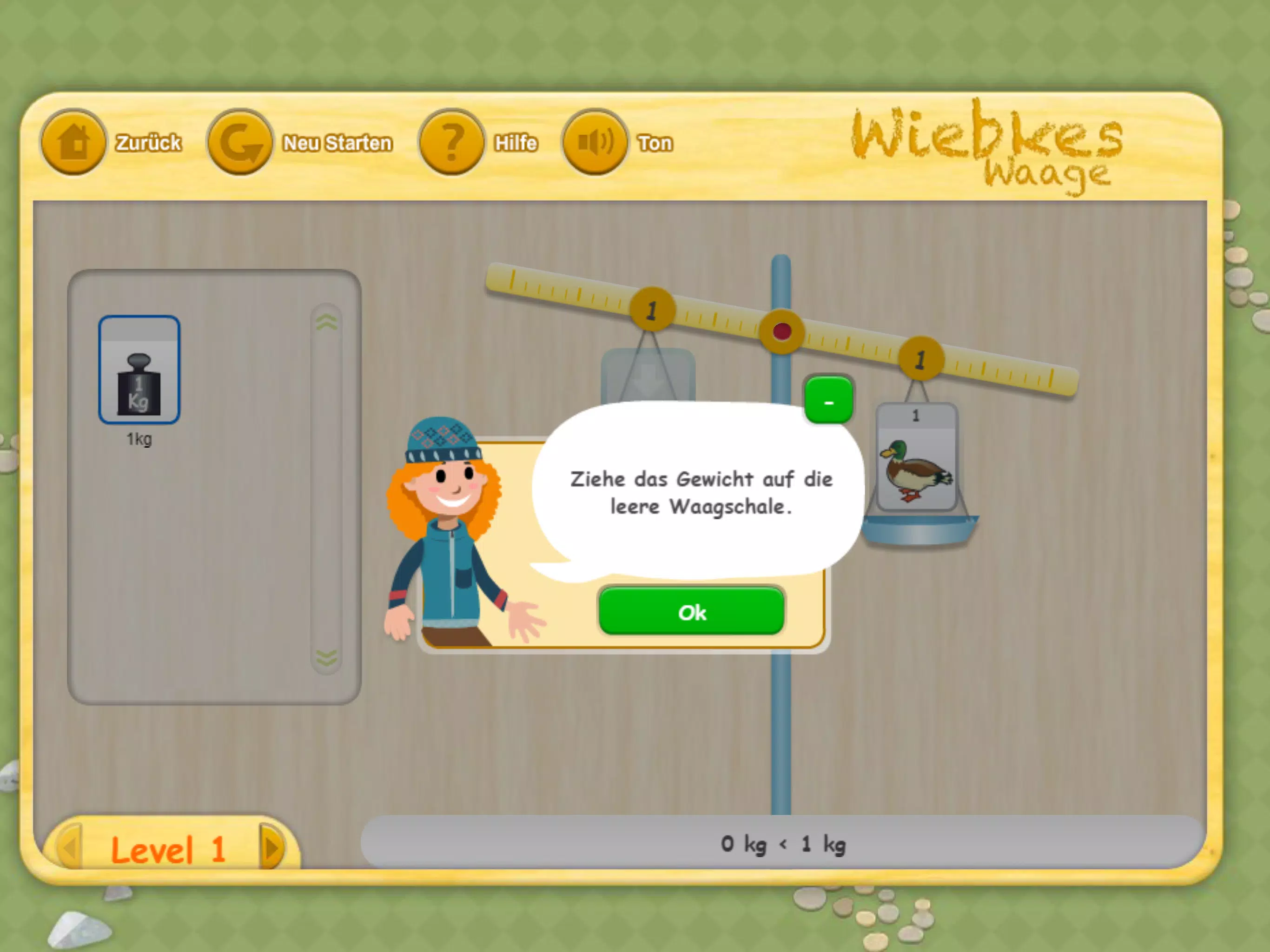
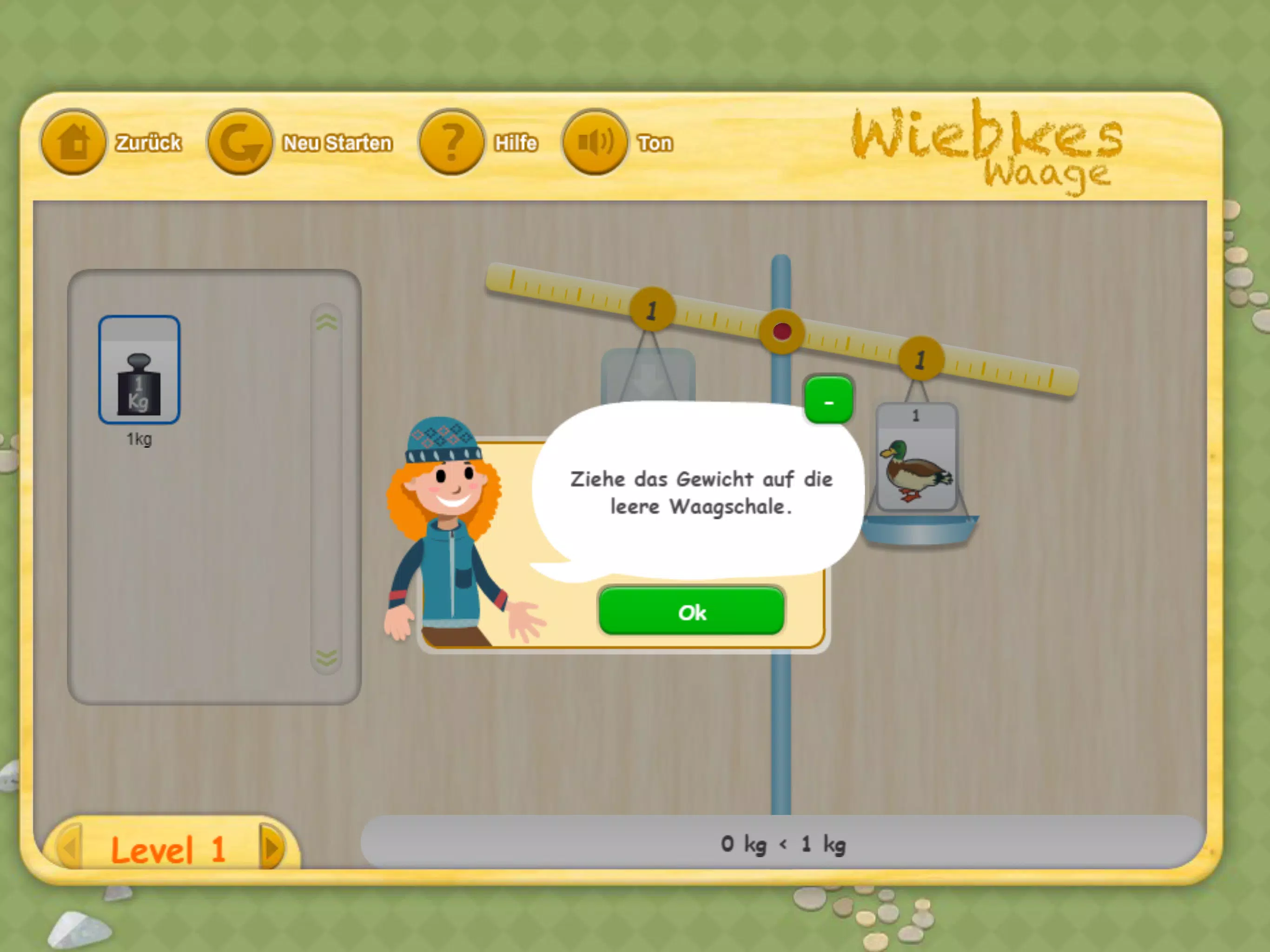
Gameplay is deliberately simple and tactile. Players tap an object to pick it up and drag it onto the beam, move the pivot point to change leverage, and remove or swap items to observe the resulting motion. Subtle animations show the beam tilting and settling, and a visual indicator highlights when the system is balanced. Controls are responsive to touch and suitable for little hands; large touch targets and forgiving drag mechanics reduce frustration. The interface avoids menus with complex options, keeping the focus on experimentation rather than navigation.
Progression and level structure
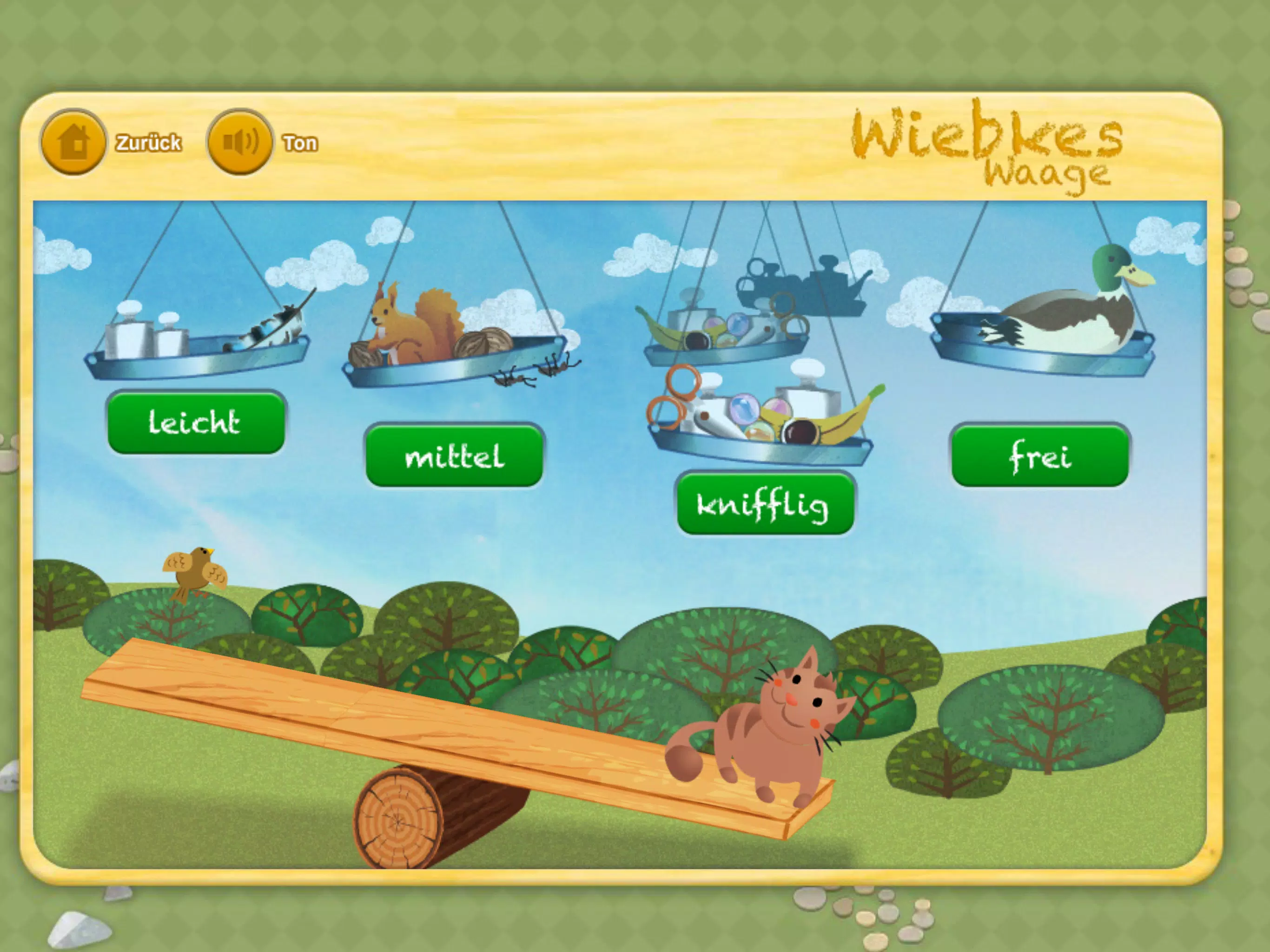
Progression is structured as a series of short challenges that gradually introduce new concepts. Early levels focus on direct comparisons—light versus heavy—while intermediate levels introduce offset placement and simple lever principles. Advanced scenarios require multi-object arrangements and problem solving to achieve balance under constraints, such as limited objects or fixed pivot positions. Each level includes optional hints and a reset button so children can iterate quickly. Completion is tracked locally through a simple checkpoint system that opens new challenge packs as players demonstrate understanding.
Visual style and customization
The visual approach is minimal and warm, with hand-drawn illustrations and soft colors that echo the homemade scale theme. Objects and animals are stylized rather than hyper-realistic to keep the focus on relationships and outcomes. A customization panel lets users change the beam material, swap object skins, and select different background scenes for variety; these cosmetic changes do not affect the underlying mechanics but help maintain engagement. The clean layout and consistent visual language support quick comprehension of cause and effect during experiments.
Replay value and challenge systems
Replay value comes from a sandbox mode alongside the structured challenges. In sandbox, users build their own scales, choose combinations of items and experiment freely without level constraints. Challenge packs include randomized object sets and time-limited puzzles for a different test of reasoning on repeat plays. Because the app emphasizes exploration and trial-and-error, many activities invite multiple solutions and encourage revisiting earlier tasks with new strategies, reinforcing learning through practice rather than single-pass completion.
Accessibility, user experience and offline play
Accessibility is a priority: large text options, high-contrast visuals, and colorblind-friendly palettes are available to accommodate different needs. Hints are offered as short, plain-language prompts to support emergent readers, and touch targets are sized for families using tablets in shared settings. Wiebkes Waage works fully offline after installation so it can be used in classrooms, on trips, or anywhere a parent or teacher wants a quick, device-based activity without relying on network access. The app stores progress locally and requires no account setup.
Learning outcomes and intended audience
The app is intended for preschoolers through elementary-aged children and for adults who facilitate learning: parents, caregivers and teachers. Typical learning outcomes include an intuitive grasp of balance and leverage, improved observational skills, basic problem-solving habits, and confidence with simple experimental cycles—predict, test, observe, revise. The tone is supportive rather than didactic, encouraging curiosity and collaborative discovery.
Background and development
Wiebkes Waage grew from a family practice of making homemade scales and noting how accessible hands-on physics can be with everyday objects. The development team worked with educators to shape lessons and interactions that favor exploration over precise measurement. The app intentionally avoids advanced measurement tools and complex simulations, keeping its strength in low-tech charm and teachable moments that invite real-world follow-up activities with household items.
Show More
Information
Screenshots
Latest Update












Latest News
-
![Revealing the Launch Playlists and Cross-Progression for COD Warzone Mobile News]()
-
![March 2024 Free Redemption Codes for Honkai: Star Rail News]()
-
PUBG Mobile Teams Up with Bentley Motors: Luxury Cars, Exclusive Collectibles, and Beyond 2024-04-18
![PUBG Mobile Teams Up with Bentley Motors: Luxury Cars, Exclusive Collectibles, and Beyond News]()
-
![Monster Never Cry is now accessible on both Android and iOS mobile devices. News]()
-
V2.2 of the Farlight 84 update introduces an overhauled Season structure, fresh in-game currency, an 2024-04-16
![V2.2 of the Farlight 84 update introduces an overhauled Season structure, fresh in-game currency, an News]()
-
![Arrival of Genshin Impact 4.6 Update: 'Embers of Two Realms, Twilight of Crimson' News]()
-
April 2024 Clash of Clans Update: Unveiling a Fresh Companion, Enhanced Levels, Chat Tagging, and Be 2024-04-16
![April 2024 Clash of Clans Update: Unveiling a Fresh Companion, Enhanced Levels, Chat Tagging, and Be News]()






