

SportGuru
Version:1.0
Published:2026-10-14
Introduction
SportGuru is a compact coaching and tracking app designed for athletes and active people who want organized training, instant stats, and clear progress tracking. It combines customizable workout plans, live scoreboards, and video-guided drills into a single interface, helping users plan sessions and measure improvements efficiently.
Overview of the experience
SportGuru aims to bridge the gap between casual workouts and structured training. The app focuses on managing schedules, recording performance, and delivering actionable feedback. It works well for runners, cyclists, team-sport players, and fitness enthusiasts who prefer a practical tool rather than a bulky tracker.
Primary capabilities at a glance
- Training planner: Create multi-week programs with adjustable intensity and session types.
- Session tracking: Log reps, distance, time, heart rate, and notes for every workout.
- Video drills: Step-by-step demonstrations that illustrate technique and pacing.
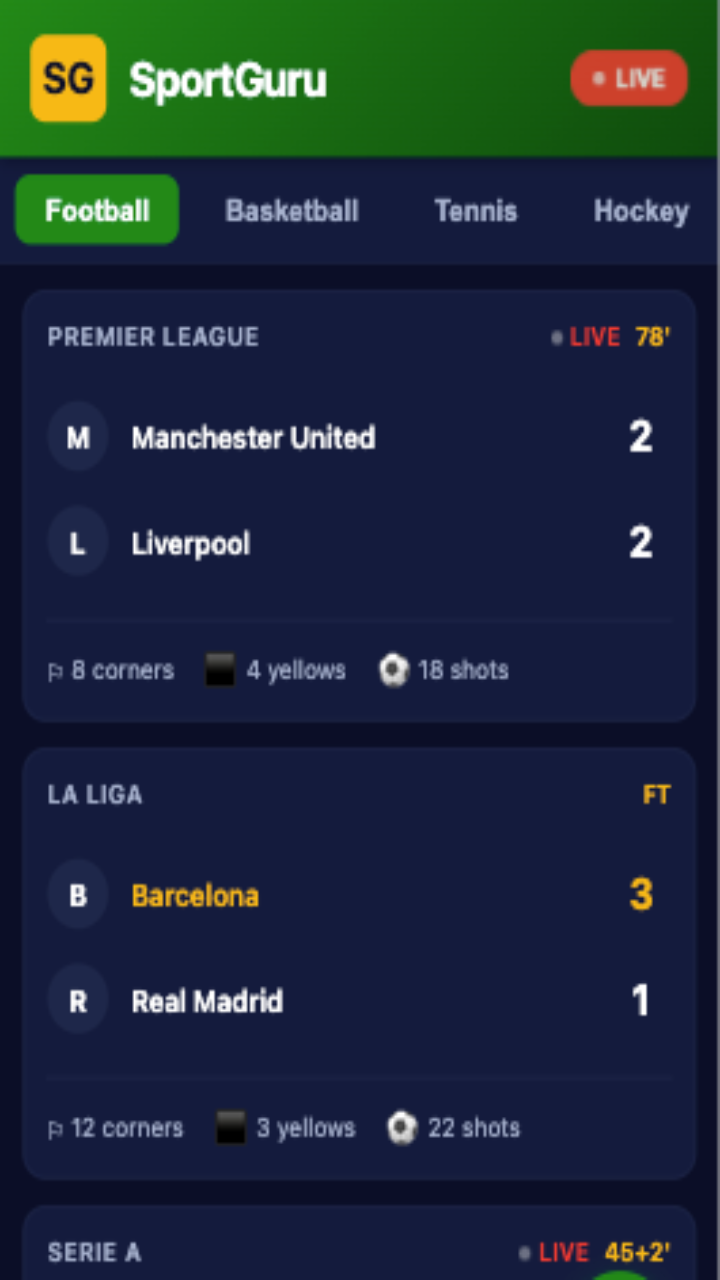
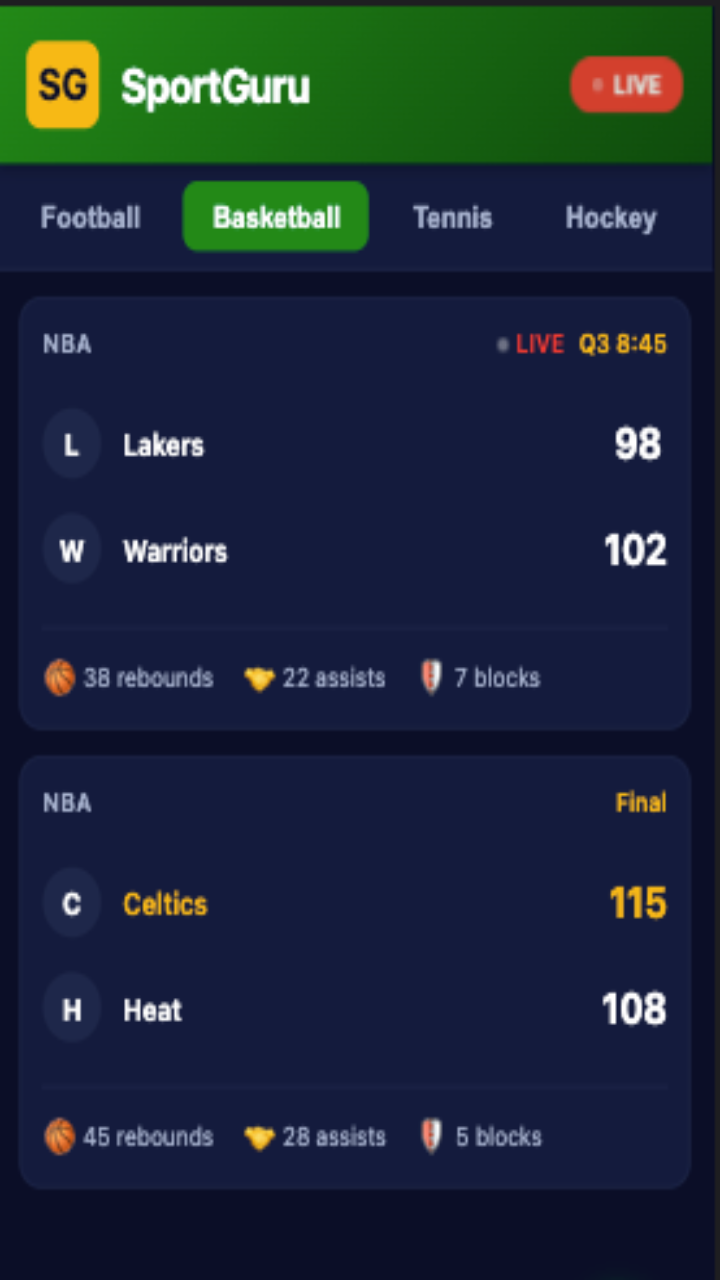
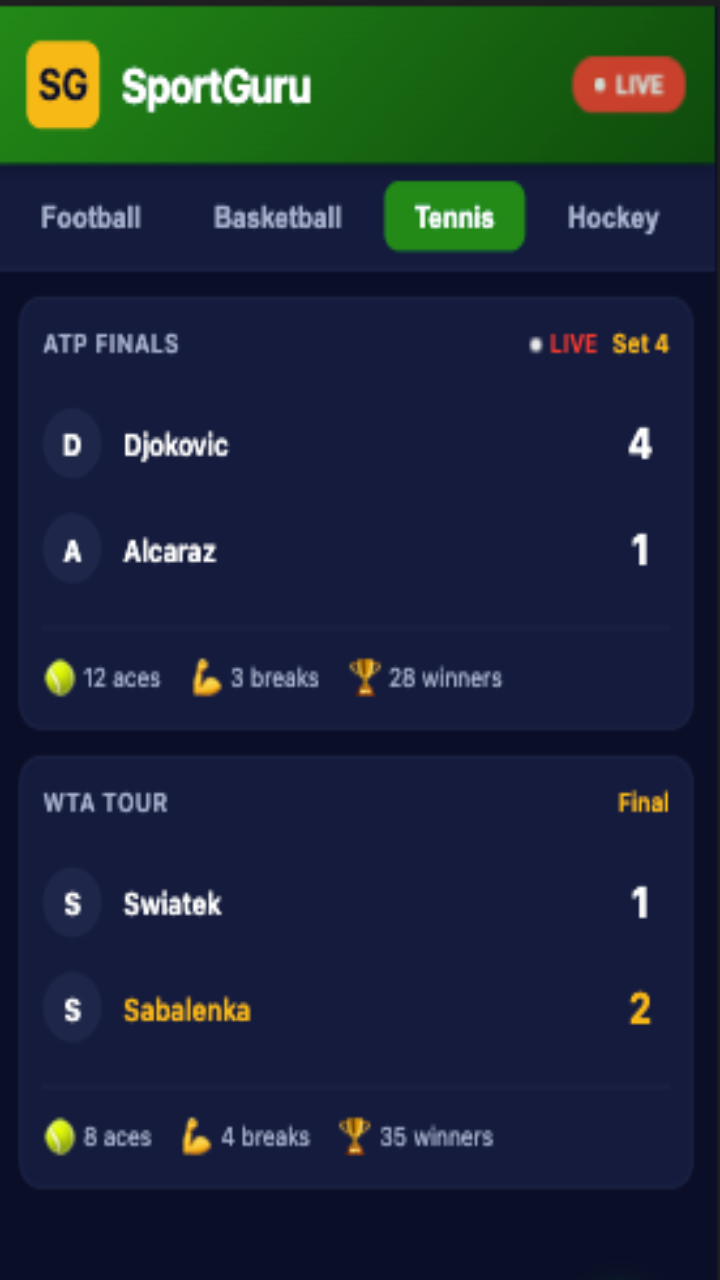
- Live results: Scoreboards and split times that update during events or practice.
- Analytics: Trends and charts that highlight progress and suggest overload or rest days.
How it works day to day
Open SportGuru to see today’s plan, then select a session and follow on-screen cues. During activity the app records metrics in real time and stores them for later review. After completing a workout, users get a concise summary with highlights and suggested next steps. The interface is arranged so that routine tasks—like starting a timer or adding notes—are one tap away.
Tools that support training
- Calendar sync: Import and export sessions to your device calendar to keep training integrated with daily life.
- Custom templates: Save favorite workouts and reapply them with different targets or durations.
- Coach mode: Share plans with a coach or training partner and allow synchronized updates.
- Offline access: Download video drills and plans so training continues without a network connection.
Interface and performance
The user interface in SportGuru favors clarity over clutter. Buttons and labels follow a consistent hierarchy and the color scheme emphasizes key metrics for quick scanning. Performance is responsive on most mid-range devices; animations are subtle and data loads quickly even with large histories. Widgets let you put next-session info on the home screen for immediate reference.
Customization and personalization
Users can tune difficulty, pick preferred units, and define rest intervals. SportGuru adapts suggested plans based on recent performance—if you miss sessions, it scales recovery days; if you exceed targets, it nudges intensity up. Personalized reminders and achievement badges keep motivation steady without sounding intrusive.
User experience and social features
SportGuru balances private tracking with optional sharing. You can publish session results to a group, invite training partners, or create public challenges. The activity feed highlights noteworthy performances and fosters friendly competition. Notifications are customizable so you control what pops up during work or sleep.
Tips for new users
- Start small: Begin with two structured sessions per week and build gradually to avoid burnout.
- Use video drills: Review technique clips before practice to reduce common mistakes.
- Log notes: Add brief comments about sleep, nutrition, or soreness to get better analytics.
- Sync weekly: Export your week to other calendars to maintain consistency across apps.
Installing and getting started
Download and install SportGuru, then follow the initial setup wizard to define goals and preferred sports. The onboarding includes a short test workout to calibrate targets. If you train with a heart-rate monitor or smartwatch, pair devices in the settings menu for richer data collection.
Why many users choose it
People pick SportGuru because it blends reliable tracking with usable planning tools. It’s not overloaded with features, but it delivers the essentials in a focused package. Whether you want to train for a race, improve team practice structure, or simply stay consistent, the app keeps the process organized and measurable.
Show More
Information
Screenshots
Latest Update












Latest News
-
![Revealing the Launch Playlists and Cross-Progression for COD Warzone Mobile News]()
-
![March 2024 Free Redemption Codes for Honkai: Star Rail News]()
-
PUBG Mobile Teams Up with Bentley Motors: Luxury Cars, Exclusive Collectibles, and Beyond 2024-04-18
![PUBG Mobile Teams Up with Bentley Motors: Luxury Cars, Exclusive Collectibles, and Beyond News]()
-
![Monster Never Cry is now accessible on both Android and iOS mobile devices. News]()
-
V2.2 of the Farlight 84 update introduces an overhauled Season structure, fresh in-game currency, an 2024-04-16
![V2.2 of the Farlight 84 update introduces an overhauled Season structure, fresh in-game currency, an News]()
-
![Arrival of Genshin Impact 4.6 Update: 'Embers of Two Realms, Twilight of Crimson' News]()
-
April 2024 Clash of Clans Update: Unveiling a Fresh Companion, Enhanced Levels, Chat Tagging, and Be 2024-04-16
![April 2024 Clash of Clans Update: Unveiling a Fresh Companion, Enhanced Levels, Chat Tagging, and Be News]()






