

GuiAR
Version:3.0.0
Published:2026-10-14
Introduction
GuiAR is a mobile augmented-reality assistant that overlays contextual instructions and navigation onto the real world, helping users complete tasks faster and with fewer errors. It blends visual markers, step-by-step guides, and live annotations to turn complex procedures into clear, interactive workflows.
Key features that stand out
GuiAR concentrates on practical AR tools designed to assist across a range of daily and professional activities. At its core are real-time overlays that identify objects and present sequential actions, combined with measurement tools, voice prompts, and an annotation layer for collaborators. Offline mode and template libraries make recurring tasks repeatable without constant connectivity.
How the system operates
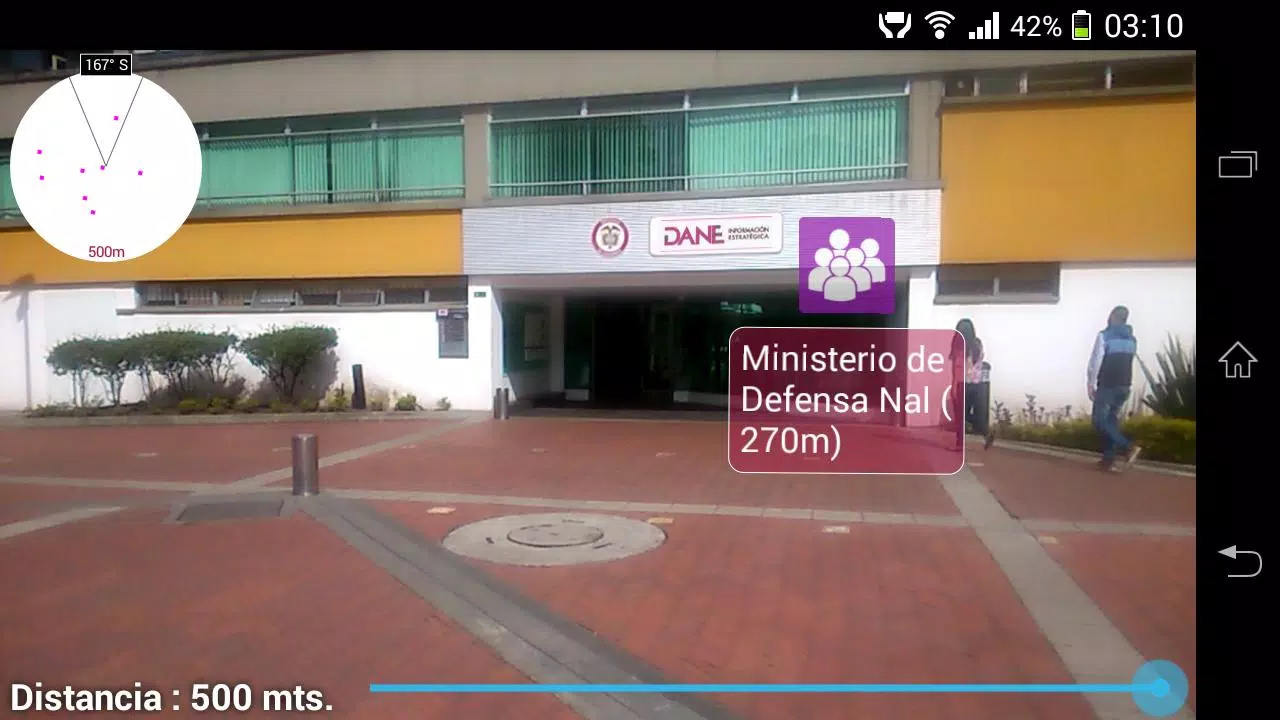
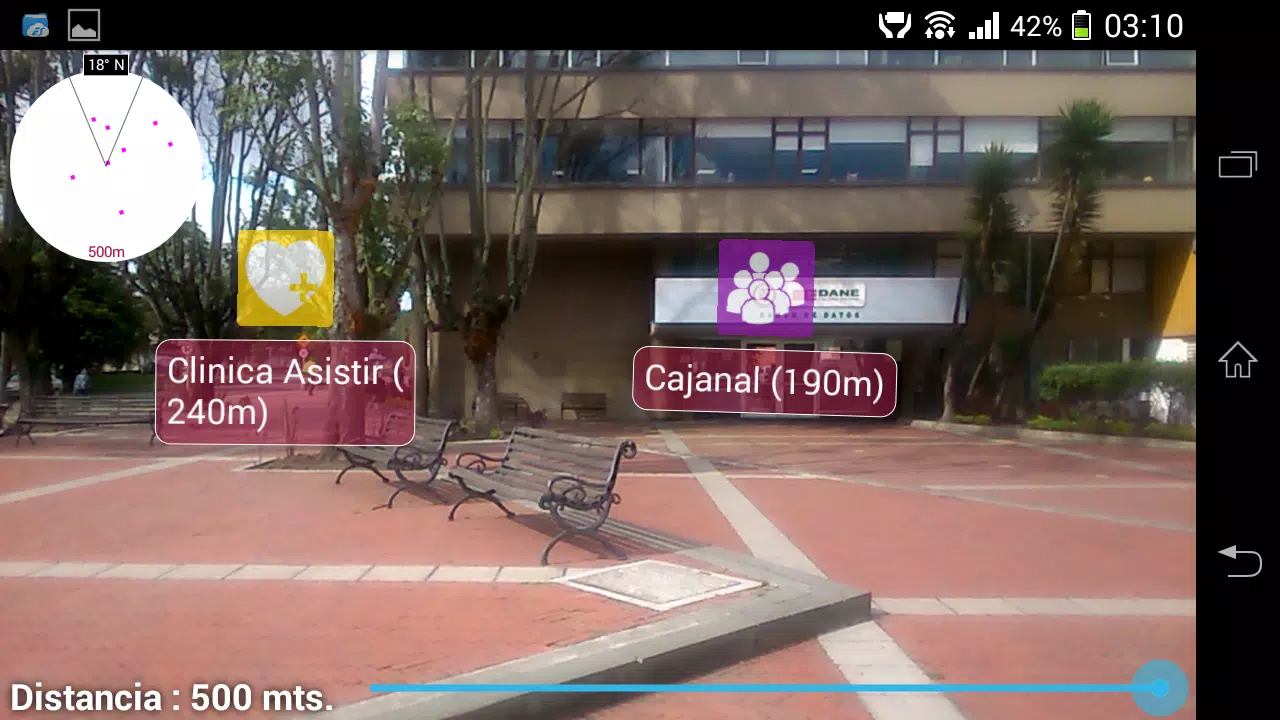
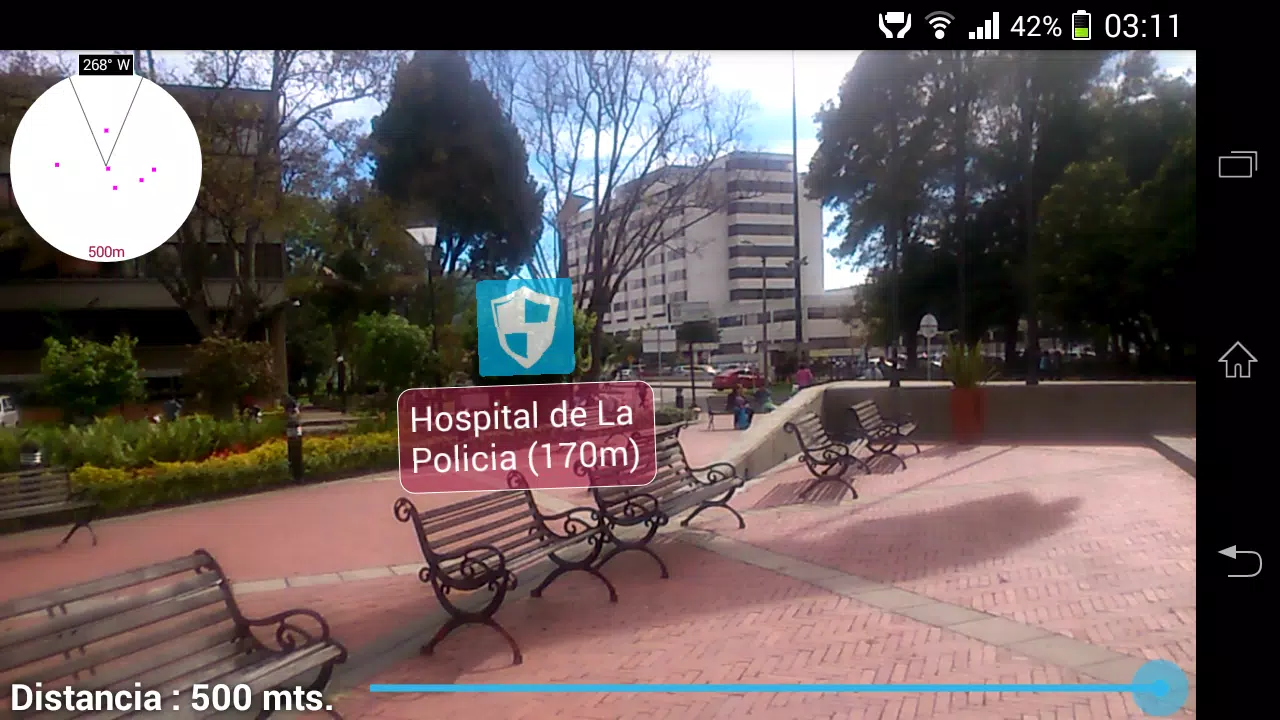
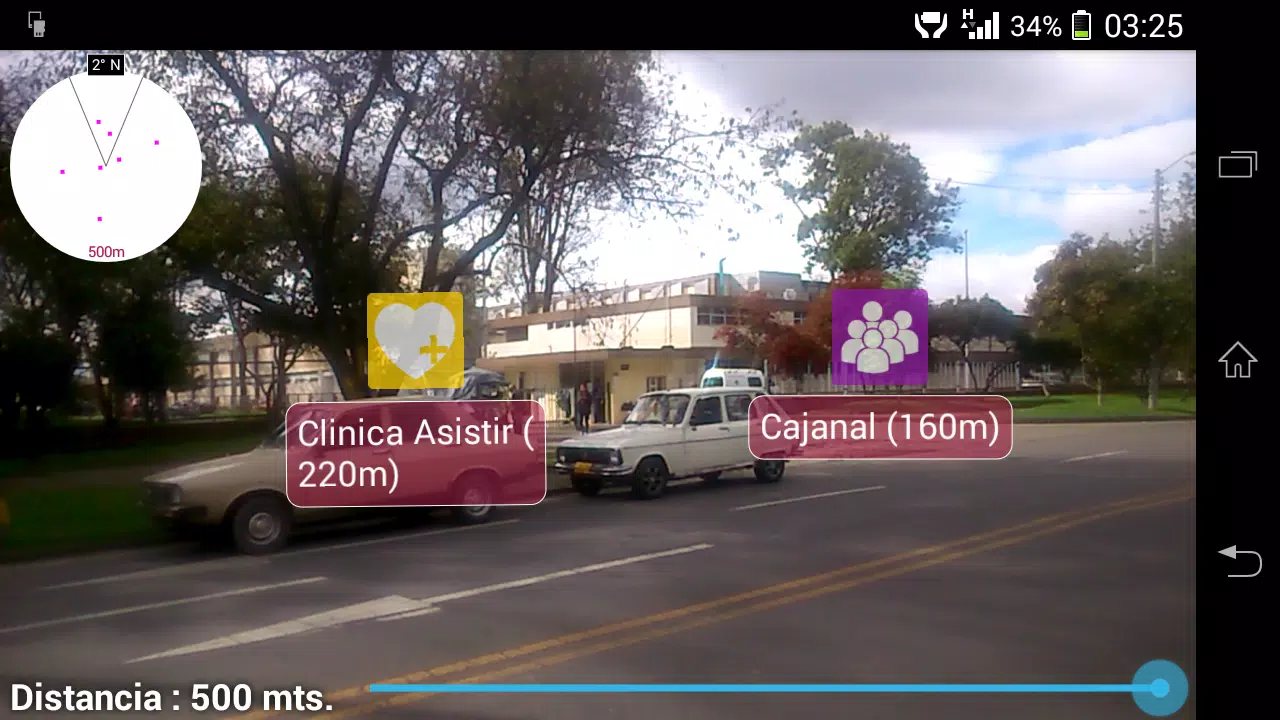
The app scans the scene through your device camera, recognizes surfaces and common items, then pins interactive guidance directly onto parts of the environment. Each step can include text, icons, or short video clips that play in context. Markers remain anchored as you move, so instructions follow your viewpoint. A lightweight local processing option reduces latency while respecting battery life.
Interface and user controls
GuiAR presents a clean, uncluttered interface where gestures and simple taps control core functions. Swipe to move between steps, pinch to zoom AR content, and use a single button to toggle between annotated and raw camera views. A persistent progress bar shows completion status and helps users pick up where they left off. For hands-free operation, optional voice commands and gesture recognition let you navigate steps without touching the screen.
Customization and templates
Professionals and home users can author custom templates with the in-app editor. Templates allow predefined sequences that include images, measurements, estimated time-to-complete, and safety notes. Shareable templates streamline team workflows: export a procedure as a package and send it to colleagues or clients who can import and run it immediately, preserving annotations and step order.
Practical workflows and real-world uses
GuiAR adapts to many contexts: appliance repair, furniture assembly, industrial maintenance, classroom demonstrations, and guided tours. Technicians can overlay torque values or wiring diagrams onto equipment, teachers can place virtual models in a classroom, and tourists receive contextual facts pinned to landmarks. The app’s ability to remember locations and objects across sessions makes multi-step projects easier to manage.
Performance and compatibility
Designed for recent Android devices with ARCore support, GuiAR balances fidelity and responsiveness. The app offers adjustable graphical quality to match device capabilities; lower settings reduce processor load and extend battery life while preserving essential guidance. Background processing for object detection is optimized to minimize interruptions and keep real-time overlays smooth on most mid to high-tier phones.
Privacy, data handling, and security
GuiAR requests only the permissions necessary for operation: camera, storage, and optional location. Local storage of templates and captured annotation data is available, and cloud sync is optional and encrypted. Shared templates use token-based links so recipients can access content without exposing full account details. Administrators can choose to disable sharing for sensitive projects.
Getting started
- Install and enable AR support: Confirm ARCore is available and grant camera access.
- Select a template: Start from a library item or create a new sequence from scratch.
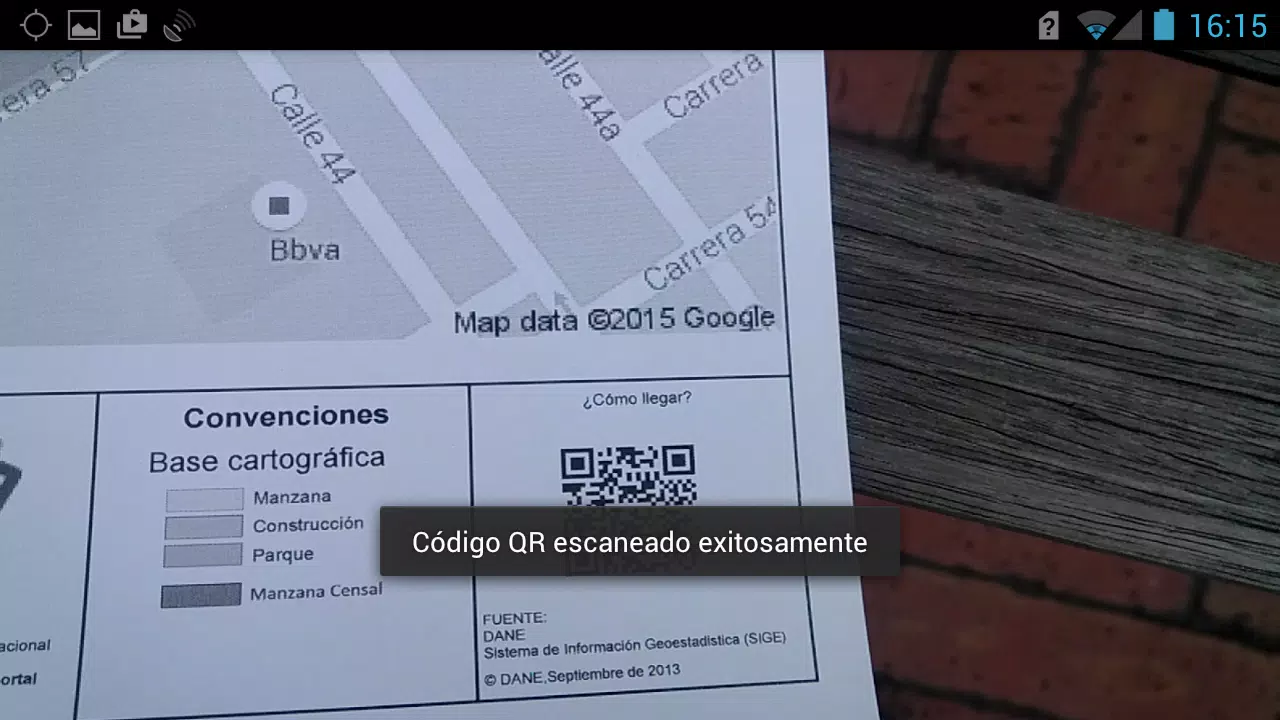
- Scan your workspace: Move the camera slowly to allow robust surface detection.
- Run the guide: Follow on-screen steps, use voice commands, or invite a teammate to co-annotate.
Tips for better results
To maximize reliability, keep the environment well-lit and avoid highly reflective surfaces during initial scans. Use high-contrast markers when creating templates and test them on multiple devices if you plan to share with a team. Regularly update the app to leverage improvements in AR detection and template exporting.
Why professionals choose GuiAR
GuiAR blends familiar task-management habits with augmented reality precision, reducing reliance on printed manuals and lengthy video tutorials. Its authoring tools, offline capability, and secure sharing make it a practical choice for teams that need repeatable, verifiable processes in the field. The result is fewer mistakes, faster training, and clearer communication across distributed teams.
Show More
Information
Screenshots
Latest Update












Latest News
-
![Revealing the Launch Playlists and Cross-Progression for COD Warzone Mobile News]()
-
![March 2024 Free Redemption Codes for Honkai: Star Rail News]()
-
PUBG Mobile Teams Up with Bentley Motors: Luxury Cars, Exclusive Collectibles, and Beyond 2024-04-18
![PUBG Mobile Teams Up with Bentley Motors: Luxury Cars, Exclusive Collectibles, and Beyond News]()
-
![Monster Never Cry is now accessible on both Android and iOS mobile devices. News]()
-
V2.2 of the Farlight 84 update introduces an overhauled Season structure, fresh in-game currency, an 2024-04-16
![V2.2 of the Farlight 84 update introduces an overhauled Season structure, fresh in-game currency, an News]()
-
![Arrival of Genshin Impact 4.6 Update: 'Embers of Two Realms, Twilight of Crimson' News]()
-
April 2024 Clash of Clans Update: Unveiling a Fresh Companion, Enhanced Levels, Chat Tagging, and Be 2024-04-16
![April 2024 Clash of Clans Update: Unveiling a Fresh Companion, Enhanced Levels, Chat Tagging, and Be News]()






