

ClipMagic
Version:1.2
Published:2026-10-14
Introduction
ClipMagic is a compact, user-focused mobile utility that streamlines copying, organizing, and reusing text snippets across apps. It packs a smart clipboard manager, quick templates, and one-tap paste actions for busy users who want speed and consistency when composing messages, emails, or notes.
What ClipMagic Does
ClipMagic acts as an enhanced clipboard and snippet library for Android. Instead of losing copied text or juggling multiple apps, ClipMagic stores recent clippings, tags important entries, and surfaces relevant snippets when you need them. It aims to reduce repetitive typing and keep frequently used content within easy reach.
Core Capabilities
- Smart capture: Automatically saves copied text and images so nothing gets lost during app switching.
- Pin and favorite: Mark snippets you reuse often for instant access.
- Search and filter: Find past clippings by keyword, date, or tag.
- Templates: Create reusable message shells with placeholders to speed up replies and form filling.
- One-tap paste: Use overlay or widget shortcuts to paste copies into the active field without opening ClipMagic.
How ClipMagic Works Day-to-Day
Using ClipMagic is straightforward. Copy any text as you normally would. A lightweight notification or floating icon indicates the content was saved. Open the app to browse recent items, tap a snippet to edit or paste, or drag it into a target field if the device supports drag-and-drop. Templates let you insert variables like names or dates before sending.
Workflow Integration
ClipMagic is built to slot into existing workflows. It supports integration with keyboards, long-press paste menus, and notification quick actions so you can keep working in your preferred apps. Regular tasks — such as sending address details, canned replies, or code snippets — become much faster when managed from a single, searchable vault.
User Interface and Performance
The interface favors clarity. A minimal list view shows recent clippings with small previews and time stamps. Filters and tags are accessible from a top bar, while favorites appear in a separate pane. Performance is light: background capture is optimized to minimize battery use and memory impact. Animations are purposeful, not decorative, keeping interactions snappy.
Security and Privacy
ClipMagic includes local-only storage modes so sensitive text never leaves the device unless you explicitly export it. You can lock the app behind a PIN or biometric check to protect private clippings. The settings panel provides options to exclude apps from capture — useful for passwords or banking apps — preventing accidental saving of sensitive data.
Customization and Advanced Tools
For power users, ClipMagic offers customizable templates, per-snippet tagging, and keyboard shortcuts. Automations let you chain actions: for example, transform a copied address into a formatted shipping label and add it to a template, all with a single tap. Export options support CSV or JSON for backup and cross-device migration.
Accessibility Features
Text size adjustments, high-contrast themes, and voice-over compatibility are included to ensure the app is usable by a broader audience. The widget layout is scalable, letting you place frequently used snippets directly on your home screen for immediate access.
Practical Tips for New Users
- Start by pinning five snippets you use most — phone numbers, email signatures, or canned responses.
- Create a few templates for common tasks, such as scheduling meetings or responding to inquiries.
- Use tags to organize content by context: work, personal, shopping, or code.
- Enable the exclude list to keep sensitive apps from being recorded.
Why Many Choose ClipMagic
Users appreciate ClipMagic for saving time and reducing repetitive typing. The convenience of one-tap paste and the ability to maintain a private, searchable history of snippets makes it a good fit for professionals, students, and anyone who handles large amounts of text daily. The app’s balance of simplicity and powerful tools lets it scale from basic clipboard needs to more advanced automation workflows.
ClipMagic provides a practical way to manage everyday text, offering both quick gains in productivity and deeper customization for advanced users. If you regularly reuse content across apps, it’s a lightweight helper that keeps your most important snippets organized and ready to paste.
Show More
Information
Screenshots
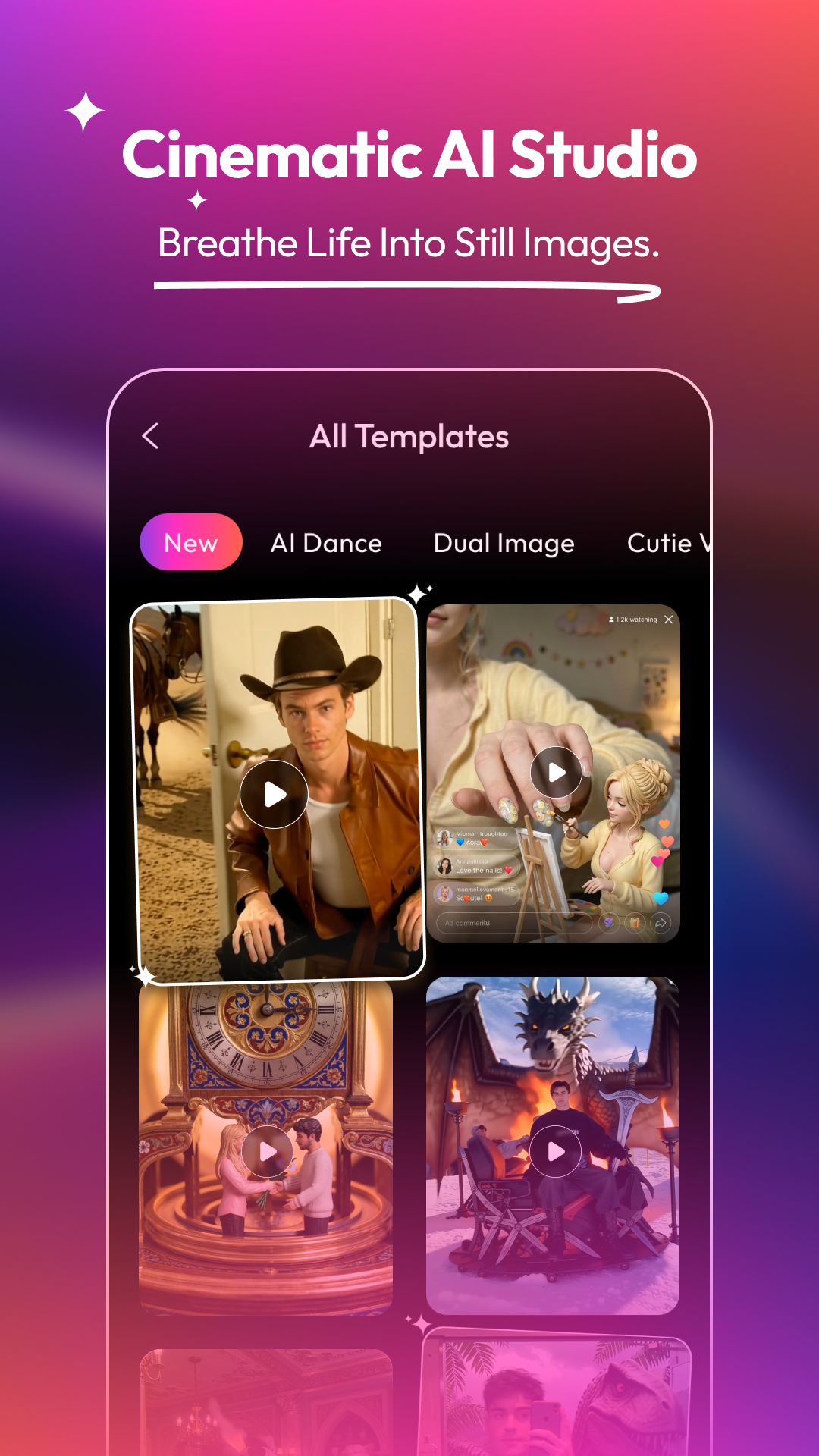


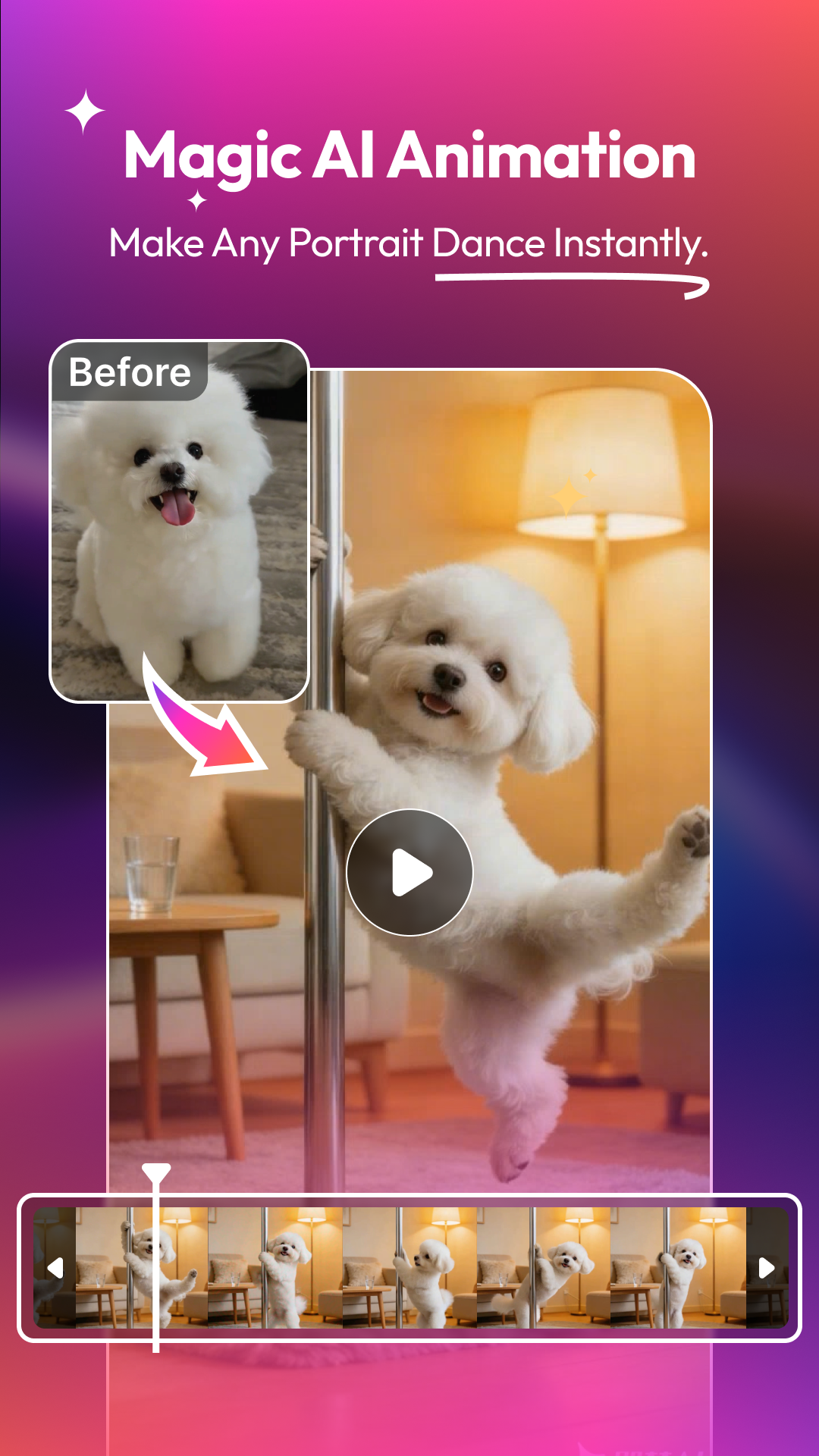


Latest Update












Hot Tags
Latest News
-
![Revealing the Launch Playlists and Cross-Progression for COD Warzone Mobile News]()
-
![March 2024 Free Redemption Codes for Honkai: Star Rail News]()
-
PUBG Mobile Teams Up with Bentley Motors: Luxury Cars, Exclusive Collectibles, and Beyond 2024-04-18
![PUBG Mobile Teams Up with Bentley Motors: Luxury Cars, Exclusive Collectibles, and Beyond News]()
-
![Monster Never Cry is now accessible on both Android and iOS mobile devices. News]()
-
V2.2 of the Farlight 84 update introduces an overhauled Season structure, fresh in-game currency, an 2024-04-16
![V2.2 of the Farlight 84 update introduces an overhauled Season structure, fresh in-game currency, an News]()
-
![Arrival of Genshin Impact 4.6 Update: 'Embers of Two Realms, Twilight of Crimson' News]()
-
April 2024 Clash of Clans Update: Unveiling a Fresh Companion, Enhanced Levels, Chat Tagging, and Be 2024-04-16
![April 2024 Clash of Clans Update: Unveiling a Fresh Companion, Enhanced Levels, Chat Tagging, and Be News]()






