

Buttons Remapper
Version:1.24.2
Published:2026-10-15
Introduction
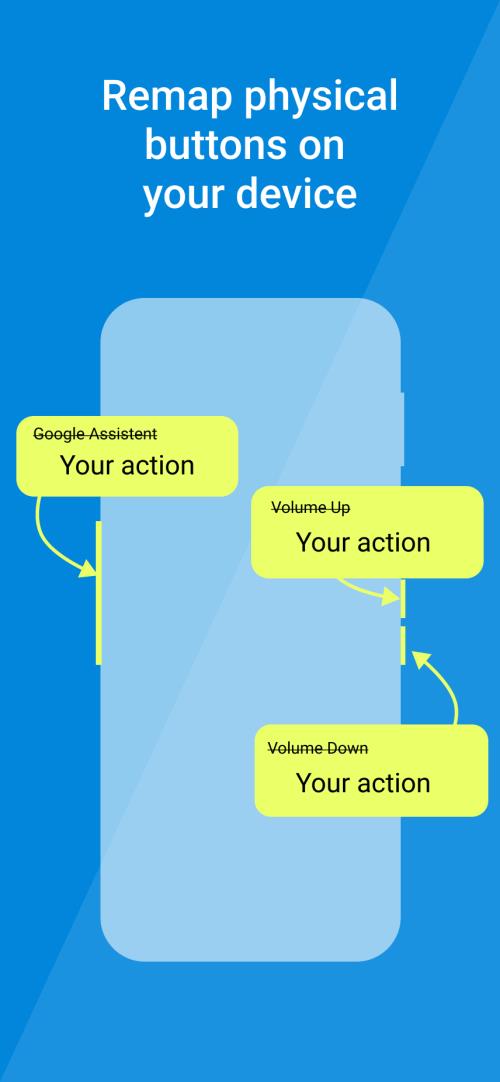
Buttons Remapper is a utility that gives you full control over your device's physical and virtual buttons, letting you assign shortcuts, disable accidental presses, and create context-sensitive profiles for apps and games. It streamlines navigation and customizes input behavior for productivity and accessibility with minimal fuss.
What Buttons Remapper Does
At its core, Buttons Remapper reassigns what each button does without requiring deep system changes. Whether your phone's fingerprint sensor, volume rockers, or gamepad buttons aren't behaving the way you want, this tool intercepts input events and maps them to new actions. The app targets practical everyday problems: broken keys, awkward layouts, or wanting one-tap access to tasks.
Key Capabilities
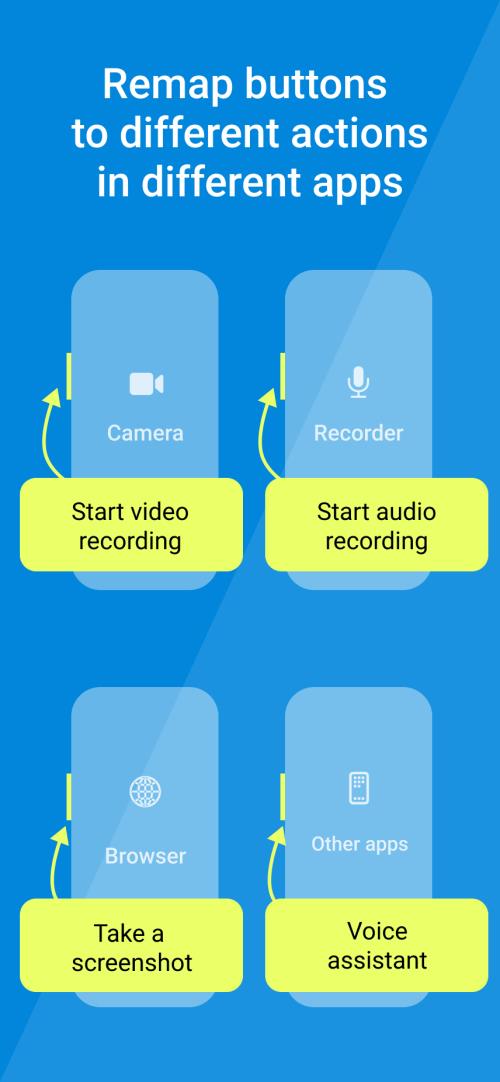
- Button-to-action mapping: Convert a long-press of a volume key into launching your camera, toggling torch, or opening a favorite app.
- Per-app profiles: Define different mappings for individual apps or games so your controls adapt automatically.
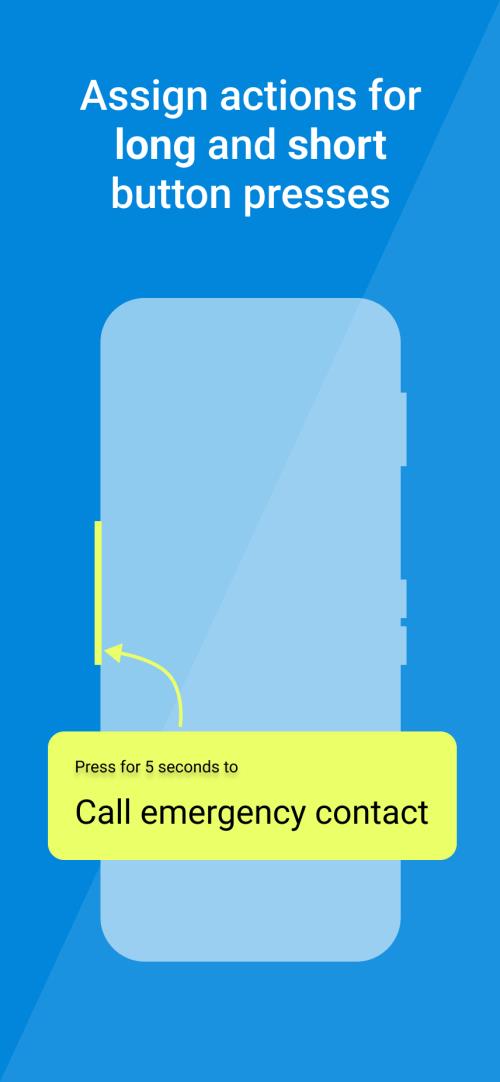
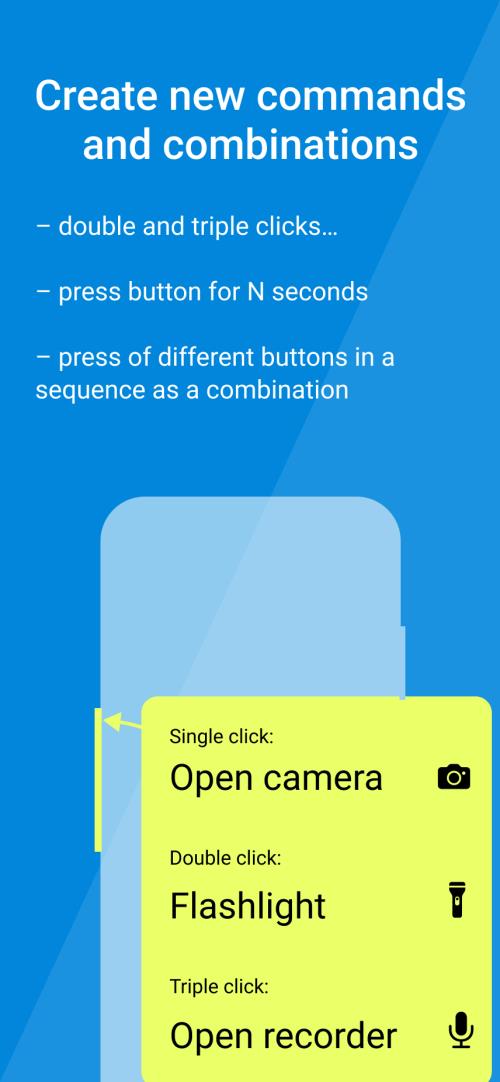
- Combo and hold detection: Support for single, double-tap, long-press, and simultaneous presses lets you expand available shortcuts.
- Controller support: Remap Bluetooth gamepads and external controllers to match your preferred layout.
- Accessibility improvements: Create simpler input schemes for users with motor impairments.
User Interface and Workflow
The interface emphasizes clarity and quick setup. A dashboard lists active profiles and recent remapping rules, while a straightforward wizard guides first-time users through mapping a button. Each mapping entry shows the original input, the assigned action, and an activation condition such as which app or screen is in use.
Creating a New Mapping
To create a mapping you typically pick the source button, choose the target behavior from a menu, and set any exceptions. Changes are previewed and can be toggled on or off without uninstalling. For advanced users there are options to import/export profiles and to chain multiple actions into a single button press.
Performance and Battery Considerations
Buttons Remapper runs lightweight background services to watch input events. The app is designed to minimize battery impact by using efficient listeners and pausing monitoring when the screen is off. On recent devices the CPU overhead is marginal; however, enabling many complex combos or controller polling may increase power use. A built-in diagnostics view reports active listeners and estimated CPU usage.
Stability and Compatibility
Compatibility varies across models and Android versions. Buttons Remapper includes compatibility modes to handle differences in OEM implementations. Some features are limited on non-rooted devices because Android restricts low-level input handling; the app documents which remaps require elevated permissions and offers guidance for users who want deeper system integration.
Practical Use Cases
- Photography shortcuts: Use the volume down button as a shutter in the stock camera or a third-party app.
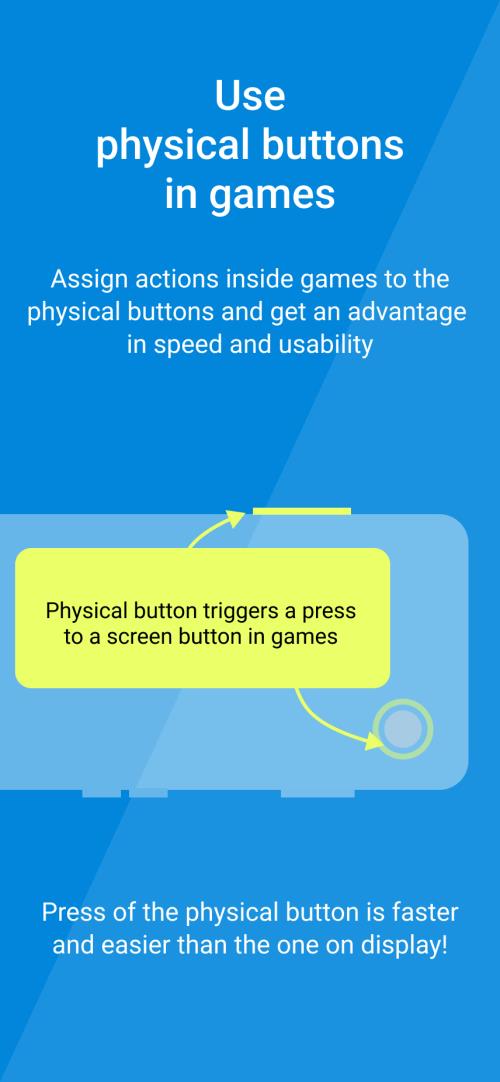
- Gaming: Map hardware keys to game controls when a title lacks proper controller support.
- Accessibility: Replace multi-finger gestures with single-button actions for easier navigation.
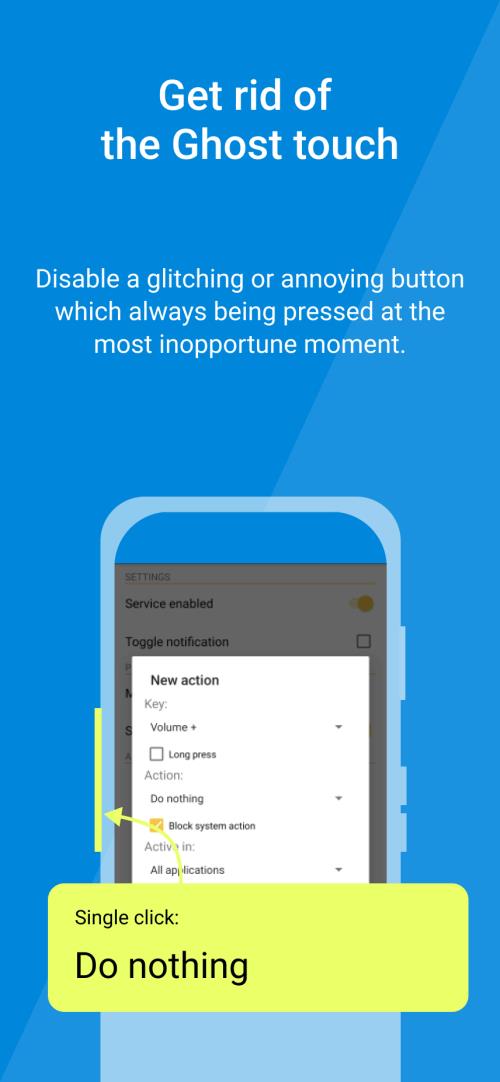
- Accident prevention: Disable keys during calls or when the phone is in a pocket to avoid accidental presses.
Tips for New Users
Start with a simple mapping to verify behavior before adding complex combos. Test each profile with the target app active and use the on-screen logging feature to see raw input events. If something conflicts with system gestures, try the app’s compatibility modes or consult its guides for required permissions.
Installation Notes
Installation is straightforward from standard app stores or APK distribution. Grant the recommended permissions when prompted — without appropriate accessibility or input-monitoring permissions some remaps won't work. Root is optional but can unlock deeper capabilities; the app explains the trade-offs and security implications.
Why Power Users Choose It
Buttons Remapper appeals to users who want fine-grained input control without complex automation tools. It fills a niche between simple shortcut apps and heavyweight automation suites by focusing purely on input remapping. The clear profiles, controller support, and accessibility emphasis make it a practical tool for customizing interaction on modern Android devices.
Show More
Information
Screenshots
Latest Update












Hot Tags
Latest News
-
![Revealing the Launch Playlists and Cross-Progression for COD Warzone Mobile News]()
-
![March 2024 Free Redemption Codes for Honkai: Star Rail News]()
-
PUBG Mobile Teams Up with Bentley Motors: Luxury Cars, Exclusive Collectibles, and Beyond 2024-04-18
![PUBG Mobile Teams Up with Bentley Motors: Luxury Cars, Exclusive Collectibles, and Beyond News]()
-
![Monster Never Cry is now accessible on both Android and iOS mobile devices. News]()
-
V2.2 of the Farlight 84 update introduces an overhauled Season structure, fresh in-game currency, an 2024-04-16
![V2.2 of the Farlight 84 update introduces an overhauled Season structure, fresh in-game currency, an News]()
-
![Arrival of Genshin Impact 4.6 Update: 'Embers of Two Realms, Twilight of Crimson' News]()
-
April 2024 Clash of Clans Update: Unveiling a Fresh Companion, Enhanced Levels, Chat Tagging, and Be 2024-04-16
![April 2024 Clash of Clans Update: Unveiling a Fresh Companion, Enhanced Levels, Chat Tagging, and Be News]()






