

Yasha VPN
Version:1.0.8
Published:2026-10-15
Introduction
Yasha VPN is a lightweight Android virtual private network that secures mobile connections, unlocks region-restricted content, and offers a simple one-tap interface for browsing and streaming. The app focuses on fast performance, essential privacy tools, and easy server selection to keep your mobile traffic private whether on Wi‑Fi or mobile data.
Why choose Yasha VPN
For users who want a balance between usability and privacy, Yasha VPN provides an uncluttered experience with advanced under-the-hood protections. It aims to reduce connection setup time while maintaining encrypted tunnels and sensible defaults for leak prevention, making it suitable for everyday browsing, public hotspots, and media consumption.
Key tools and capabilities
- Multi-protocol support: Choose from modern transport options such as WireGuard, OpenVPN, and IKEv2 to match your performance and compatibility needs.
- Server network: Access a curated selection of servers across major regions with automatic latency-based recommendations for faster connections.
- Kill switch and leak protection: Built-in safeguards minimize exposure if the VPN connection drops, including DNS and IPv6 leak mitigation.
- Split tunneling: Route selected apps outside the VPN tunnel to reduce latency for local services while protecting other traffic.
- Ad and tracker blocking: Optional content filtering reduces unwanted requests and can improve page load times.
- Unlimited bandwidth: The app is designed for continuous use without artificial data caps for typical mobile activities.
How the connection workflow works
Yasha VPN is driven by a straightforward workflow: install, grant the VPN permission, choose a preferred server or specialty node, then tap connect. An automatic mode evaluates your network and selects a nearby low-latency server, while manual mode lets you pick by country or purpose (streaming, gaming, privacy).
User interface and navigation
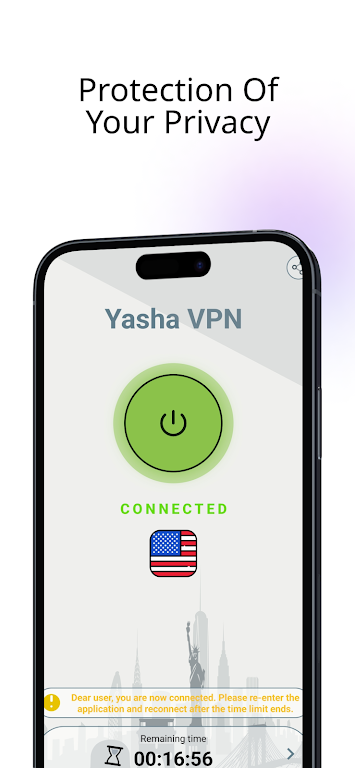
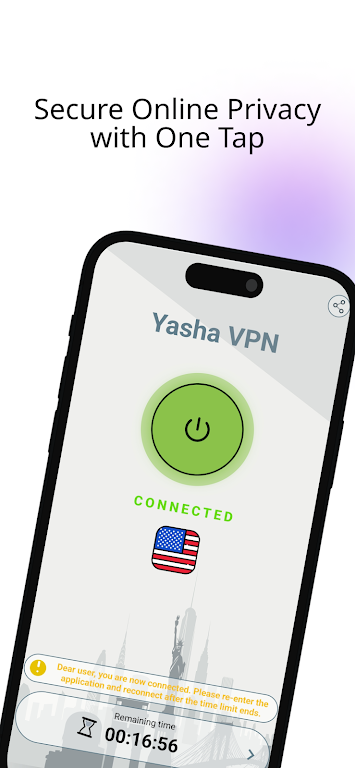
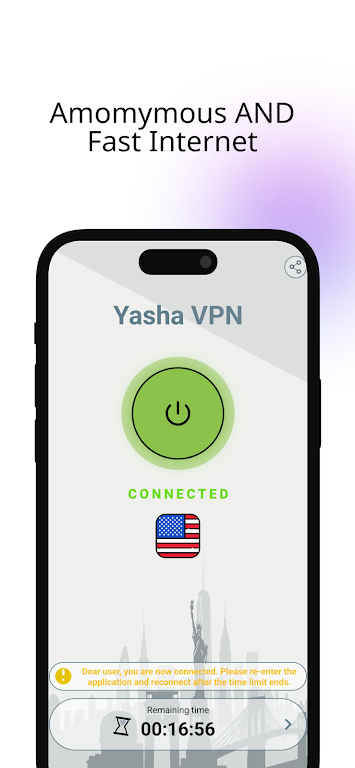
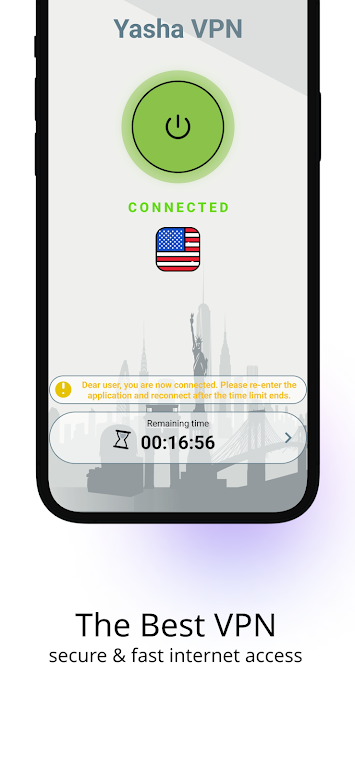
The interface emphasizes clarity and speed. A prominent connect button, a concise connection status indicator, and simple server lists make starting a session intuitive. Advanced settings are tucked into a secondary menu so casual users aren’t overwhelmed, while power users can adjust encryption protocol, custom DNS entries, and routing rules.
Privacy design and security measures
Privacy features in Yasha VPN include AES-based encryption, configurable protocols, and a no-logs approach for session metadata. The app also offers a privacy dashboard that displays connection durations, exit server locations, and data usage so you can monitor activity without exposing sensitive details. While no software can guarantee absolute anonymity, the combination of encryption, leak protection, and selective routing reduces common exposure vectors.
Performance, battery use, and optimizations
Performance tuning focuses on minimal battery impact and low overhead. WireGuard sessions typically provide faster throughput with less CPU use, while the app’s background management avoids unnecessary wakeups. You can enable a battery saver mode that pauses background reconnection attempts and reduces keepalive frequency when the device is idle.
Compatibility and system requirements
Yasha VPN supports a wide range of Android versions and is optimized to run on phones and tablets. The APK size is kept modest to preserve storage space, and the app includes adaptive behavior for modern Android power and permission models. Compatibility notes are available in-app if a specific device or carrier imposes restrictions.
Practical tips for getting the most from the app
- Select the right protocol: Use WireGuard for speed, switch to OpenVPN for broader compatibility with older networks.
- Try nearby servers: Lower latency often yields smoother streaming and gaming performance.
- Enable the kill switch: Turn this on if you rely on privacy-sensitive apps or use public Wi‑Fi frequently.
- Use split tunneling: Exempt trusted local apps to reduce bandwidth while protecting critical traffic.
Installation and first steps
After installing Yasha VPN, grant the necessary VPN permission and let the app create a secure profile. Begin with the automatic server recommendation to test performance, then experiment with specialty nodes for streaming or gaming. Regular updates introduce optimizations and new server endpoints to keep the service responsive.
Yasha VPN aims to be a practical mobile VPN that blends essential privacy protections with straightforward controls. Its combination of protocol options, leak defenses, and performance settings helps users tailor the service to their routine, whether protecting passwords on public Wi‑Fi or accessing global content while traveling.
Show More
Information
Screenshots
Latest Update












Latest News
-
![Revealing the Launch Playlists and Cross-Progression for COD Warzone Mobile News]()
-
![March 2024 Free Redemption Codes for Honkai: Star Rail News]()
-
PUBG Mobile Teams Up with Bentley Motors: Luxury Cars, Exclusive Collectibles, and Beyond 2024-04-18
![PUBG Mobile Teams Up with Bentley Motors: Luxury Cars, Exclusive Collectibles, and Beyond News]()
-
![Monster Never Cry is now accessible on both Android and iOS mobile devices. News]()
-
V2.2 of the Farlight 84 update introduces an overhauled Season structure, fresh in-game currency, an 2024-04-16
![V2.2 of the Farlight 84 update introduces an overhauled Season structure, fresh in-game currency, an News]()
-
![Arrival of Genshin Impact 4.6 Update: 'Embers of Two Realms, Twilight of Crimson' News]()
-
April 2024 Clash of Clans Update: Unveiling a Fresh Companion, Enhanced Levels, Chat Tagging, and Be 2024-04-16
![April 2024 Clash of Clans Update: Unveiling a Fresh Companion, Enhanced Levels, Chat Tagging, and Be News]()






