

Zoomerang
Version:2.9.11.1
Published:2026-11-01
Introduction
Zoomerang is a compact video editing app designed for quick social clips, offering a streamlined workflow and presets that speed up content creation. It balances simple controls with advanced effects, making it suitable for beginners and casual creators who want polished short videos without a steep learning curve.
Overview: What the app delivers
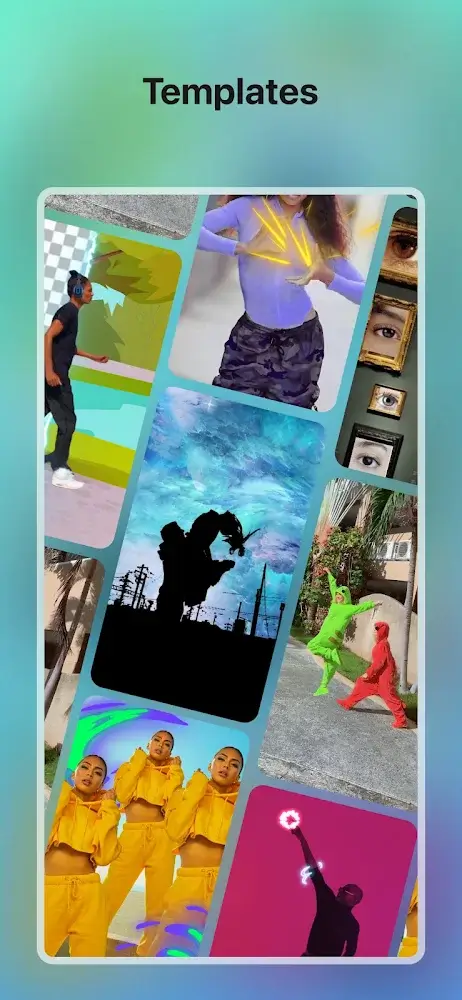
Built around fast edits and mobile-friendly tools, Zoomerang focuses on short-form content production. The app packs transitions, filters, and auto-edits into a clean interface so you can move from capture to post in minutes. It emphasizes templates and one-tap effects so creators can replicate trending styles with minimal effort.
Core functionality and tools
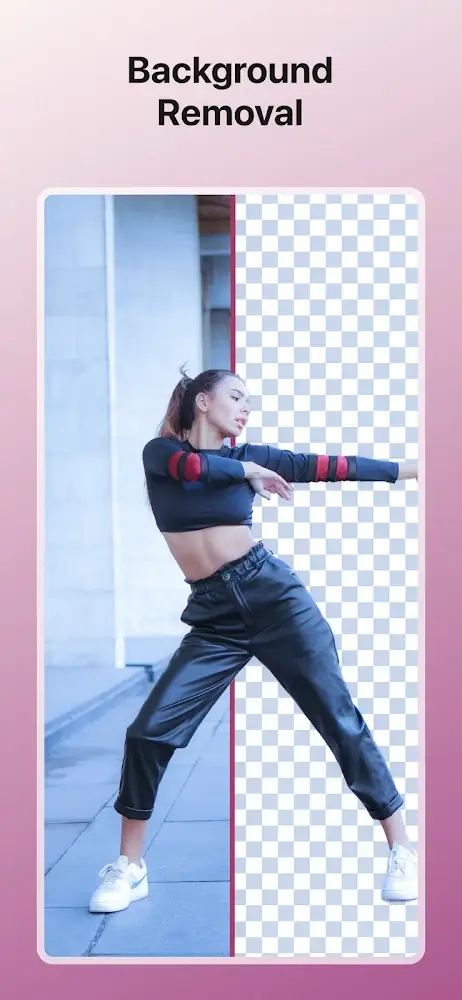
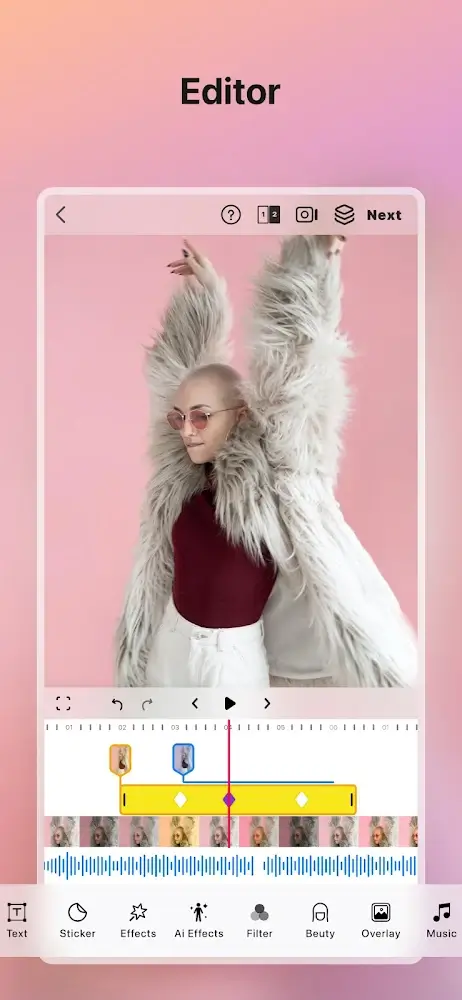
Zoomerang provides a toolkit that covers recording, trimming, and effect layering. Key elements include timeline-based trimming, an effect library, and soundtrack integration. The app also allows frame-by-frame adjustments for timing-sensitive moments and supports variable speed controls for slow-motion or hyperlapse clips.
Notable features
- One-tap presets: Ready-made templates reproduce popular transitions and visual trends quickly.
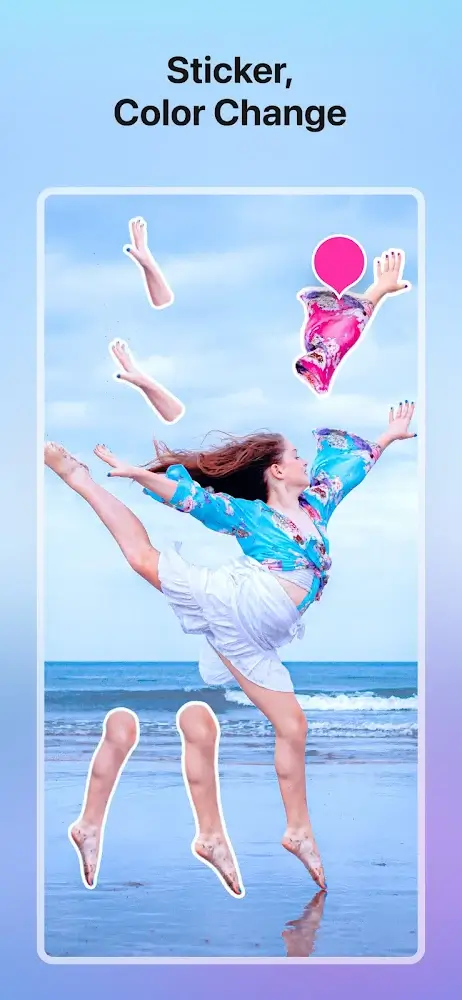
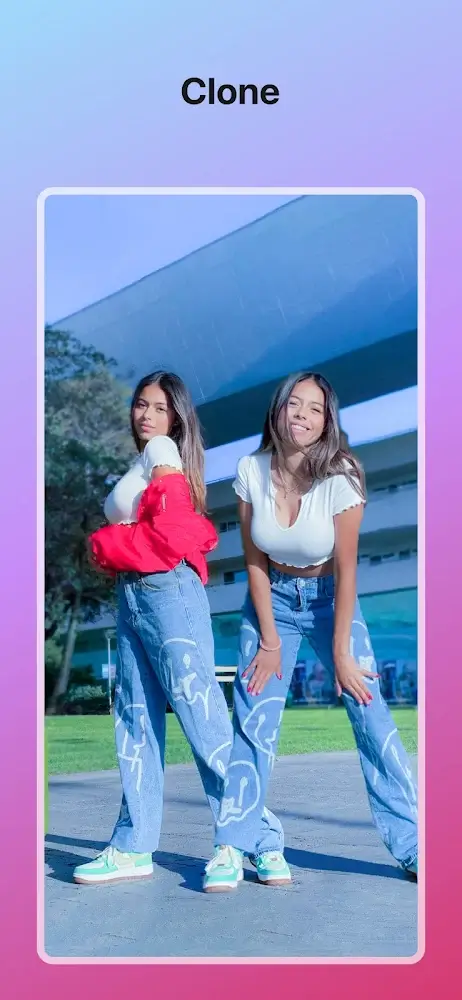
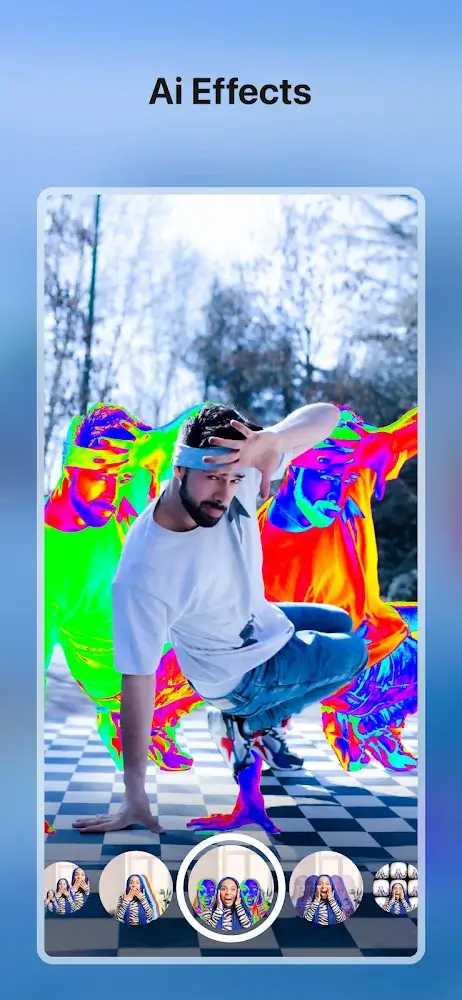
- Effect library: Includes filters, overlays, and animated stickers that you can stack.
- Audio tools: Sync music to cuts, adjust ducking, and add sound effects for impact.
- Speed controls: Smooth slow-motion and fast-forward without complicated menus.
- Export options: Multiple resolutions and aspect ratios optimized for social platforms.
How the workflow operates
Start by capturing footage or importing clips from your gallery. Zoomerang guides you through trimming and sequencing with visual markers and snap-to-grid snapping. After laying out clips, apply presets or dive into manual adjustments: color grading, keyframe placement, and audio mixing are all available without leaving a single screen.
Interface and performance
The interface is minimalist by design. Large icons and a fixed timeline keep important controls within thumb reach. Performance is generally smooth on mid-range devices; rendering speeds vary by resolution and number of layered effects. The app caches previews to avoid repeated processing while you tweak edits.
Customization and advanced options
While Zoomerang prioritizes speed, it doesn’t sacrifice control. Users can customize template parameters, fine-tune filter intensity, and set transition durations. For creators who want more precision, manual keyframing and split-audio tracks enable nuanced storytelling beyond automatic templates.
User experience: Practical benefits
Many users value Zoomerang for its balance between simplicity and depth. Newcomers can produce shareable clips within minutes, while intermediate creators appreciate the ability to refine edits at a deeper level. The learning curve is gentle: contextual tips and inline previews reduce trial-and-error and speed up the editing loop.
Tips for new users
- Start with a template: Use one-tap presets to learn timing and pacing before creating your own style.
- Trim first: Remove dead frames before adding effects to keep render times short.
- Use audio markers: Place markers on beats to sync cuts precisely.
- Export in stages: Test a low-resolution export for quick checks, then finalize at higher quality.
Why creators pick it
Zoomerang is chosen for its speed and reliability when producing social-ready videos. It removes many technical barriers while offering creative building blocks like animated overlays and sound libraries. For short-form platforms where trends change fast, the app enables rapid iteration and consistent results.
Getting started
Download the app, grant camera and mic access, and try a template to get a feel for the interface. From there, experiment with combining filters and audio clips to discover signature styles. Regular updates add new presets and effects, helping creators stay on trend without needing external tools.
For anyone making frequent short videos—whether hobbyists or micro-influencers—Zoomerang provides an efficient, feature-rich environment that accelerates creative output while still supporting more detailed edits when needed.
Show More
Information
Screenshots
Latest Update












Hot Tags
Latest News
-
![Revealing the Launch Playlists and Cross-Progression for COD Warzone Mobile News]()
-
![March 2024 Free Redemption Codes for Honkai: Star Rail News]()
-
PUBG Mobile Teams Up with Bentley Motors: Luxury Cars, Exclusive Collectibles, and Beyond 2024-04-18
![PUBG Mobile Teams Up with Bentley Motors: Luxury Cars, Exclusive Collectibles, and Beyond News]()
-
![Monster Never Cry is now accessible on both Android and iOS mobile devices. News]()
-
V2.2 of the Farlight 84 update introduces an overhauled Season structure, fresh in-game currency, an 2024-04-16
![V2.2 of the Farlight 84 update introduces an overhauled Season structure, fresh in-game currency, an News]()
-
![Arrival of Genshin Impact 4.6 Update: 'Embers of Two Realms, Twilight of Crimson' News]()
-
April 2024 Clash of Clans Update: Unveiling a Fresh Companion, Enhanced Levels, Chat Tagging, and Be 2024-04-16
![April 2024 Clash of Clans Update: Unveiling a Fresh Companion, Enhanced Levels, Chat Tagging, and Be News]()






