

Cast to TV - XCast
Version:2.3.3
Published:2026-11-01
Introduction
Cast to TV - XCast is a lightweight casting utility that lets Android users stream videos, photos, and mirror screens to smart TVs and streaming devices with minimal setup. It supports multiple protocols and media sources, offering an intuitive way to move content from phone to big screen without complex configuration.
Overview
Designed for people who want fast, reliable display sharing without digging through menus, Cast to TV - XCast targets everyday use cases: playing locally stored media, sharing family photos, or mirroring apps and presentations. The app focuses on compatibility and ease-of-use rather than advanced editing or heavy media management.
Primary capabilities
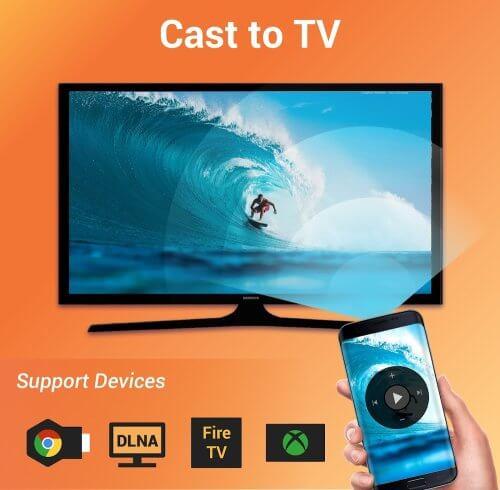
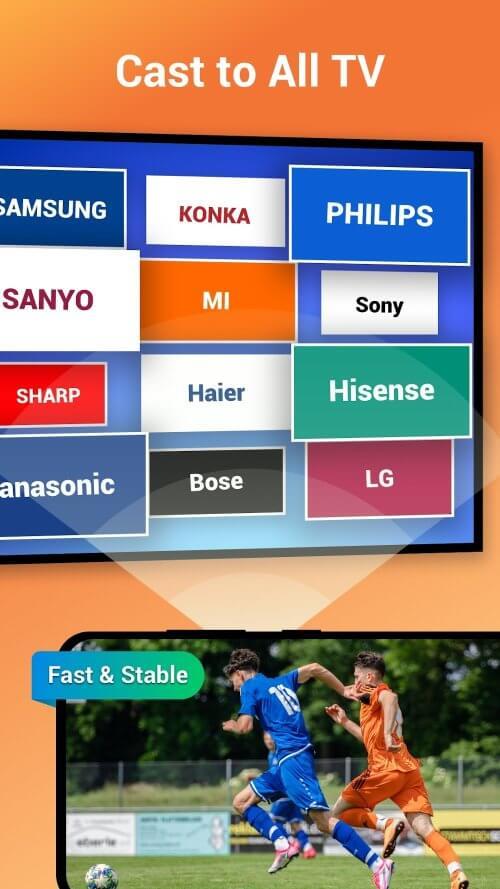
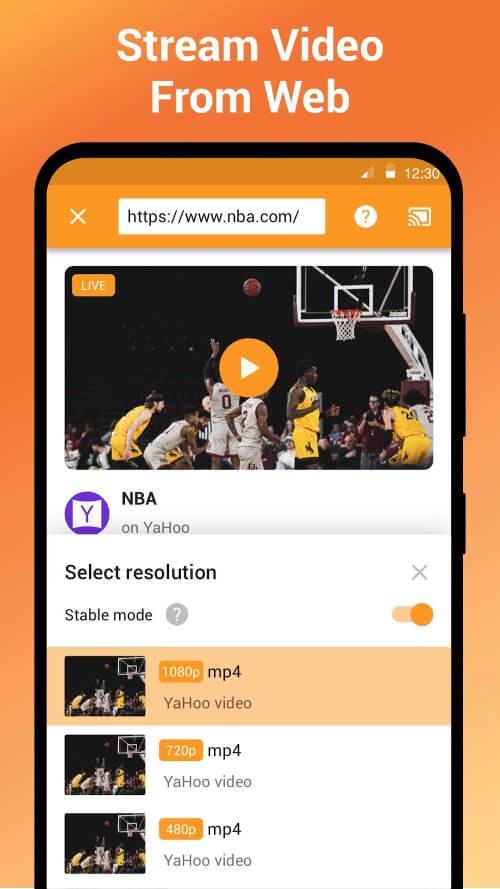
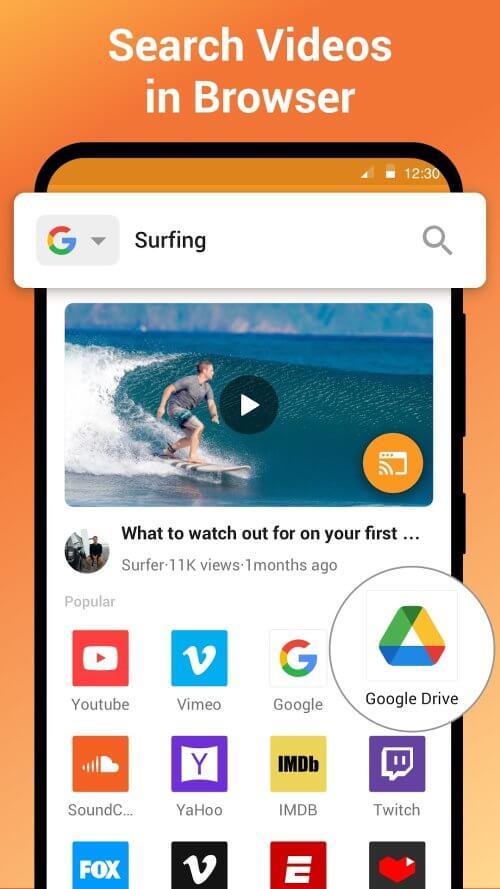
The app connects to a wide range of devices including Chromecast, Roku, Amazon Fire TV, and DLNA-enabled smart TVs. It can stream common file formats such as MP4, MKV, MP3, JPEG and supports subtitle files and playlists. Users can also cast web videos from a browser or send live screen content for demos and gaming.
Key features at a glance
- Simple device discovery: Automatic scanning for nearby cast devices on the same Wi-Fi network.
- Multi-format playback: Handles video, audio and images with on-the-fly transcoding when needed.
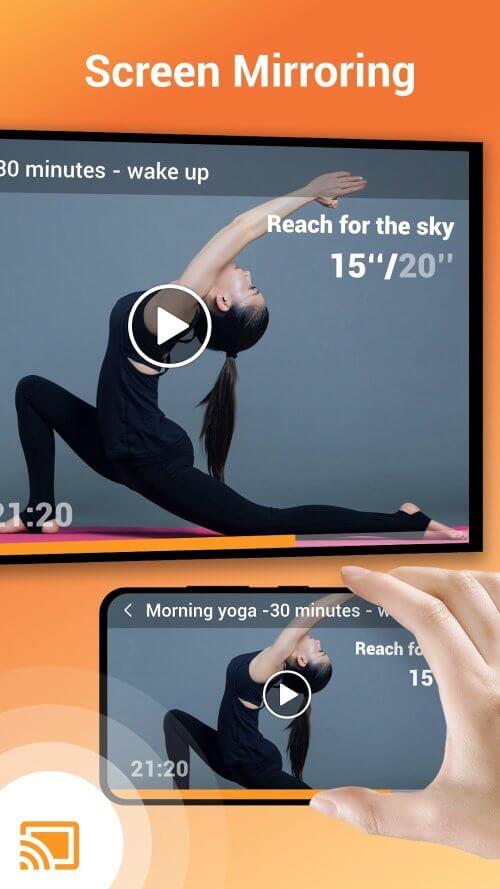
- Screen mirroring: Real-time mirror mode for presentations and apps.
- Background casting: Continue casting while using other apps or when the phone screen is locked.
- Subtitle and audio track selection: Easy controls for languages and external subtitle files.
How it works in everyday use
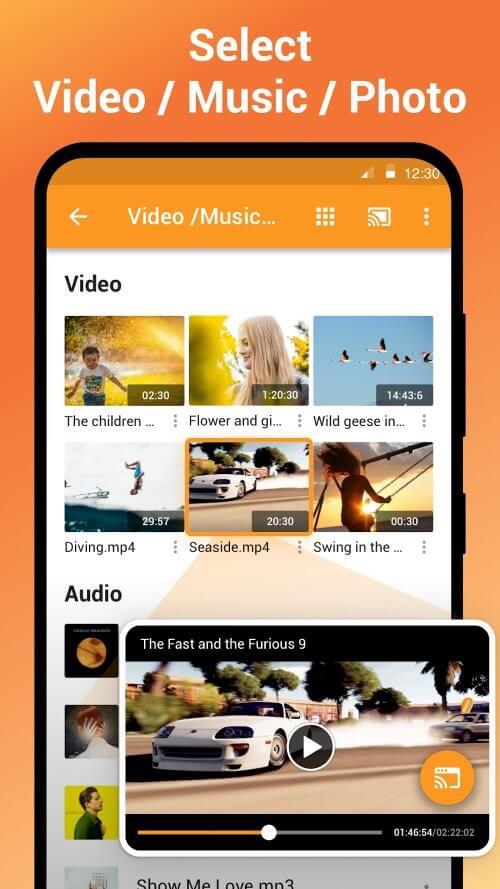
Start by opening the app and allowing network permissions. Cast to TV - XCast lists available targets and shows their connection status. Tap a device, choose media from the gallery or file manager, and playback begins on the chosen screen. Controls include play, pause, seek, and volume. For mirroring, activate the screen share option and accept the system prompt; the phone will stream the live display to the TV with low latency.
Interface and navigation
The interface emphasizes a clear, uncluttered layout. Primary functions are placed at the bottom for easy thumb access. Media selection uses the device's native gallery and file picker, keeping file browsing consistent. Settings are minimal: network options, subtitle sync, and a diagnostics page for troubleshooting common connection issues.
Performance and reliability
Performance varies with network quality and the receiving device. Cast to TV - XCast performs best on a strong 5GHz Wi-Fi network and with devices that natively support the streamed format. When required, the app can transcode media to a compatible bitrate, trading some CPU usage for broader device support. Connection drops are handled gracefully with reconnect prompts and a resume playback feature.
User workflow and productivity
For professionals delivering presentations, the app reduces setup time by detecting devices automatically. Creators and parents benefit from quick photo slideshows and media playback without syncing to cloud services. The app also supports playlist management for queued playback, making it convenient during gatherings or meetings.
Practical tips for first-time users
- Ensure both phone and TV are on the same Wi-Fi network to avoid discovery failures.
- Switch to 5GHz Wi-Fi when streaming high-bitrate video to reduce buffering.
- If a file won't play, try enabling in-app transcoding or convert the file to a common format like MP4.
- Use a dedicated media folder to speed up file selection and reduce scanning time.
Getting started and installation notes
Installation is straightforward from the app store. After first launch, grant required permissions for local storage and network access. If privacy is a concern, review permission settings and disable any optional telemetry. Regular updates add device compatibility and performance patches, so keeping the app updated is recommended.
Cast to TV - XCast is useful for anyone who wants effortless casting without steep learning curves. It balances simple operation with enough configuration to solve typical playback and mirroring issues, making it a practical addition to any Android user's toolkit.
Show More
Information
Screenshots
Latest Update












Latest News
-
![Revealing the Launch Playlists and Cross-Progression for COD Warzone Mobile News]()
-
![March 2024 Free Redemption Codes for Honkai: Star Rail News]()
-
PUBG Mobile Teams Up with Bentley Motors: Luxury Cars, Exclusive Collectibles, and Beyond 2024-04-18
![PUBG Mobile Teams Up with Bentley Motors: Luxury Cars, Exclusive Collectibles, and Beyond News]()
-
![Monster Never Cry is now accessible on both Android and iOS mobile devices. News]()
-
V2.2 of the Farlight 84 update introduces an overhauled Season structure, fresh in-game currency, an 2024-04-16
![V2.2 of the Farlight 84 update introduces an overhauled Season structure, fresh in-game currency, an News]()
-
![Arrival of Genshin Impact 4.6 Update: 'Embers of Two Realms, Twilight of Crimson' News]()
-
April 2024 Clash of Clans Update: Unveiling a Fresh Companion, Enhanced Levels, Chat Tagging, and Be 2024-04-16
![April 2024 Clash of Clans Update: Unveiling a Fresh Companion, Enhanced Levels, Chat Tagging, and Be News]()






