

edjing Mix
Version:7.19.00
Published:2026-11-01
Introduction
edjing Mix is a powerful mobile DJ studio that puts professional mixing tools in your pocket. It blends an intuitive interface with advanced features so beginners and experienced DJs can create, perform, and record live mixes on Android devices with precision and creativity.
What this app does
The core appeal of edjing Mix is its ability to transform a smartphone into a flexible DJ workstation. Users can load tracks from local storage or streaming services, apply effects in real time, and shape transitions with tempo sync and precise cueing. It targets both casual users wanting quick mashups and pro DJs looking for on-the-go performance options.
Essential tools and layout
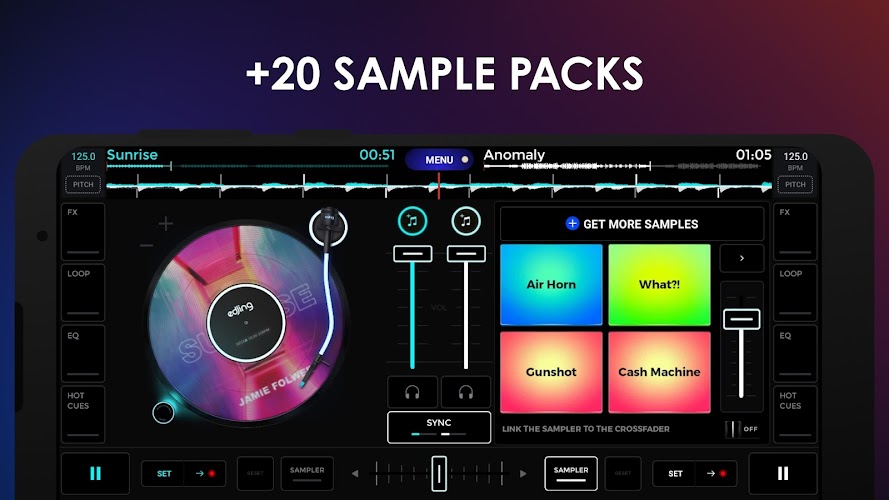
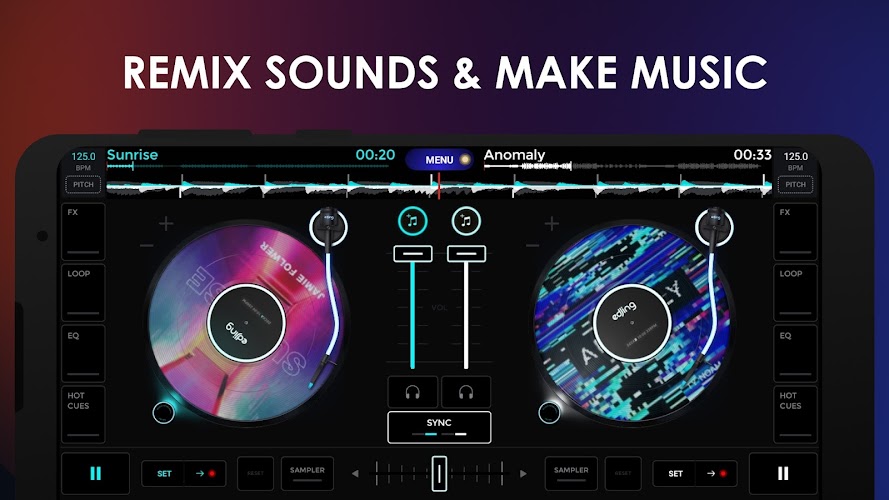
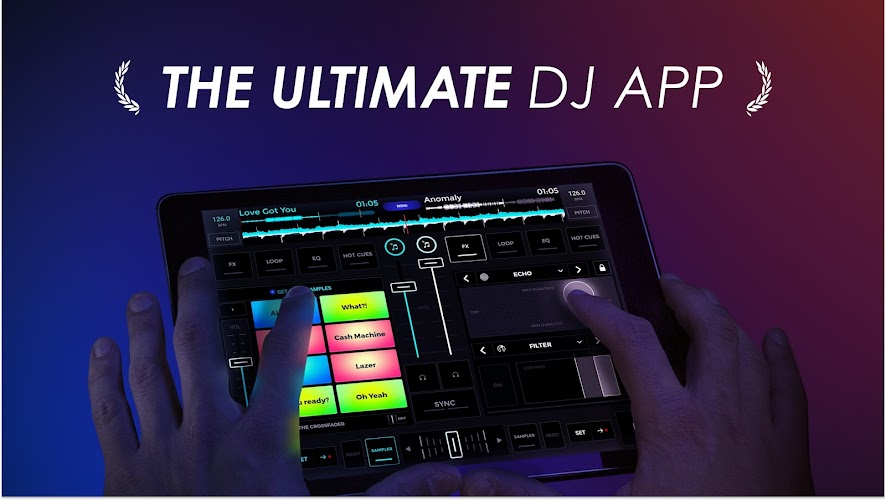
The layout emphasizes quick access and visual clarity. Two virtual decks sit side by side with a central mixer. Waveforms are responsive and color-coded to highlight beat structure. A crossfader and gain controls allow manual mixing, while an integrated sampler and FX panel supply extra texture. The touchscreen-friendly knobs and pads respond well even on compact displays, making the workflow fluid.
Highlights and advanced features
- Sync and beat detection: Accurate tempo analysis helps matched transitions without manual nudging.
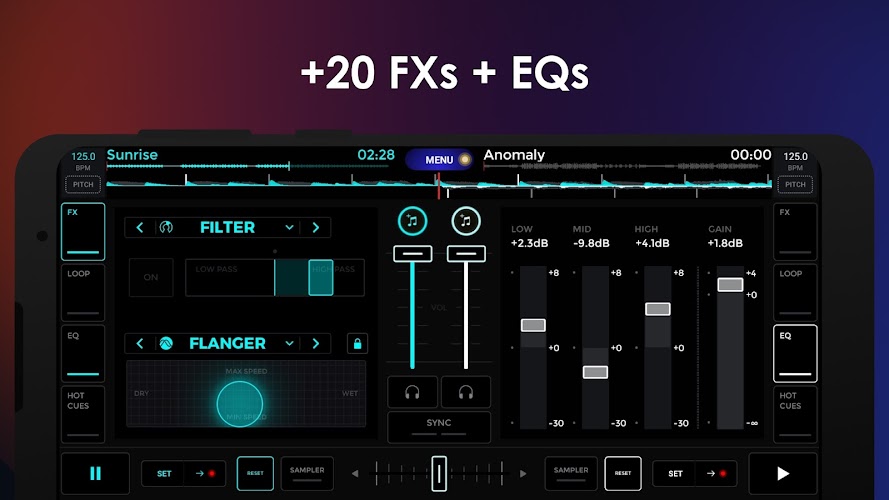
- Real-time effects: Delay, reverb, filter and stutter effects are available with adjustable parameters.
- Sampler and loops: Trigger samples or set loop points for build-ups and breakdowns.
- Record and export: Capture your sessions and export mixes to common audio formats.
- Hardware support: MIDI controllers can be paired for tactile performance.
How mixing works
Getting a mix started is straightforward: load two tracks, align tempos, and use the crossfader to blend. The tempo-synced looping feature lets you create rhythmic repeats while effects add dynamic flair. For precision, cue points are set with a long press, enabling quick jumps to different song parts during a live set.
Customization and workflow tips
edjing Mix offers several customization options to fit different play styles. You can rearrange the deck layout, tweak the sensitivity of jog wheels, and adjust the sample pad bank. Organize playlists and tags to find tracks quickly at gigs. For better results, pre-analyze your library so beat grids are ready when you load songs.
User experience and performance
The app performs reliably on mid- to high-end devices. Latency is minimal, and the UI remains smooth during complex sessions. Background audio handling lets you keep a set running while using other apps. Battery consumption is moderate, so it’s wise to monitor power during long performances or use a charger when available.
Ideal users and applications
edjing Mix suits hobbyists who want to experiment with DJing as well as mobile professionals who need a compact backup or practice tool. It’s also useful for content creators making mixes for social platforms, radio hosts preparing sets, or event organizers testing track order before shows.
Getting started quickly
Installation is seamless via the Play Store. After granting access to your media, allow the app to analyze tracks for BPM detection. Explore the tutorial mode to learn core gestures and shortcuts. Connect a Bluetooth or USB controller if you prefer physical controls; most common controllers pair without extra drivers.
Practical advice for new users
Start by practicing simple transitions using sync and manual fade. Experiment with one effect at a time to see how it alters texture, then layer effects for richness. Keep cue points at recognizable markers—vocals or drum hits—to avoid awkward jumps. Regularly update the app to access new features and stability fixes.
Final thoughts on usability
With a balance of polish and depth, edjing Mix is a strong option for anyone seeking a portable DJ platform. Its thoughtful design reduces the learning curve while offering advanced tools for creative performance. Whether refining basic skills or crafting complex live sets, the app provides a capable and adaptable environment for modern DJs.
Show More
Information
Screenshots
Latest Update












Latest News
-
![Revealing the Launch Playlists and Cross-Progression for COD Warzone Mobile News]()
-
![March 2024 Free Redemption Codes for Honkai: Star Rail News]()
-
PUBG Mobile Teams Up with Bentley Motors: Luxury Cars, Exclusive Collectibles, and Beyond 2024-04-18
![PUBG Mobile Teams Up with Bentley Motors: Luxury Cars, Exclusive Collectibles, and Beyond News]()
-
![Monster Never Cry is now accessible on both Android and iOS mobile devices. News]()
-
V2.2 of the Farlight 84 update introduces an overhauled Season structure, fresh in-game currency, an 2024-04-16
![V2.2 of the Farlight 84 update introduces an overhauled Season structure, fresh in-game currency, an News]()
-
![Arrival of Genshin Impact 4.6 Update: 'Embers of Two Realms, Twilight of Crimson' News]()
-
April 2024 Clash of Clans Update: Unveiling a Fresh Companion, Enhanced Levels, Chat Tagging, and Be 2024-04-16
![April 2024 Clash of Clans Update: Unveiling a Fresh Companion, Enhanced Levels, Chat Tagging, and Be News]()






