
Socket Tool: TCP UDP WebSocket
Version:1.2.8
Published:2026-11-02
Introduction
Socket Tool: TCP UDP WebSocket is a compact network utility that lets developers and sysadmins test and debug socket connections using TCP, UDP and WebSocket protocols. It provides inspectors, packet senders, and real-time logs to streamline troubleshooting across mobile and remote services.
What this tool does
Socket Tool: TCP UDP WebSocket focuses on practical socket-level operations. Rather than being a full-fledged network analyzer, it offers targeted functions: open connections, send custom payloads, monitor replies, and capture timing information. This makes it a useful pocket tool when you need rapid validation without setting up heavier desktop software.
Core capabilities
- Multi-protocol support: native handling for TCP, UDP, and WebSocket sessions so you can test services that rely on different transport layers.
- Manual packet sending: craft and transmit raw bytes or text strings with configurable delimiters and encodings.
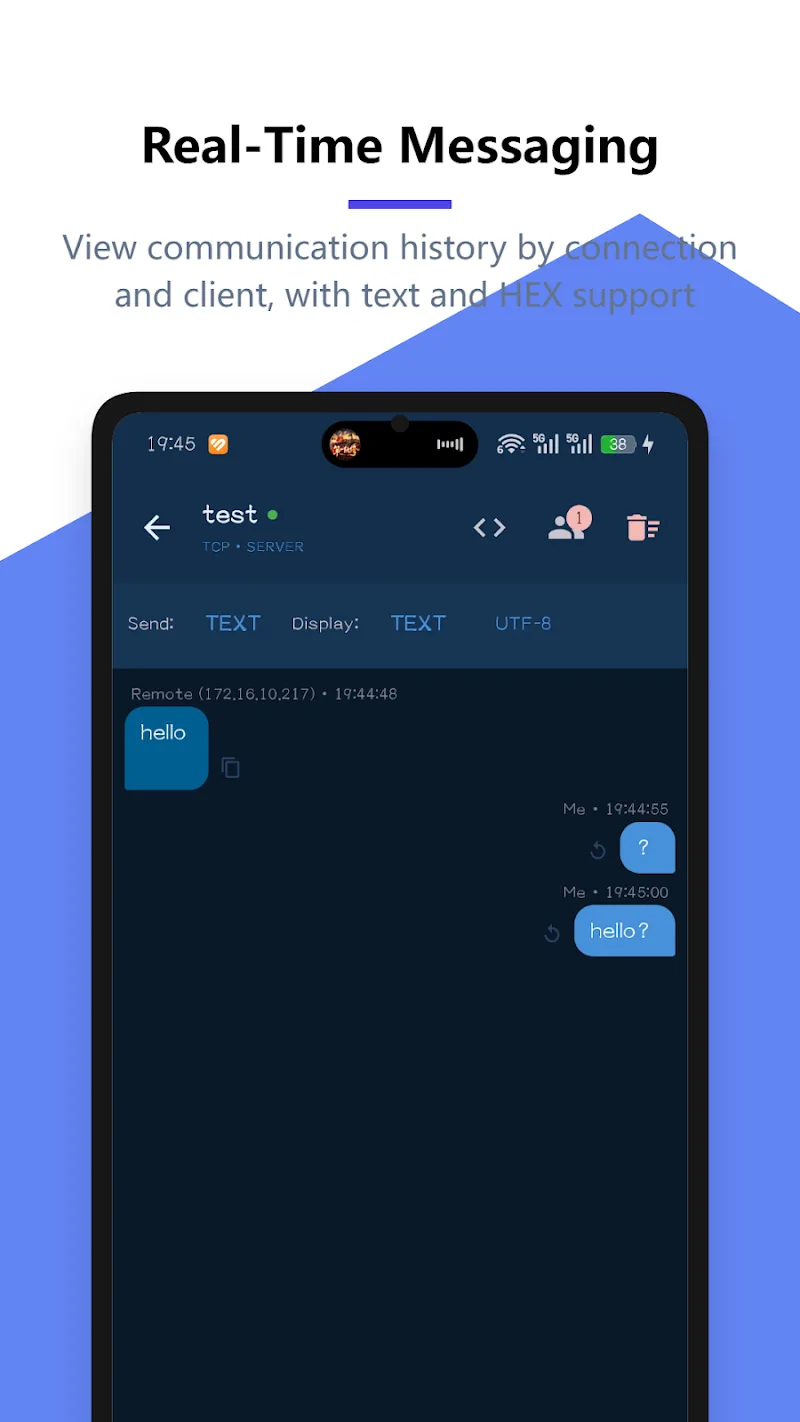
- Live log view: see incoming and outgoing frames with timestamps for quick diagnosis.
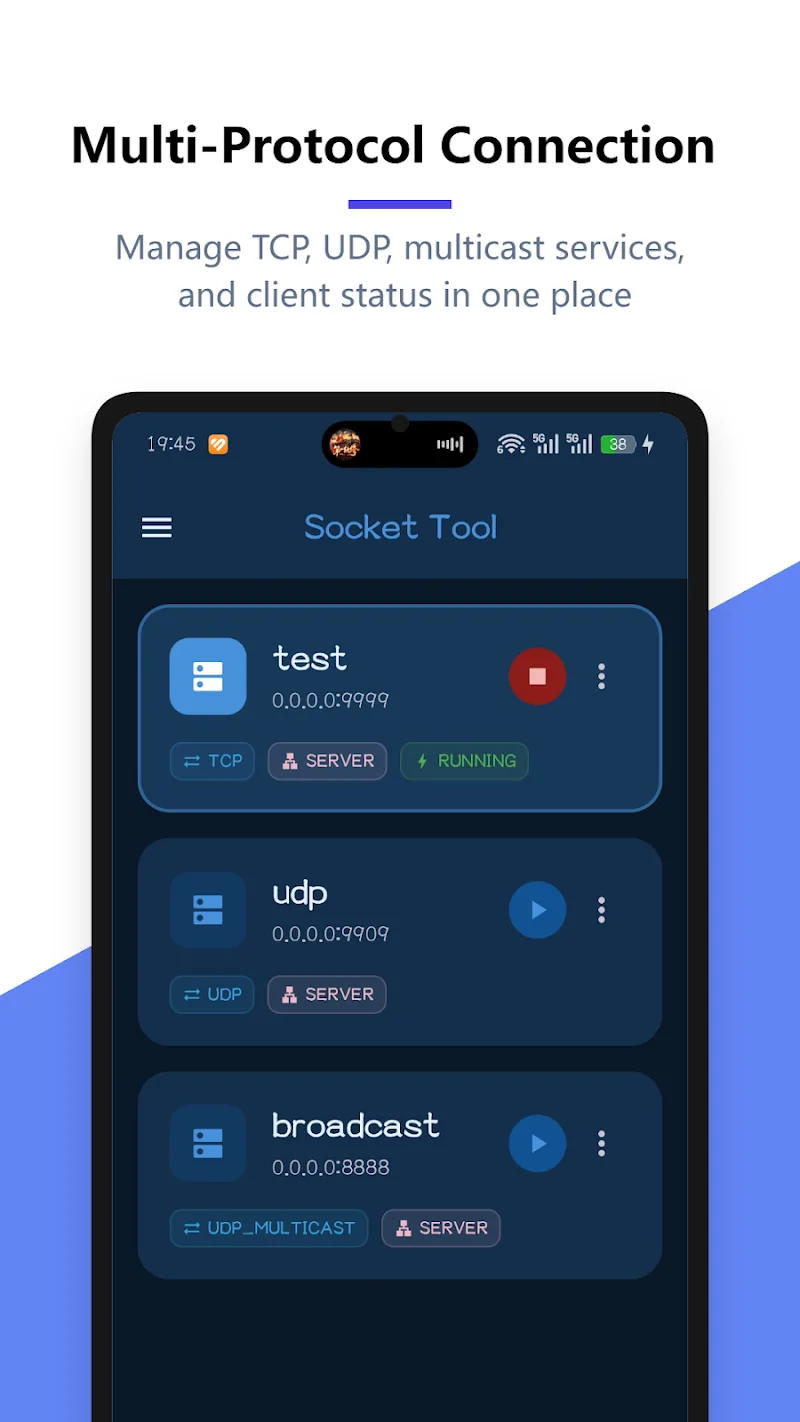
- Connection management: open multiple concurrent sockets, reuse sessions, and observe connection states.
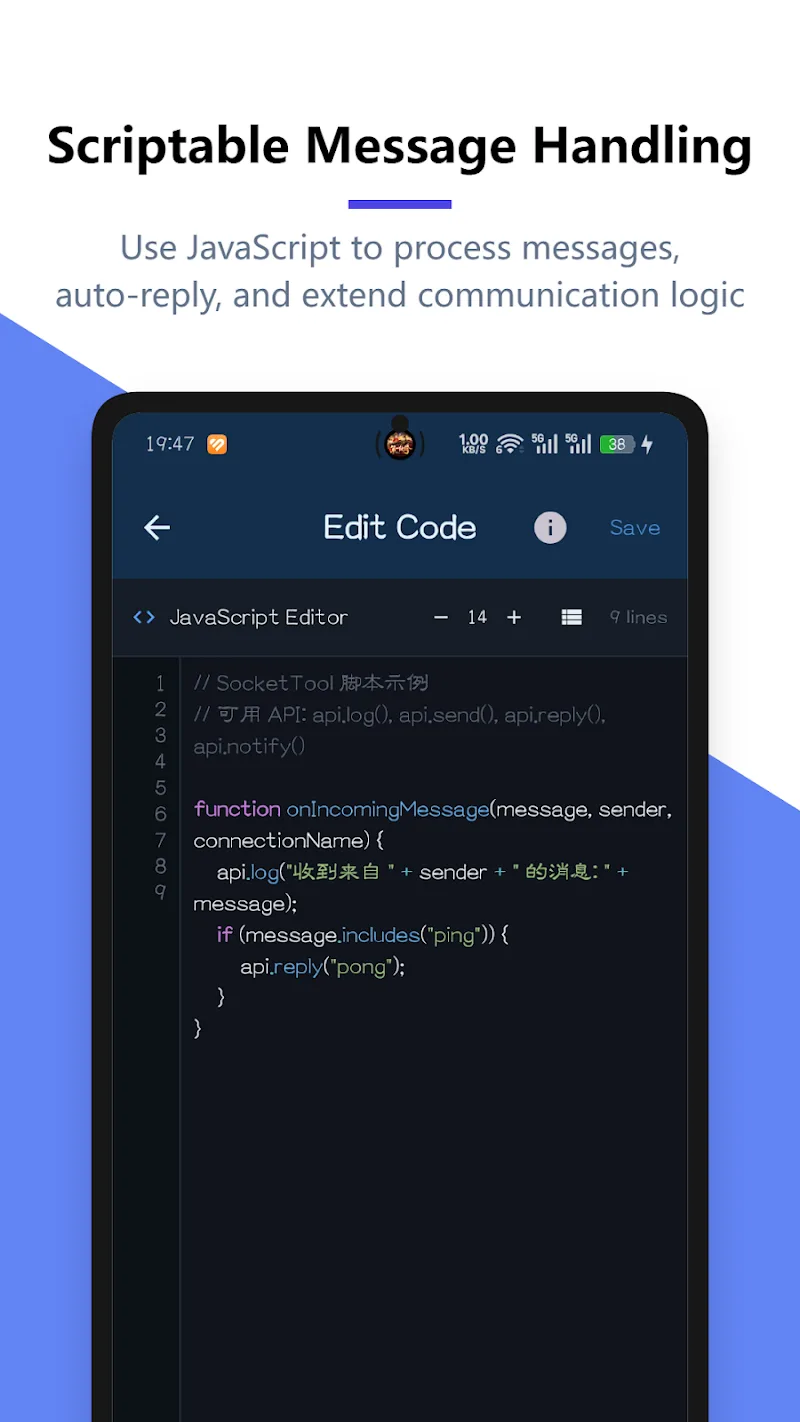
- Basic scripting: sequence sends and delays to simulate client behavior during testing.
How it works in practice
After launching, create a new connection profile by specifying host, port, and protocol. For WebSocket endpoints, the tool performs the handshake automatically. Use the input area to compose payloads — choose from plain text, hex, or base64 — then send and watch the response pane update. The design keeps actions close at hand so you can iterate quickly when hunting down protocol mismatches or header issues.
Interface and performance notes
The interface is intentionally straightforward: a connection list on one side and a message console on the other. Colors and icons indicate status and traffic direction. Performance is tuned for mobile constraints: lightweight rendering and limited background activity preserve battery and prevent sluggish behavior during extended testing sessions.
Practical workflows
Common workflows include load testing a small service endpoint, validating message framing for WebSocket APIs, or confirming UDP packet formats. Developers often create multiple profiles to switch between environments — local, staging, and production — and save common payload templates. Because the app supports manual timing control, it can also help reproduce race conditions or ordering bugs.
Useful features for troubleshooting
- Detailed timestamps: compare send and receive times to measure latency for a single exchange.
- Hex view: inspect non-printable bytes when binary protocols are in use.
- Keep-alive options: control socket persistence to simulate long-lived clients.
- Filtering: hide routine noise so you can focus on anomalous frames.
Tips for new users
Begin with simple echo servers to learn how the app represents exchanged data. Use short payloads and confirm connections before testing complex sequences. Save frequently used payloads as templates, and label profiles clearly to avoid sending test traffic to production systems by mistake. When working with WebSocket subprotocols or custom headers, document the handshake parameters so future sessions are reproducible.
Security and responsible use
Socket Tool: TCP UDP WebSocket is designed for legitimate testing and development. Use it on services you own or have permission to test. Avoid attempting unauthorized access or scanning unfamiliar networks; the app is not intended for intrusive security testing and should be paired with formal approval processes when used in enterprise environments.
Installation and getting started
Installation is straightforward through standard app distribution channels. Once installed, allow any requested network permissions so connections function correctly. Most users can be productive within minutes: create a host profile, choose a protocol, and send a test message. The UI includes inline hints to clarify fields like port number and encoding options.
Why technical users choose it
Developers and operations staff appreciate the compact feature set that avoids unnecessary complexity. Socket Tool: TCP UDP WebSocket provides direct control over socket behavior without the overhead of large desktop suites, making it a dependable companion for on-device debugging, quick verifications, and educational experiments with network protocols.
Show More
Information
Screenshots
Latest Update












Latest News
-
![Revealing the Launch Playlists and Cross-Progression for COD Warzone Mobile News]()
-
![March 2024 Free Redemption Codes for Honkai: Star Rail News]()
-
PUBG Mobile Teams Up with Bentley Motors: Luxury Cars, Exclusive Collectibles, and Beyond 2024-04-18
![PUBG Mobile Teams Up with Bentley Motors: Luxury Cars, Exclusive Collectibles, and Beyond News]()
-
![Monster Never Cry is now accessible on both Android and iOS mobile devices. News]()
-
V2.2 of the Farlight 84 update introduces an overhauled Season structure, fresh in-game currency, an 2024-04-16
![V2.2 of the Farlight 84 update introduces an overhauled Season structure, fresh in-game currency, an News]()
-
![Arrival of Genshin Impact 4.6 Update: 'Embers of Two Realms, Twilight of Crimson' News]()
-
April 2024 Clash of Clans Update: Unveiling a Fresh Companion, Enhanced Levels, Chat Tagging, and Be 2024-04-16
![April 2024 Clash of Clans Update: Unveiling a Fresh Companion, Enhanced Levels, Chat Tagging, and Be News]()






