

CastDuo
Version:2.1.3
Published:2026-11-03
Introduction
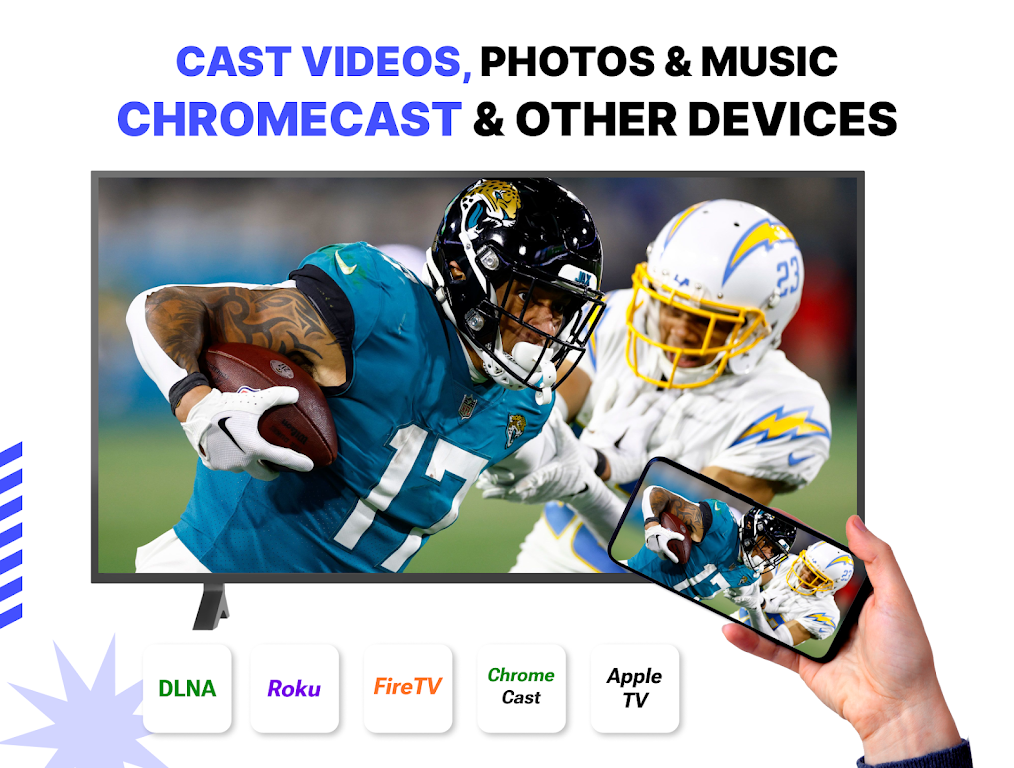
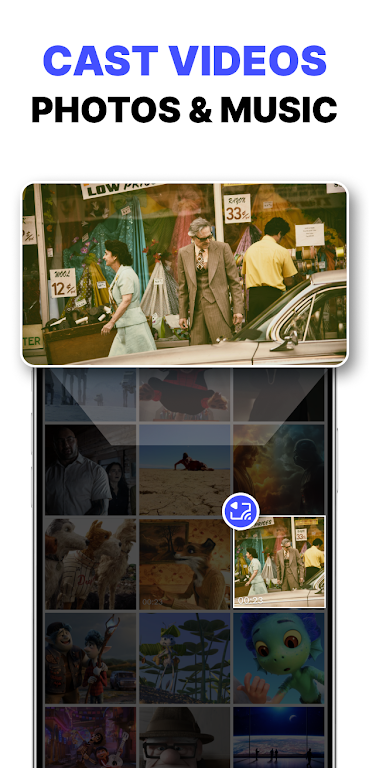
CastDuo lets you mirror and stream media from your Android device to smart TVs, Chromecast, and DLNA-enabled devices with low latency and simple controls. It supports local files, cloud services, and live screen sharing for presentations or casual media playback.
Key Features
CastDuo brings a compact toolset for sending video, audio, and screen content to a second display. The app focuses on reliability and flexible input sources so you can play stored videos, stream from cloud accounts, or mirror your screen for demonstrations.
- Multi-protocol support: Chromecast, DLNA, and Miracast compatibility for a wide range of receivers.
- File and cloud playback: Local media browsing plus connections to popular cloud storage providers.
- Subtitles and audio tracks: Load external subtitles and switch audio streams without leaving the player.
- Low-latency mirroring: Optimized for presentations, app demos, and casual gaming mirror mode.
- Adaptive quality: Automatic bitrate adjustments to match network conditions and maintain smooth playback.
How the Casting Process Works
The app detects compatible devices on your local network and creates a secure handshake so media transfers start quickly. For direct streaming, CastDuo acts as a controller that tells the receiver where to fetch the content; for screen mirroring it encodes and transmits live frames from your device. That layered approach reduces interruptions and lets you choose between sending a URL for playback or streaming pixels in real time.
User Interface and Controls
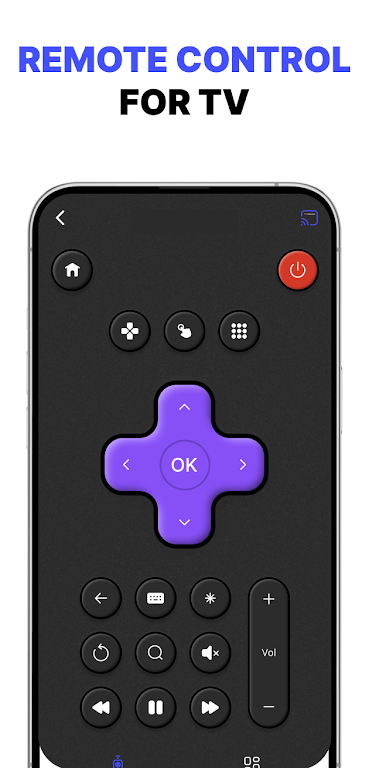
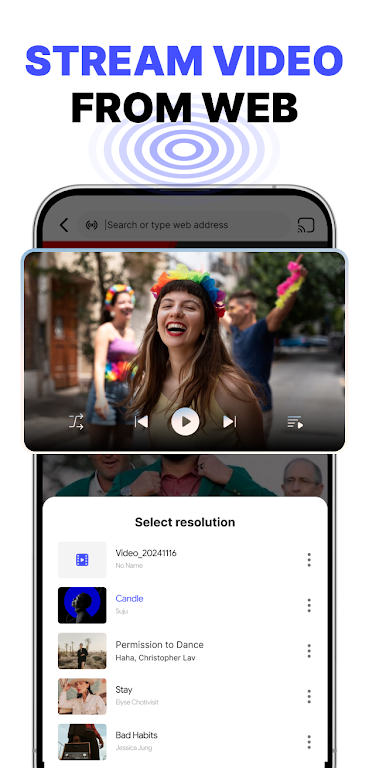
CastDuo's interface is arranged to minimize steps. A media browser groups videos, music, and photos while an on-screen playback bar provides play/pause, seek, and volume. Playlist support and queue management let you line up multiple files for uninterrupted sessions. Gesture shortcuts on the main player simplify common actions such as skipping chapters or toggling subtitles.
Compatibility and Performance
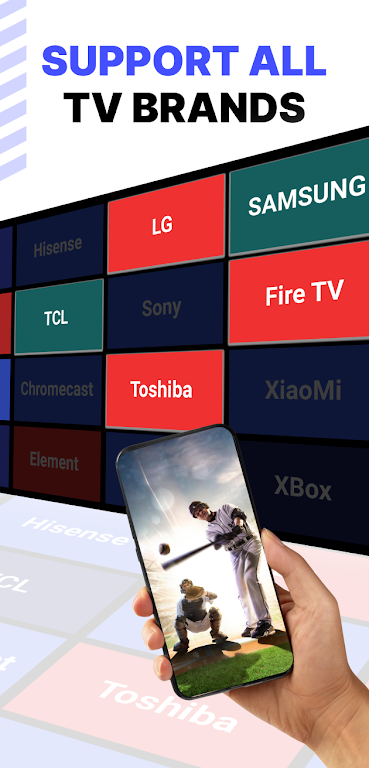
Designed to work across a broad device ecosystem, CastDuo supports Android phones and tablets running recent OS versions, and interacts with smart TVs, dongles, and receivers that adhere to mainstream casting standards. Hardware acceleration and optional transcoding help the app deliver higher-resolution streams without overtaxing your device. For demanding use—like 4K video or low-latency game mirroring—CastDuo can prioritize network traffic and encoding settings to reduce frame drops.
Practical Use Cases
CastDuo fits both home entertainment and professional scenarios. Use it to showcase vacation photos on a living-room TV, stream personal movie collections from a phone, or mirror a tablet for a business presentation. Educators can project lesson material, while remote workers can share demos during a video call. The ability to play from cloud storage also makes it easy to access media that isn’t stored locally.
Security and Privacy
Privacy considerations are built into device discovery and connection routines: CastDuo restricts device pairing to the same local network and requires user confirmation before streaming. Permissions requested by the app are limited to what is necessary for media access and casting. For environments that demand extra protection, you can disable automatic discovery and add manual device selection to keep control over where content is displayed.
Tips for Best Results
- Connect both devices to the same 5 GHz Wi-Fi network when possible to improve bandwidth and reduce interference.
- Close background apps on your phone to free CPU and network resources before starting a mirroring session.
- Enable hardware decoding in settings to reduce battery use and improve video smoothness.
- If you experience stuttering, lower the streaming resolution or switch to direct URL streaming instead of screen mirroring.
- Keep both the receiver firmware and CastDuo updated to benefit from codec improvements and bug fixes.
Getting Started
To begin, install CastDuo, grant media and network permissions, and open the app to scan for nearby devices. Select a compatible receiver, choose a file or begin screen mirroring, and use the on-screen controls to manage playback. A short pairing tutorial inside the app walks through common setup steps and troubleshooting tips to help you cast quickly.
Show More
Information
Screenshots


Latest Update












Hot Tags
Latest News
-
![Revealing the Launch Playlists and Cross-Progression for COD Warzone Mobile News]()
-
![March 2024 Free Redemption Codes for Honkai: Star Rail News]()
-
PUBG Mobile Teams Up with Bentley Motors: Luxury Cars, Exclusive Collectibles, and Beyond 2024-04-18
![PUBG Mobile Teams Up with Bentley Motors: Luxury Cars, Exclusive Collectibles, and Beyond News]()
-
![Monster Never Cry is now accessible on both Android and iOS mobile devices. News]()
-
V2.2 of the Farlight 84 update introduces an overhauled Season structure, fresh in-game currency, an 2024-04-16
![V2.2 of the Farlight 84 update introduces an overhauled Season structure, fresh in-game currency, an News]()
-
![Arrival of Genshin Impact 4.6 Update: 'Embers of Two Realms, Twilight of Crimson' News]()
-
April 2024 Clash of Clans Update: Unveiling a Fresh Companion, Enhanced Levels, Chat Tagging, and Be 2024-04-16
![April 2024 Clash of Clans Update: Unveiling a Fresh Companion, Enhanced Levels, Chat Tagging, and Be News]()






