

Wiseplay
Version:8.1.26
Published:2026-11-03
Introduction
Wiseplay is a versatile multimedia player for Android that consolidates local video playback, network streaming and playlist management into a single, easy-to-use app. It supports a wide range of formats and offers smart playlist handling, making it simple to organize and stream content from local files or online sources.
Key Features at a Glance
Wiseplay brings together essential playback tools and convenient extras designed for daily media consumption. The app focuses on fast decoding, smooth streaming, and flexible playlist support so users can switch between downloaded content and live streams without friction. Familiar controls and responsive navigation make it practical for phones and tablets alike.
- Wide format support: play common video and audio codecs with no extra conversions.
- Playlist compatibility: import M3U and other playlist types for grouped playback.
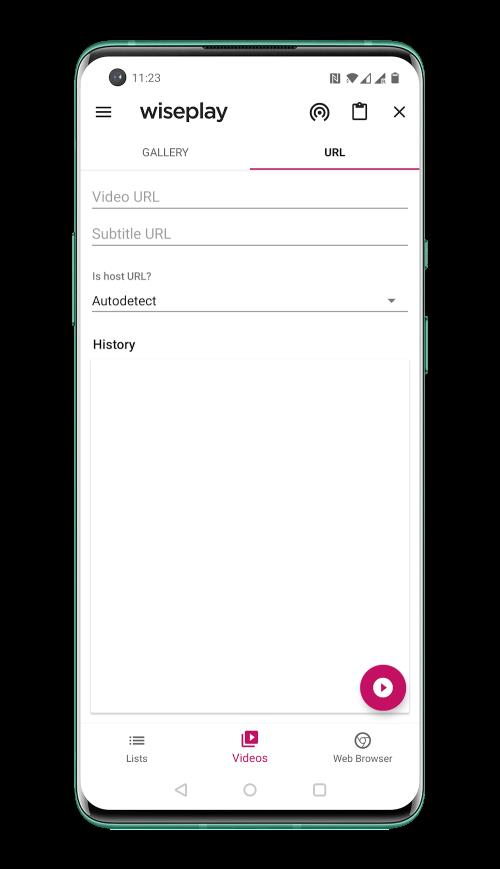
- Network streaming: add URLs to stream channels or media from remote servers.
- Local file access: browse internal and external storage with quick file discovery.
- Subtitle handling: load external subtitle files and adjust timing and appearance.
Playback and User Interface
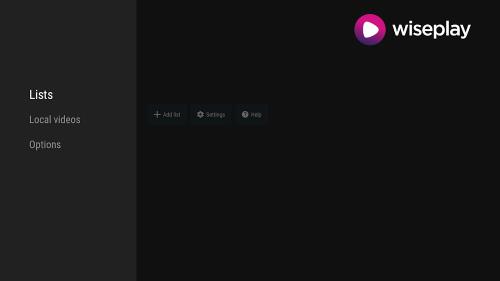
The interface emphasizes clarity: large thumbnails, a concise playback bar and gesture controls for volume and brightness. Playback offers adjustable speed, repeat and shuffle modes, and on-screen controls that disappear during full-screen viewing. Visual tweaks and a simple layout help reduce learning time and let you focus on watching.
Playlists, Streaming and Organization
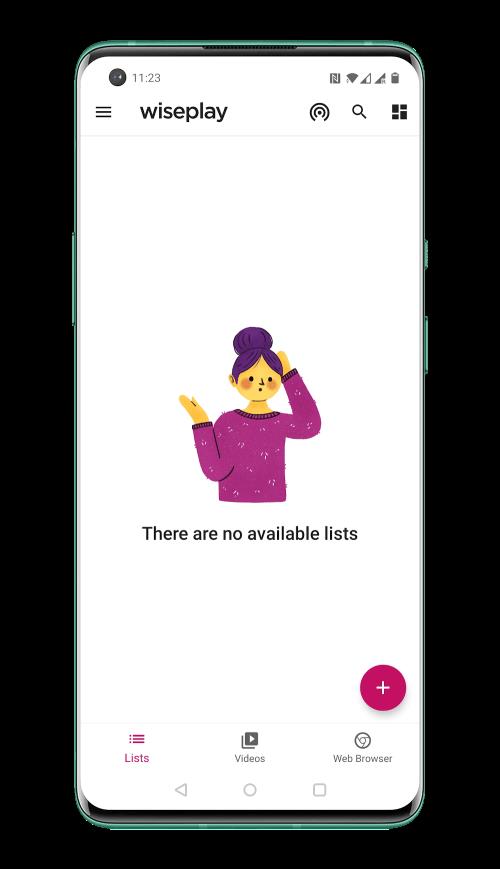
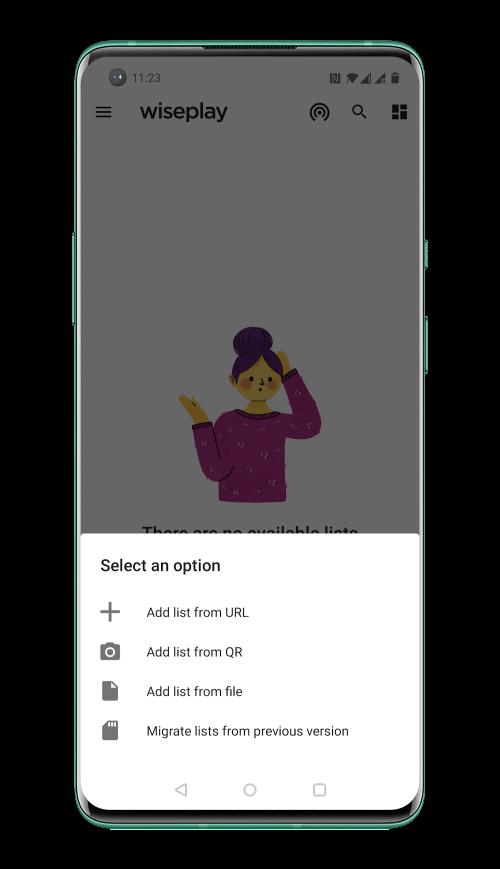
Wiseplay excels at playlist management. Users can create, edit and save playlists locally or import remote lists using URLs. The app handles nested playlists and updates items from network sources so new entries appear without rebuilding lists manually. For IPTV or personal media servers, playlist import makes it easy to access many channels or media collections from one place.
Setup, Importing and Customization
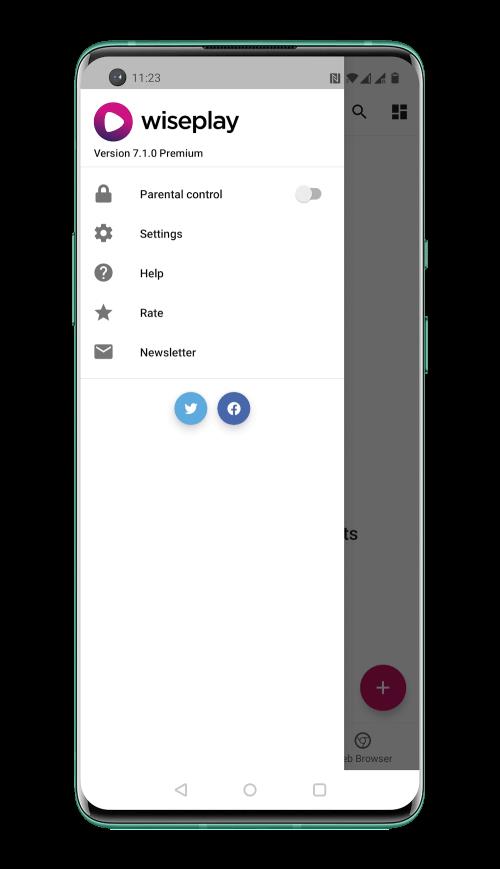
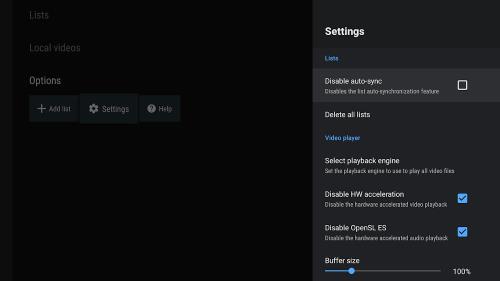
Getting started takes only a few steps: grant storage permissions, locate your media folder, and import playlists as needed. The settings screen allows fine-grained control over buffering limits, subtitle default styles and playback behaviors. Optional skins or layout adjustments let you prioritize thumbnails, list views or a compact player mode depending on device size and personal preference.
Performance and Device Compatibility
Wiseplay is optimized for common Android configurations and scales well across low- to high-end devices. Hardware acceleration reduces battery drain during HD playback, while software decoding provides a fallback for niche formats. The app supports external displays through casting or HDMI output, and it remains stable during long playback sessions when network conditions are steady.
Privacy, Updates and File Safety
The app requests only the permissions required to access local files and network streams; reviewing permission prompts during installation helps ensure transparency. Regular updates improve codec support and add minor feature refinements. For security, keep playlists and streaming links from trusted sources and avoid unknown third-party repositories.
Practical Tips for Smooth Use
To get the most from Wiseplay, keep your playlists organized by folder and clear out inactive entries periodically. If a stream buffers frequently, try increasing the buffer size in settings or switch to a lower resolution source. Use external subtitle files saved alongside video files for automatic detection, and back up important playlists before making large edits.
Wiseplay blends convenience with enough flexibility for power users who manage local libraries and network streams. Its clean interface, playlist tools and broad format compatibility make it a reliable option for Android users who want a single player to handle varied media types.
Show More
Information
Screenshots
Latest Update












Hot Tags
Latest News
-
![Revealing the Launch Playlists and Cross-Progression for COD Warzone Mobile News]()
-
![March 2024 Free Redemption Codes for Honkai: Star Rail News]()
-
PUBG Mobile Teams Up with Bentley Motors: Luxury Cars, Exclusive Collectibles, and Beyond 2024-04-18
![PUBG Mobile Teams Up with Bentley Motors: Luxury Cars, Exclusive Collectibles, and Beyond News]()
-
![Monster Never Cry is now accessible on both Android and iOS mobile devices. News]()
-
V2.2 of the Farlight 84 update introduces an overhauled Season structure, fresh in-game currency, an 2024-04-16
![V2.2 of the Farlight 84 update introduces an overhauled Season structure, fresh in-game currency, an News]()
-
![Arrival of Genshin Impact 4.6 Update: 'Embers of Two Realms, Twilight of Crimson' News]()
-
April 2024 Clash of Clans Update: Unveiling a Fresh Companion, Enhanced Levels, Chat Tagging, and Be 2024-04-16
![April 2024 Clash of Clans Update: Unveiling a Fresh Companion, Enhanced Levels, Chat Tagging, and Be News]()






