

Pixelux Plus Icon Pack
Version:1.2.68
Published:2026-11-05
Introduction
Pixelux Plus Icon Pack refreshes Android home screens with a large collection of hand-crafted icons, matching wallpapers, and a polished material-style design. It simplifies theming across launchers while keeping high-resolution assets and frequent updates, giving users an attractive, cohesive look without complex setup or heavy battery impact.
What Pixelux Plus Icon Pack brings to your device
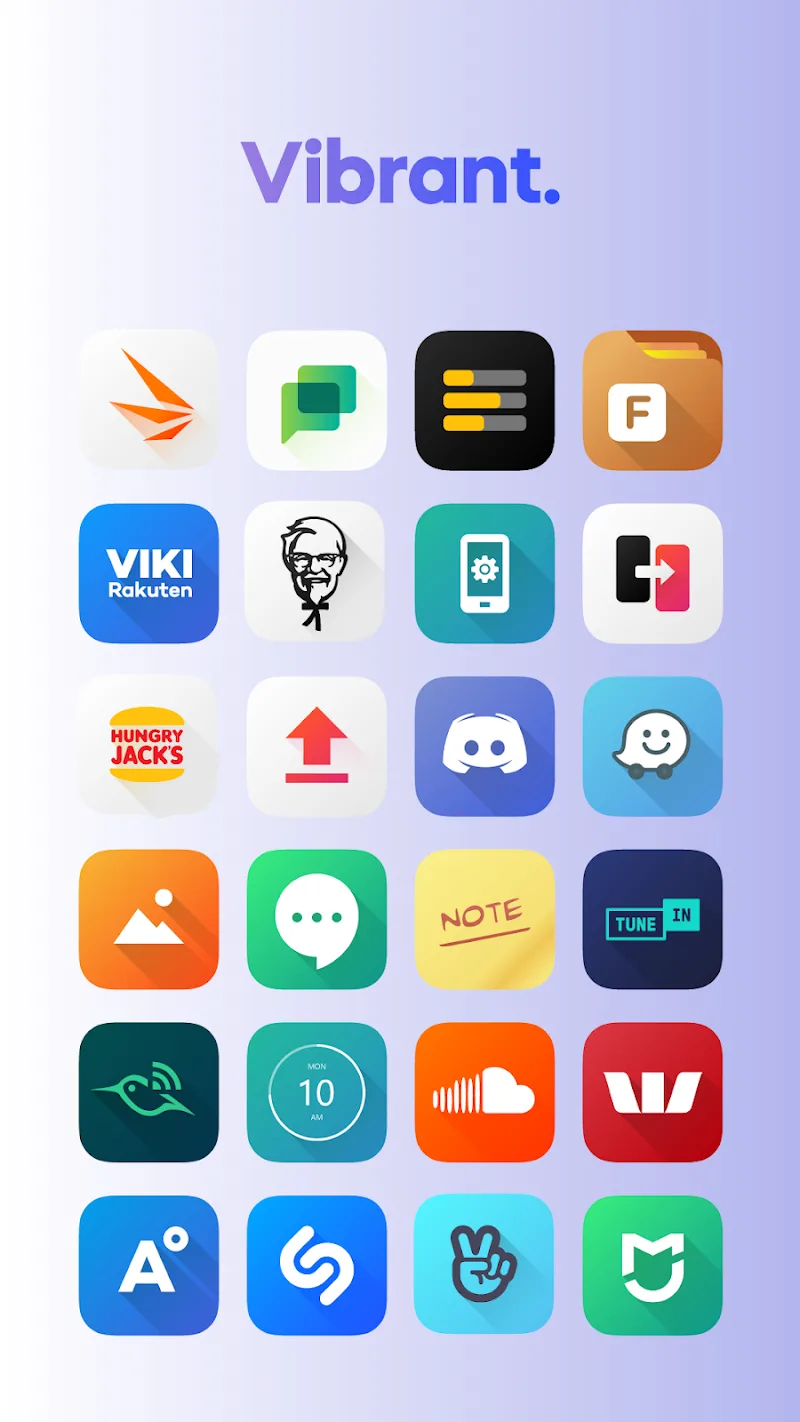
Pixelux Plus Icon Pack focuses on clarity, consistency, and visual polish. Each icon uses a balanced color palette and subtle shadows to make app icons readable at a glance. The pack aims to maintain a uniform look across thousands of apps while delivering fresh styles that work well with minimalist and vibrant home screen setups alike.
Core elements and design philosophy
Designers behind Pixelux Plus Icon Pack emphasize a grid-aligned approach: icons feel orderly on the launcher, adaptive shapes are respected, and glyphs are simplified to improve legibility. Complementary wallpapers are curated to match the icon tones, reducing contrast clashes and making widgets and folders appear integrated.
Key features at a glance
- Extensive icon library: Thousands of icons covering popular and niche apps, plus a dynamic masking system for unmatched icons.
- Matching wallpapers: A set of high-resolution backgrounds designed to harmonize with the icon set.
- Regular updates: Weekly or monthly additions to support newly released apps and user requests.
- Multiple launcher support: Compatible with major launchers such as Nova, Lawnchair, Microsoft Launcher, and many others.
- Adaptive and legacy icons: Support for adaptive icon standards while offering legacy-style options for older Android versions.
Customizing your home screen
Pixelux Plus Icon Pack makes customization straightforward. Most supported launchers let you apply the icon pack from their theme settings. For unmatched icons you can request icons through the pack's request tool; designers typically add high-demand icons in upcoming updates. Combining the pack with a complementary wallpaper collection results in a cohesive, curated desktop that looks intentional rather than patched together.
Performance and interface behavior
The icon pack itself is lightweight and doesn’t run background services, so it won’t affect battery life or memory usage significantly. Its settings page is concise and focused on useful tools: an icon request form, preview screens, and a wallpaper gallery. Because assets are pre-rendered, launcher performance remains smooth during scrolling or folder opening.
Tips for first-time users
- Backup your layout: Before applying a new icon pack, export your launcher layout if the launcher supports it. This makes it easy to revert if you want to try other themes.
- Enable adaptive icons: Turn on adaptive icons in supported launchers to keep shapes consistent across system widgets and notifications.
- Use widgets thoughtfully: Adjust widget transparency or colors to prevent clashes with icon tones.
- Submit requests: Use the request tool to prioritize icons you care about; popular requests are often processed first.
Compatibility and installation
Pixelux Plus Icon Pack works with most third-party Android launchers. Some stock launchers may not support third-party icon themes; in that case, installing a compatible launcher is the quickest way to apply the pack. The app provides clear instructions for popular launchers and links to help pages if manual steps are required.
Why users appreciate Pixelux Plus Icon Pack
Users praise Pixelux Plus Icon Pack for its visual consistency, frequent updates, and attention to small details like shadow depth and color balance. The ability to quickly request missing icons and receive updates makes the pack feel maintained rather than abandoned. Its minimalist but lively aesthetic appeals to people who want a polished home screen without excessive tweaks.
Getting started right now
Download and open the pack, browse the preview to see how icons and wallpapers pair, then apply through your launcher settings. If you want a tailored look, combine the pack with a custom grid size and icon label settings. With a few adjustments you can achieve a clean, modern interface that highlights your apps and widgets.
Show More
Information
Screenshots
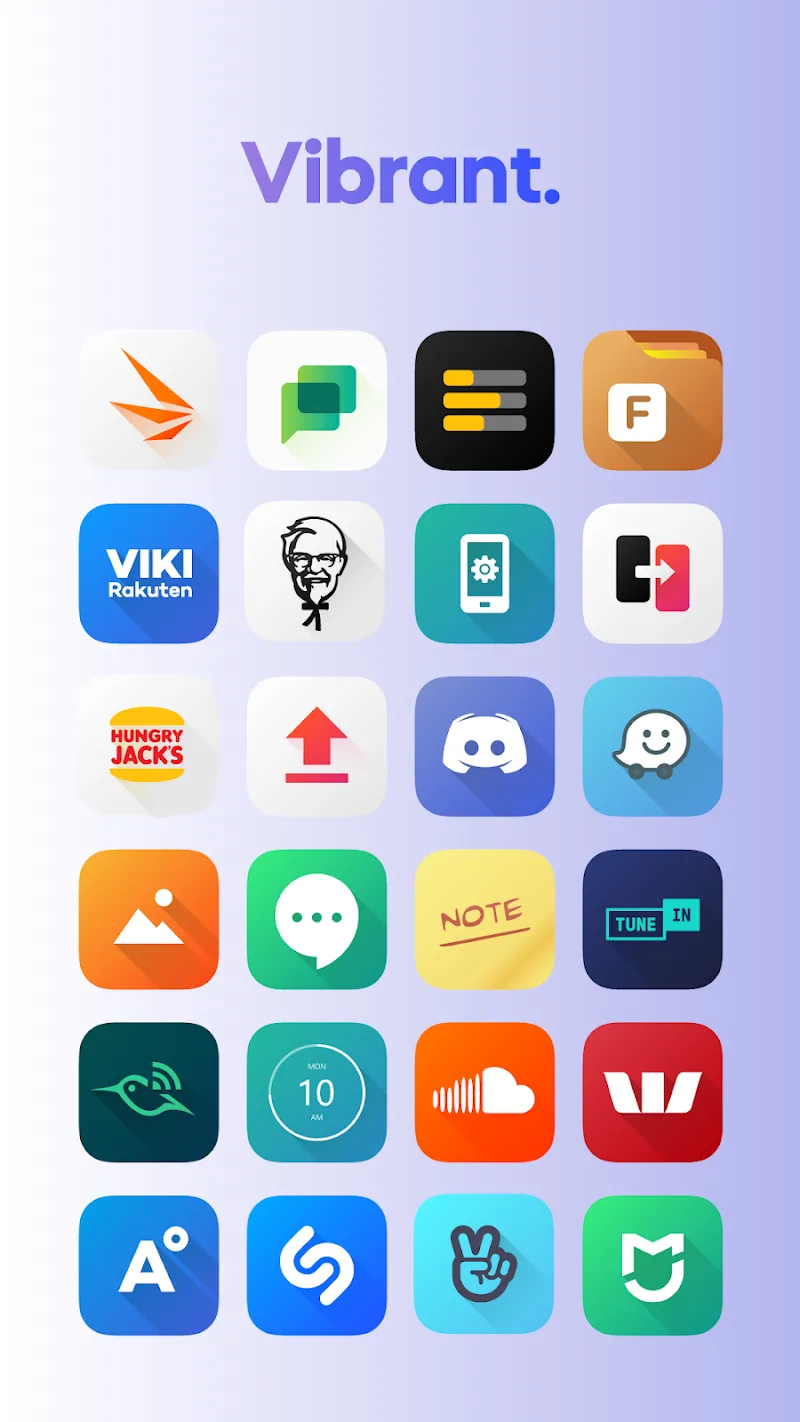
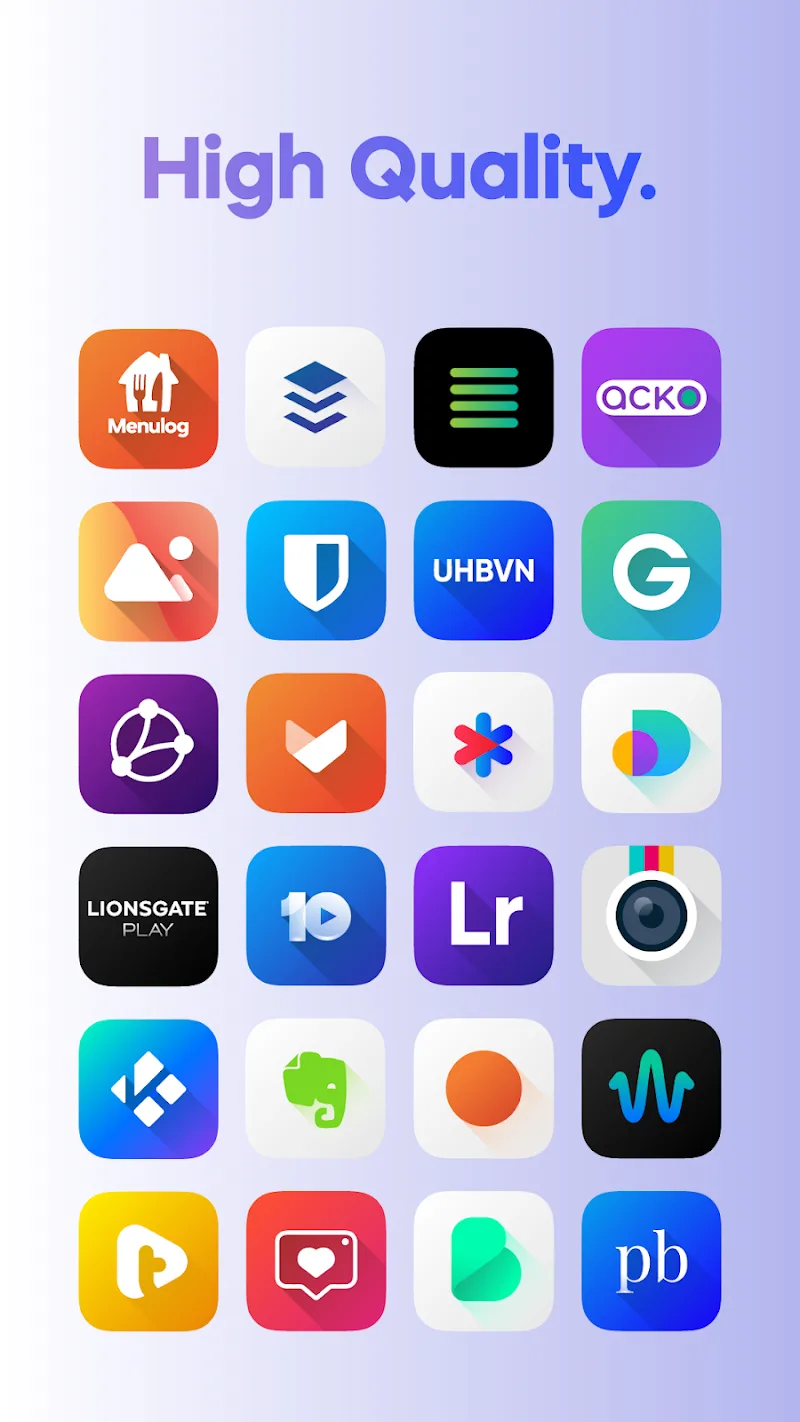
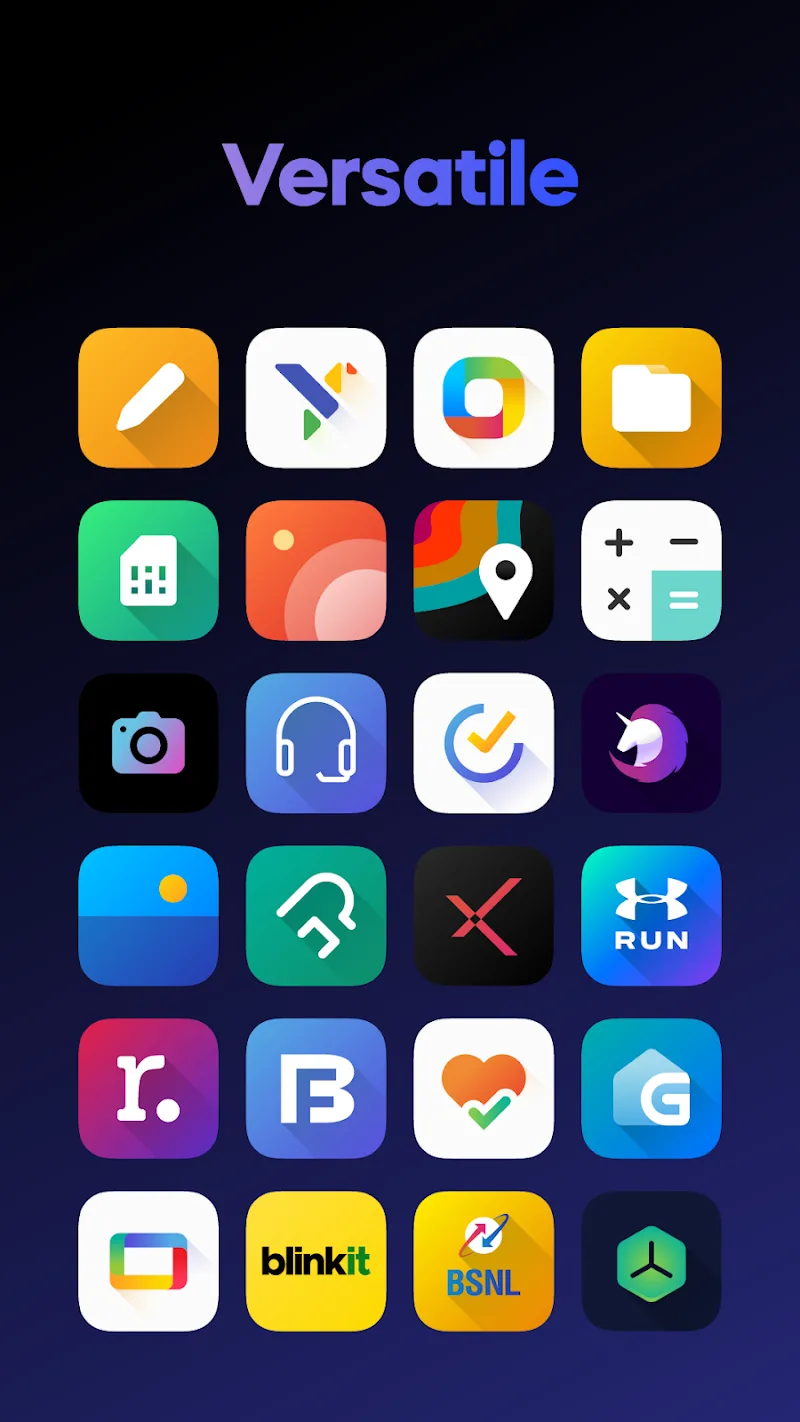
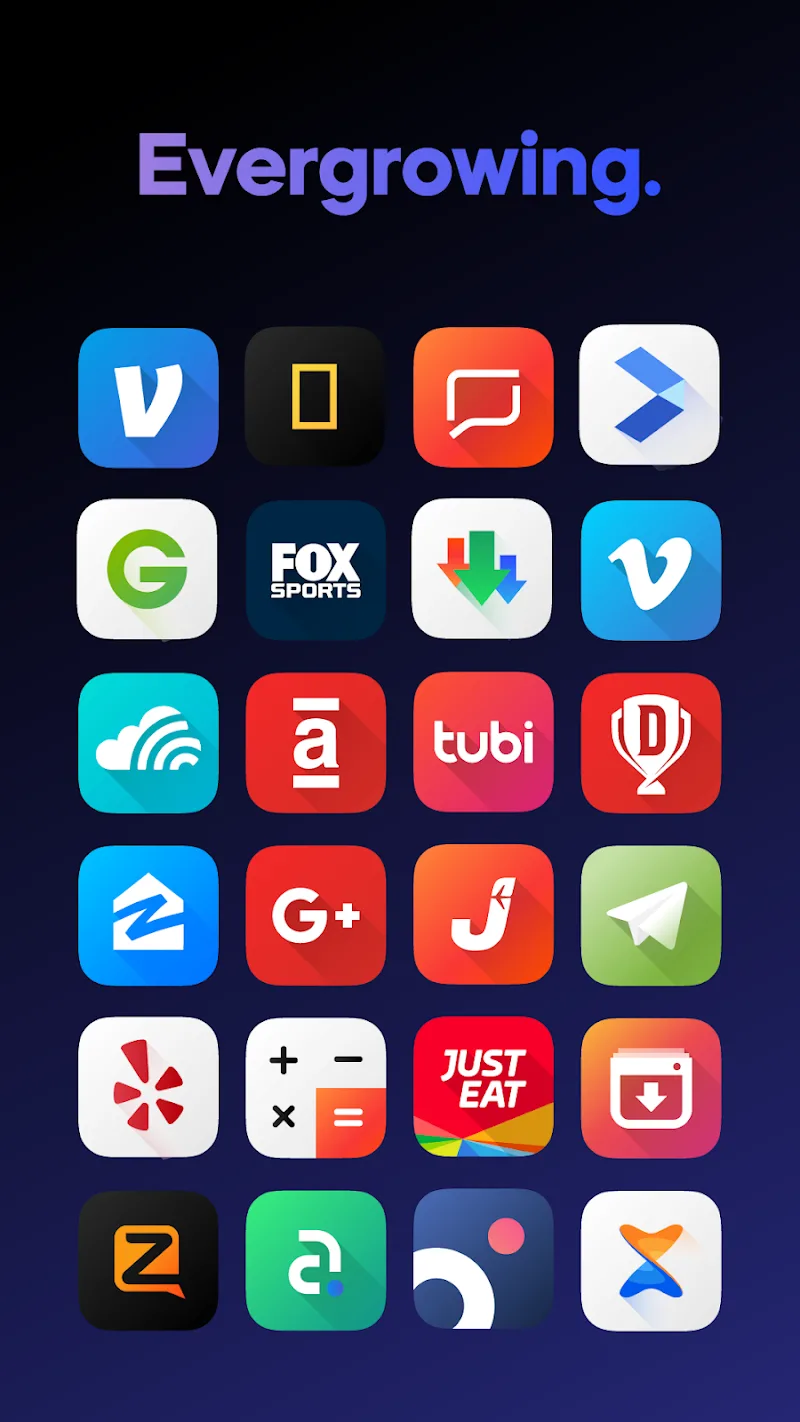
Latest Update






Latest News
-
![Revealing the Launch Playlists and Cross-Progression for COD Warzone Mobile News]()
-
![March 2024 Free Redemption Codes for Honkai: Star Rail News]()
-
PUBG Mobile Teams Up with Bentley Motors: Luxury Cars, Exclusive Collectibles, and Beyond 2024-04-18
![PUBG Mobile Teams Up with Bentley Motors: Luxury Cars, Exclusive Collectibles, and Beyond News]()
-
![Monster Never Cry is now accessible on both Android and iOS mobile devices. News]()
-
V2.2 of the Farlight 84 update introduces an overhauled Season structure, fresh in-game currency, an 2024-04-16
![V2.2 of the Farlight 84 update introduces an overhauled Season structure, fresh in-game currency, an News]()
-
![Arrival of Genshin Impact 4.6 Update: 'Embers of Two Realms, Twilight of Crimson' News]()
-
April 2024 Clash of Clans Update: Unveiling a Fresh Companion, Enhanced Levels, Chat Tagging, and Be 2024-04-16
![April 2024 Clash of Clans Update: Unveiling a Fresh Companion, Enhanced Levels, Chat Tagging, and Be News]()






