

Fun - Icon Pack
Version:3.9
Published:2026-11-05
Introduction
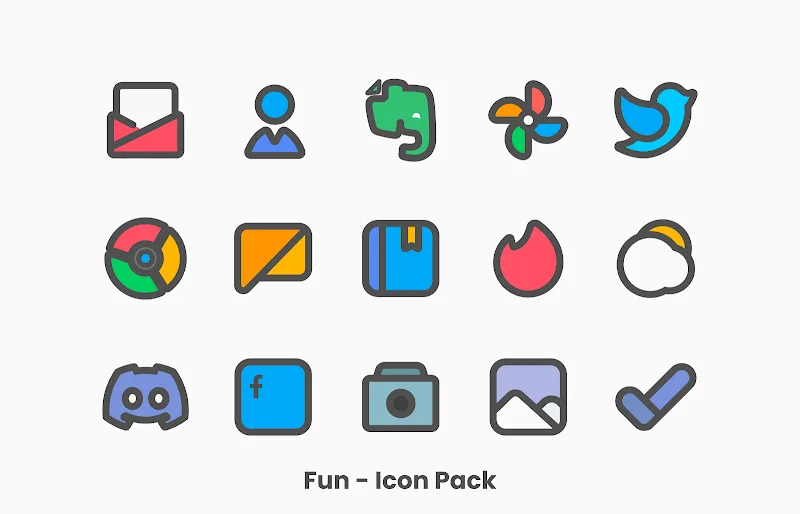
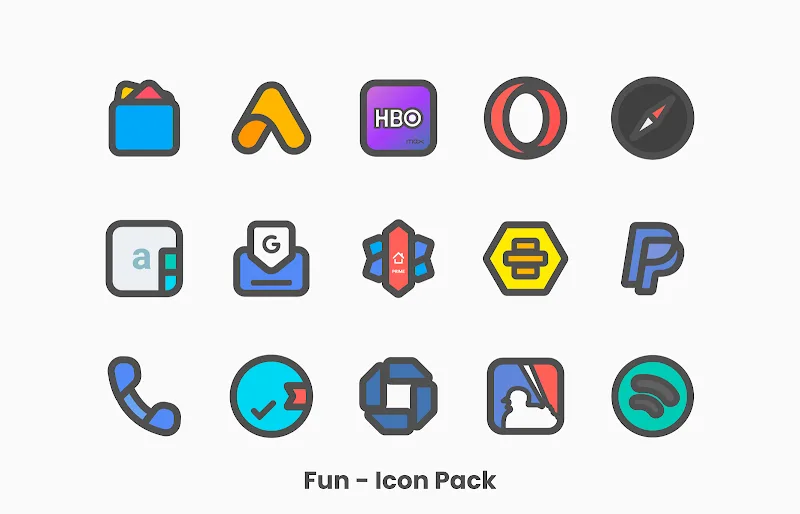
Fun - Icon Pack offers a large collection of playful, minimalist icons that refresh an Android home screen without heavy theming. This pack focuses on clean geometry, consistent color accents and adaptive shapes, delivering a unified look across launchers while keeping performance light and battery-friendly.
What Fun - Icon Pack brings to your device
Designed for users who want visual cohesion without sacrificing simplicity, Fun - Icon Pack replaces standard app icons with a curated set that blends flat design and subtle shadows. The icon sizes and strokes are balanced so folders, widgets and system apps align visually, creating a cleaner home screen experience.
Key design highlights
- Consistent palette - A restrained color scheme that prevents clashing across multiple icon styles.
- Adaptive shapes - Icons adapt to rounded or squared masks depending on launcher support.
- High-resolution assets - Crisp SVG-based icons that scale well on phones and tablets.
- Regular updates - Frequent additions to cover popular and niche apps.
Installation and compatibility
Applying Fun - Icon Pack requires a compatible launcher such as Nova, Lawnchair, Action Launcher or many others that support third-party icon sets. The app provides a built-in apply menu for major launchers and fallback instructions for less common ones. Installation is straightforward: open the pack, choose your launcher, and the icons are applied system-wide without manual replacement for most apps.
Supported launchers and tips
- Popular launchers receive one-tap applies; check the in-app list before purchasing.
- If an icon doesn't change immediately, restart the launcher or clear its cache.
- Use the icon request feature to submit missing app icons for future updates.
Customization options and workflow
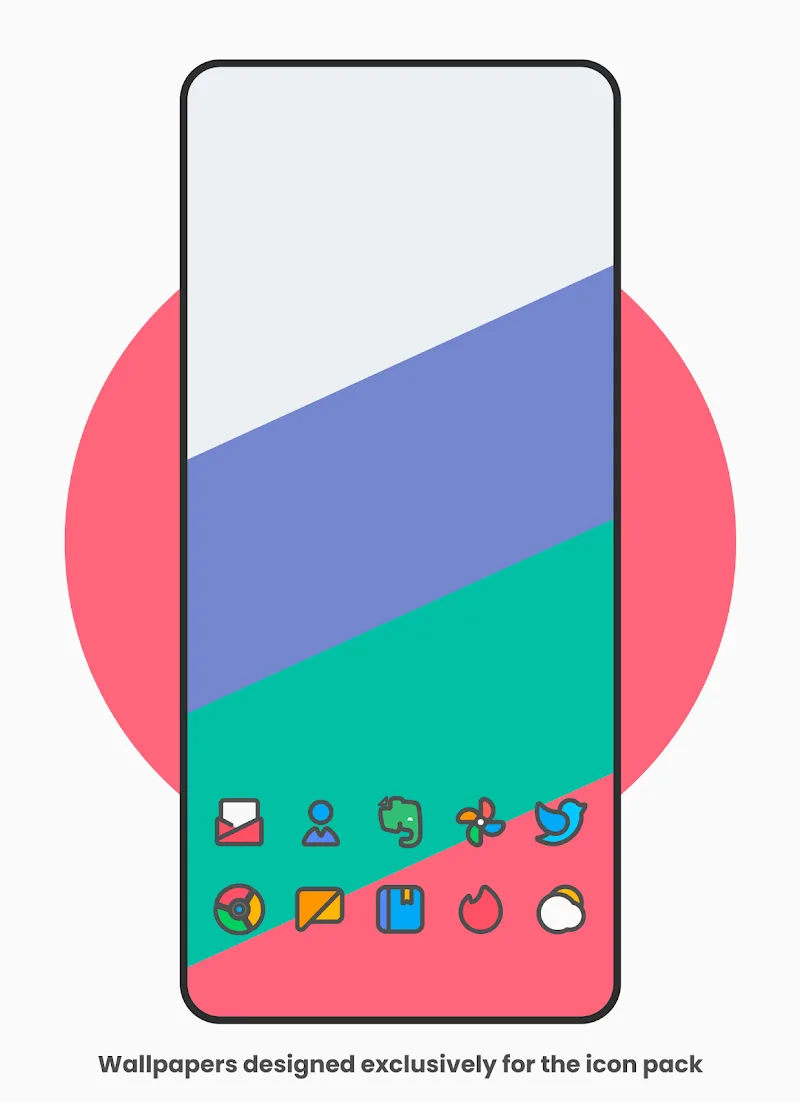
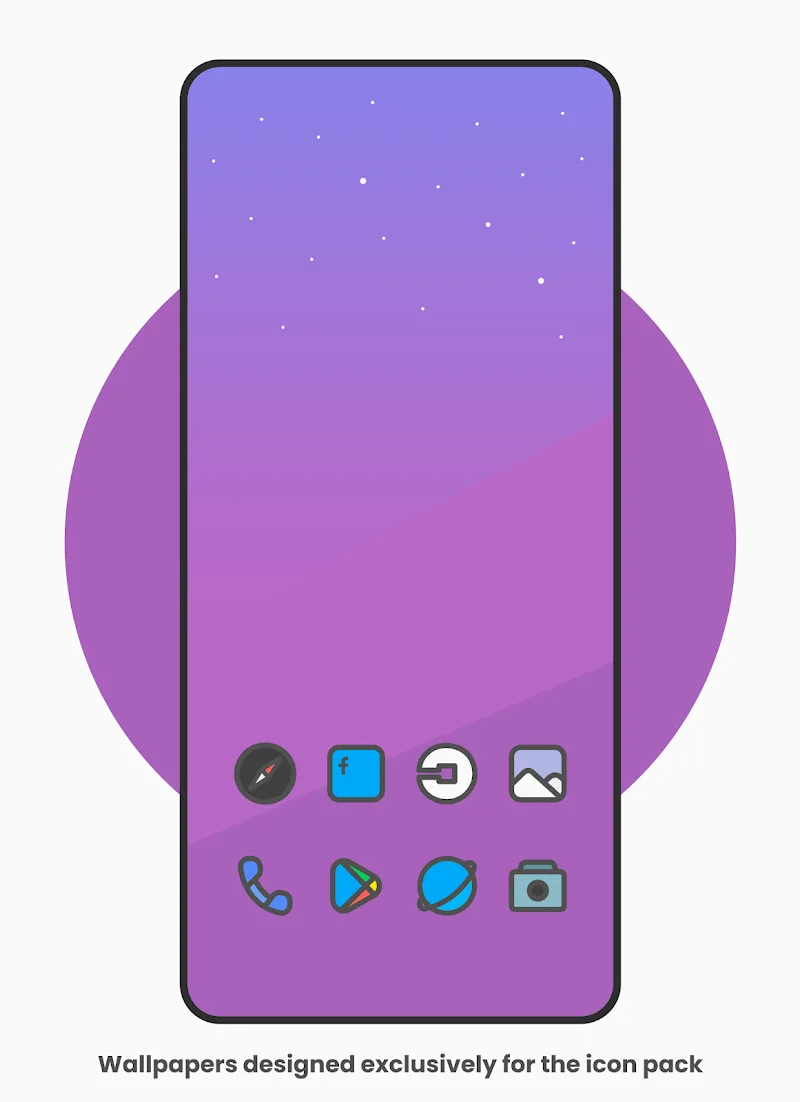
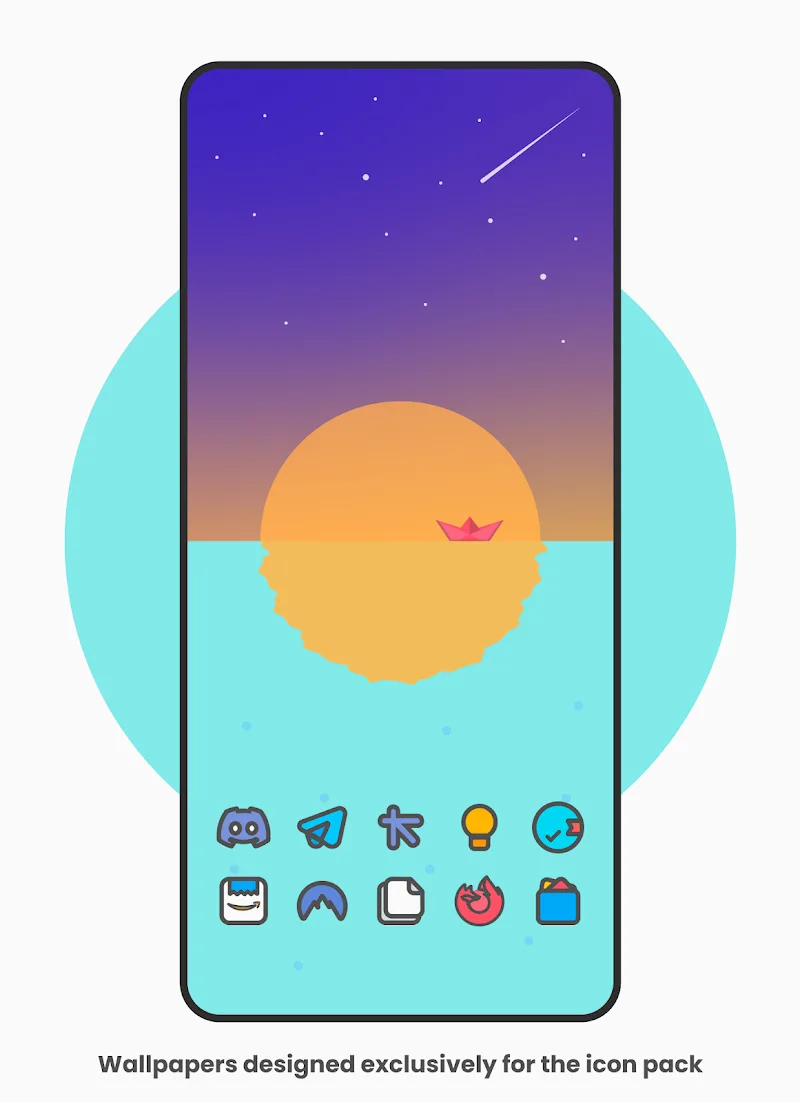
Beyond direct replacement, Fun - Icon Pack includes extras to personalize your setup. You can mix and match by manually choosing alternate icons for specific apps, and adaptive icons help maintain uniformity even when third-party apps use unique shapes. The app also supplies themed wallpapers that pair well with the icons for a quick cohesive makeover.
Practical customization features
- Alternate icons - Swap among multiple icon concepts for the same app.
- Icon masking - Force icons into a common shape to reduce visual clutter.
- Wallpaper pack - Simple backgrounds tuned to complement palette choices.
Performance and interface
The interface of Fun - Icon Pack focuses on speed and clarity. The main screen lists all icons and categories, while search and filter tools speed up finding alternatives. Because icons are optimized as vector assets, the pack has a modest footprint and rarely affects system responsiveness or battery life.
What to expect in daily use
- Fast loading times when browsing icons.
- Minimal memory usage compared with heavy theme engines.
- Seamless integration with launcher gestures and folders.
User experience and reliability
Many users praise Fun - Icon Pack for its consistency and the polished look it brings to varied home screen layouts. The request system and steady update cadence mean missing icons are often addressed quickly. Occasional mismatches can occur with obscure apps, but manual overrides provide a reliable workaround.
Useful tips for new users
- Back up your current launcher settings before applying a full icon pack to revert easily.
- Try the provided wallpapers first; they demonstrate the designer’s intended balance.
- Submit icon requests with screenshots to help the developer match styles accurately.
Final assessment
For anyone aiming to modernize their Android interface without heavy customization, Fun - Icon Pack is a dependable choice. It balances aesthetic refinement with practical features and keeps performance in mind. Whether you prefer subtle flat icons or a slightly playful look, this pack offers a straightforward path to a tidier and more coherent home screen.
Show More
Information
Screenshots
Latest Update











Latest News
-
![Revealing the Launch Playlists and Cross-Progression for COD Warzone Mobile News]()
-
![March 2024 Free Redemption Codes for Honkai: Star Rail News]()
-
PUBG Mobile Teams Up with Bentley Motors: Luxury Cars, Exclusive Collectibles, and Beyond 2024-04-18
![PUBG Mobile Teams Up with Bentley Motors: Luxury Cars, Exclusive Collectibles, and Beyond News]()
-
![Monster Never Cry is now accessible on both Android and iOS mobile devices. News]()
-
V2.2 of the Farlight 84 update introduces an overhauled Season structure, fresh in-game currency, an 2024-04-16
![V2.2 of the Farlight 84 update introduces an overhauled Season structure, fresh in-game currency, an News]()
-
![Arrival of Genshin Impact 4.6 Update: 'Embers of Two Realms, Twilight of Crimson' News]()
-
April 2024 Clash of Clans Update: Unveiling a Fresh Companion, Enhanced Levels, Chat Tagging, and Be 2024-04-16
![April 2024 Clash of Clans Update: Unveiling a Fresh Companion, Enhanced Levels, Chat Tagging, and Be News]()






