

Depth Live Wallpaper
Version:2.1.08
Published:2026-11-05
Introduction
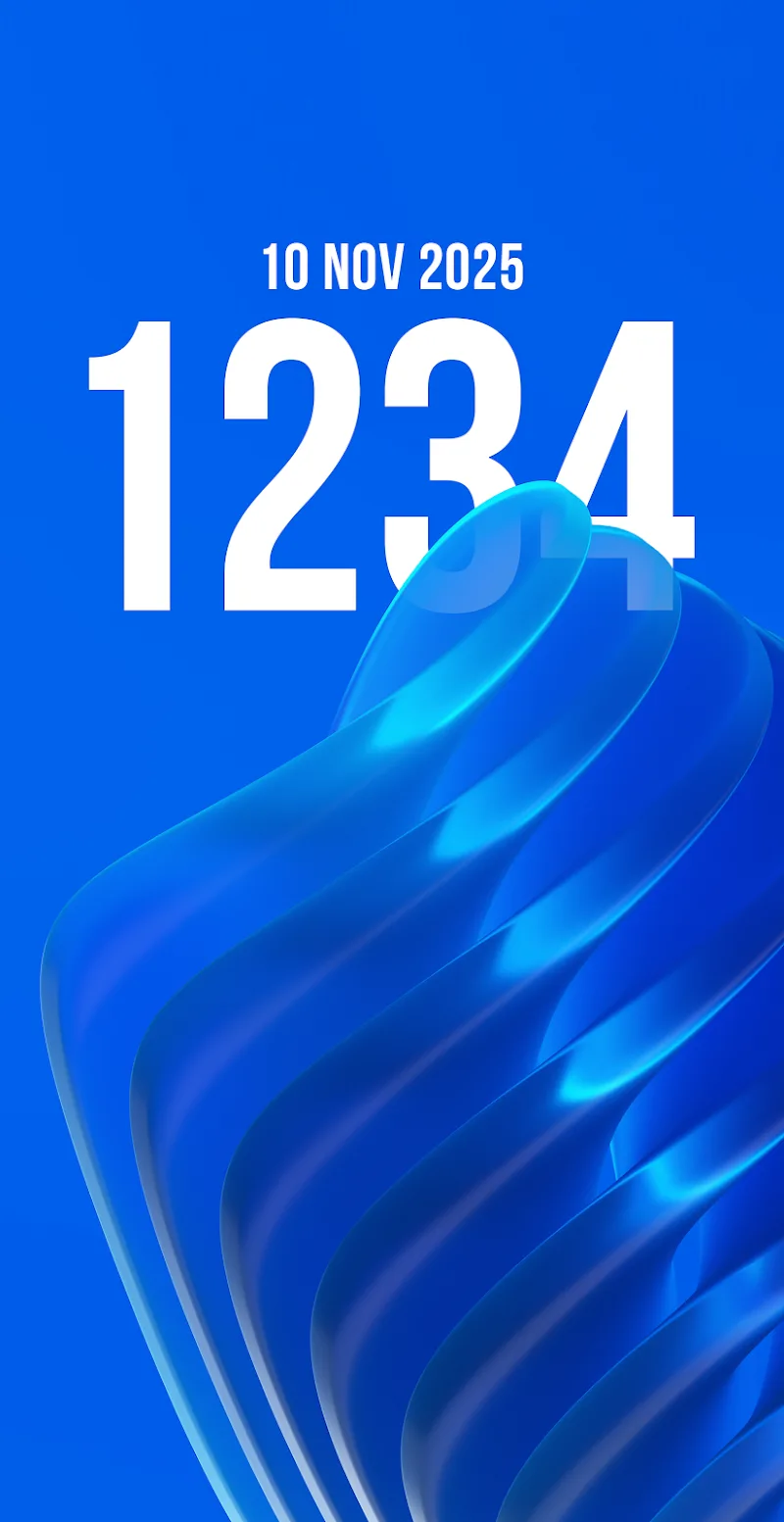
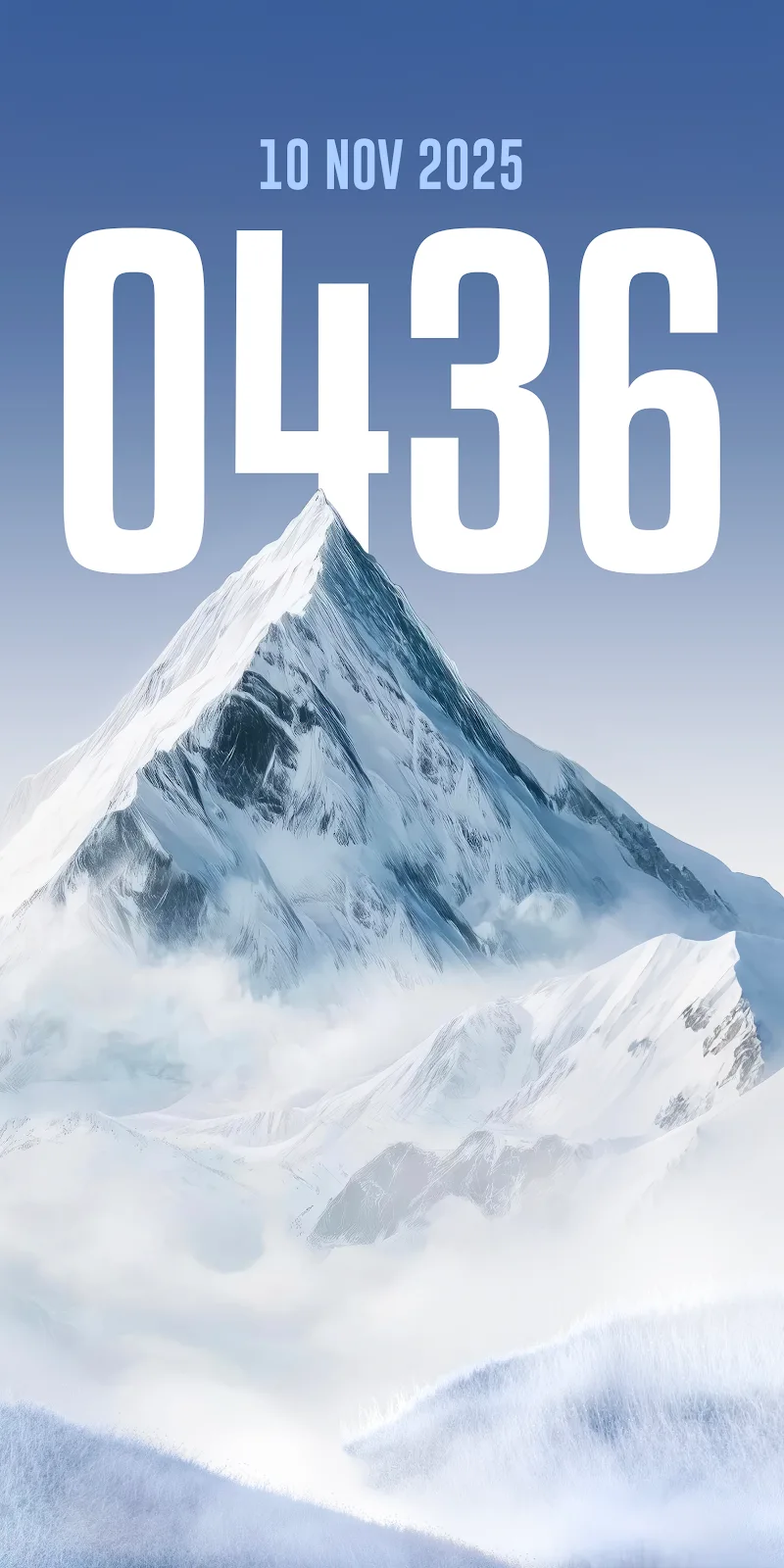
Depth Live Wallpaper transforms your Android home screen with layered parallax, dynamic motion and elegant minimal visuals, creating an illusion of depth that responds to touch and device tilt. It balances aesthetic polish with efficient resource use so you get immersive backgrounds without sacrificing battery life.
Quick overview
Depth Live Wallpaper is a design-focused background app that creates three-dimensional scenes by stacking graphical layers and applying motion effects. Unlike static wallpapers, it reacts to user input and sensor data to deliver subtle movement. The result is decorative, modern, and suitable for both phones and tablets.
What sets it apart
Many live wallpapers rely on heavy animations; Depth Live Wallpaper emphasizes restrained motion and artistic composition. Developers built in options to adjust physics, parallax intensity, and animation smoothing so you can dial the effect up or down depending on your device and taste. The interface prioritizes fast previews and one-tap application.
Key features at a glance
- Layered parallax: Multiple foreground and background layers shift independently for a real sense of depth.
- Sensor-driven motion: Uses accelerometer and gyroscope data for natural tilt-based movement.
- Touch interactions: Tap or swipe to create ripple effects and temporary shifts in perspective.
- Custom presets: Save combinations of color palettes, blur, and motion for quick changes.
- Performance modes: Balanced and battery saver modes limit frame rate and complexity.
User interface and customization
The settings screen focuses on immediate feedback. A live preview panel reflects changes as you tweak sliders for depth scale, blur radius, and color tint. Presets ship with a variety of themes—minimal geometric, soft gradients, and photographic layers—while a custom mode lets you upload your own images and set each layer’s behavior independently.
Performance, battery and compatibility
Use the built-in performance options to reduce CPU and GPU load. Depth Live Wallpaper includes a lower-quality rendering mode and frame rate caps to keep background animations light on battery. Most mid-range devices handle the default settings without issue; older phones may benefit from the battery saver profile or fewer active layers.
Practical workflow for daily use
Set a default preset for everyday use and create a second profile for low-power situations. The app can automatically switch profiles based on battery level or time of day. Quick-access shortcuts allow you to apply recent presets from the home screen without re-entering the full configuration panel.
Tips for beginners
- Start with a single foreground and background layer to learn how parallax affects icons and widgets.
- If icons feel hard to read, add a subtle vignette or reduce parallax intensity.
- Use the battery saver mode when traveling or during long screen-on sessions.
- Preview before applying to lock screen to ensure correct alignment across orientations.
Common questions answered
Does the app drain battery? With conservative settings and the battery saver mode enabled, animations are lightweight. Can you use your own photos? Yes – images can be assigned to layers and trimmed inside the app. Is it compatible with launchers? Depth Live Wallpaper works with most popular Android launchers; minor layout adjustments might be needed for unusual grid configurations.
Why people choose Depth Live Wallpaper
Users appreciate the balance between visual richness and efficiency. The aesthetic is adaptable—from subtle texture shifts to more dramatic parallax for a striking lock-screen or home display. Customizable controls let casual users get immediate results while power users can fine-tune motion physics.
Getting started
Install the app, open the configuration screen, and choose a preset or create a new one. Adjust depth and performance settings, preview on your device, and tap "Apply" to set the wallpaper. For advanced setups, upload images and assign them layer roles, then save a preset for easy switching.
Depth Live Wallpaper is a solid choice for anyone who wants a modern, interactive background that remains mindful of device resources. With layered visuals, tactile feedback, and sensible performance options, it offers a polished way to refresh your Android experience.
Show More
Information
Screenshots



Latest Update











Hot Tags
Latest News
-
![Revealing the Launch Playlists and Cross-Progression for COD Warzone Mobile News]()
-
![March 2024 Free Redemption Codes for Honkai: Star Rail News]()
-
PUBG Mobile Teams Up with Bentley Motors: Luxury Cars, Exclusive Collectibles, and Beyond 2024-04-18
![PUBG Mobile Teams Up with Bentley Motors: Luxury Cars, Exclusive Collectibles, and Beyond News]()
-
![Monster Never Cry is now accessible on both Android and iOS mobile devices. News]()
-
V2.2 of the Farlight 84 update introduces an overhauled Season structure, fresh in-game currency, an 2024-04-16
![V2.2 of the Farlight 84 update introduces an overhauled Season structure, fresh in-game currency, an News]()
-
![Arrival of Genshin Impact 4.6 Update: 'Embers of Two Realms, Twilight of Crimson' News]()
-
April 2024 Clash of Clans Update: Unveiling a Fresh Companion, Enhanced Levels, Chat Tagging, and Be 2024-04-16
![April 2024 Clash of Clans Update: Unveiling a Fresh Companion, Enhanced Levels, Chat Tagging, and Be News]()






