

NyaFilmer
Version:1.0.0
Published:2026-11-20
Introduction
NyaFilmer is a compact media companion that organizes film collections, highlights new releases, and streamlines playback across devices. Designed for users who want an efficient way to browse metadata, manage watchlists, and launch streams from legal sources, it balances simplicity with handy customization for daily viewing.
What NyaFilmer does
NyaFilmer functions as a movie catalog and discovery tool rather than a content host. It aggregates titles, displays poster art and synopses, and links to authorized providers. The app is aimed at people who keep local libraries or subscribe to multiple services and need a single, searchable interface to track and access films quickly.
Key functionality at a glance
- Unified search: Query across local files and supported streaming partners with fast, relevant results.
- Watchlist and reminders: Save items to a queue, get notified about releases, and mark watched status.
- Detailed metadata: Cast lists, runtime, ratings, and genre tags pulled from reliable databases.
- Playback shortcuts: Open a title directly in your preferred player or cast it to compatible devices.
User interface and navigation
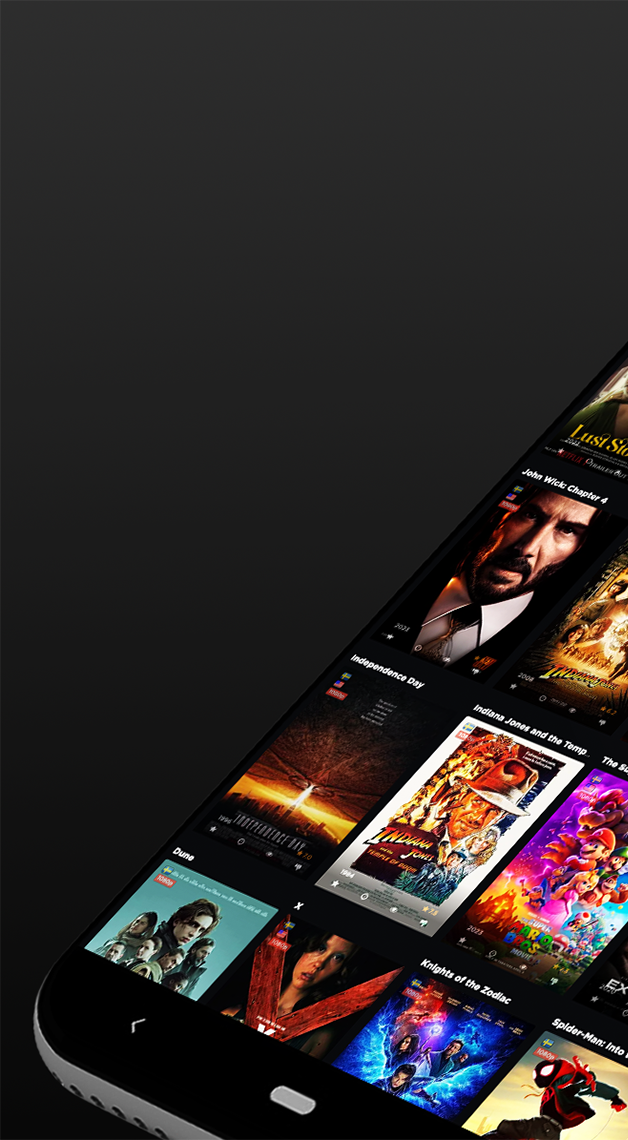
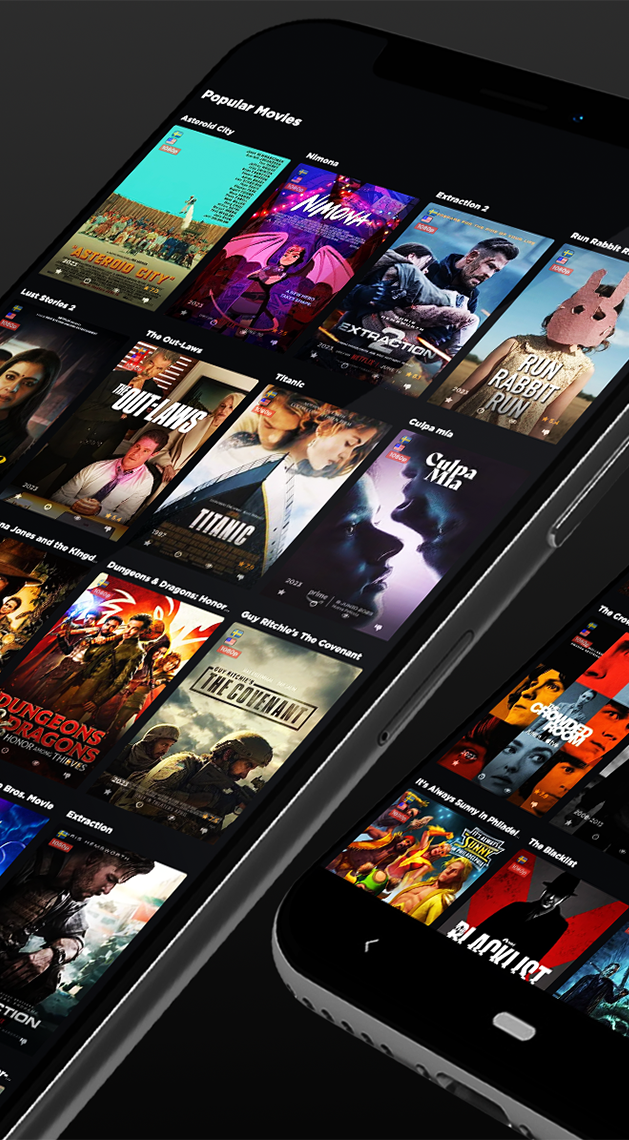
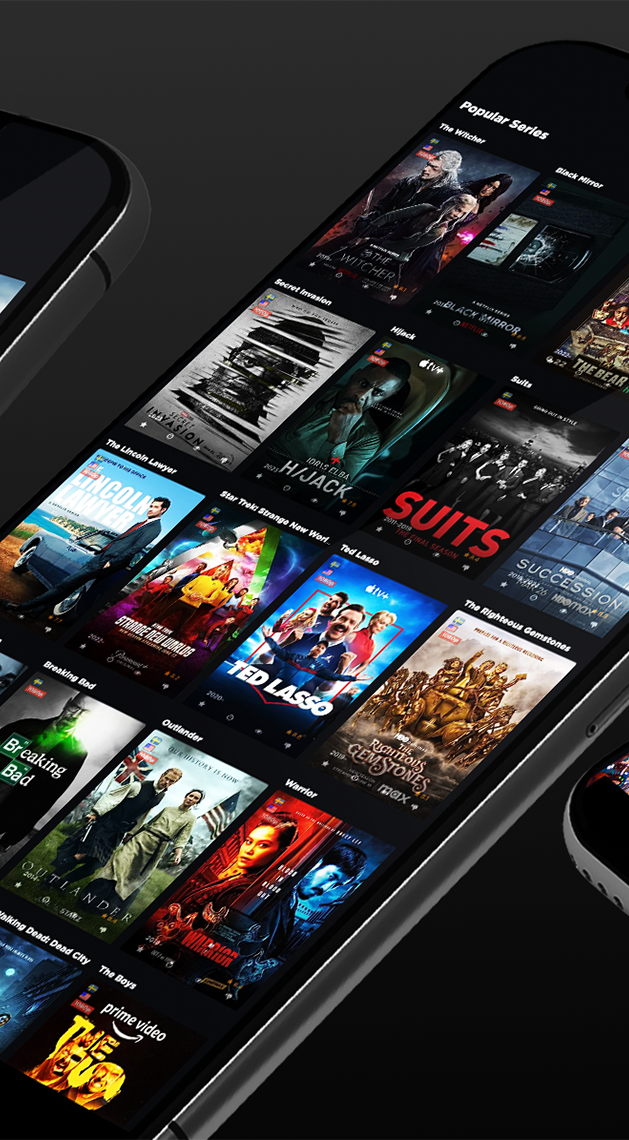
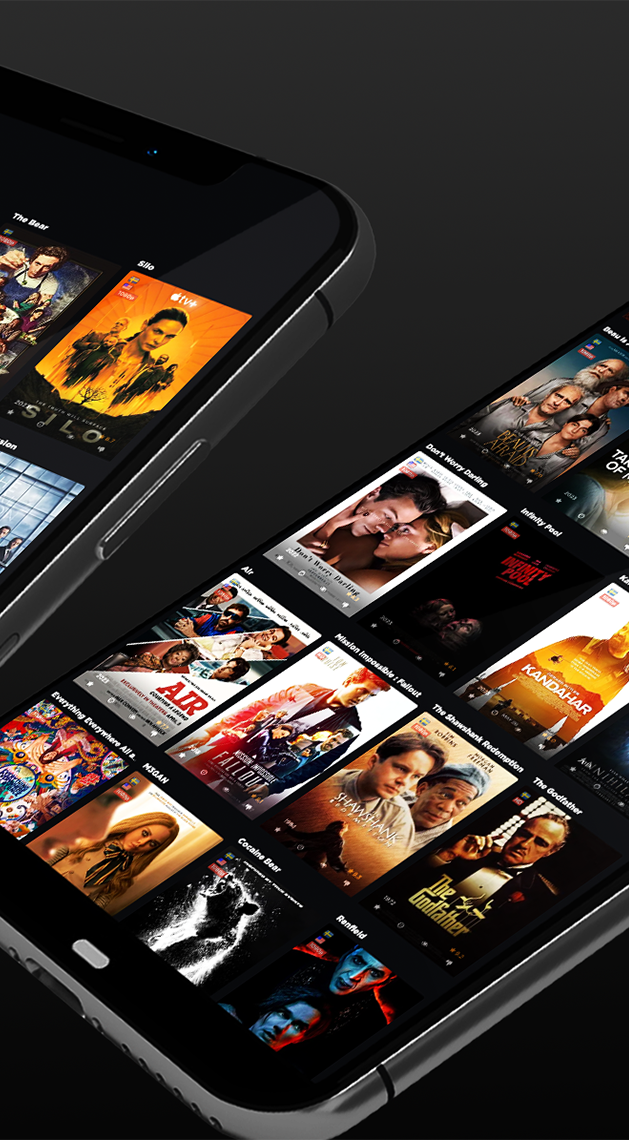
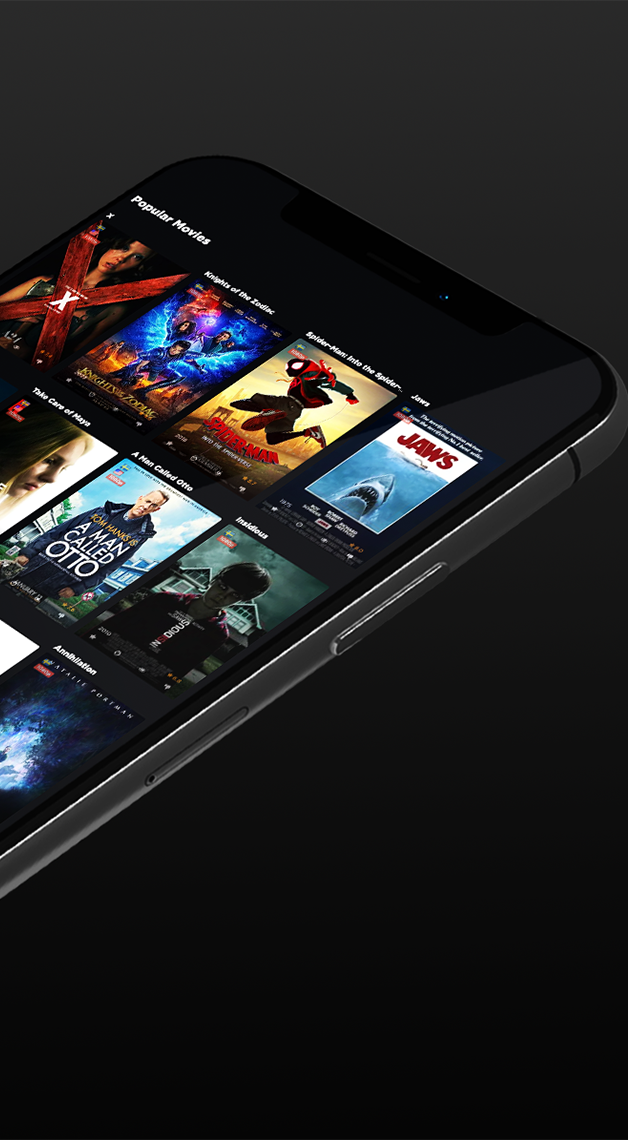
NyaFilmer’s interface prioritizes clarity. Menus are organized by categories such as New, Popular, Collections, and Local Library, making it easy to switch between browsing and searching. Poster tiles are crisp and responsive, while filters let you narrow results by year, genre, or rating without extra steps.
Performance and responsiveness
The app is lightweight and optimized for low-latency browsing on most mid-range Android devices. Background sync is configurable to avoid battery drain, and images are cached efficiently to reduce repeated downloads. If your device supports hardware acceleration, playback handoff and casting feel seamless.
How it integrates with sources
Rather than hosting content, NyaFilmer connects to legitimate providers and local storage. Setup guides walk users through linking accounts, indexing external drives, or adding network shares. Once configured, the app displays which titles are available to stream, rent, or play locally and provides direct launch options to the corresponding service or player.
Customization and settings
- Layout options: Choose between grid, list, or compact views depending on preference and screen size.
- Theme and language: Switch between light and dark modes and select the primary language for metadata.
- Sync controls: Set how often libraries update and enable selective scanning for folders.
Practical workflow for regular users
For people who juggle several streaming subscriptions or maintain large local collections, NyaFilmer simplifies discovery. Start by indexing your sources, then create collections — for example, "Friday Night", "Family", or "Documentaries". Use the search to locate a movie and tap to view details, then choose whether to play locally, rent, or open in a linked app.
Tips for new users
- Index libraries overnight to avoid initial sync delays during daytime use.
- Enable artwork caching if you often use the app offline or on limited bandwidth.
- Set preferred streaming providers in settings so direct-launch options prioritize services you subscribe to.
- Use collections to group films by mood or occasion, saving time when you need quick suggestions.
Why people recommend it
People appreciate NyaFilmer for reducing the friction of hopping between platforms and for providing clear, accurate metadata that helps with choice-making. Reviewers often highlight its clean UI and the way it consolidates watchlists without forcing users into a single ecosystem.
Getting started
Installation is straightforward through standard app distribution channels. After granting storage permissions and signing into optional services, run an initial library scan. Spend a few minutes fine-tuning provider preferences and display options to match your viewing habits.
NyaFilmer suits anyone who wants a practical, service-agnostic hub for movie discovery and management. With modest system demands and a focus on user-friendly workflows, it helps keep viewing choices organized and immediately accessible.
Show More
Information
Screenshots
Latest Update










Hot Tags
Latest News
-
![Revealing the Launch Playlists and Cross-Progression for COD Warzone Mobile News]()
-
![March 2024 Free Redemption Codes for Honkai: Star Rail News]()
-
PUBG Mobile Teams Up with Bentley Motors: Luxury Cars, Exclusive Collectibles, and Beyond 2024-04-18
![PUBG Mobile Teams Up with Bentley Motors: Luxury Cars, Exclusive Collectibles, and Beyond News]()
-
![Monster Never Cry is now accessible on both Android and iOS mobile devices. News]()
-
V2.2 of the Farlight 84 update introduces an overhauled Season structure, fresh in-game currency, an 2024-04-16
![V2.2 of the Farlight 84 update introduces an overhauled Season structure, fresh in-game currency, an News]()
-
![Arrival of Genshin Impact 4.6 Update: 'Embers of Two Realms, Twilight of Crimson' News]()
-
April 2024 Clash of Clans Update: Unveiling a Fresh Companion, Enhanced Levels, Chat Tagging, and Be 2024-04-16
![April 2024 Clash of Clans Update: Unveiling a Fresh Companion, Enhanced Levels, Chat Tagging, and Be News]()






