

dynamicSpot
Version:1.88
Published:2026-11-20
Introduction
dynamicSpot brings a customizable notification and interaction area to Android devices, inspired by modern mobile UI trends. It displays ongoing notifications, media controls, timers, and app shortcuts in a compact animated overlay, letting you access important information without interrupting your workflow or cluttering the status bar.
What dynamicSpot Does
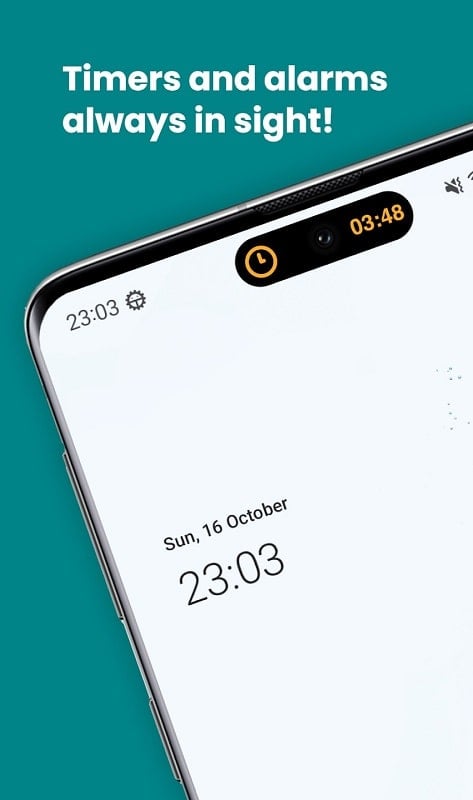
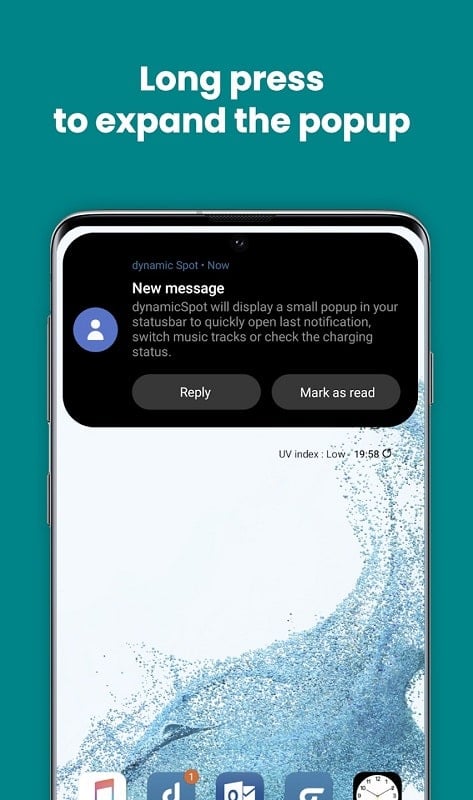
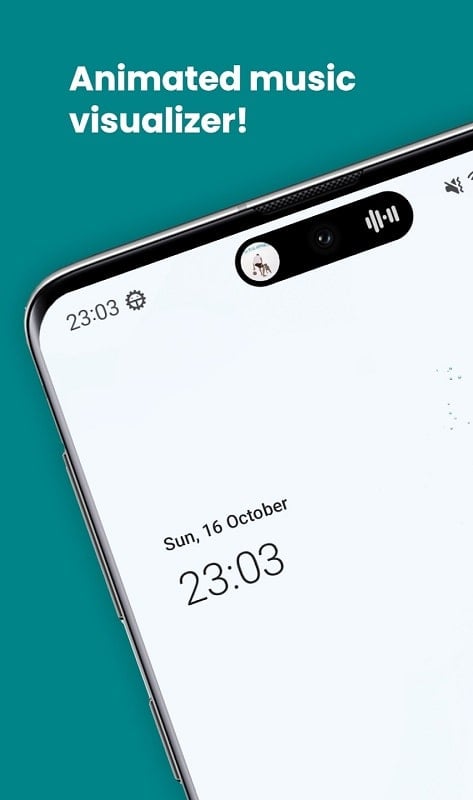
dynamicSpot creates a small, responsive overlay at the top of your screen that mirrors the look and feel of recent smartphone UI innovations. The overlay shows active tasks—music playback, call timers, navigation, and app notifications—using expandable animations so you can interact quickly. Notifications can be expanded for controls or dismissed with gestures, reducing the need to open the notification shade.
Key Features and Tools
- Live Interaction: Control media, manage timers, and respond to incoming alerts directly from the overlay.
- Customizable appearance: change shape, size, color accents, and animation speed to match your device theme.
- Per-app behavior: prioritize which apps can use the overlay and how their notifications are presented.
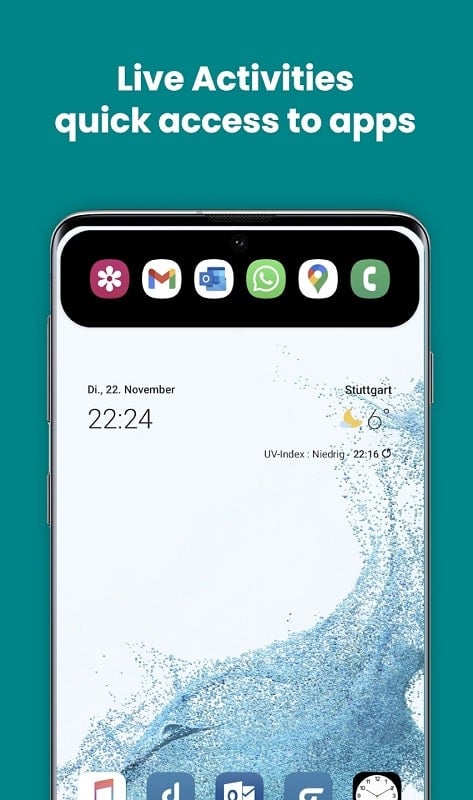
- Shortcut actions: assign quick taps or long-press actions to launch apps or perform tasks without leaving your current screen.
- Privacy controls: hide sensitive content or show app icons only until you expand the overlay.
User Interface and Workflow
The interface is unobtrusive and designed to fit into varied screen sizes. dynamicSpot places a single, compact element near the status bar that expands when needed. Users can set tap and swipe gestures to open detailed controls or dismiss alerts. Settings are grouped logically so you can toggle permissions, appearance options, and priority lists without hunting through nested menus.
Customization Options
One of the strengths of this app is its flexibility. You can choose from multiple layout presets or build your own: change the overlay radius, background transparency, and icon visibility. Color presets and adaptive themes allow the overlay to blend with dark and light modes. For power users, there are timing options for auto-dismiss and sensitivity adjustments for touch targets.
Performance and Compatibility
dynamicSpot is optimized to run with minimal battery impact. It uses lightweight animations and defers heavy processing to idle moments. Compatibility spans a wide range of Android versions, though certain system features—like precise notification access and overlay permissions—may require Android 9 or higher. The app also includes guidance on granting accessibility and notification listener permissions to enable full functionality.
Practical Uses and Productivity Boosts
For everyday use, the overlay reduces interruptions while keeping essential controls at your fingertips: pause or skip tracks during a workout, glance at a timer while cooking, or accept hands-free directions when driving. Multitaskers can assign quick-launch actions to free up home screen space and speed up common tasks. The configurable visibility options ensure the overlay only appears for apps you care about.
Security and Privacy Considerations
Notifications can contain private text or images, so the app offers masking and content hiding. You can choose to display only app icons or to require a secondary gesture before revealing sensitive details. The app does not store notification contents on external servers; all processing occurs locally on your device to keep personal data private.
How to Get Started
After installing, follow the setup assistant to grant notification and overlay permissions. The onboarding walkthrough helps you pick a default layout and teaches the gesture controls. Spend a few minutes building a whitelist of apps allowed to show content in the overlay and tweak appearance settings until the element feels native to your device.
Tips and Troubleshooting
- Enable accessibility and notification listener permissions for the smoothest experience.
- If the overlay doesn’t appear, verify battery optimization settings and allow the app to run in the background.
- Use the built-in test mode to preview animations and adjust touch sensitivity without waiting for real notifications.
- Keep the app updated to receive compatibility fixes and new customization options.
dynamicSpot delivers a modern, functional overlay that streamlines interaction with active notifications and media. With careful attention to customization, privacy, and performance, it makes routine actions faster while staying out of the way. Whether you want subtle enhancements or a highly tailored notification hub, dynamicSpot provides the tools to refine how your device surfaces important information.
Show More
Information
Screenshots
Latest Update










Latest News
-
![Revealing the Launch Playlists and Cross-Progression for COD Warzone Mobile News]()
-
![March 2024 Free Redemption Codes for Honkai: Star Rail News]()
-
PUBG Mobile Teams Up with Bentley Motors: Luxury Cars, Exclusive Collectibles, and Beyond 2024-04-18
![PUBG Mobile Teams Up with Bentley Motors: Luxury Cars, Exclusive Collectibles, and Beyond News]()
-
![Monster Never Cry is now accessible on both Android and iOS mobile devices. News]()
-
V2.2 of the Farlight 84 update introduces an overhauled Season structure, fresh in-game currency, an 2024-04-16
![V2.2 of the Farlight 84 update introduces an overhauled Season structure, fresh in-game currency, an News]()
-
![Arrival of Genshin Impact 4.6 Update: 'Embers of Two Realms, Twilight of Crimson' News]()
-
April 2024 Clash of Clans Update: Unveiling a Fresh Companion, Enhanced Levels, Chat Tagging, and Be 2024-04-16
![April 2024 Clash of Clans Update: Unveiling a Fresh Companion, Enhanced Levels, Chat Tagging, and Be News]()






