

Perfect Viewer
Version:5.0.4.2
Published:2026-11-20
Introduction
If you're the kind of reader who keeps large image libraries and digital comics on your device, Perfect Viewer will feel immediately useful as a single app that handles picture collections, archives and ebooks with minimal fuss. The interface is focused and fast, letting you open multi-page comics, long manga scans or EPUB/TXT stories and move through them without lag. Perfect Viewer supports a broad mix of file types and network sources, and it offers flexible page layouts so you can tailor reading to the material and your screen.
Getting Started with Perfect Viewer
Install and permissions: Download the main APK and any optional plugins you need; network access may be required if you plan to open files over LAN or cloud services.
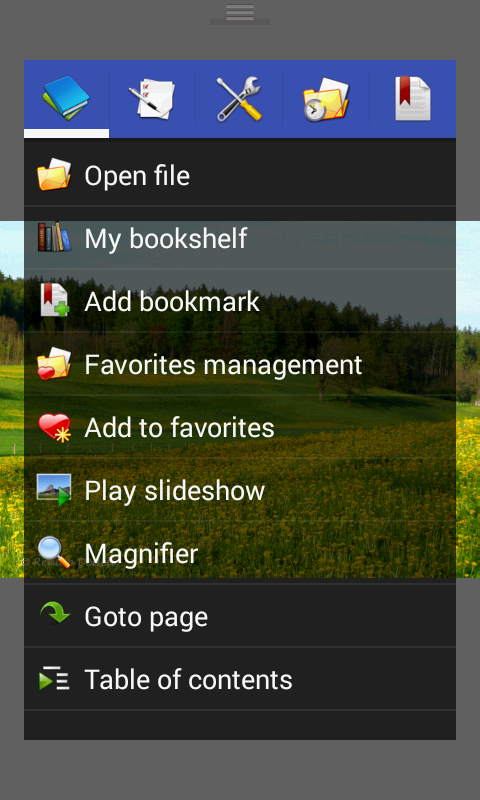
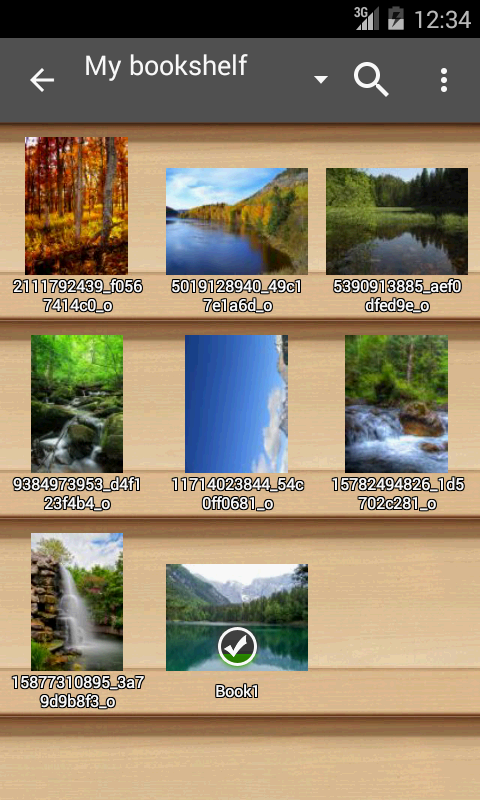
Add your files: Point the app at folders, open archive files like CBZ or RAR directly, or use a source plugin to connect cloud storage.
Choose a layout: Set single-page, dual-page, or automatic switching by orientation depending on whether you read mangas, Western comics or long text files.
Enable plugins: If you need PDF, XPS or DJVU support, install the matching plugin; some advanced features, such as cloud sources, require their specific add-ons.
Features of Perfect Viewer
Broad format support: The app reads common image formats and several ebook and archive types so you rarely need to convert files first.
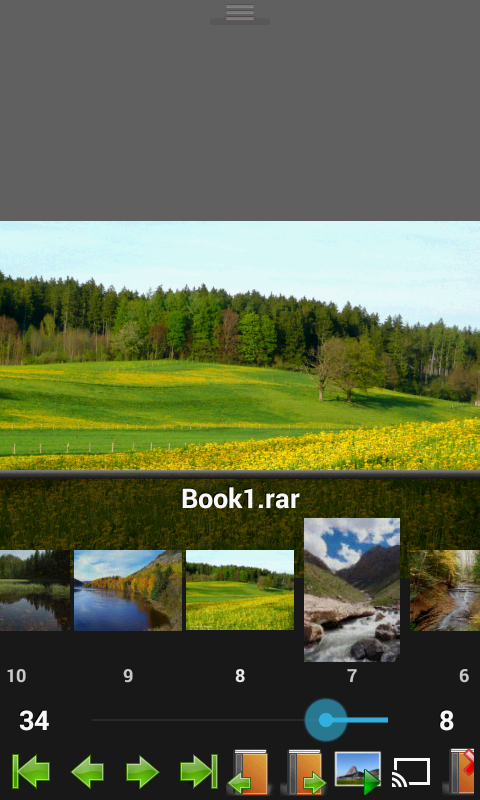
Multiple viewing modes: Page mode, vertical scroll for long strips or webtoon-style content, and horizontal scroll give you control over how pages flow.
Flexible page handling: Auto single, auto dual and orientation-aware page switching make reading two-page spreads or single panels comfortable on tablets and phones.
Network and cloud access: Open files from local network shares, FTP/SFTP servers or cloud services after installing the appropriate source plugin; some services require account permissions for access.
Optional enhancements: A donation unlock adds experimental tools like colorizing monochrome images, while separate plugins extend support for PDFs and other document types.
Fast rendering: Designed to load pages quickly and smoothly so navigation stays responsive even with large archives.
Pros & Cons
- Lightweight and speedy reader for images and comics
- Supports many archive and ebook formats
- Three distinct viewing modes for different content
- Requires extra plugins for some formats and cloud sources
- Advanced features such as colorization are gated behind a donation add-on
- Initial setup can feel technical for users unfamiliar with plugins and network shares
Final Words
If you want a no-nonsense viewer that handles comics, image archives and basic ebooks in one place, Perfect Viewer delivers a capable, customizable experience; explore plugin options to match the file types and storage services you use. Try it on a weekend to import a backlog of scanned comics or set it up before a trip so you have a large offline library ready to read.
Show More
Information
Screenshots
Latest Update










Hot Tags
Latest News
-
![Revealing the Launch Playlists and Cross-Progression for COD Warzone Mobile News]()
-
![March 2024 Free Redemption Codes for Honkai: Star Rail News]()
-
PUBG Mobile Teams Up with Bentley Motors: Luxury Cars, Exclusive Collectibles, and Beyond 2024-04-18
![PUBG Mobile Teams Up with Bentley Motors: Luxury Cars, Exclusive Collectibles, and Beyond News]()
-
![Monster Never Cry is now accessible on both Android and iOS mobile devices. News]()
-
V2.2 of the Farlight 84 update introduces an overhauled Season structure, fresh in-game currency, an 2024-04-16
![V2.2 of the Farlight 84 update introduces an overhauled Season structure, fresh in-game currency, an News]()
-
![Arrival of Genshin Impact 4.6 Update: 'Embers of Two Realms, Twilight of Crimson' News]()
-
April 2024 Clash of Clans Update: Unveiling a Fresh Companion, Enhanced Levels, Chat Tagging, and Be 2024-04-16
![April 2024 Clash of Clans Update: Unveiling a Fresh Companion, Enhanced Levels, Chat Tagging, and Be News]()






