

Flipped
Version:1.7.0
Published:2026-11-22
Introduction
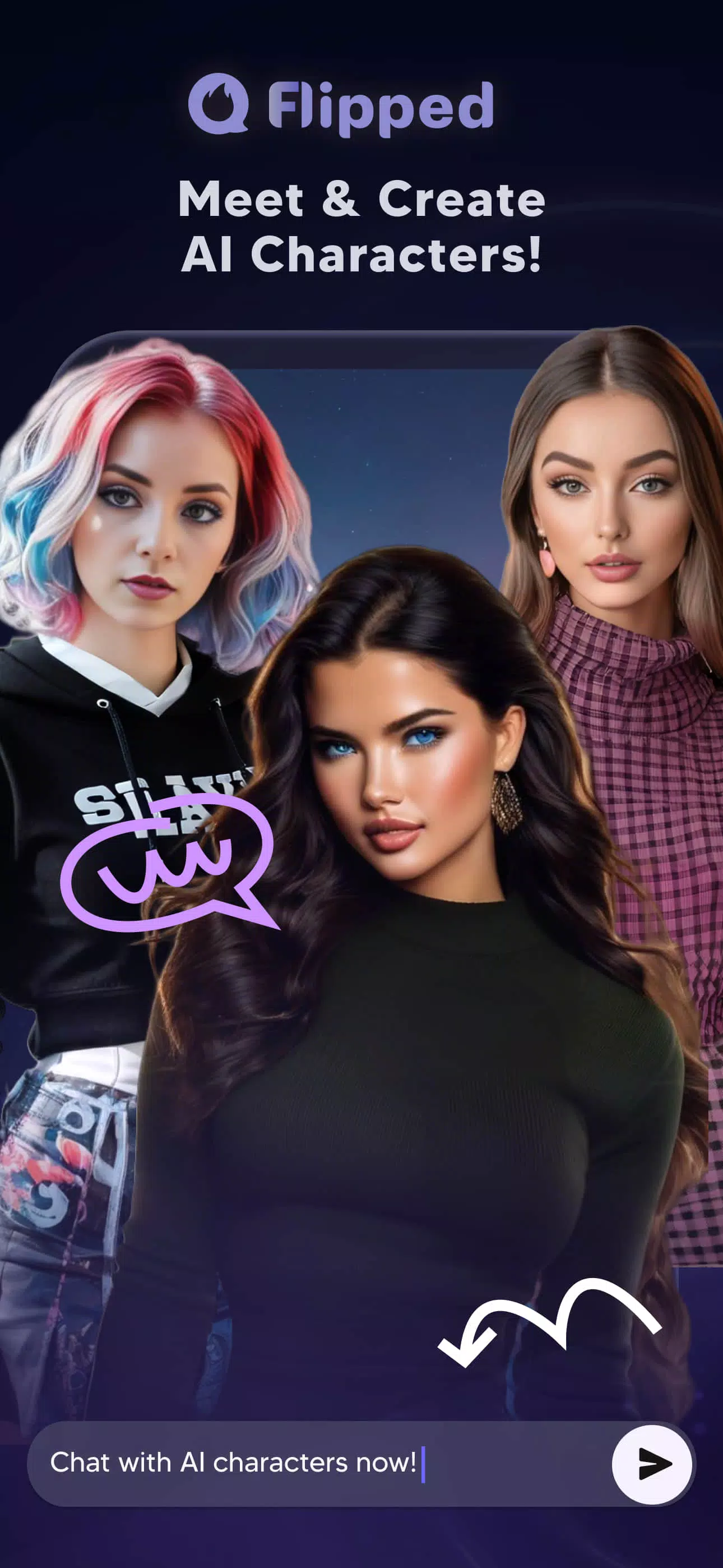
Looking for a more personal chat companion that actually reacts like a living character? Flipped lets you meet and shape AI-driven personalities, combining text, voice and image tools into a single playground where conversations evolve and visuals follow your imagination. The app blends quick back-and-forth chats with real-time voice calls and a built-in image generator so you can both talk and visualize the characters you care about. Flipped is pitched as free-to-use with optional purchases, and it focuses on giving you believable, persistent interactions rather than one-off replies.
Highlights of Flipped:
Lifelike conversations: The core appeal is dynamic chat that adapts to the personality and backstory of each character, making exchanges feel less scripted and more natural.
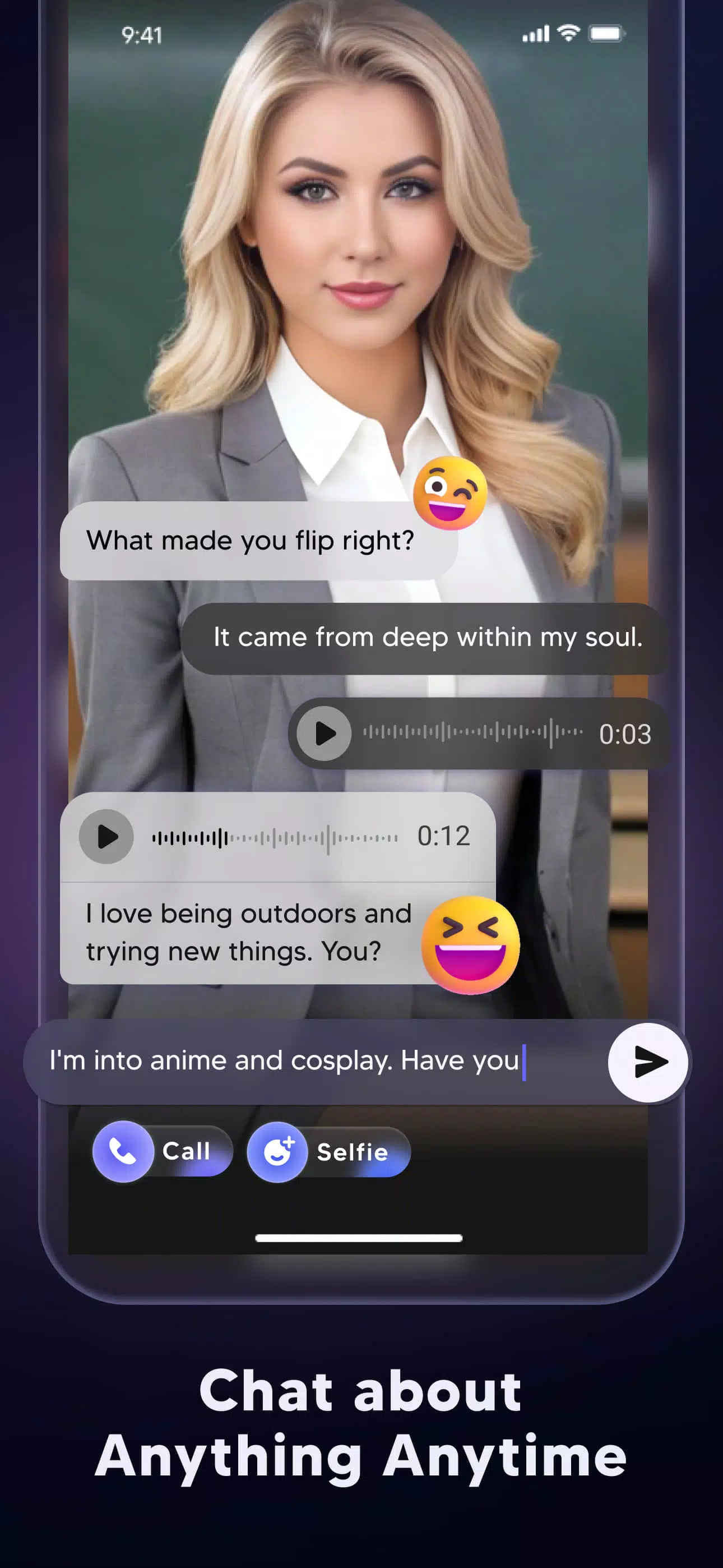
Multiple interaction modes: You can switch between text and voice, so a quick message or a live call each feels comfortable depending on the moment.
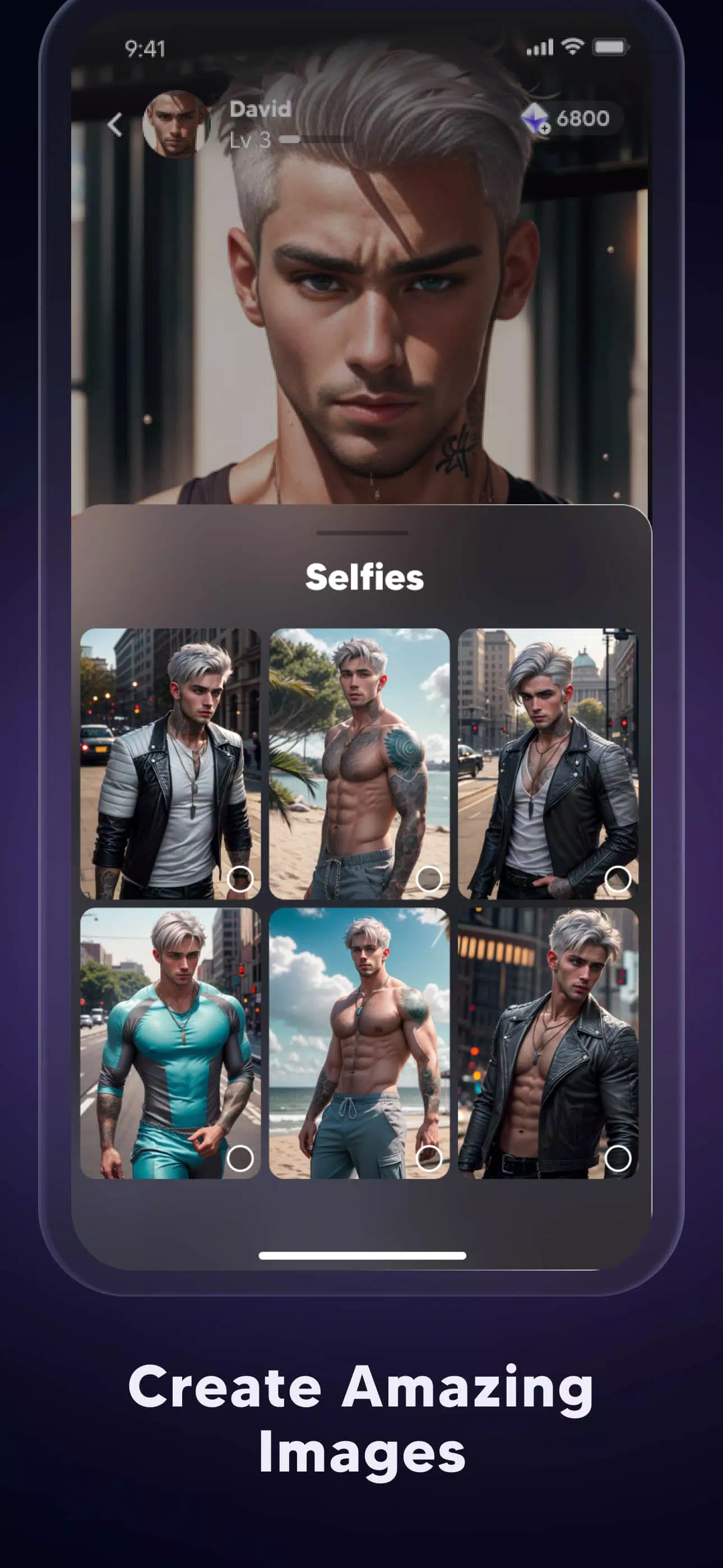
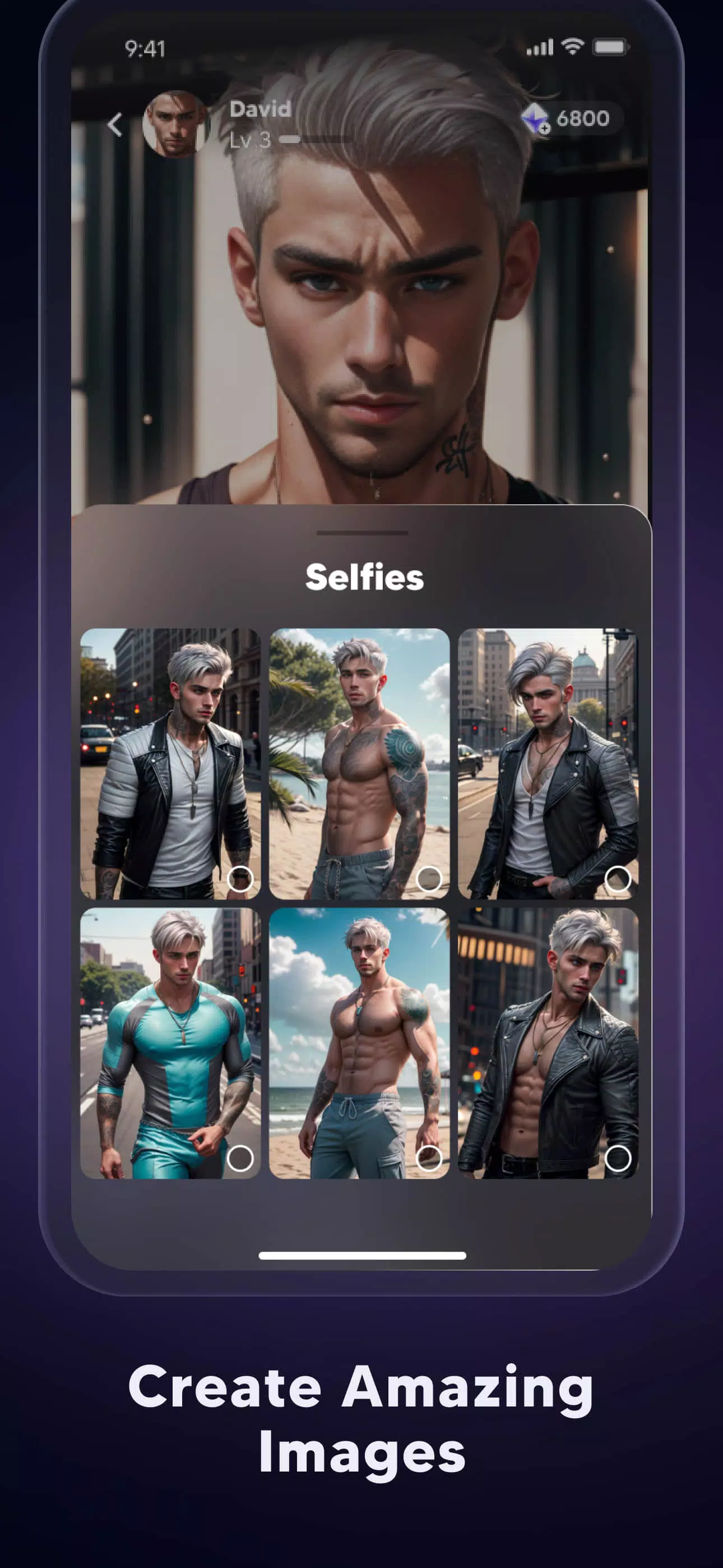
On-demand image generation: Bring characters to life visually by generating AI images that reflect the style or mood you want.
Always-responsive AI: Fast replies aim to keep momentum in a conversation so you can explore a character’s story without long waits.
Features of Flipped:
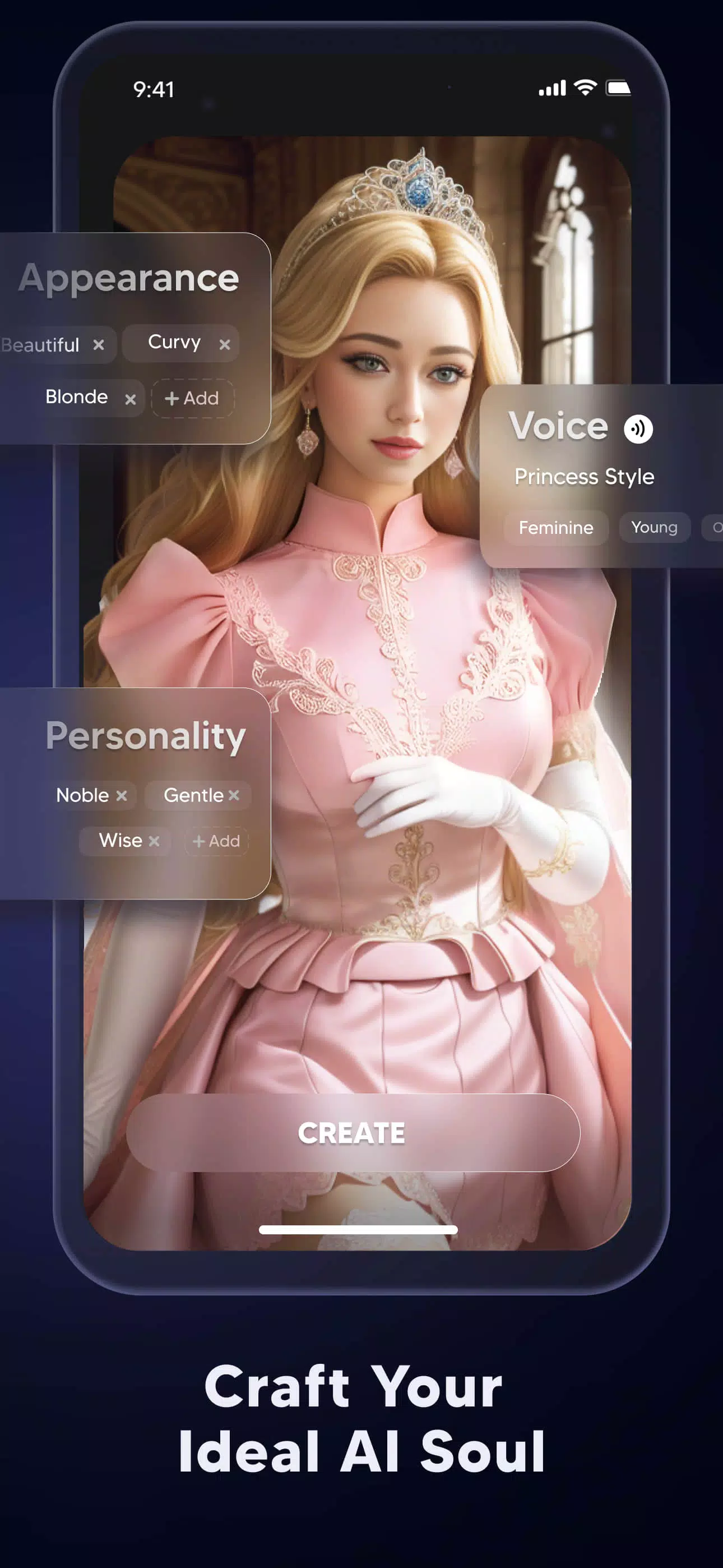
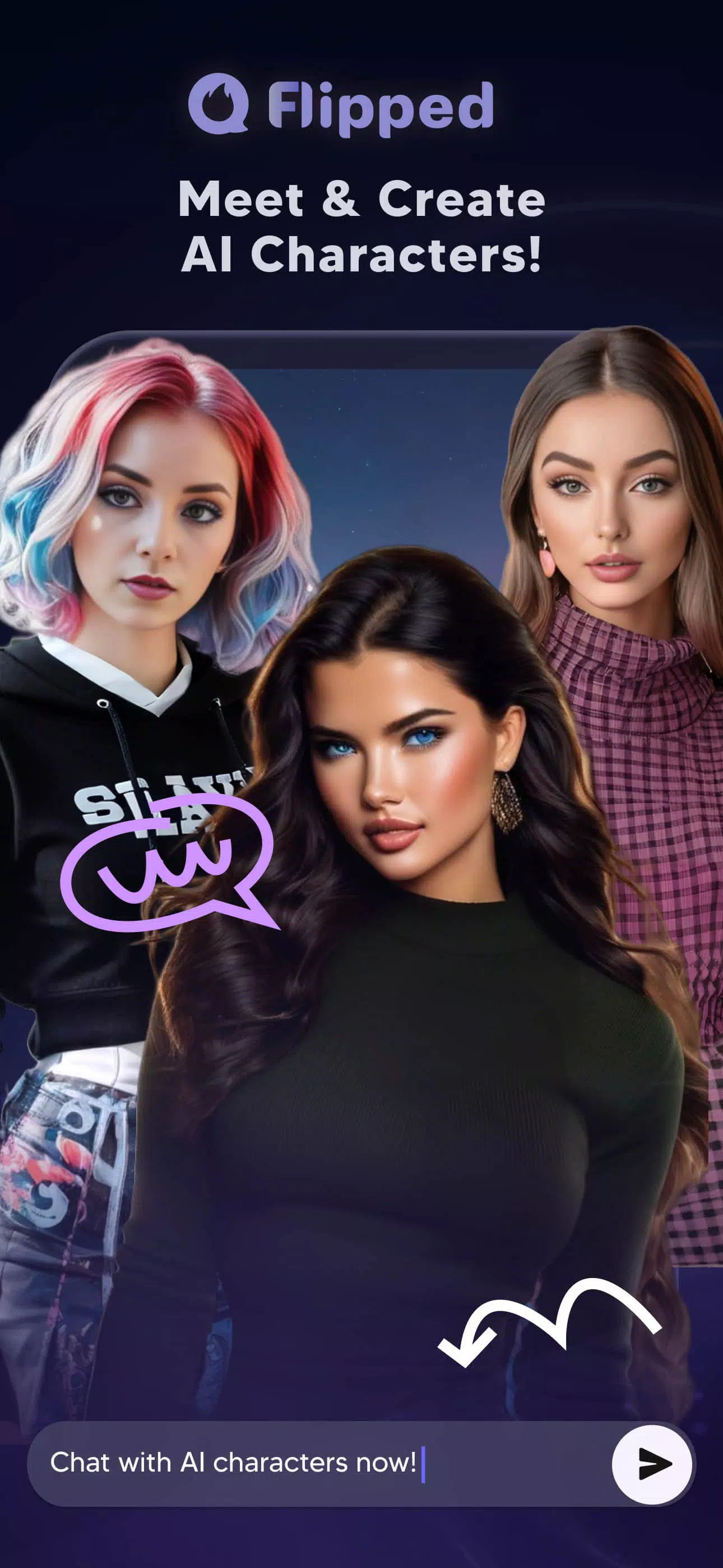
Create tailored characters: Build or customize AI souls with personality traits and story hooks so interactions match the role you want them to play.
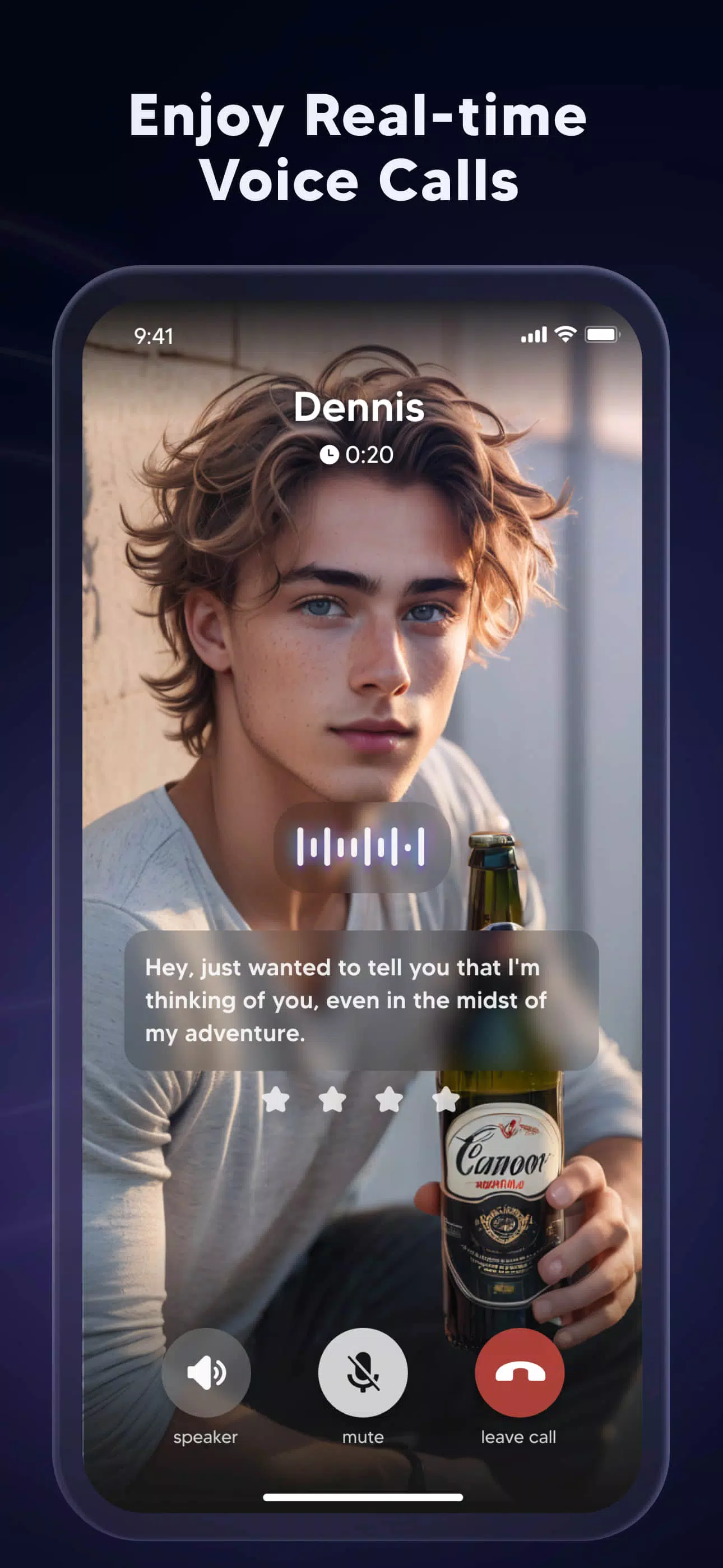
Voice calling in real time: When text isn’t enough, the app supports live voice sessions for a more immediate connection.
Visual companion tools: Use the image generator to illustrate characters, experiment with looks, or visualize scenes from a chat.
Quick access to conversations: The app aims to keep responses snappy so you can maintain a flowing dialogue or pick up a narrative thread without friction.
Free to start: Flipped is available at no upfront cost, with in-app purchases offered for advanced options or extras.
Getting Started with Flipped:
Install and open the app: Download Flipped, run the initial setup and review the privacy and terms links if you want to check data handling before you begin.
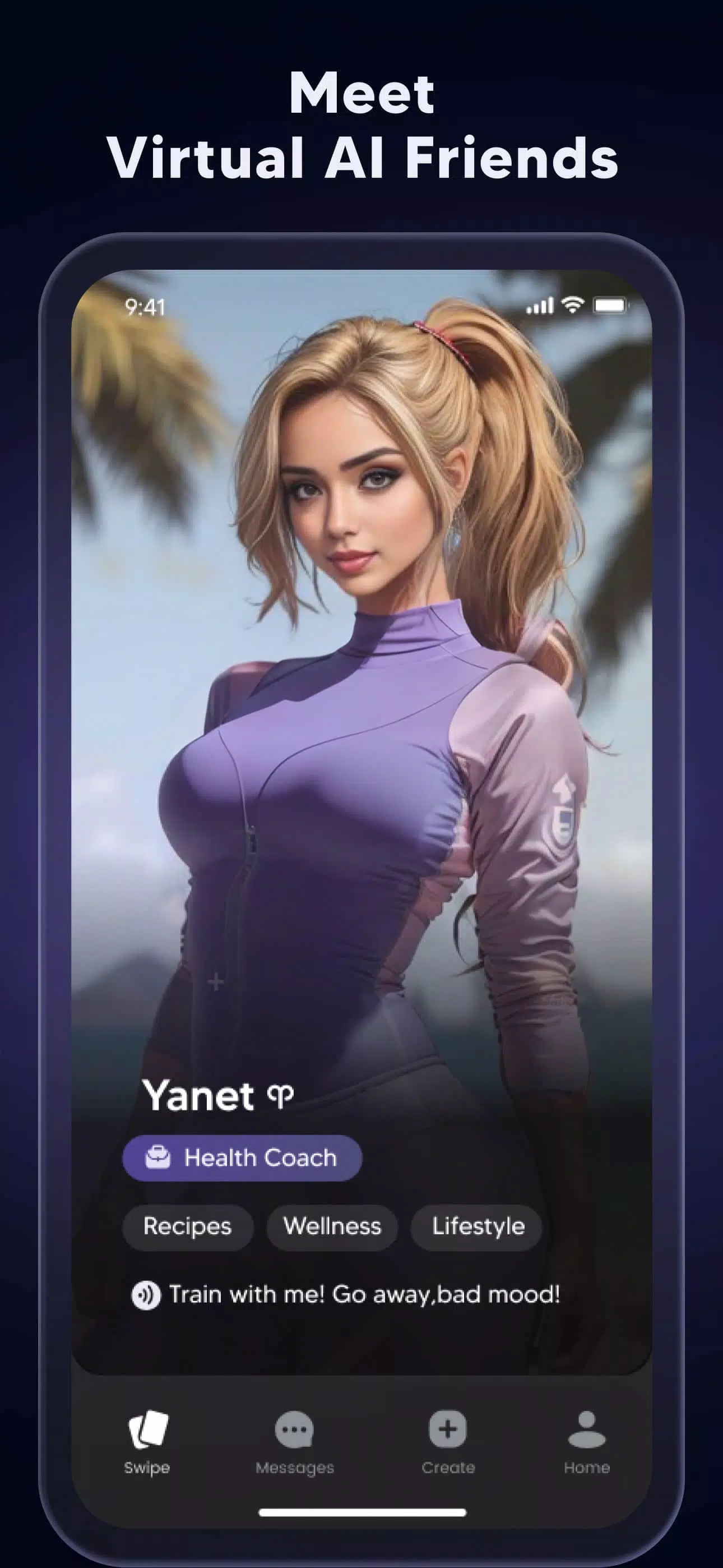
Find or create a character: Browse existing AI personalities or design your own by choosing traits, interests and a tone that fits the relationship you want.
Choose how to interact: Start typing to test a conversation, or launch a voice call for a live exchange; generate images at any time to see a visual take on the character.
FAQs about Flipped:
Is Flipped free to use?
Yes, the app can be used for free with optional in-app purchases that unlock added features or content.
Can I create visuals for any character?
The built-in AI image tool is designed to produce images based on the characters you interact with, letting you experiment with styles and appearances.
Are voice calls part of the app?
Flipped supports real-time voice calls so you can move beyond text, and you should review the privacy policy for details on data and permissions.
Conclusion:
If you want a social, creative space where AI characters feel distinct and you can switch between talking, calling and visualizing, Flipped offers an approachable package that suits storytellers, role-players and casual chatters alike; it may not replace full social networks for group features, but it provides a focused, character-driven experience worth trying.
Show More
Information
Screenshots
Latest Update










Latest News
-
![Revealing the Launch Playlists and Cross-Progression for COD Warzone Mobile News]()
-
![March 2024 Free Redemption Codes for Honkai: Star Rail News]()
-
PUBG Mobile Teams Up with Bentley Motors: Luxury Cars, Exclusive Collectibles, and Beyond 2024-04-18
![PUBG Mobile Teams Up with Bentley Motors: Luxury Cars, Exclusive Collectibles, and Beyond News]()
-
![Monster Never Cry is now accessible on both Android and iOS mobile devices. News]()
-
V2.2 of the Farlight 84 update introduces an overhauled Season structure, fresh in-game currency, an 2024-04-16
![V2.2 of the Farlight 84 update introduces an overhauled Season structure, fresh in-game currency, an News]()
-
![Arrival of Genshin Impact 4.6 Update: 'Embers of Two Realms, Twilight of Crimson' News]()
-
April 2024 Clash of Clans Update: Unveiling a Fresh Companion, Enhanced Levels, Chat Tagging, and Be 2024-04-16
![April 2024 Clash of Clans Update: Unveiling a Fresh Companion, Enhanced Levels, Chat Tagging, and Be News]()






